

Sort Spotify Liked Songs into 80s, 90s and 2000s playlists
Your 80s hits and 90s anthems, pulled from songs you already liked into their own Spotify playlists. Each one grows as you like more music from that era.
Sign in with Spotify. The Free plan needs no card.
Your 80s hits and 90s anthems, pulled from songs you already liked into their own Spotify playlists. Each one grows as you like more music from that era. Pick a decade in Playlistation and it gathers every liked track released in it into a real Spotify playlist, then keeps that playlist current as your library grows. The filter is Release date.
The decades you can pick
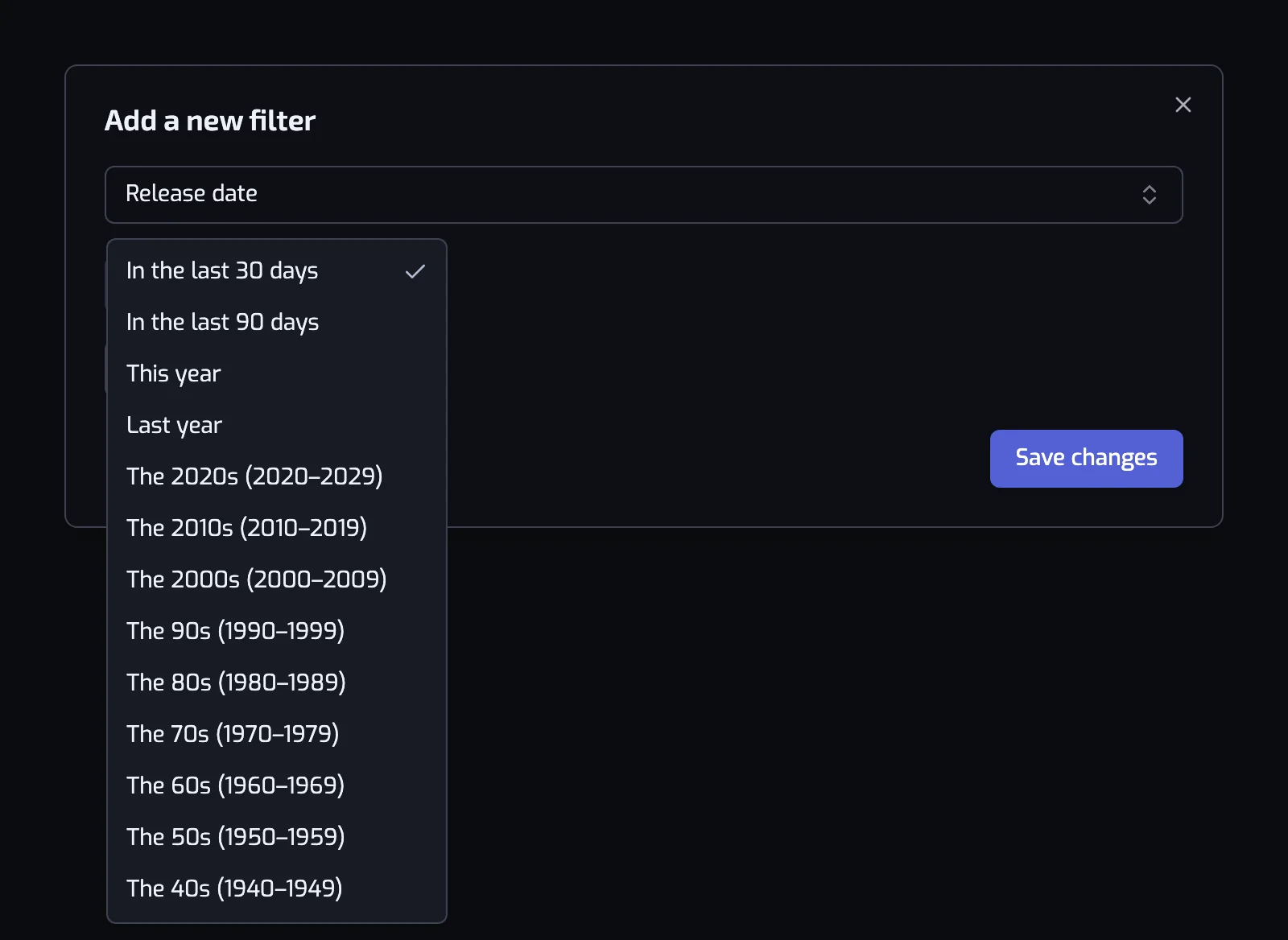
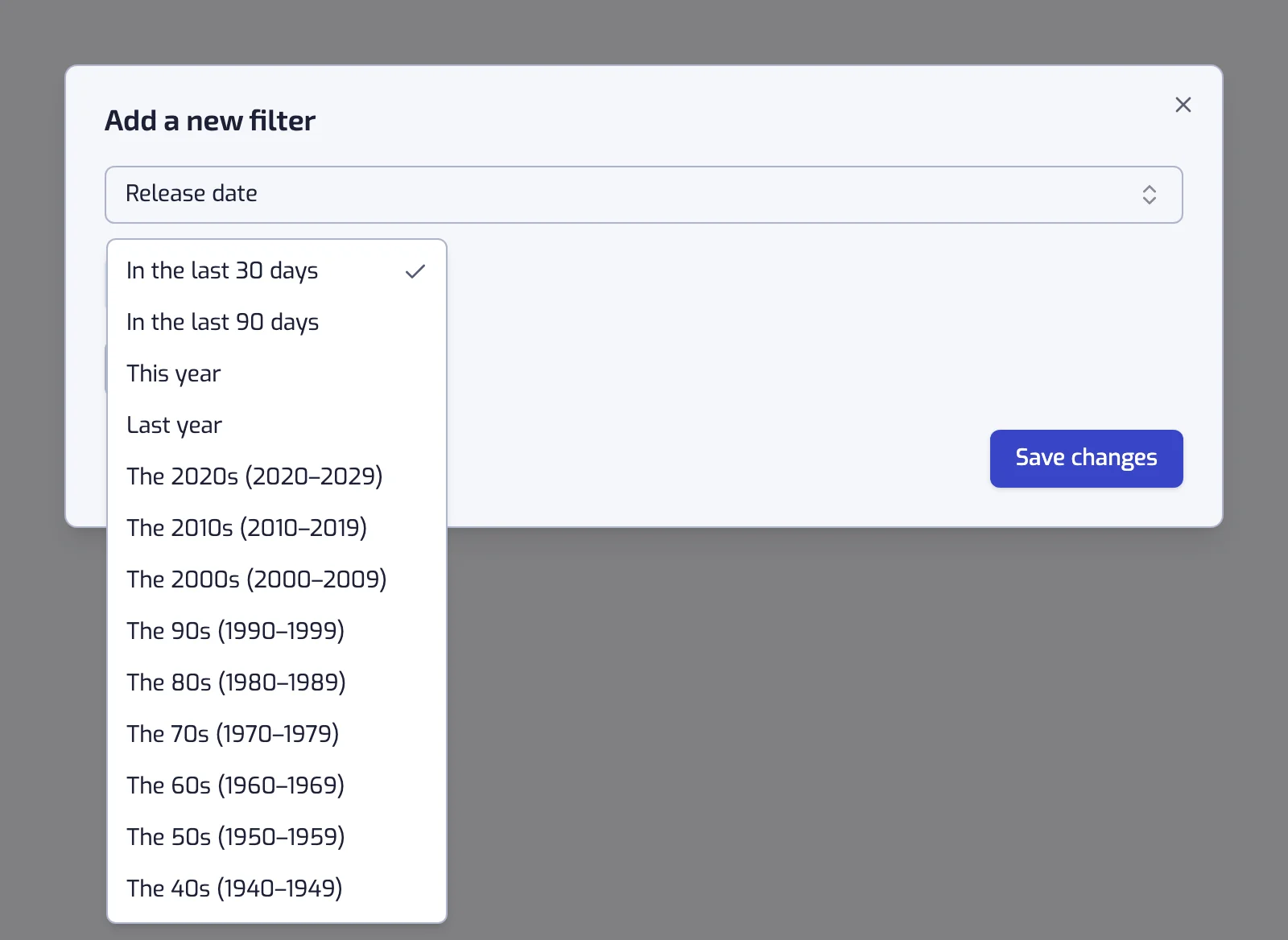
The Release date filter offers them as presets, each one a closed range:
| Preset | Releases it keeps |
|---|---|
| The 2020s | 2020 to 2029 |
| The 2010s | 2010 to 2019 |
| The 2000s | 2000 to 2009 |
| The 90s | 1990 to 1999 |
| The 80s | 1980 to 1989 |
| The 70s | 1970 to 1979 |
| The 60s | 1960 to 1969 |
| The 50s | 1950 to 1959 |
| The 40s | 1940 to 1949 |
Under the sentence, the app spells the range out in full, "Includes every track released between 1 Jan 1980 and 31 Dec 1989", so there is nothing to guess about the edges.
Building an 80s playlist
- Create a playlist and add the Release date filter, left on Quick pick.
- Choose The 80s (1980–1989) and save. The filter reads Release date: The 80s (1980–1989).
- Create the playlist. It fills with the liked tracks from those ten years and keeps itself in step.
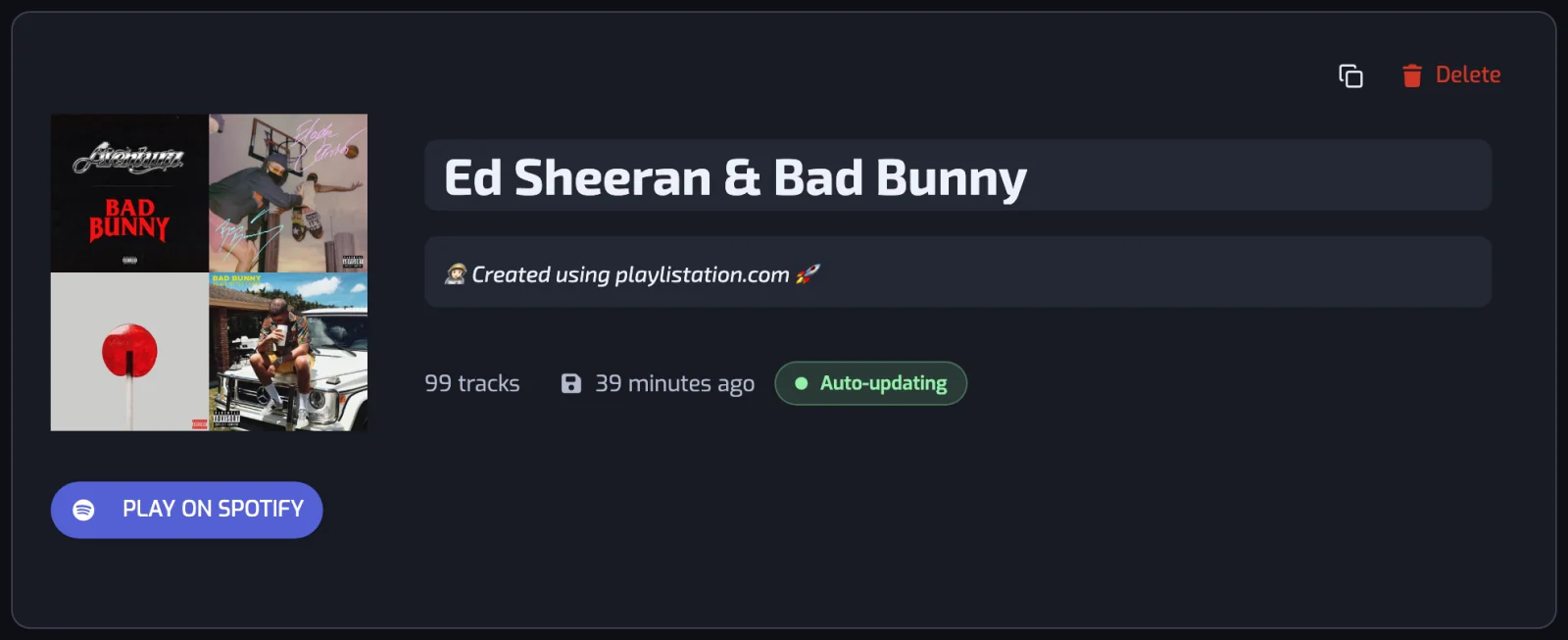
The playlist is named after its filters; rename it on its page if you want another name in Spotify.
Two decades in one playlist
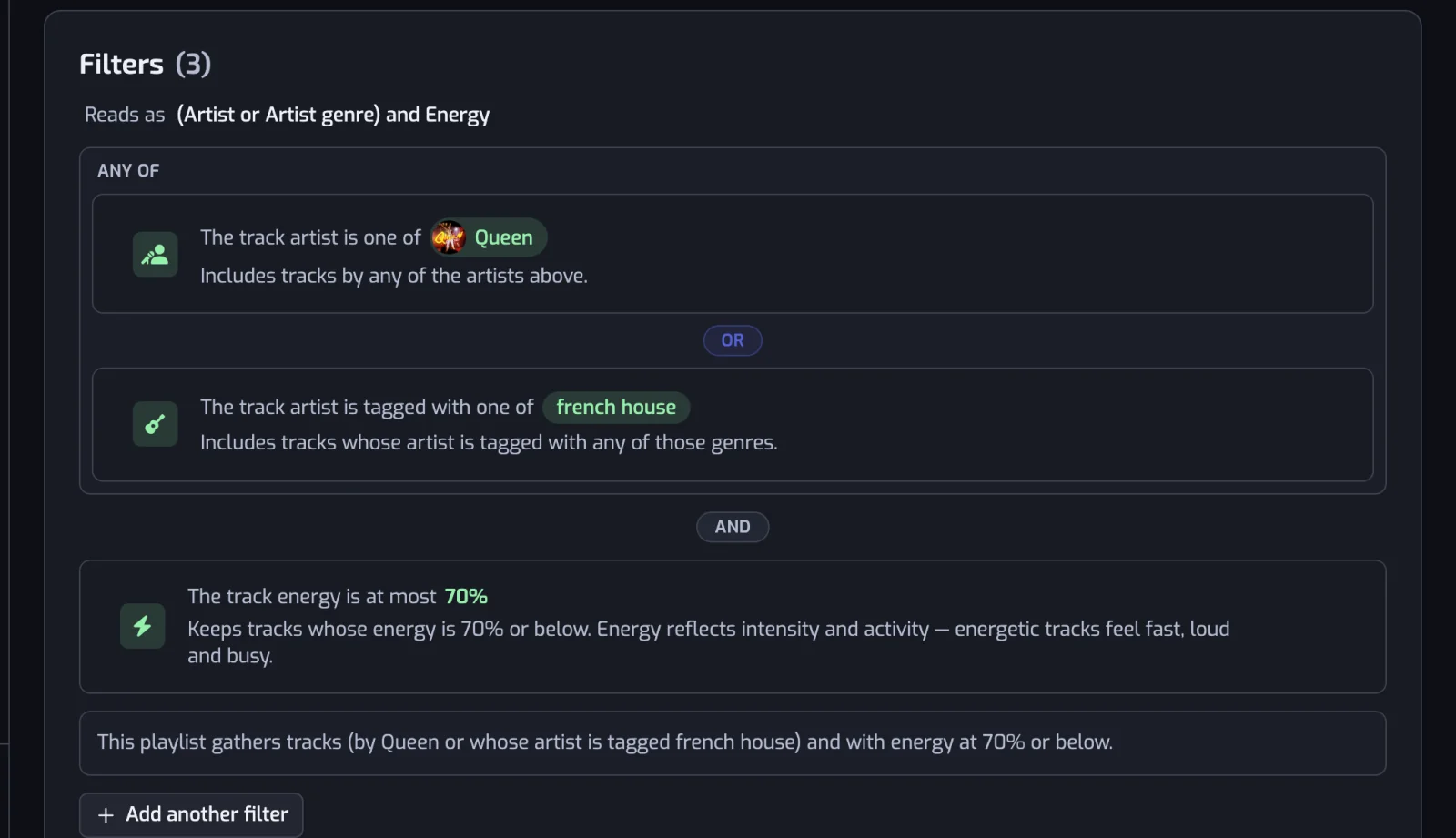
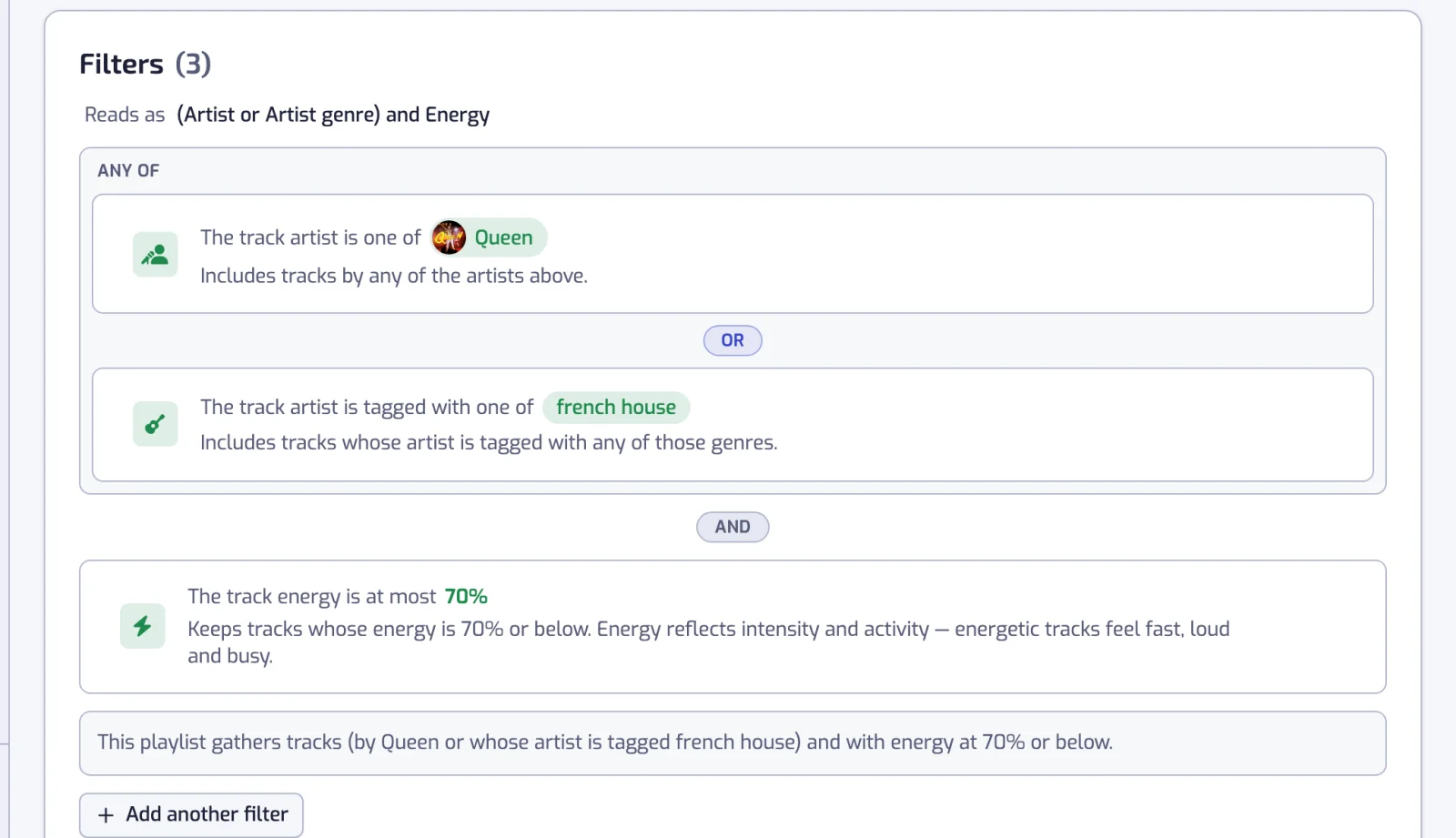
Add a second Release date filter, choose the other decade, then click the AND pill between the two rows so it reads OR. A track then only has to satisfy one of them, and the playlist covers 1970 to 1989. It works as well for three decades, or a decade plus a year (combining filters).
Narrowing a decade
A decade on its own is broad, and that is usually the point. When it is not, add one more condition:
| Playlist | Filters |
|---|---|
| 2000s nu metal | Release date: The 2000s (2000–2009), and the track artist is tagged with one of nu metal, alternative metal, rap metal |
| 90s rock | Release date: The 90s (1990–1999), and the track artist is tagged with one of rock, alternative rock |
| Clean 60s | Release date: The 60s (1960–1969), and the track is Clean |
| 80s deep cuts | Release date: The 80s (1980–1989), and the track popularity is at most 40 |
| 80s at running pace | Release date: The 80s (1980–1989), and the track BPM is between 170 and 190 |
The 2000s was the decade Playlistation users picked most on 6 October 2026, ahead of the 2010s and the 2020s, then the 90s. Genres are on organizing Liked Songs by genre and metal playlists; tempo is on filtering Liked Songs by BPM.
Which date a decade uses
The filter reads the release date Spotify lists on the album the track belongs to:
- A remaster, a reissue or a compilation carries its own date. A 1975 song you liked from a 2015 anniversary edition counts as 2015, so it lands in the 2010s. Liking the original release is the fix.
- Some releases carry only a year, or a year and a month. Those count as the first day of that year or month, which never changes the decade.
- A track whose album has no date never matches the filter.
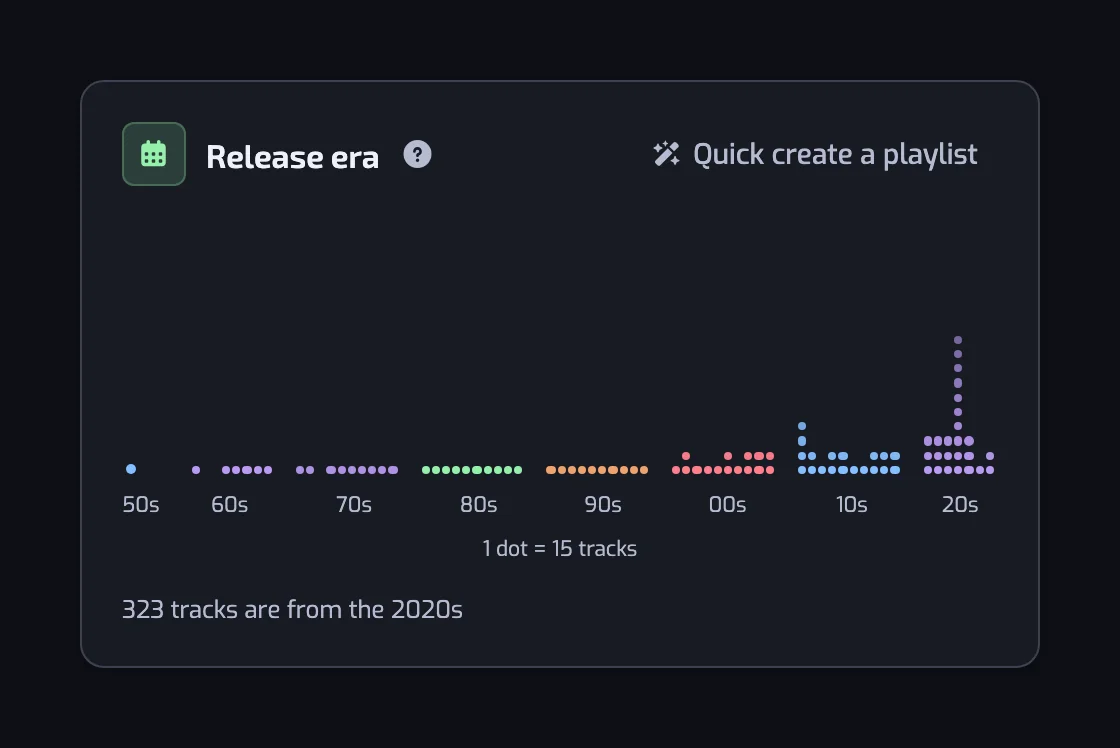
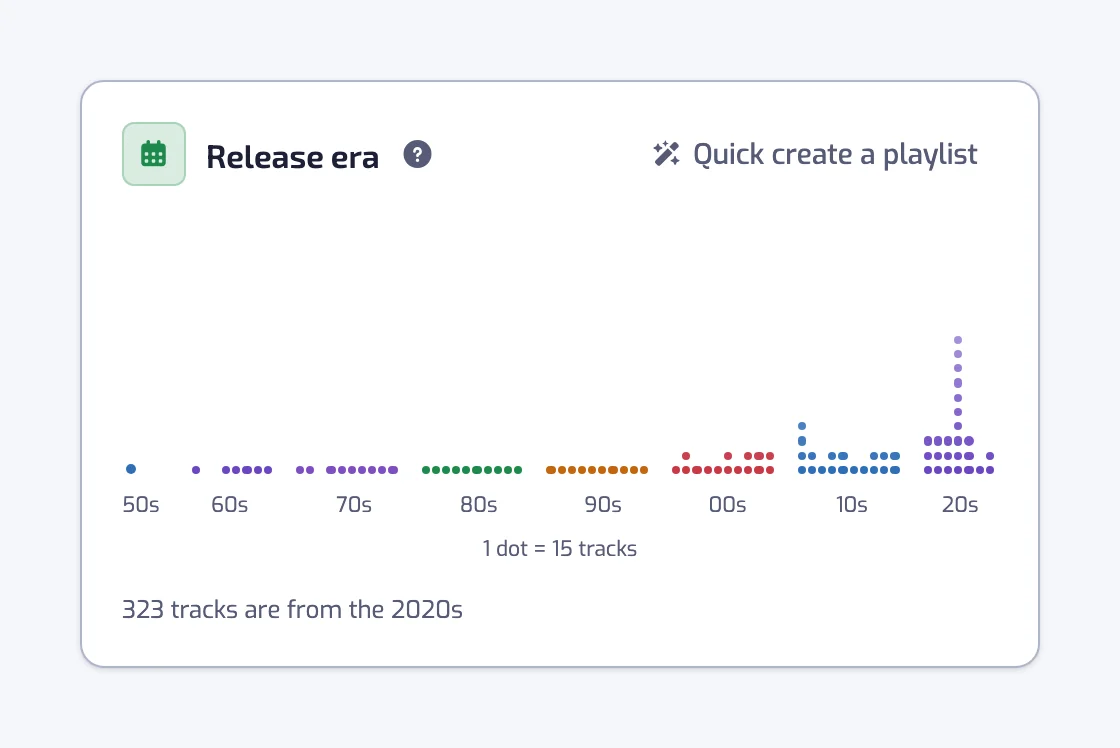
The rest of the reference, including the custom ranges, is on the Release date filter page. For a single year rather than ten, see sorting Liked Songs by release year.
It keeps filling itself
A decade playlist is not a one-off export. The decade is stored as a rule, so every 80s track you like from now on joins the playlist at the next update: once a day on the Free plan, every hour on Plus and in under 30 minutes on Pro. The 2020s playlist is the clearest case, as it keeps growing while new music comes out.
Questions about Spotify playlists by decade
How do I create a Spotify playlist of songs from the 1980s?
In Playlistation, create a playlist, add the Release date filter and choose the preset The 80s (1980–1989). It collects every track in your Spotify Liked Songs released between 1 January 1980 and 31 December 1989 into a real Spotify playlist, and adds any 80s track you like later without you doing anything.
Can I sort my Spotify Liked Songs by decade automatically?
Yes. Each decade is one Release date filter, so a 70s, an 80s and a 90s playlist are three smart playlists built in about a minute. Playlistation re-checks your Liked Songs on a schedule and keeps all three in step, so nothing has to be re-sorted when your library grows.
Can one playlist hold two decades?
Yes. Add a Release date filter for each decade and switch the pill between the two rows from AND to OR. They become a group a track only has to match once, so the playlist covers both ranges. Any number of neighbouring filters can be grouped that way.
Which date does the decade use, the song's or the album's?
The album's, as Spotify lists it. A track you liked from a remaster or a compilation therefore carries that edition's date rather than the original recording's, which can put a 1970s song in the 2010s. Liking the original release puts it back where you expect.
Do I need a paid plan for decade playlists?
No. Release date, like every filter, works on every plan. The Free plan gives you five playlists and watches your 1,000 most recently liked tracks, which is enough for a few decade playlists.
What happens to the 2020s playlist as time passes?
The 2020s playlist keeps growing. Its preset covers 2020 to 2029, so every track from this decade you like is added at the next update. Nothing has to be adjusted until the decade is over.