

Smart playlists for Spotify that update on their own
A smart playlist on Spotify that fills itself: set the filters once and every Liked Song that fits lands in it, including the ones you like next month.
Sign in with Spotify. The Free plan needs no card.
A smart playlist on Spotify that fills itself: set the filters once and every Liked Song that fits lands in it, including the ones you like next month. Its filters read like "artist genre is french hip hop", "released in the 1980s", "between 170 and 190 BPM", and Playlistation adds every matching liked track to a real playlist in your Spotify library. The Free plan keeps 5 playlists up to date, with every filter.
Spotify has no saved condition of that kind. Playlistation adds it through Spotify's official API, without touching the playlists you made yourself.
How to make a smart playlist on Spotify
- Sign in at playlistation.app with your Spotify account, free or Premium.
- Click Create playlist and pick its filters, which also name it. A playlist can hold as many filters as you want, on every plan.
- Click Create playlist at the bottom of the form. It appears in your Spotify library with every matching liked track and stays up to date.
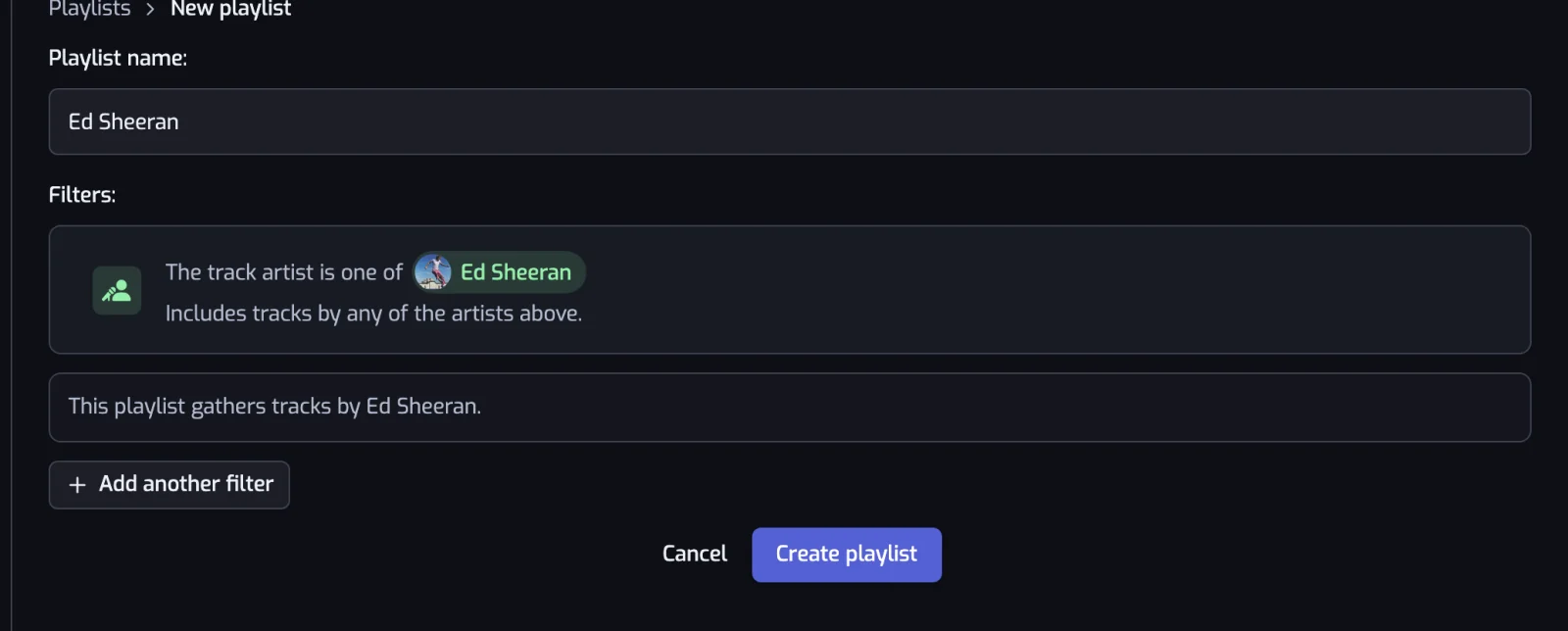
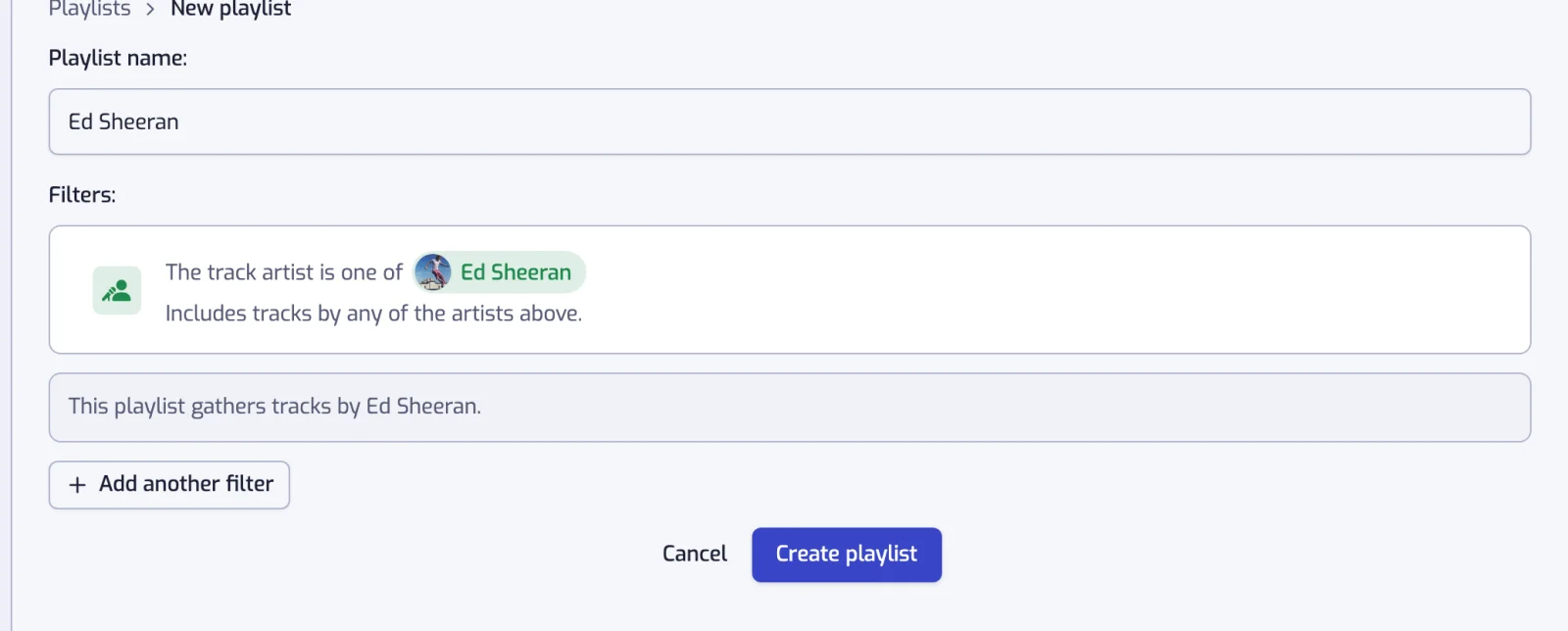
The permissions Spotify asks you to grant and the suggested playlists are in getting started.
What one is made of
A filter is one condition each liked track either passes or fails, and a smart playlist is the set of tracks that pass all of its filters. All of them work on every plan. Nine read the track, its artists or a date:
| Filter | What it reads |
|---|---|
| Artist | The artists credited on the track |
| Artist genre | The genre labels on those artists |
| Artist popularity | Spotify's 0 to 100 score for the artist |
| Artist followers | How many followers the artist has |
| Track popularity | Spotify's 0 to 100 score for the track |
| Duration | How long the track is |
| Explicit content | Spotify's explicit flag |
| Liked date | When you saved the track |
| Release date | When the album came out |
Nine more read Spotify's audio analysis or the language of the lyrics: Language, Tempo in BPM, Energy, Danceability, Positiveness, Acousticness, Instrumentalness, Liveness and Speechiness.
Combining them
Filters are joined with AND by default: a track has to pass every one. The pill between two rows switches that pair to OR, a group a track only has to satisfy once, which is how one playlist covers two decades or three genres.
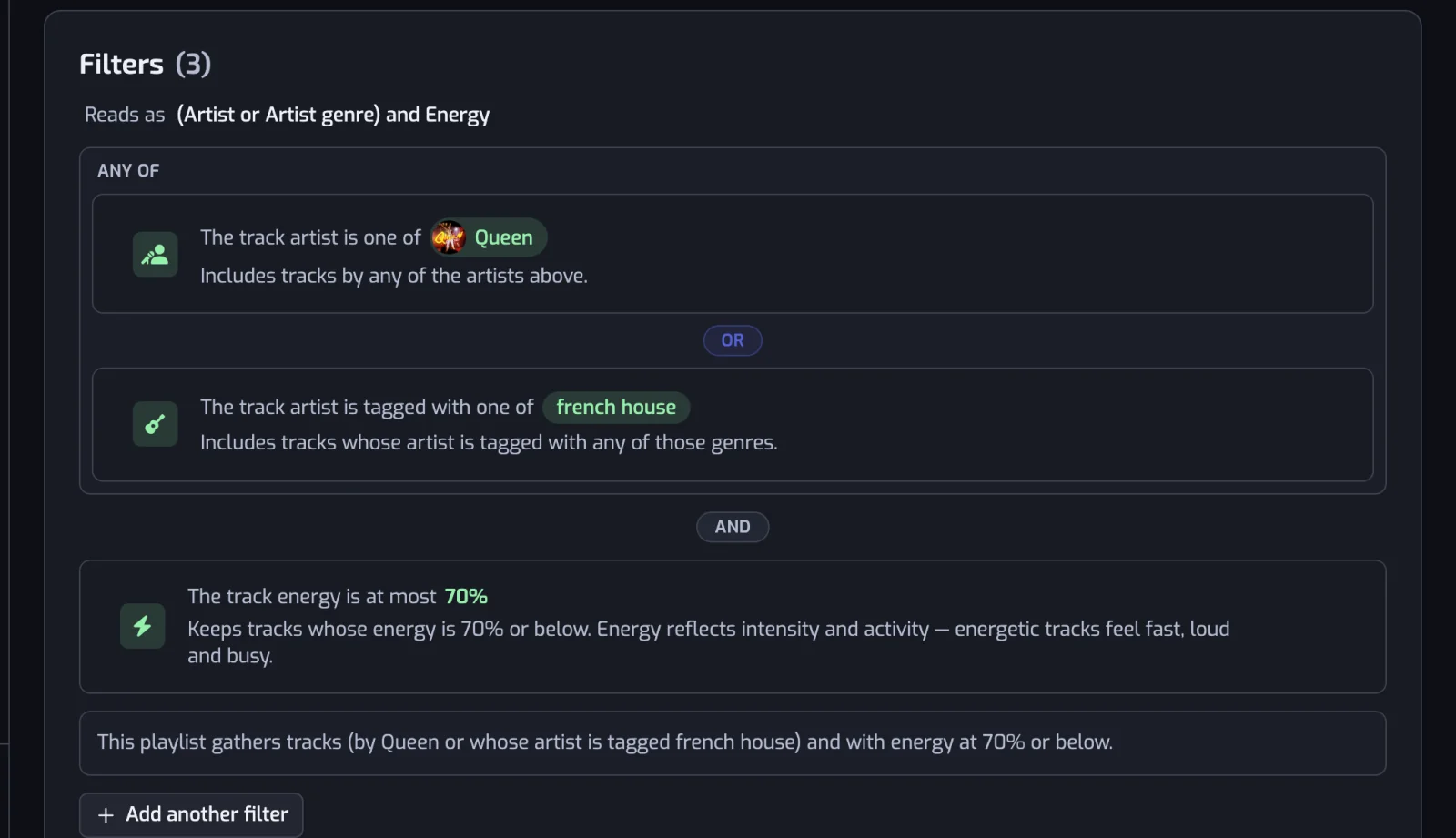
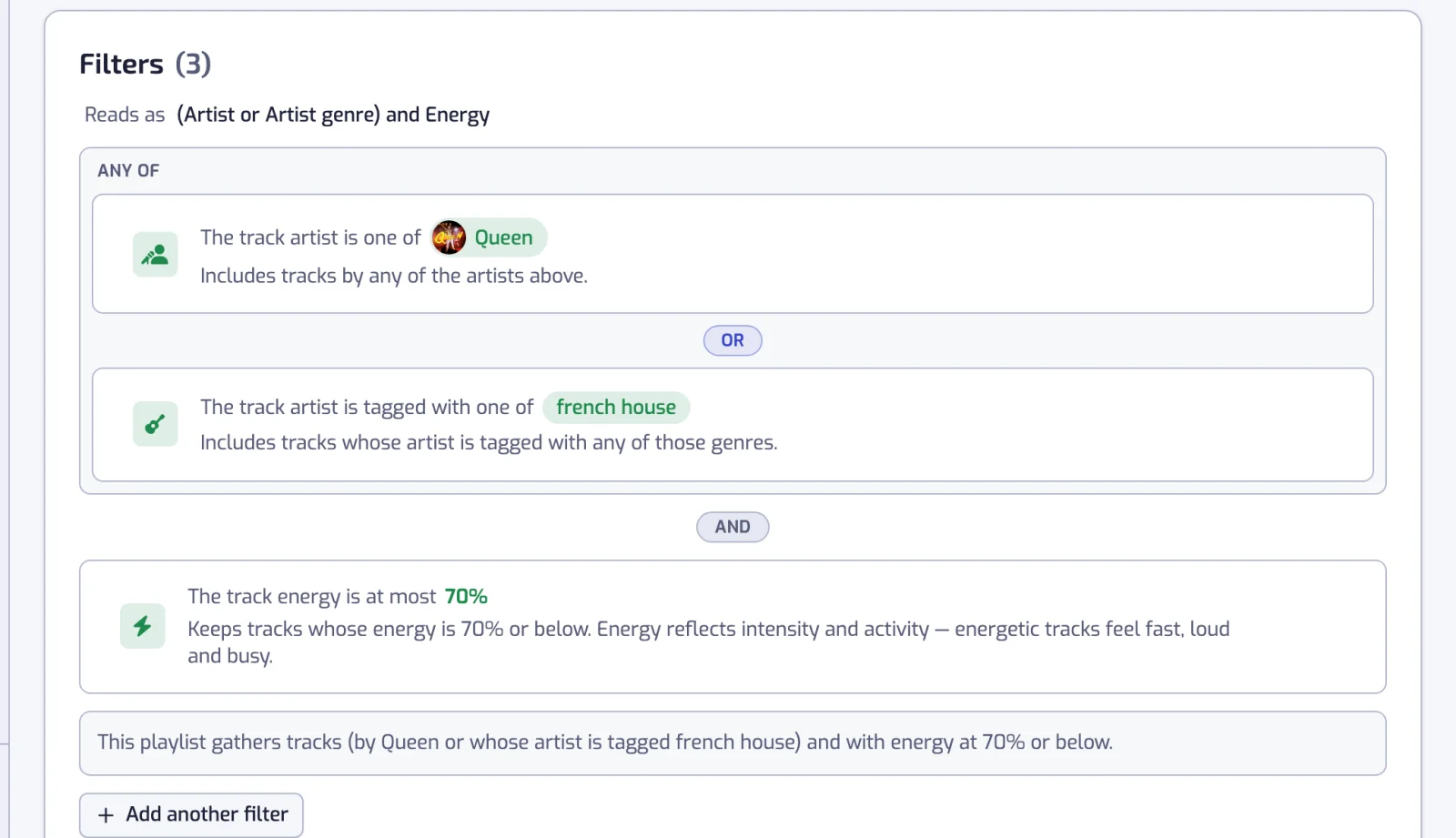
Under the list, the app writes out in plain language what the playlist will gather, so a wrong one shows before you create it. The operators, the groups and six worked recipes are in combining filters.
What keeps them up to date
Playlistation stores the filters, not the result. A background job re-runs them over your Liked Songs, adding the tracks that now match and removing the ones that no longer do:
| Plan | Refreshed |
|---|---|
| Free | Once a day |
| Plus | Every hour |
| Pro | In under 30 minutes |
Liking a track in Spotify is enough; nothing has to be pressed here.
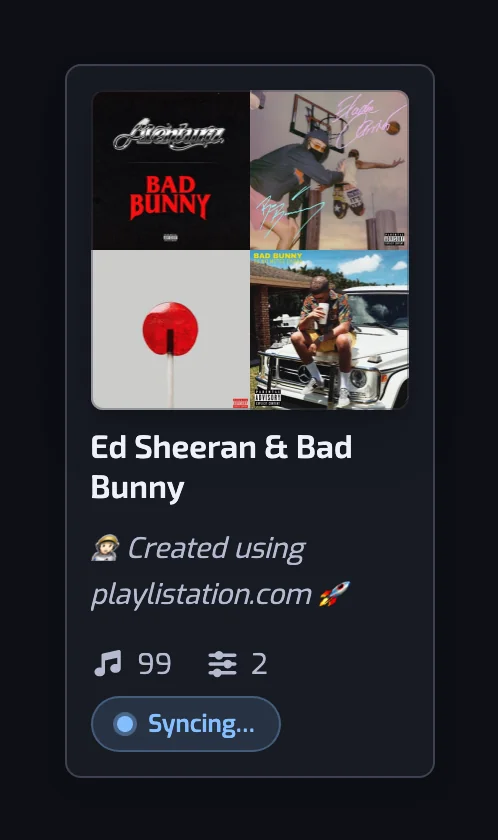
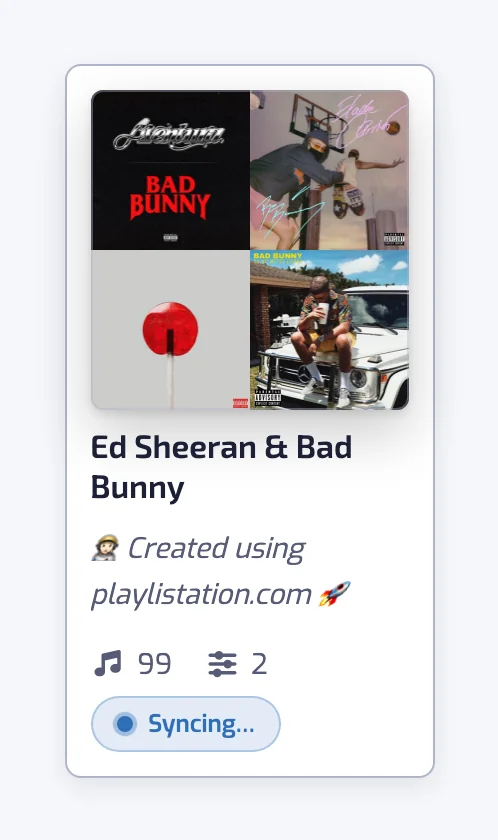
A smart playlist is the result of its filters. A track added by hand in Spotify is removed at the next update, and a matching track deleted by hand comes back. Kept: the cover image you set, and whether you made the playlist public.
The whole loop is in how syncing works.
Where to start
- From a filter you have in mind: create a playlist, pick the filter, save. Creating a playlist walks through the form.
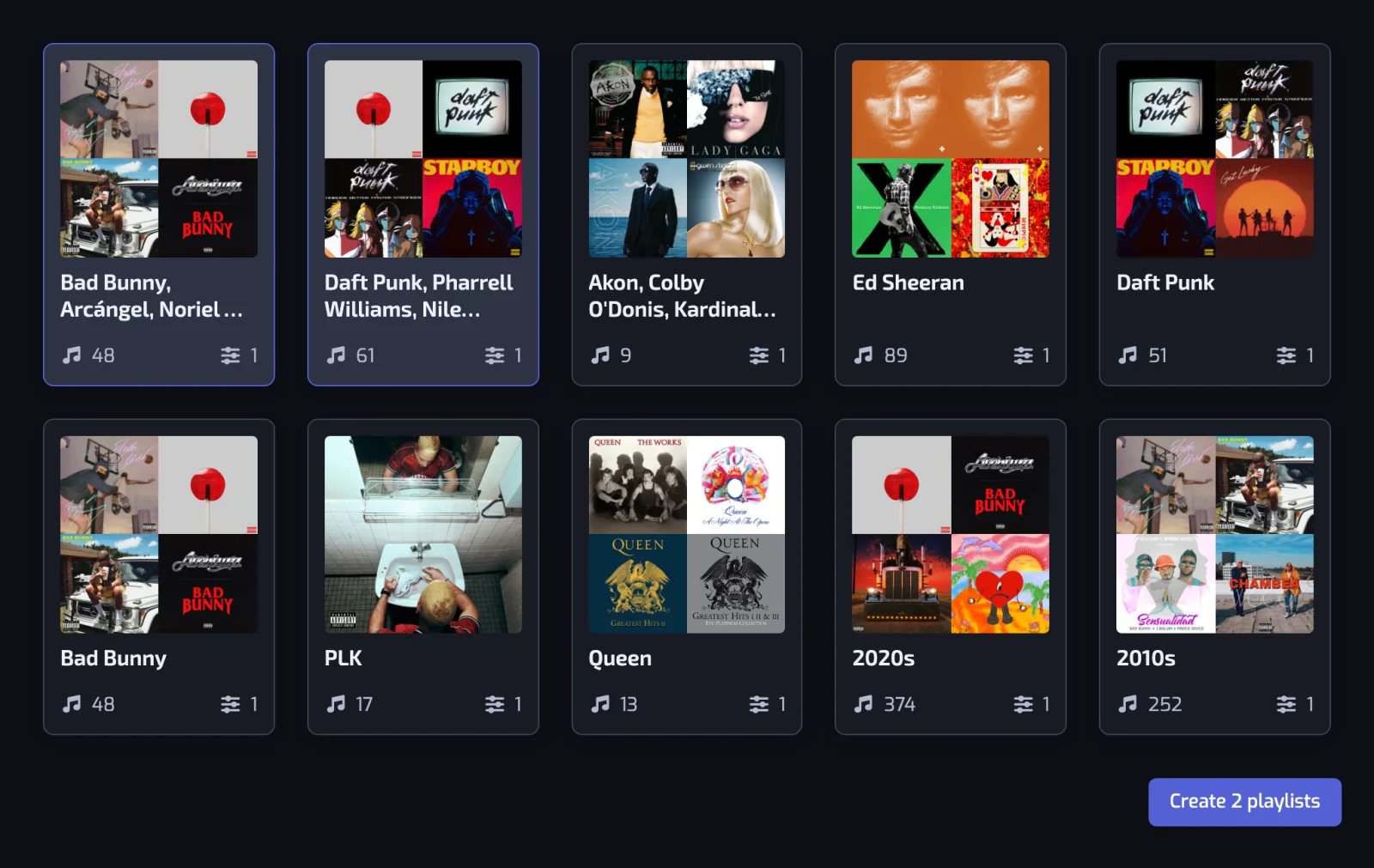
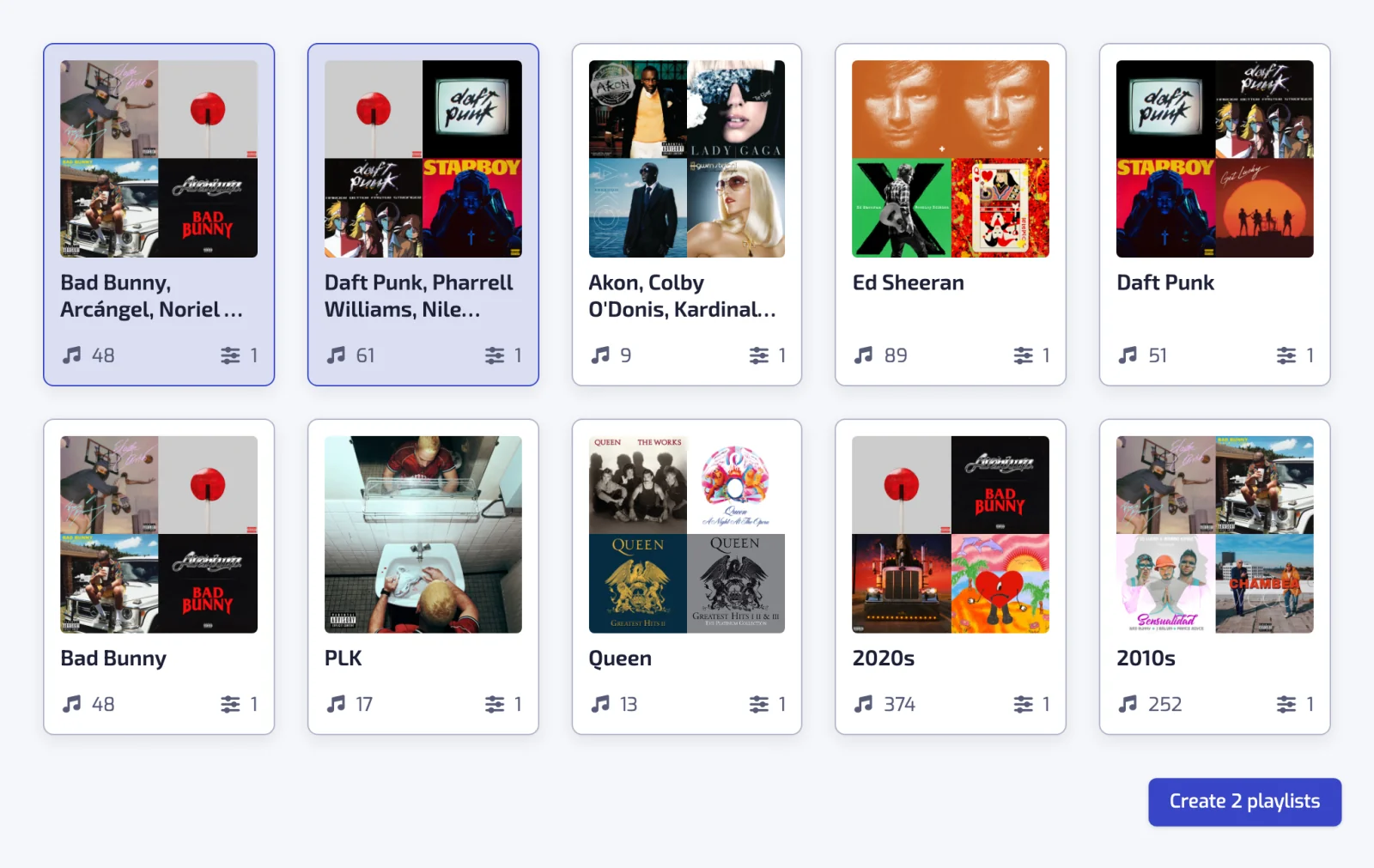
- From your own library: the Discover page proposes ready-made playlists, and the Stats page turns your top artists, genres or decades into one in a few clicks. See quick playlists.
- From a job you already know you want: organizing by genre, by decade, by release year, by BPM, by language or by the date you liked a track.
What they are not
Every track comes from your Liked Songs, so a smart playlist only contains music you have already liked. Playlistation does not read your listening history or your other playlists, and never adds a track you have not saved. It is not a recommendation engine.
Questions about Spotify smart playlists
Is there a smart playlist feature for Spotify?
Not in Spotify itself. Spotify can sort and filter what you see inside Liked Songs, and on Premium, in some countries, build a playlist from a prompt, but it does not save that condition and re-apply it. Playlistation adds it: filters over your Liked Songs, and a real Spotify playlist kept in step with them.
Can I make Spotify smart playlists for free?
Yes. The Free plan needs no card and does not expire. It has every filter, keeps 5 playlists up to date, reads your 1,000 most recent Liked Songs and refreshes once a day. Plus ($2.99 or €2.99 a month) has unlimited playlists, reads your 3,000 most recent likes and refreshes every hour; Pro ($6.99 or €6.99 a month) reads your whole library and refreshes in under 30 minutes. Euro prices include VAT. See plans and billing.
How does a Spotify smart playlist stay up to date?
Playlistation stores the filters and re-runs them on a schedule, once a day on the Free plan, every hour on Plus and in under 30 minutes on Pro. Each run adds the new matches and removes the tracks that stopped matching. Before each run the app checks whether your Liked Songs have changed, so a fresh like is picked up by the next run.
Can I combine several filters in one playlist?
Yes. Filters are joined with AND by default, so a track has to pass all of them, and the pill between two rows turns that pair into an OR group where passing one is enough. There is no limit on how many filters a playlist holds, on any plan.
Do the playlists show up in Spotify?
Yes. They are real Spotify playlists in your own library, private by default, and they play on every device where you use Spotify. Nothing has to be exported, and you never have to open Playlistation to listen.
Does it modify the playlists I built myself?
No. Playlistation only writes to the playlists it created. Your own playlists are never changed and their contents are never read, and Spotify's consent screen shows exactly which permissions the app asked for before any of this starts.
What happens if I stop paying?
Nothing is deleted. Your playlists stay on Spotify with the tracks they hold. The ones over the Free plan's quota of five stop updating until a slot frees up, playlists refresh once a day, and only your 1,000 most recent likes are read. Everything resumes if you upgrade again. See plans and billing.