

Filters
Artist
The Artist filter keeps or drops tracks by who is credited on them. Available on every plan.
What it matches
The filter compares the artists credited on a track with the artists you picked. Every credited artist counts, so a track by one artist featuring another has two artists, and a filter on either of them matches it.
- Is and Is one of keep a track when at least one of its artists is in your list.
- All of keeps a track only when every artist you picked is credited on it.
- Is not and None of drop a track when any of its artists is in your list.
Artists are matched by their Spotify identity, not by name. Two different acts with the same name do not match each other.
Where the data comes from
The credits Spotify lists on the track. Once saved, each artist in the filter sentence links to that artist's Spotify page.
Operators and values
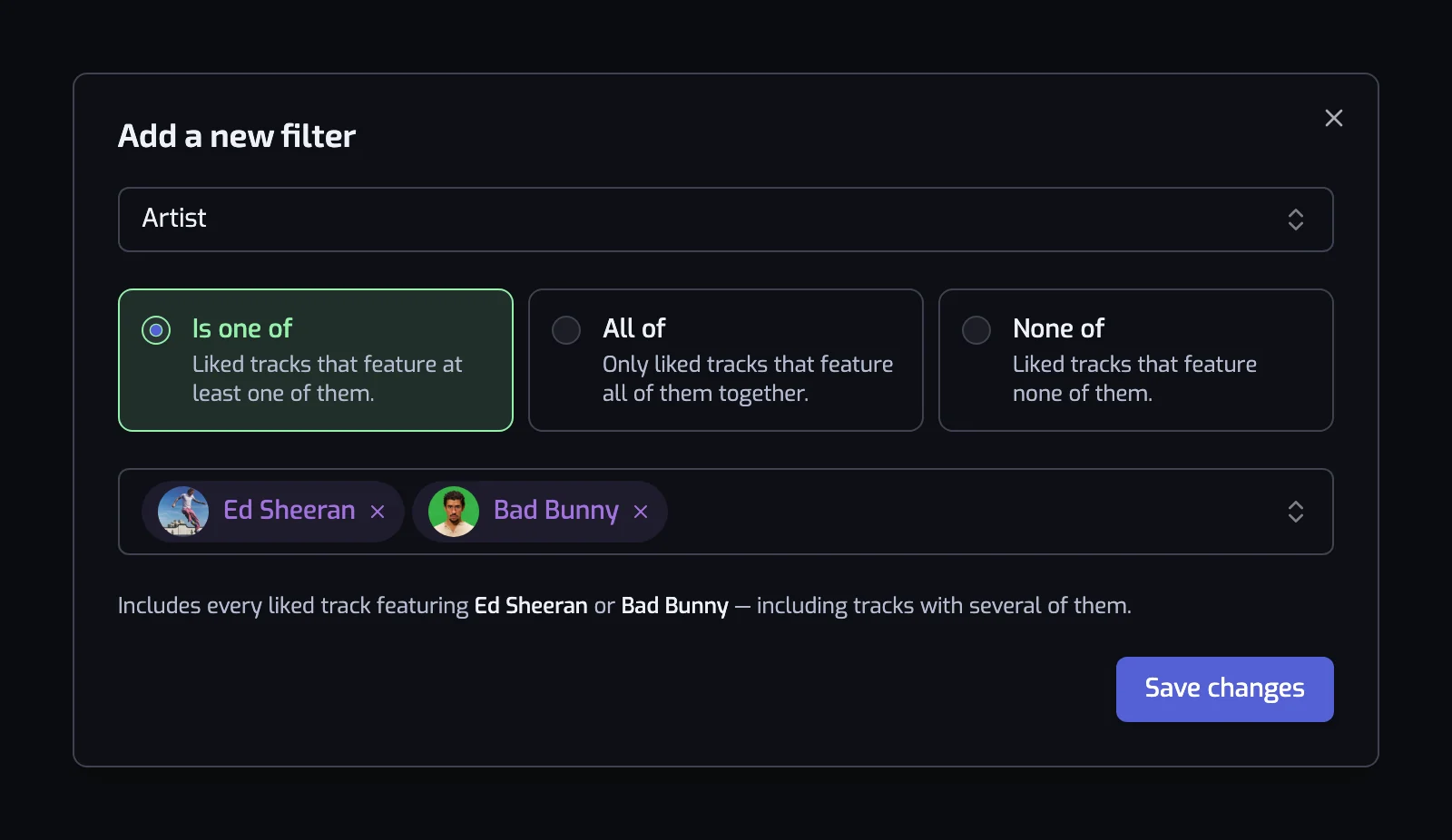
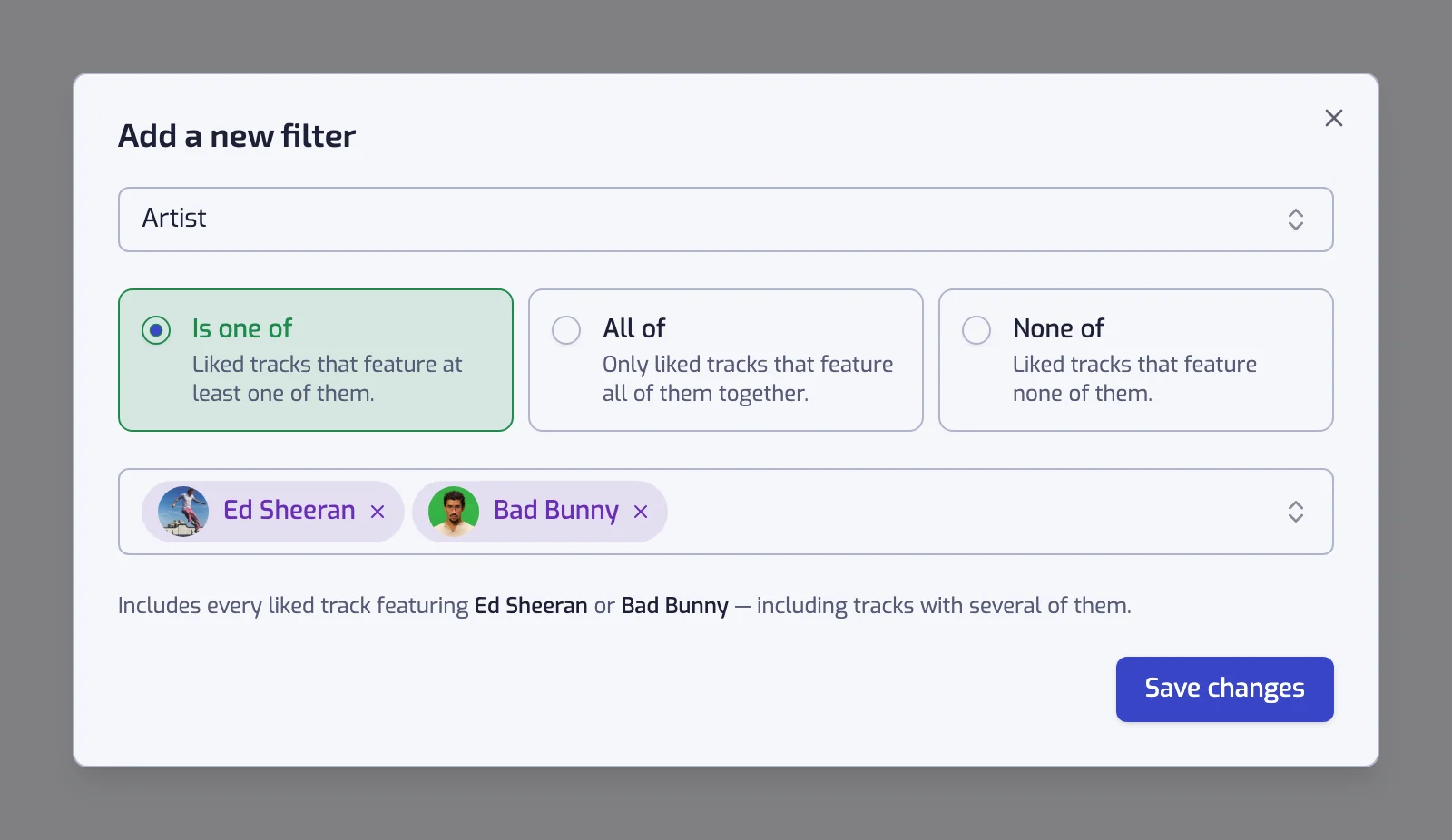
The artist picker searches Spotify's catalog as you type ("Enter the name of an artist"), so you choose the exact artist page, with its picture. Before you type, the picker offers the top artists of your library, as shown on the Stats page.
Pick one or more artists, then a mode. The modes on offer depend on how many artists are selected:
- One artist: Is ("Liked tracks that feature this artist") or Is not ("Liked tracks that don't feature this artist").
- Two or more: Is one of ("Liked tracks that feature at least one of them"), All of ("Only liked tracks that feature all of them together") or None of ("Liked tracks that feature none of them").
Adding a second artist to an "Is" filter switches it to "All of". Pick "Is one of" if you want tracks by either artist. Removing artists until one is left turns "All of" back into "Is".
Examples
- The track artist is one of Daft Punk. Everything you liked with Daft Punk credited, including tracks where they are the featured artist.
- The track artist is one of Daft Punk, Justice. Tracks by either of them. Put several artists in one filter rather than one filter per artist: separate filters combine with "and", so two Artist filters would require both artists on every track.
- The track artists are all of JAY-Z, Kanye West. Only tracks that credit both.
- The track artist is none of The Beatles and Release date: The 60s (1960–1969). A sixties playlist without the band you already have a playlist for.
Things to know
- "All of" with a single artist means the same as "Is", and the dialog shows it as "Is".
- Only the credits on the track count. A remix or a cover credited to a different artist matches that artist, not the original one.
- The filter never reads genres, popularity or followers. Those are separate filters, listed below.
Related filters
- Artist genre: the genre labels on the artist, for a whole scene.
- Artist popularity: how big the artist is, by Spotify's score.
- Artist followers: how big the artist is, by follower count.
- Combining filters
- Organize your Liked Songs by artist: this filter as a walkthrough.