

Filters
Speechiness
Speechiness is Spotify's score, from 0% to 100%, for how much of a track is spoken word: the closer to 100%, the more of the recording is speech. The Speechiness filter keeps the tracks whose speechiness score sits inside a range you set. It is available on every plan.
What it matches
Spotify's guidance, which the app repeats in the dialog, gives three bands. Above 66%, the track is probably all spoken words: a talk show, an audiobook, poetry. Between 33% and 66%, it mixes music and speech, in sections or layered; Spotify puts rap here, though most rap scores lower in practice (see the examples below). Below 33%, it is music with little or no speech.
The filter compares each track's score with your range and keeps the track when the score is inside it, both ends included.
It separates rapped from sung vocals, which genre labels cannot do: an artist tagged "hip hop" also sings.
Famous songs and their scores
Press play to hear where each score sits. Lose Yourself is rapped from verse to chorus and scores 25%, under the 33% that Spotify's guidance gives for music mixed with speech. Public Service Announcement 2000, a spoken intro, scores 93%.
Accept cookies to play these songs here.
Where the data comes from
The score is part of Spotify's audio analysis of the recording. Playlistation reads it from Spotify the first time a track is checked and stores it for later updates.
Spotify has no analysis for every track. When it has none, the track has no speechiness score and the filter treats it as not matching: the track stays out of the playlist whatever range you set.
Operators and values
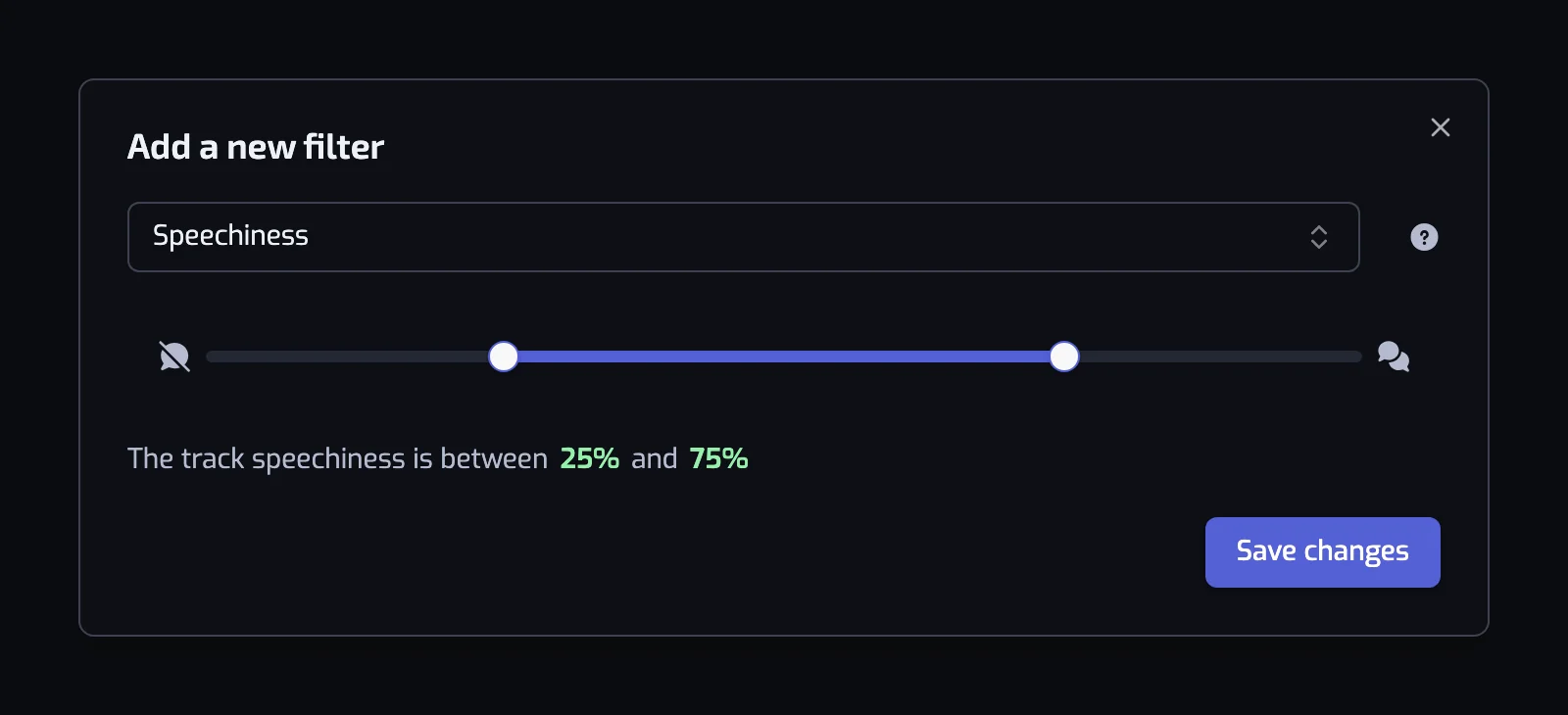
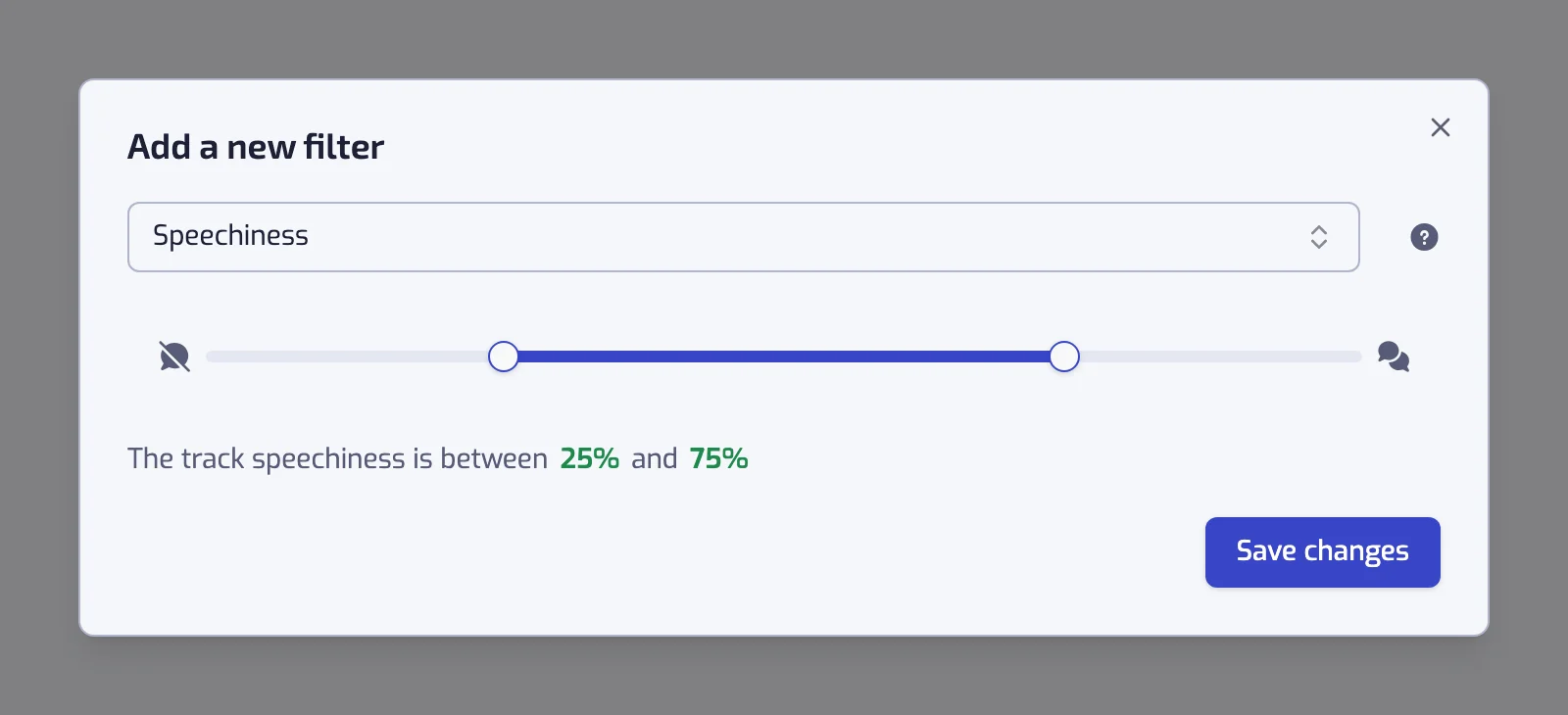
The filter has one operator, Between, so the dialog shows no operator card. You set a minimum and a maximum on a slider with two handles, from 0% to 100%, in steps of 5, so the 33% and 66% marks from Spotify's guidance become 35% and 65% in practice. A new Speechiness filter starts at 25% to 75%.
The sentence collapses at the ends of the scale:
- Minimum at 0: "The track speechiness is at most 15%".
- Maximum at 100: "The track speechiness is at least 65%".
- Anything else: "The track speechiness is between 25% and 75%".
A slider left at 0% to 100% shows the warning "With the current settings, all of the tracks will match this filter".
Examples
- The track speechiness is at least 35% and The track artist is tagged with one of hip hop, rap. Rap that is actually rapped.
- The track speechiness is at most 15%. Sung or instrumental music only, nothing that sounds like someone talking.
- The track speechiness is at least 65%. Spoken-word and poetry tracks in your library, if you have any.
- The track speechiness is at most 10% and The track instrumentalness is at least 50%. A study playlist with almost nothing that has a voice in it.
Things to know
- Melodic rap and sung hooks pull a rap track below 33%. If a rap playlist looks thin, lower the minimum to 20% and check the borderline tracks in the track list at the bottom of the page: expanding a track shows "The Speechiness score is 28%".
- Podcasts and audiobooks would score above 66%, but they are not in Liked Songs, so the filter only ever sees music tracks.
Common questions
What is speechiness in music?
Speechiness is Spotify's score, from 0% to 100%, for how much of a track is spoken word. Above 66% the track is probably all speech, such as poetry or an audiobook; between 33% and 66% it mixes speech and music, where Spotify places rap; below 33% it is music with little or no speech.
Why does a rap song score below 33% speechiness?
Spotify's guidance places rap between 33% and 66%, but its analysis scores most rap lower. Eminem's Lose Yourself scores 25%, and across 697 tracks by Eminem, Kendrick Lamar, 2Pac and five other rappers in Playlistation's catalogue in October 2026, skits and spoken tracks left out, the median is 24%. For a rap playlist, start the minimum at 20% and add an Artist genre filter.
Related filters
- Instrumentalness: no vocals at all.
- Artist genre: the label the artist carries, which this filter refines.
- Language: the language of the words, spoken or sung.
- Combining filters