Playlistation

Playlistation changelog

New features and fixes in Playlistation, the app that turns your Spotify Liked Songs into playlists that stay up to date.

Get new features by email
  1. Language stats

    See which languages your Liked Songs are sung in, and make a playlist from one or two of them in a click.

    Library stats
    More details

    Languages are detected automatically.

  2. Library backups

    Your Liked Songs and your own playlists are backed up automatically, on every plan.

    Library backups
    More details

    Download any backup as CSV or JSON.

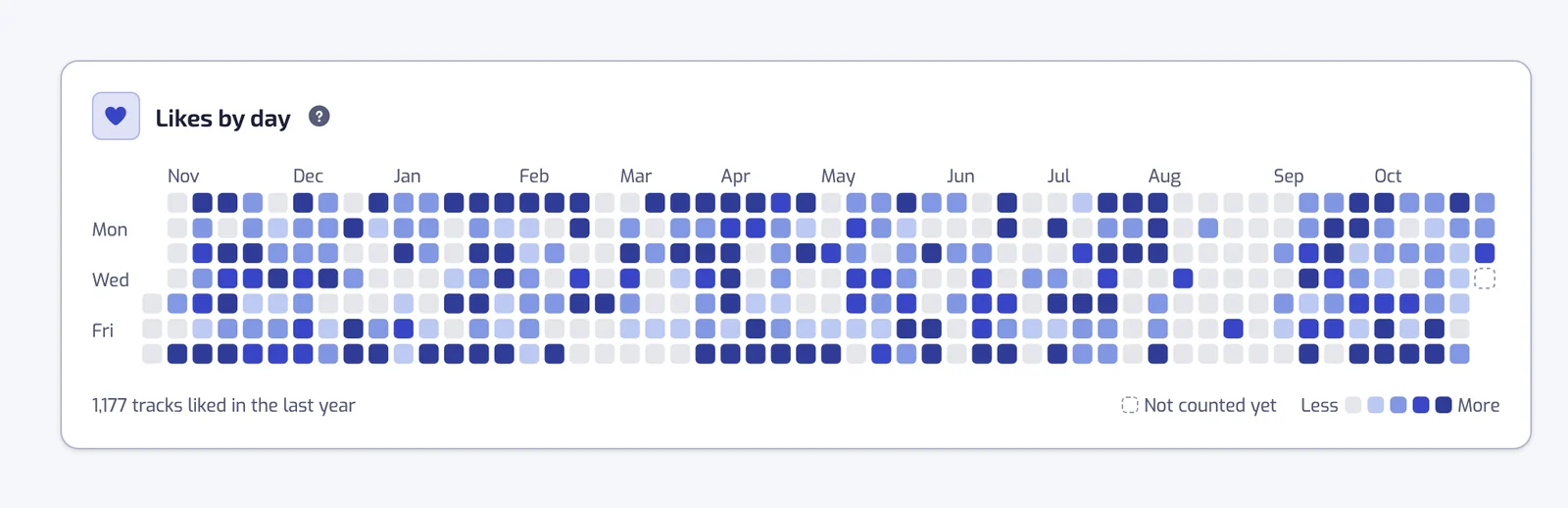
  3. Likes by day

    A year of likes, one square per day, darker on the days you liked more.

    The Likes by day card on the Stats page, with one square per day over the last year, darker for days with more tracks liked, a Less to More legend and the total under the grid
    Library stats
  4. New plans and prices

    Every filter is free, tempo, energy and language included, and Pro is now 6.99 a month.
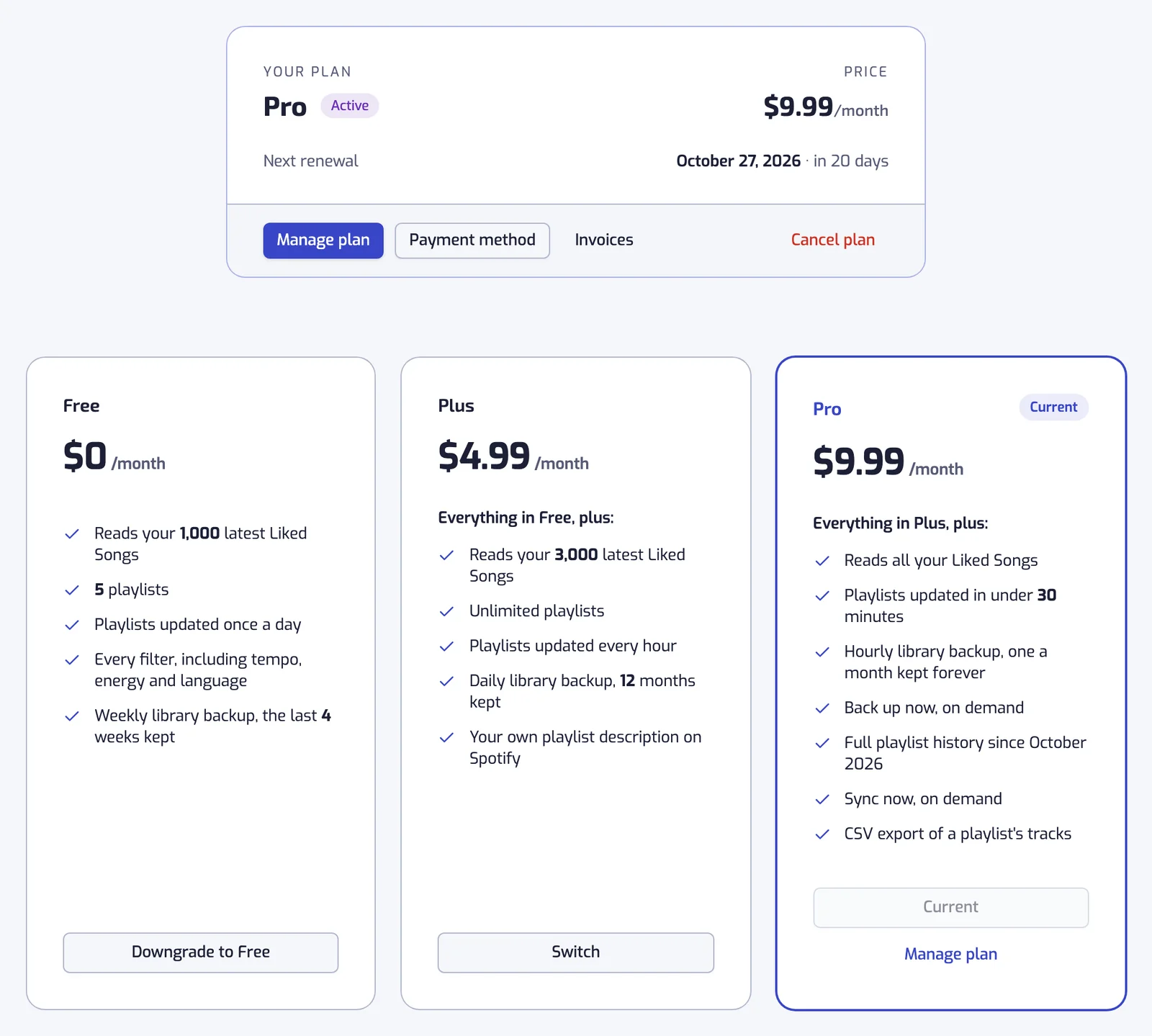
    The Subscription page with the Free, Plus and Pro cards
    Plans and billing
  5. Playlist history

    See what each update added or removed, and which filter a track stopped matching.

    Playlist history
  6. Track previews

    Hear 30 seconds of any track without leaving the page, and see how long the playlist runs.
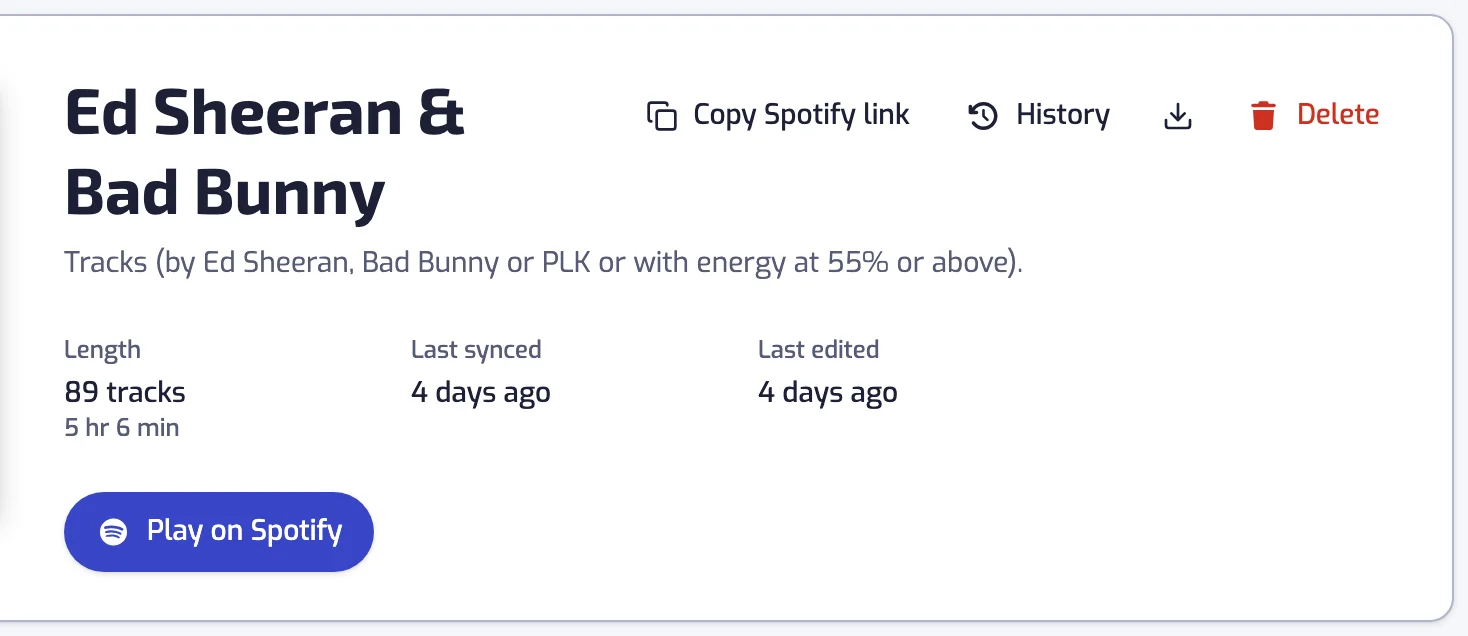
    A playlist page: cover, editable name and description, track count, last sync and the Play on Spotify button
    The playlist page
  7. Find a track by title, artist or album, and see how many tracks each tab holds.

    Results
  8. Live update progress

    Watch an update move while it runs, and see when the playlist last synced.

    The playlist page
  9. Devices

    See where you are signed in and sign out any device you no longer use.

    Devices
  10. Reconnect Spotify in one click

    A banner warns you before Spotify's six-month authorization runs out, so your playlists keep updating.

    The banner at the top of the app: Spotify asks you to authorize Playlistation again every 6 months, with the date yours runs out and a Reconnect Spotify button
    Getting started
    More details

    Spotify ends an app's access six months after you authorize it. If it runs out, your playlists pause, filters untouched, until you reconnect.

  11. Documentation

    A page for every feature and every filter, with examples.

    Getting started
  12. Filter groups

    Match all of your filters or any of them: group them with AND or OR.

    Combining filters
  13. Four more filters

    Keep the hits or the deep cuts: filter by track and artist popularity, explicit content and artist followers.
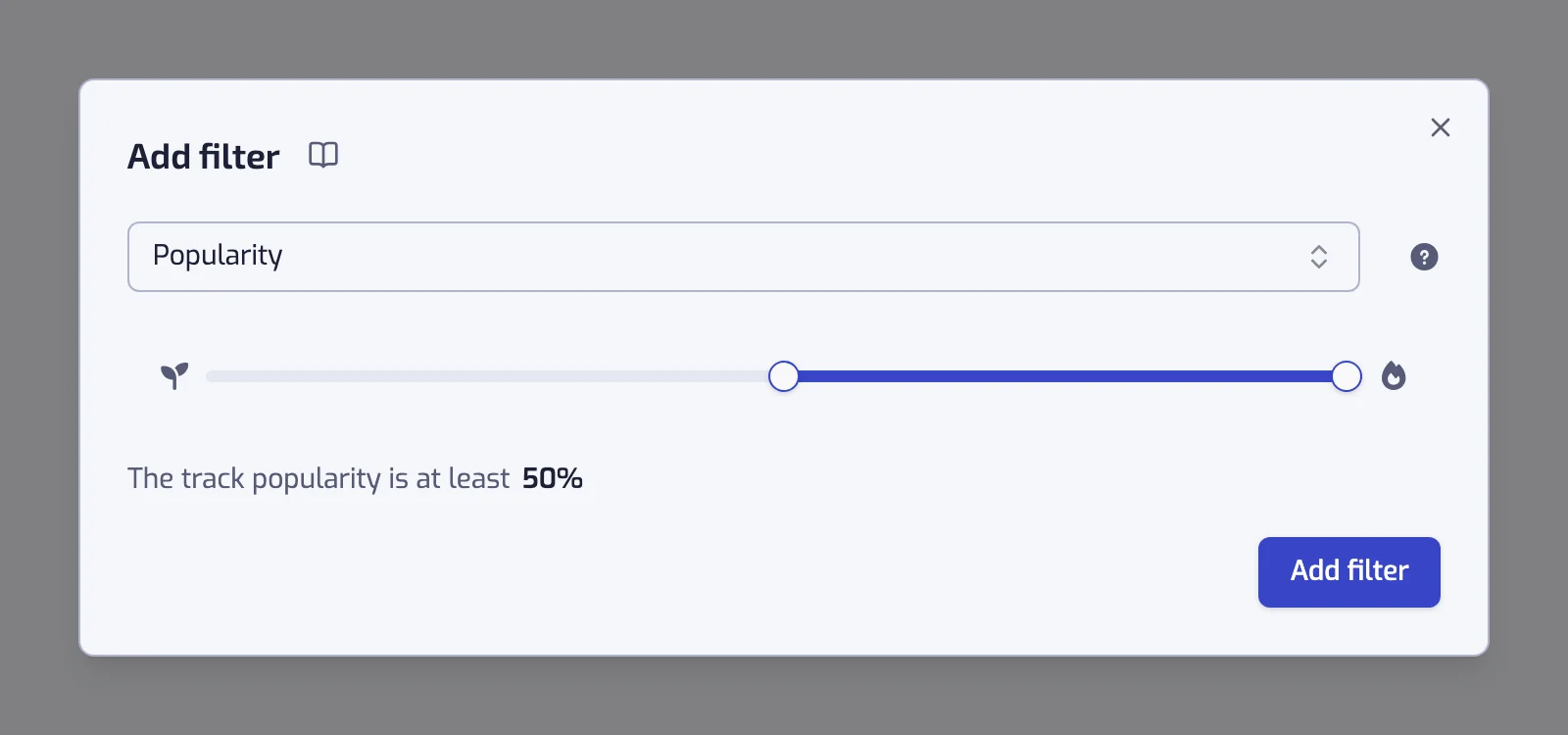
    The Popularity filter dialog with its two-handle slider and the sentence below it
    All filters
  14. More languages

    Pick German, Spanish, Italian or Portuguese in Settings, besides English and French.
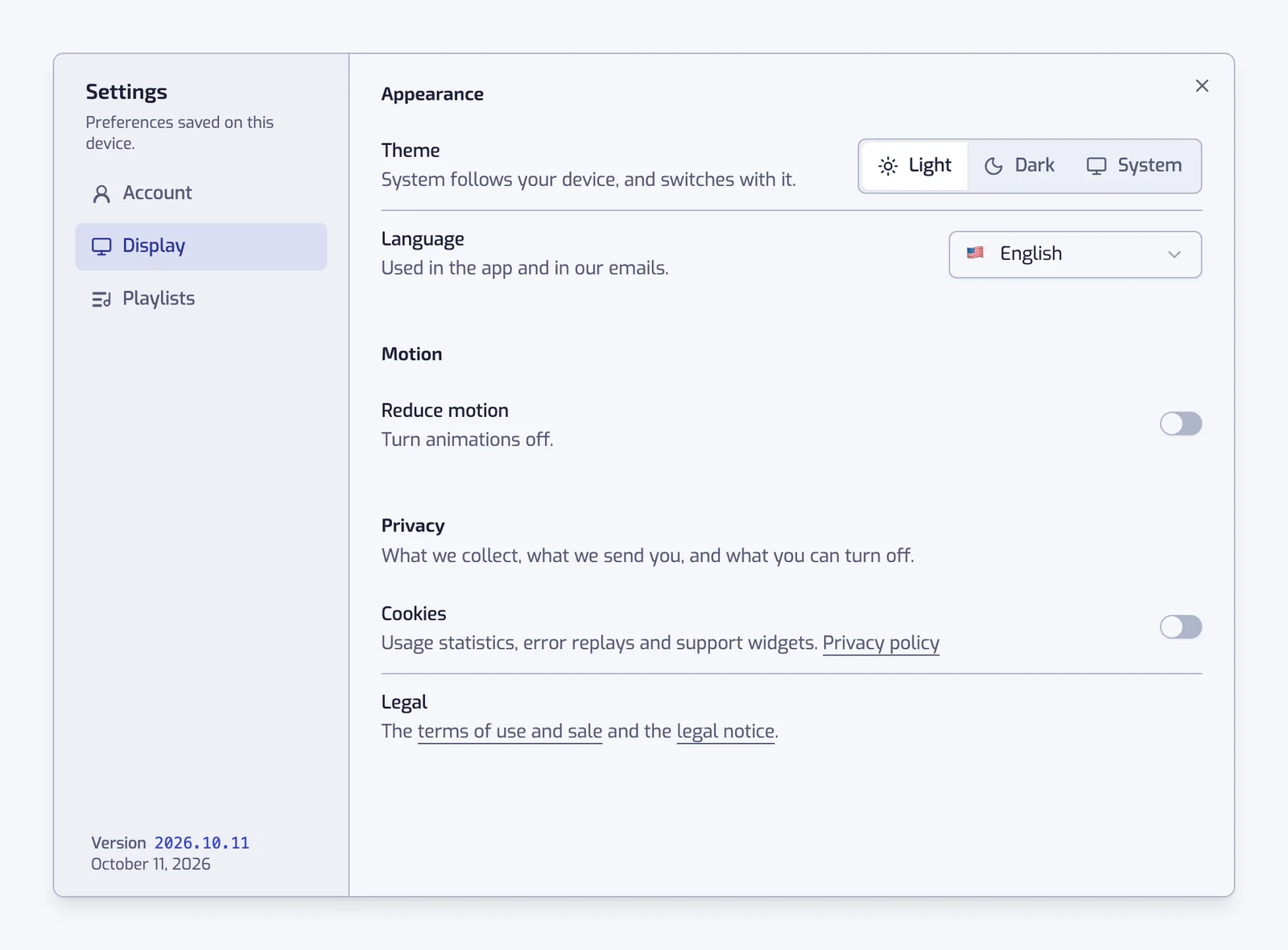
    The Display section with the Theme and Language segmented controls, the Reduce motion switch, and under Privacy the Cookies switch, the switches for emails about new features and recap emails and the Legal line
    Settings
  15. One-click playlists

    Discover suggests playlists made from your Liked Songs; tick the ones you want and they are created with their filters set.
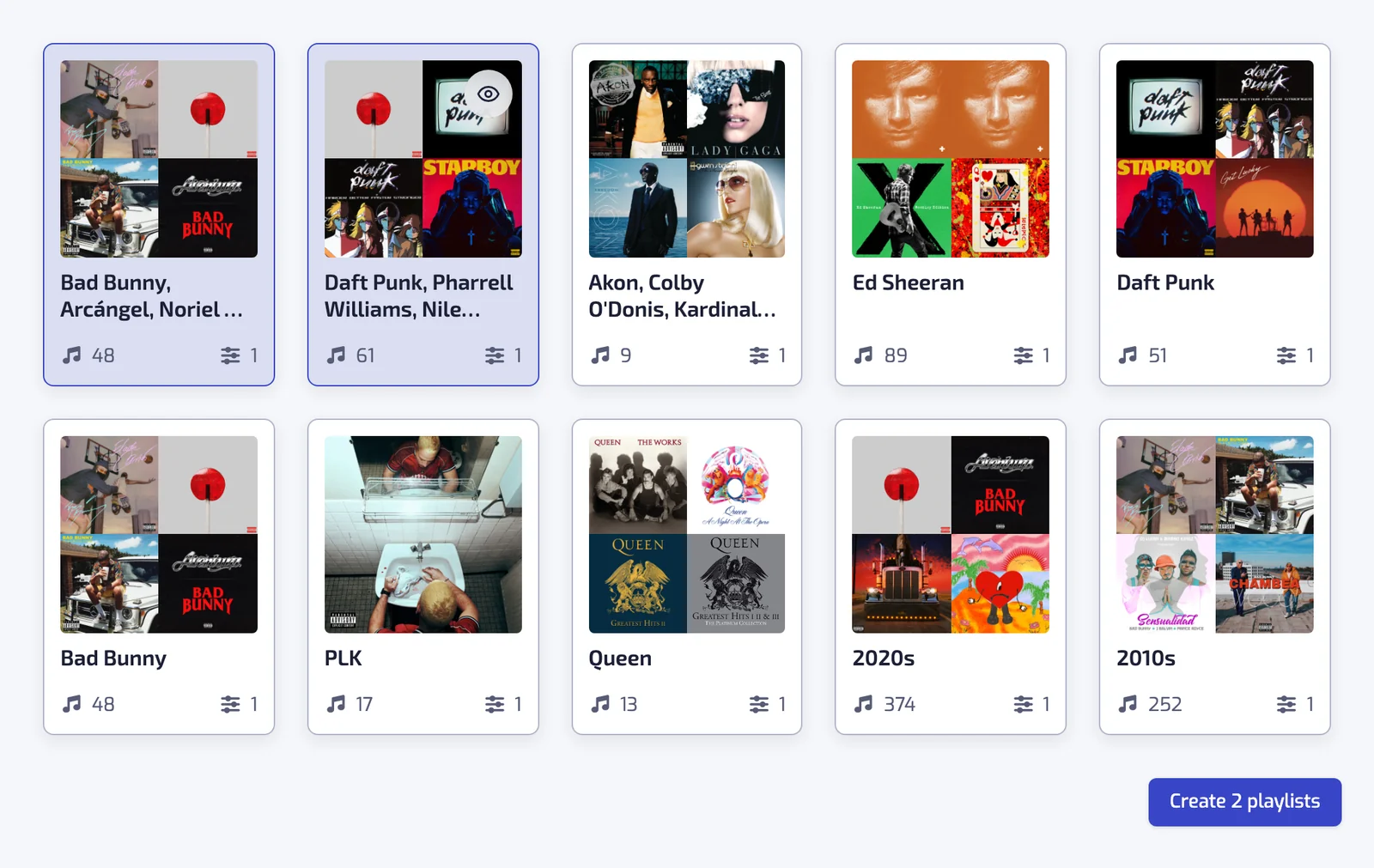
    The Discover page with a grid of suggested playlists, two of them selected, and the Create 2 playlists button
    One-click playlists
  16. A new look

    Pick a light or dark theme, with a sidebar on desktop and a tab bar on your phone.

    Settings
  17. Library stats

    Your Liked Songs by decade, genre, artist and album, and how your library grew over time.

    Library stats
    More details

    Several charts turn into a playlist in one click.

Ready to create your first smart playlist?

Free, no card. We never see your Spotify password. Security and privacy