

Help
Giving feedback
Playlistation has four places to talk to the person who builds it: a chat inside the app, a public feedback portal, a roadmap and a changelog. All four are hosted by Featurebase. This page says which one to use for what, and what each one knows about you.
Where to find them
In the app, the links sit at the bottom of the sidebar. On a phone, tap the Account tab in the bottom bar: the same three rows are in the panel that opens.
| Row | What it opens |
|---|---|
| Feedback | The public portal, in a new tab. |
| Roadmap | The portal's roadmap, in a new tab. |
| Changelog | The portal's changelog, in a new tab. |
The portal links open in a new tab so you never lose a playlist you are editing.
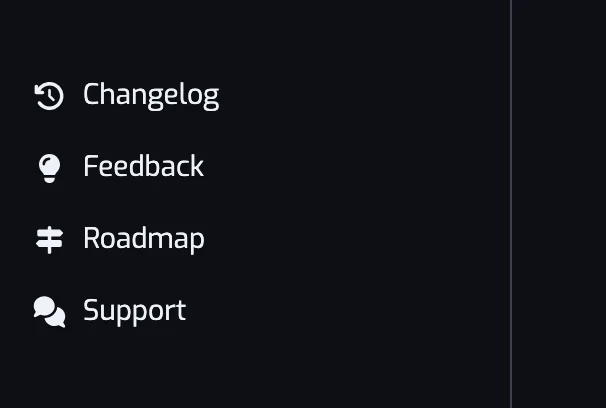
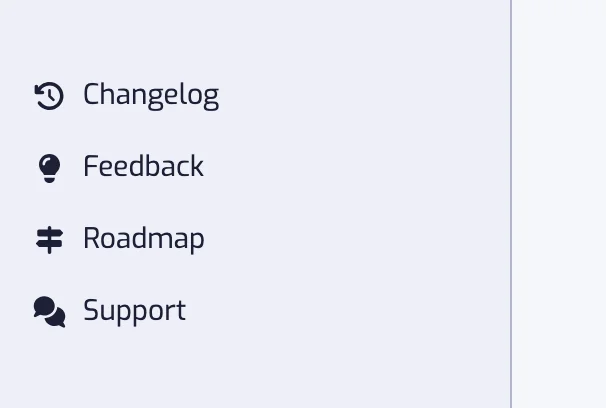
The marketing site has the three portal links (Feedback, Roadmap, Changelog) in its footer, and the same chat bubble once you accept cookies there.
The chat
The chat bubble in the bottom corner of the screen (above the tab bar on a phone) opens a conversation with the developer, right in the app.
Use the chat for anything about your own account: a playlist stuck in Error, a payment question, a sync that looks wrong, a bug you can reproduce. When you write from the app while signed in, the conversation is tied to your Playlistation account, so you do not need to explain who you are.
Replies are not instant: Playlistation is built and supported by one person. You do not need to keep the app open; the answer waits for you in the chat.
Before writing about a broken playlist, check Troubleshooting. Several of the common causes are ones you can fix yourself.
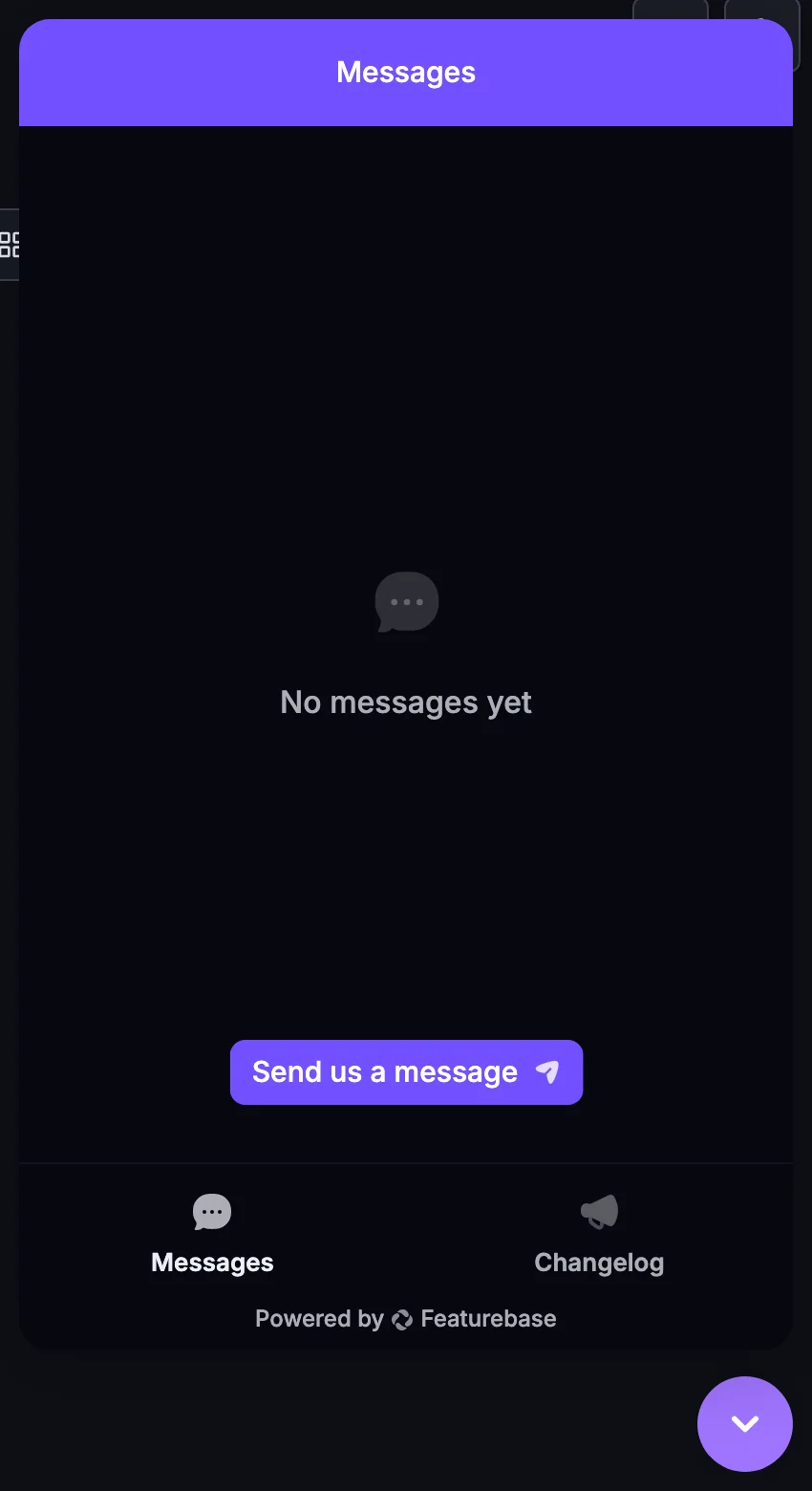
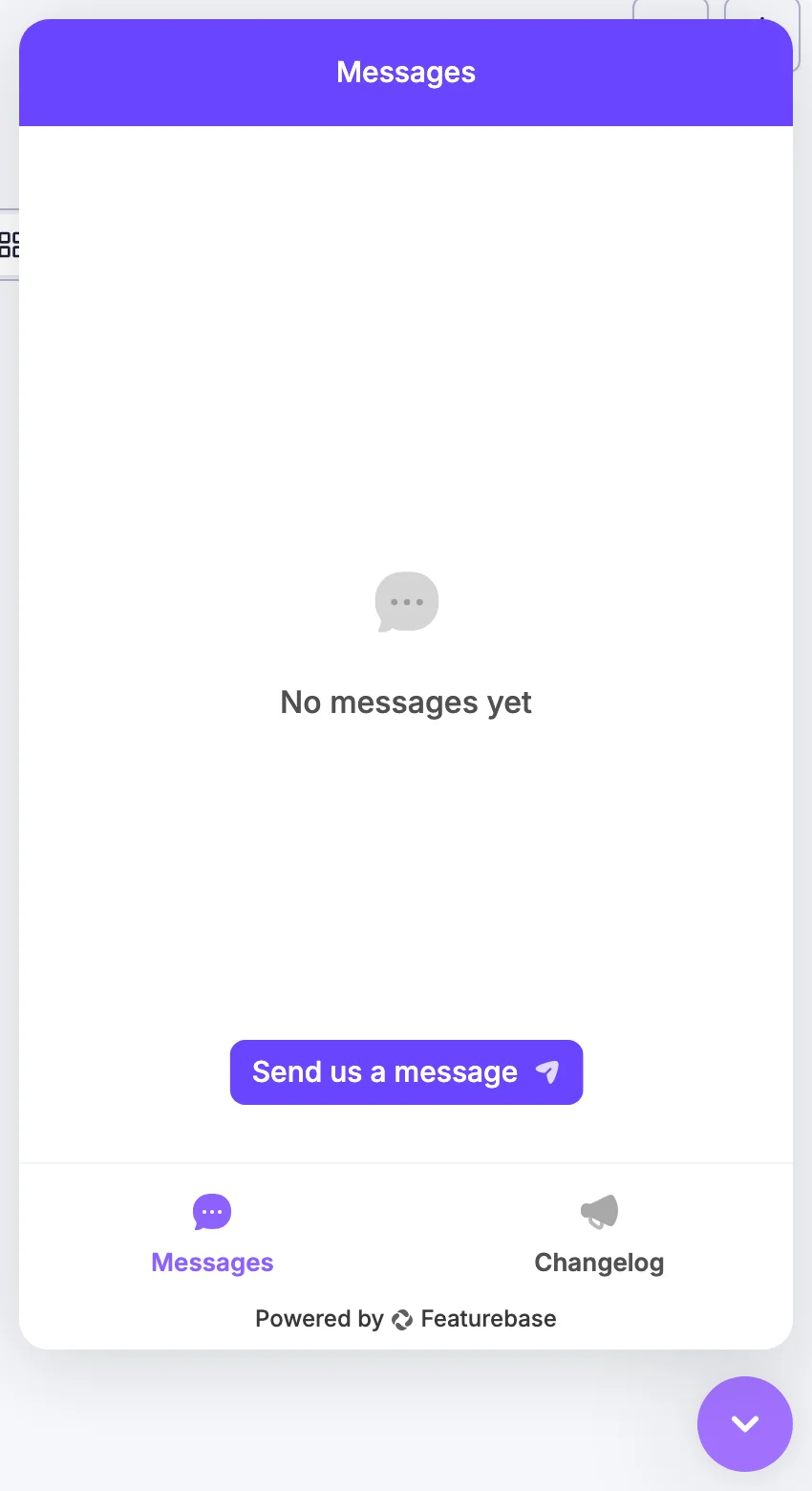
The chat needs cookies
The chat only loads after you accept cookies. Featurebase stores a cookie and a few entries in your browser's storage, so Playlistation does not load its script until you say yes. Accept and Refuse are two equal buttons, and either answer is remembered for six months.
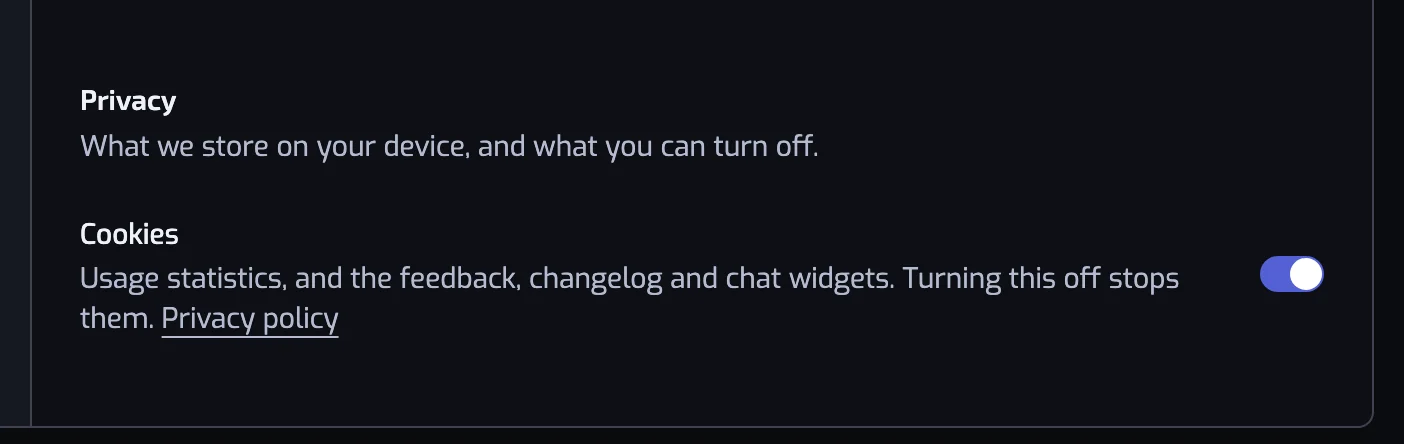
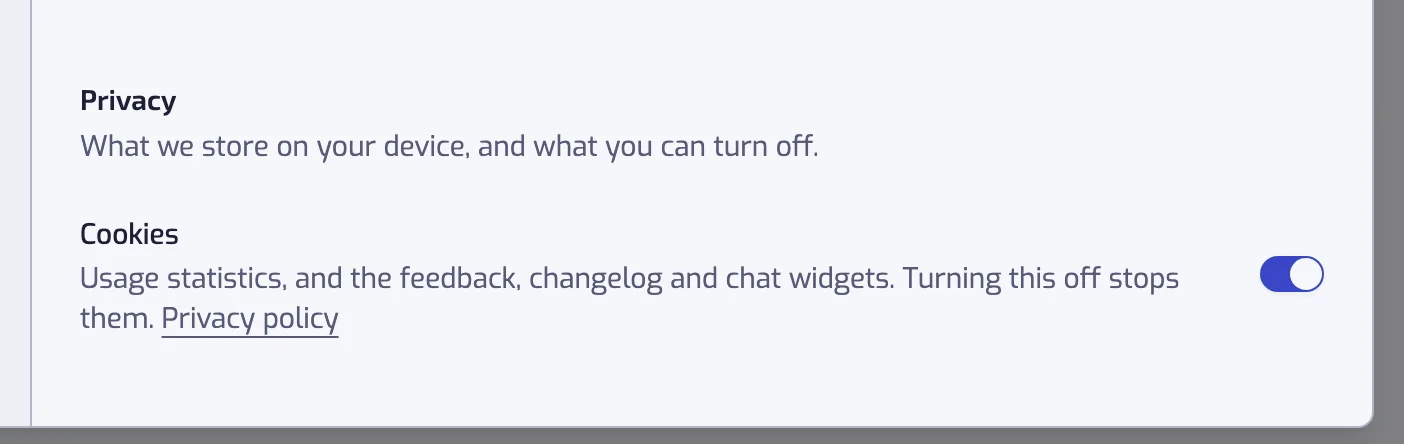
You can change your mind at any time in Settings: open the Display section, and under Privacy turn the Cookies switch on or off. Turning it off stops the chat and the usage statistics.
If you refuse, there is no chat bubble in the app. The public portal (the Feedback row) carries its own chat, so you always have a way to reach the developer.
What is shared with Featurebase
When the chat loads after you accept cookies, and when you open a portal link from the app while signed in, the app hands Featurebase a signed token so your messages and posts land on your own record instead of an anonymous visitor. That token carries your Playlistation id, your email, your Spotify display name, your Spotify avatar when you have one, and your language. Nothing else about your library or your playlists is sent.
Anything you type in the chat or post on the portal is processed by Featurebase. See Security and privacy and the privacy policy.
The public portal
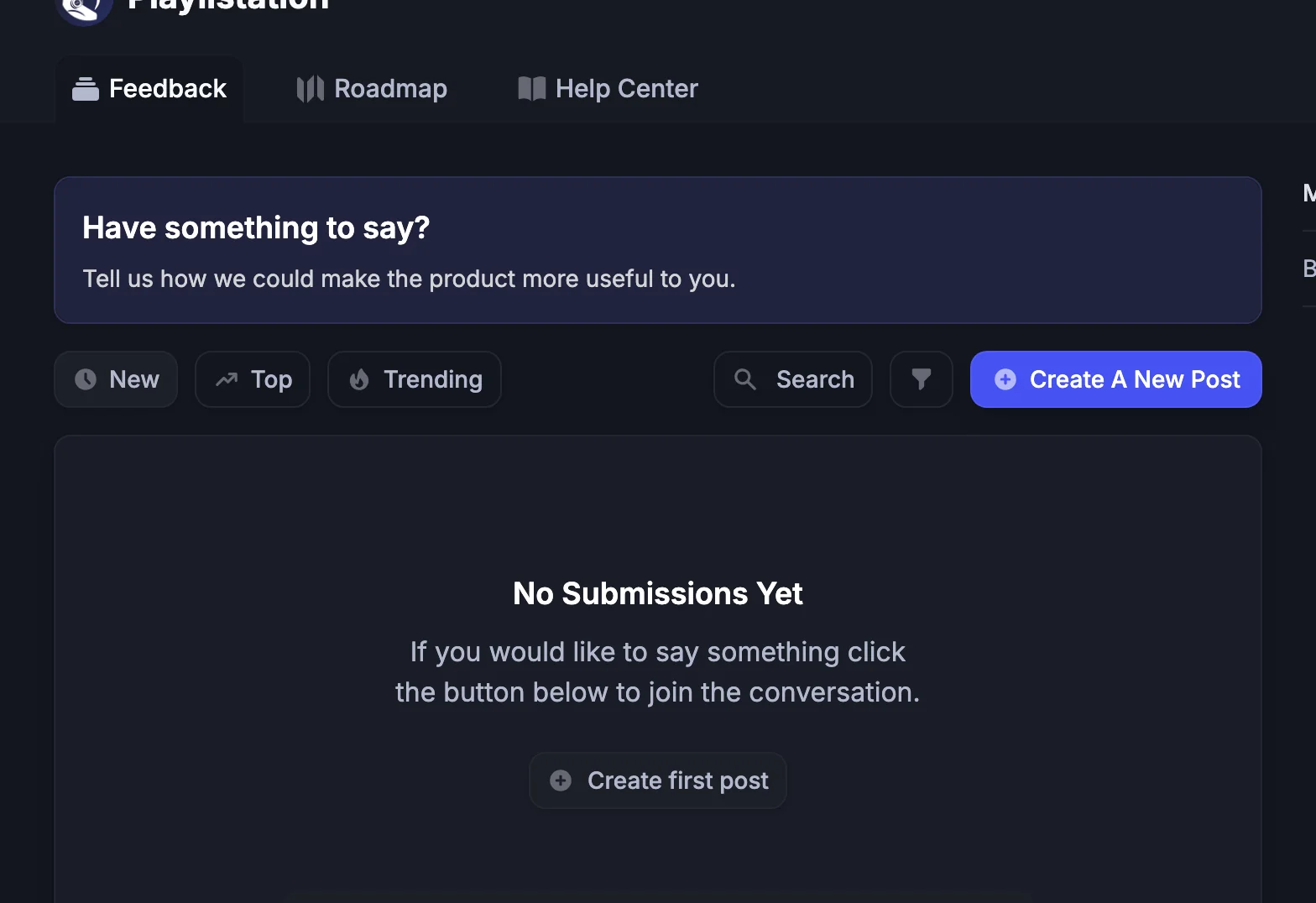
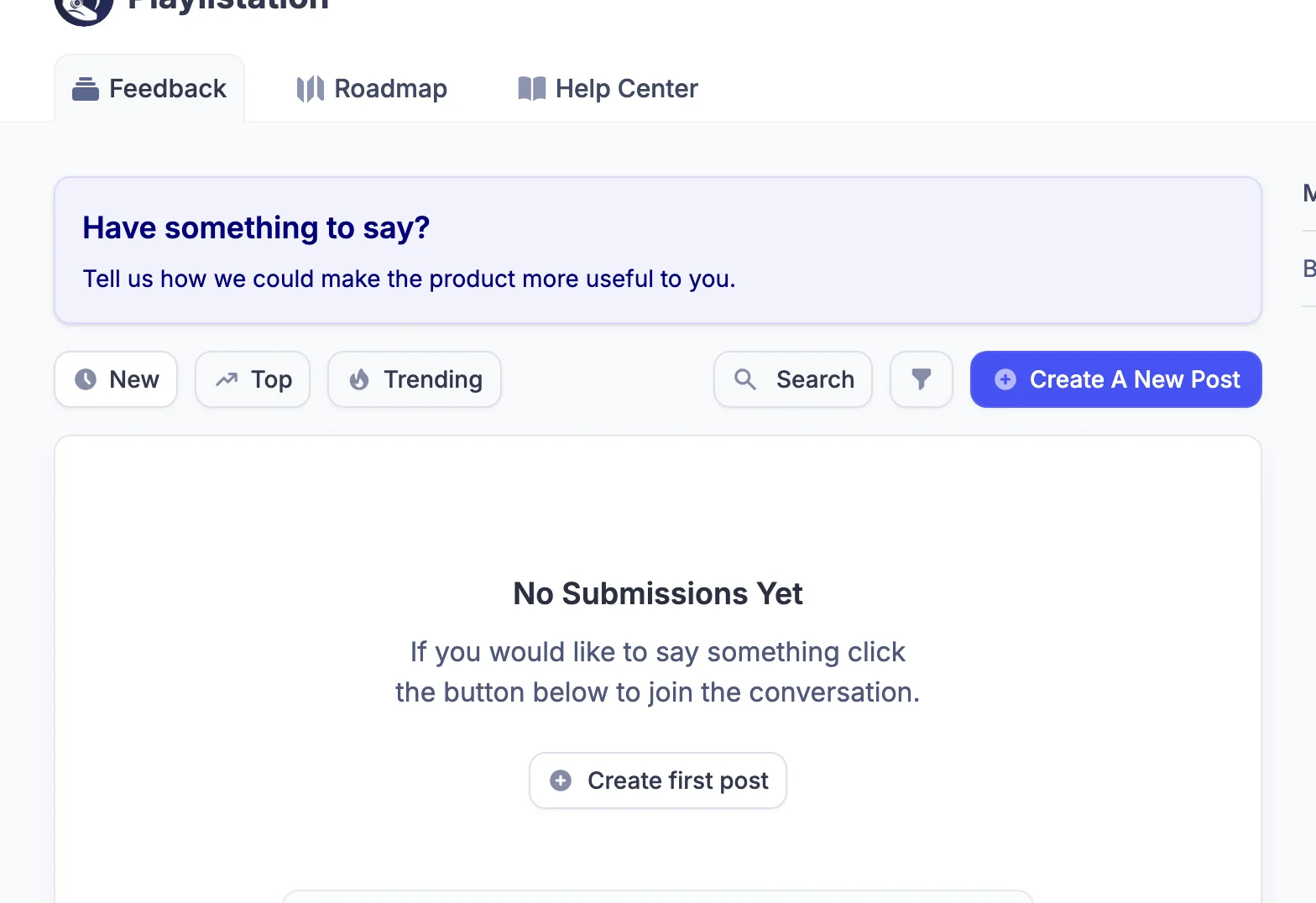
The portal lives at playlistation.featurebase.app. It has three tabs: Feedback, Roadmap and Help Center. The Help Center tab is unused; this documentation is the reference. Anyone can read the portal. When you open it from the app, you arrive signed in with your Playlistation account; when you go there directly, the portal offers its own sign-in.
- Feedback is the board for ideas and feature requests. Posts can be sorted by New, Top or Trending, searched, and upvoted. Requesting a feature walks through it step by step.
- Roadmap shows requests in four columns: Backlog, Next up, In Progress and Done.
- Changelog (at /changelog) lists what has shipped. Its Subscribe to updates button emails you each new post; opening the changelog from the app does not subscribe you.
Which message goes where
| You want to | Use |
|---|---|
| Report something broken in your account | The chat. Check Troubleshooting first. |
| Ask how a filter or a plan works | These docs first, then the chat. |
| Suggest a feature or a change | A post on the portal's Feedback board, so others can vote on it. |
| Vote for something already suggested | Upvote the post on the portal. |
| See what is being worked on | The Roadmap. |
| See what changed recently | The Changelog. |
| Access, correct or delete your personal data | Email dpo@playlistation.com from the address tied to your Spotify account. |
The email address is for privacy requests under the GDPR. It is not a support inbox; use the chat for questions.