
Filter any Spotify playlist by genre, BPM or release year
Take a big Spotify playlist, yours or one you follow, and get its rock, its 90s or its 120 BPM tracks in a playlist of their own that follows the original.
Sign in with Spotify. The Free plan needs no card.
Take a big Spotify playlist, yours or one you follow, and get its rock, its 90s or its 120 BPM tracks in a playlist of their own that follows the original. In Playlistation you pick the playlist as the source, add filters, and it fills a new Spotify playlist. The original is only read. It is never reordered or changed.
Can Spotify filter a playlist by genre?
Not into a new playlist. Spotify's filters in Your Library narrow a list on screen, and they do not build a playlist from the result (Spotify's sort and filter page). Playlistation takes the playlist as a source, runs genre, BPM or year filters over its tracks, and writes the matches into a real Spotify playlist that stays in your library.
How to filter a Spotify playlist
You make a new playlist that reads the old one, then add filters to it.
- Create a playlist. Its source starts as Liked songs.
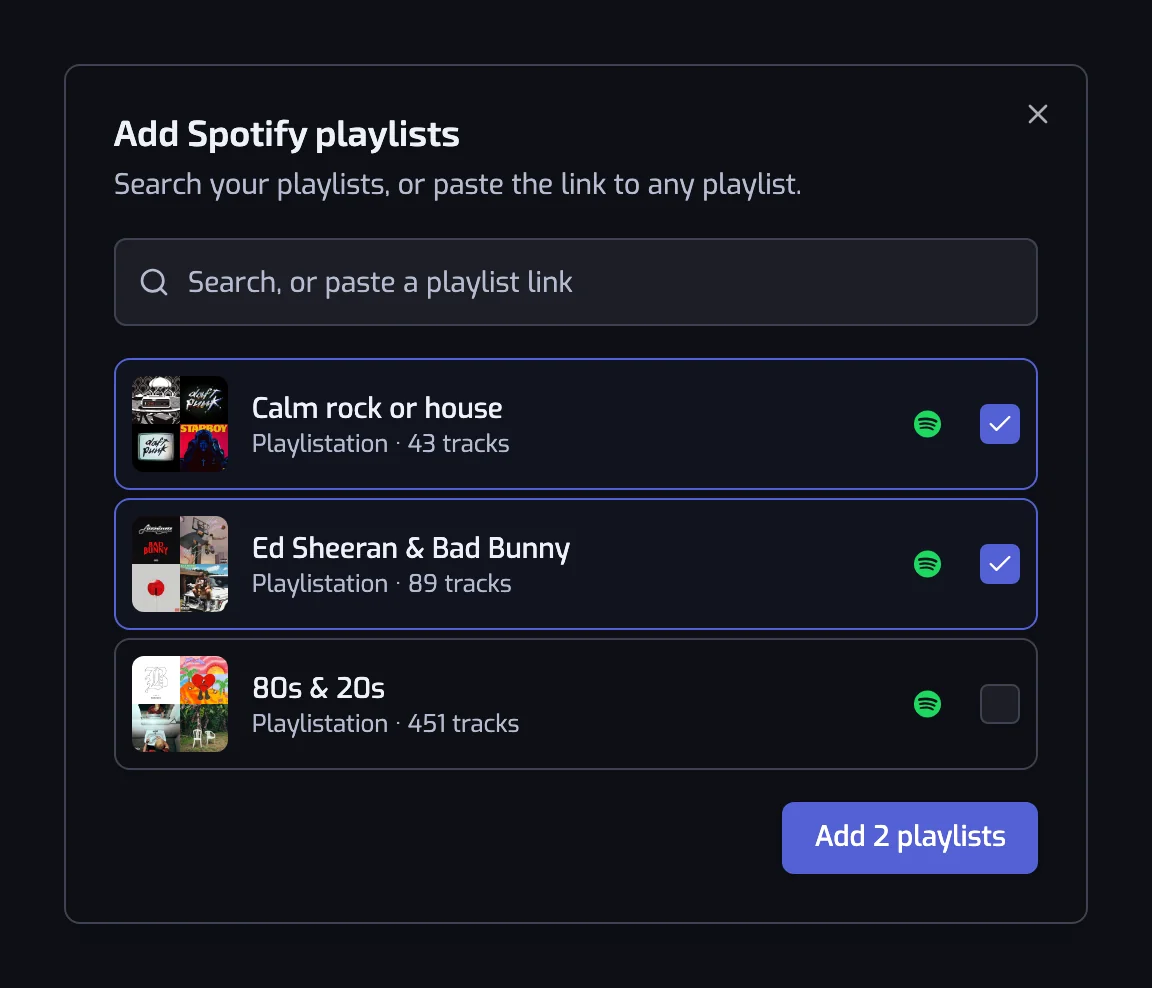
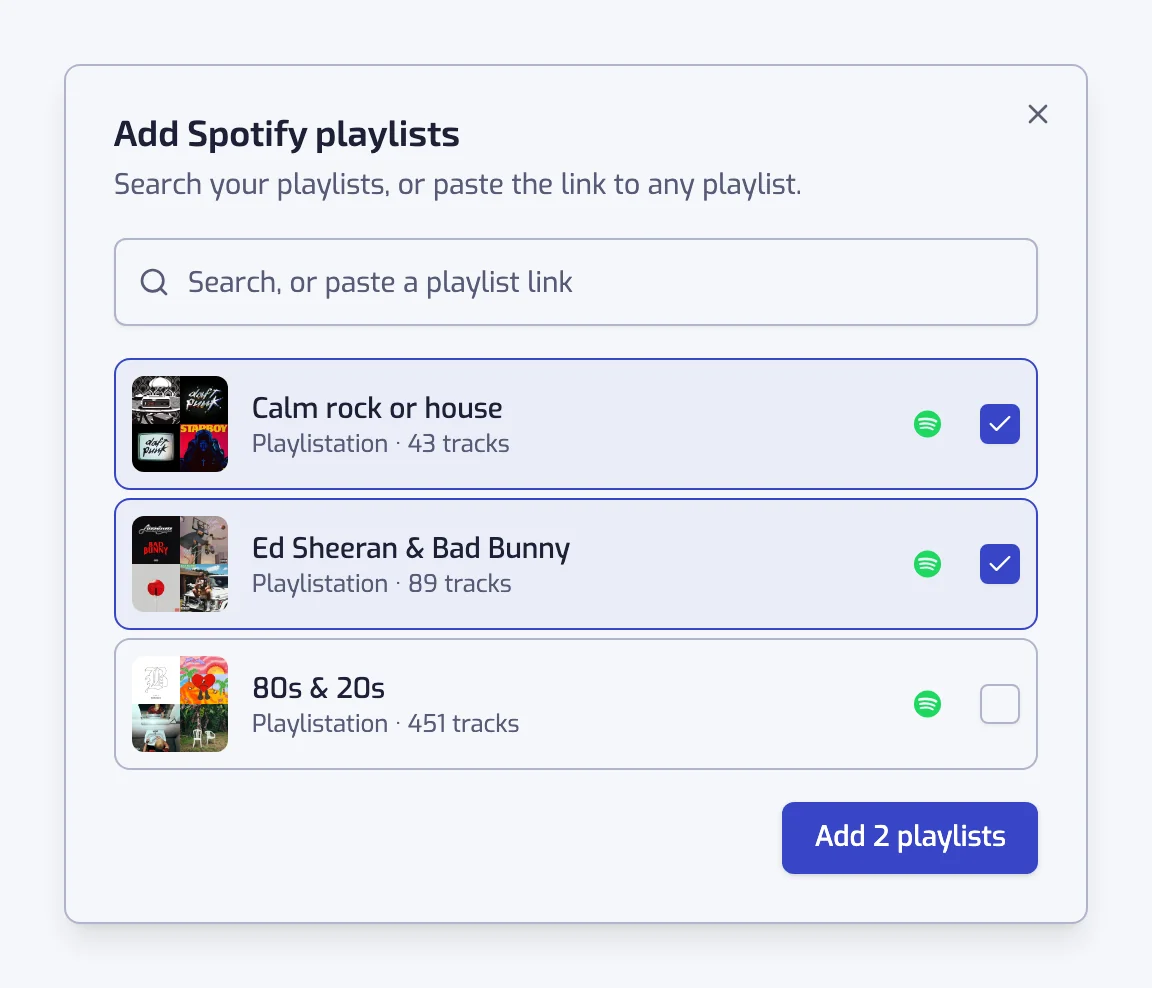
- Press Change source, then Spotify playlists…. Tick the playlist you want to filter.
- Add filters. For example Artist genre: rock, or Release date: the 90s.
- Create the playlist. It fills with the matching tracks and keeps itself in step with the source.
The source list is described in where your tracks come from. A track added to the source later joins your playlist at an update if it passes the filters. How often updates run is in how syncing works.
Split a playlist by genre
To split one big playlist by genre, make one playlist per genre, each reading the same source. A rock playlist filters the source by rock, a hip hop playlist by hip hop, and so on. Each is a separate Spotify playlist and the source stays whole.
A track whose artist carries two of your genres lands in both playlists. A genre label the artist does not have leaves the track out. The Artist genre filter explains the labels.
Filter a playlist you did not make
A source can be one of your own playlists, one you follow, or a public playlist whose link you paste. Paste a link such as https://open.spotify.com/playlist/… in the picker and it finds that playlist.
Playlistation reads the playlist and writes nothing back to it, so a playlist someone else owns is never touched. If Spotify stops serving it because it was deleted or made private, the row stays on the list with a warning, and the playlist keeps working from its other sources.
What you can filter by
Every filter works on a Spotify playlist except one. The ones people use most:
- Artist genre, for the rock, hip hop or house in a mixed playlist.
- Release date, for a decade or a single year.
- Tempo, for a BPM range such as 120 to 130.
- Language, for the songs in one language.
- Energy and Positiveness, for a mood.
The full list is in the filters reference. The exception is Liked date: a track in a Spotify playlist has no date you liked it, so that filter does not work over one.
What it does not do
- It never reorders or edits the original playlist. The result is a new playlist.
- It is not a one-time copy. The new playlist follows its source from then on.
- It does not split a playlist in halves or by a number of tracks, and it does not remove duplicates inside an existing playlist.
- It reads at most 20 Spotify playlists per playlist.
- It skips podcast episodes and local files, which have no Spotify track to add.
- The playlist is cut to the limit of your plan, keeping the most recent additions. The limits are in how syncing works.
- Spotify caps a playlist at 10,000 tracks.
To combine several playlists before filtering, see merge Spotify playlists. For albums as a source, see a playlist from albums.
Questions about filtering a Spotify playlist
How do I filter a Spotify playlist by genre?
Create a playlist in Playlistation, choose the playlist as its source, and add the Artist genre filter with the genre you want. It fills a new Spotify playlist with the matching tracks. The original playlist is read and never changed.
Can I filter a playlist by BPM or by release year?
Yes. Add the Tempo filter for a BPM range, or the Release date filter for a decade or a year. You can combine them with a genre, for example 90s rock between 120 and 140 BPM, and the playlist keeps itself up to date.
Can I filter a playlist I did not make?
Yes, if you follow it or can paste its public link. Add it as a source and filter it like your own. Playlistation only reads it. A playlist someone else owns is never changed, and one Spotify stops serving shows a warning on its row.
Does filtering change the original playlist?
No. Playlistation makes a new playlist and only reads the source. Nothing is written back to the original, and its order, tracks and name stay as they were. Deleting the new playlist leaves the source untouched.
Does the filtered playlist update when the original changes?
Yes. A track added to the source joins your playlist at an update if it passes the filters. A change in the source can take up to about an hour to show, on top of your plan's update interval, as how syncing works explains.
Can I split one playlist into several by genre?
Yes. Make one playlist per genre, each with the same source and its own genre filter. Each one is a separate Spotify playlist. It does not split a playlist in halves or by a number of tracks.
Why is the Liked date filter greyed out?
A track in a Spotify playlist has no date you liked it, so the Liked date filter cannot work over one. It is greyed out and says why. Remove the playlist source to use it, or filter by Release date instead.