
Clean Spotify playlist: Liked Songs without explicit ones
Every Liked Song Spotify does not mark explicit, in one clean playlist for the office or a car full of kids. A new like joins only if it is not explicit.
Sign in with Spotify. The Free plan needs no card.
Every Liked Song Spotify does not mark explicit, in one clean playlist for the office or a car full of kids. A new like joins only if it is not explicit. Add the Explicit filter in Playlistation, left on Clean only, and it fills a real Spotify playlist from your Liked Songs, then keeps it clean as you like more music.
How to make a Spotify playlist clean in three steps
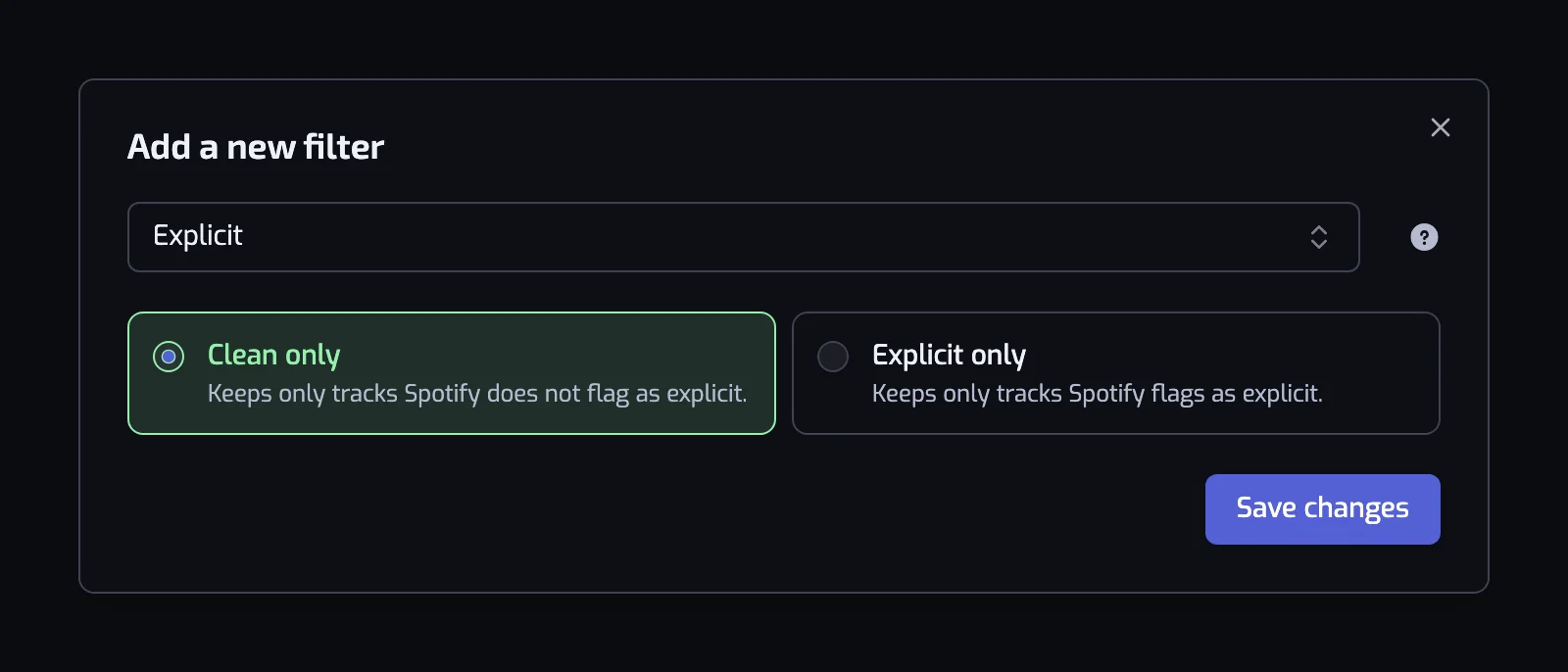
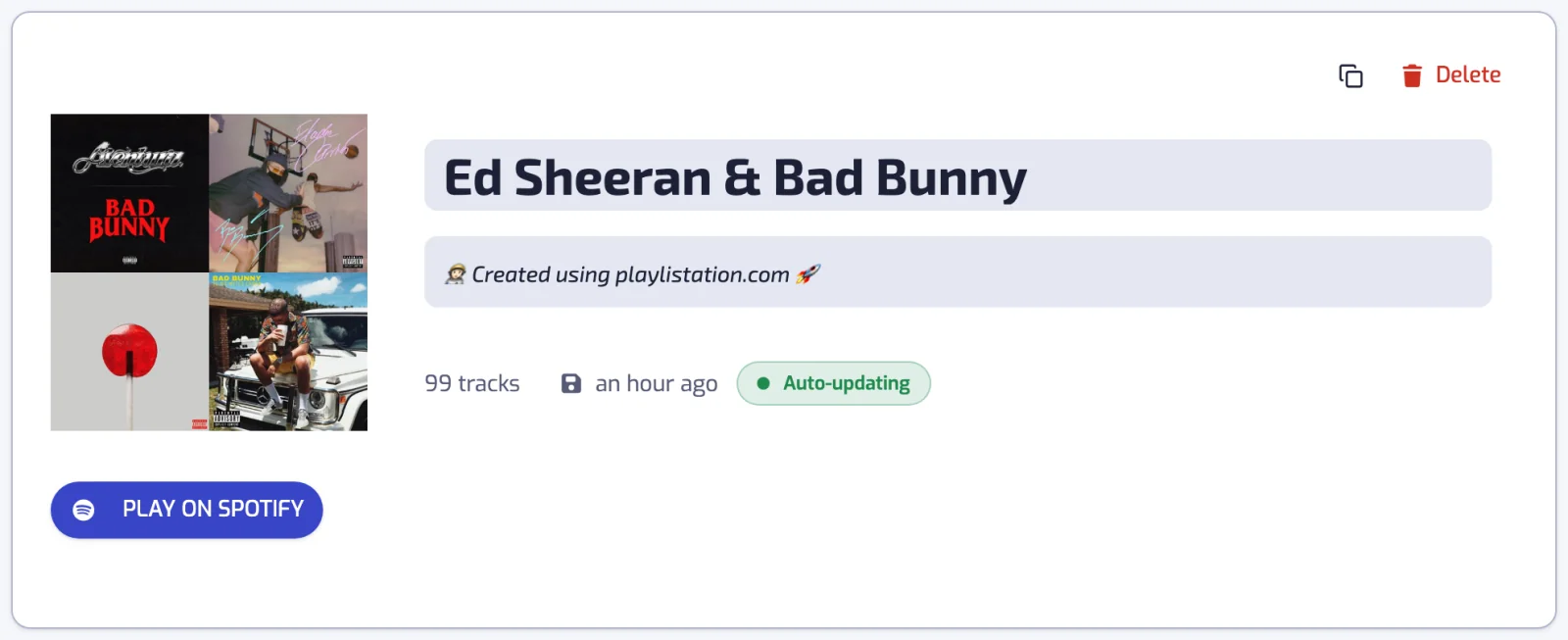
A clean playlist is one smart playlist with a single filter. You create it, add the Explicit filter and save. Playlistation fills it with the liked songs Spotify does not mark explicit.
- Create a playlist. It is named after its filters; rename it on its page if you want another name in Spotify.
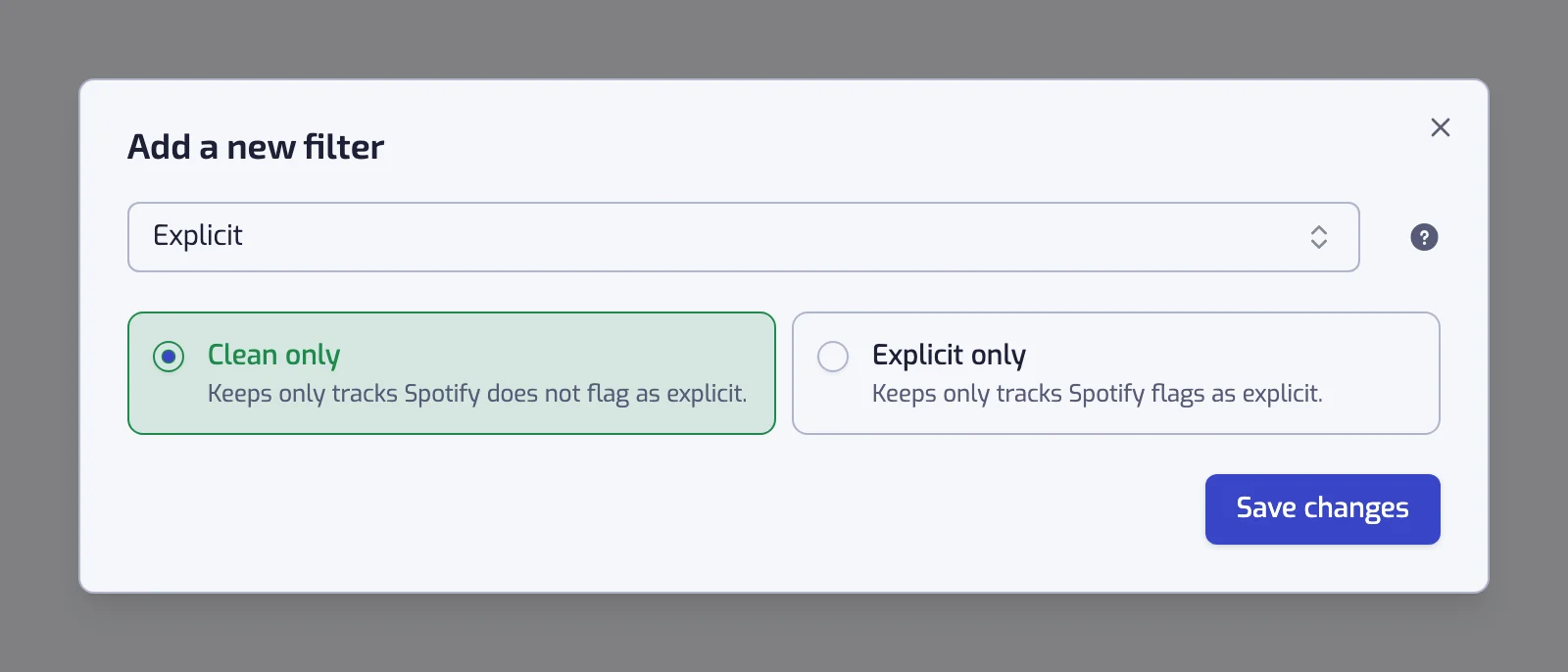
- Add the Explicit filter. It starts on Clean only, so there is nothing to set.
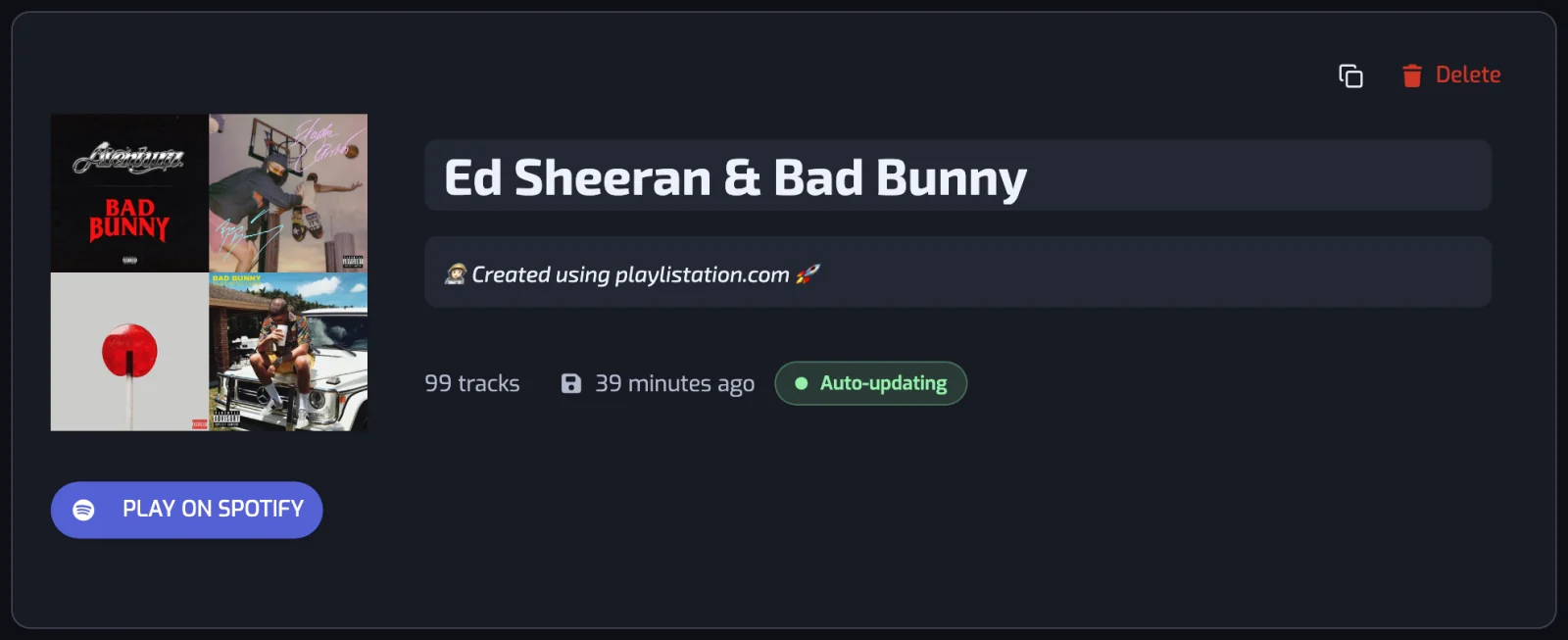
- Create the playlist. It fills with your clean Liked Songs and keeps itself in step.
What clean means here
Playlistation keeps the songs Spotify does not mark explicit. The mark comes from the label or distributor, and the filter reads it, never the lyrics. A song with explicit lyrics that nobody marked counts as clean, so Clean only is a strong filter, not a guarantee. How Spotify marks songs is in the explicit content guide.
It does not swap a song for its clean version
A song can exist in a clean and an explicit version. If you liked the explicit one, it stays out of the playlist. Like the clean version too and it joins at the next update. Some explicit releases have no clean version on Spotify, and how to find a clean version is in the guide.
It is built from your Liked Songs
The playlist is built from the songs you liked. A new like joins at the next update when it passes the filter, and a song you unlike leaves. You never pick songs by hand. It makes a new playlist and never edits a playlist you already have.
Clean playlists people build
Each row is written the way the app shows the filter once it is saved.
| Playlist | Filters |
|---|---|
| Clean for the office | The track is Clean |
| Clean rap | The track is Clean, and the track artist is tagged with one of rap, hip hop |
| Clean 90s | The track is Clean, and Release date: The 90s (1990–1999) |
| Clean party | The track is Clean, and the track danceability is at least 70% |
The rap row borrows the labels of an artist genre playlist, and the 90s row is the same move as a playlist by decade. The Explicit filter goes on top of whatever else a playlist does. Its reference, with the exact sentence for each card, is on the Explicit filter page.
Spotify's own setting, and why a playlist is different
Spotify's setting grays out the songs marked explicit and skips them, everywhere on your account. A playlist is for one occasion, like the office speaker or a car with children, and the rest of your listening stays as it is.
The filter does not change Spotify's setting, and the setting does not change what the filter keeps. A playlist of explicit songs stays grayed out on an account where explicit content is off. The steps to switch the setting are in the guide, under switch explicit content off or on.
The playlist stays clean as you like new songs
The filter is stored as a rule, so the playlist is never finished. Like a song that is clean and it joins at the next update. Updates run once a day on the Free plan, every hour on Plus and in under 30 minutes on Pro (how syncing works).
Questions about a clean Spotify playlist
Can Spotify turn a playlist into a clean version?
No. Spotify's setting grays out explicit songs across your whole account, but it does not turn a playlist into a clean version. Playlistation builds a clean playlist from your Liked Songs and does not change your other playlists.
How do I make a clean Spotify playlist?
Create a smart playlist in Playlistation and add the Explicit filter, which starts on Clean only. It collects every liked song Spotify does not mark explicit into a real Spotify playlist. From then on, each clean song you like is added at the next update without you doing anything.
Does it replace explicit songs with their clean versions?
No. The playlist keeps the clean songs you liked and leaves the others out. If you liked only the explicit version of a song, like the clean version as well and it joins at the next update. Some explicit releases have no clean version on Spotify, so those songs stay out.
Is a clean playlist guaranteed to have no swearing?
No. Playlistation reads the mark Spotify shows on each song, never the lyrics. A song with explicit lyrics that was never marked counts as clean, so Clean only is a strong filter and not a guarantee. For a playlist played in front of children, listen once before you share it.
How can I play my Spotify Liked Songs without explicit songs?
Make a smart playlist with the Explicit filter on Clean only, and play that playlist instead of Liked Songs. It holds the songs Spotify does not mark explicit and updates as you like music. How to switch explicit content off for your whole Spotify account is in the explicit content guide.
Will a song I like later be added if it is clean?
Yes. The filter runs again at every update, so a new like joins the playlist when Spotify does not mark it explicit, and it stays out when it does. Updates run once a day on Free, every hour on Plus and in under 30 minutes on Pro.
Is the Explicit filter on the free plan?
Yes. The Explicit filter, like every filter, works on every plan, so a free account can build a clean playlist. The Free plan limits you to five playlists and watches your 1,000 most recent likes.