Getting started
Home
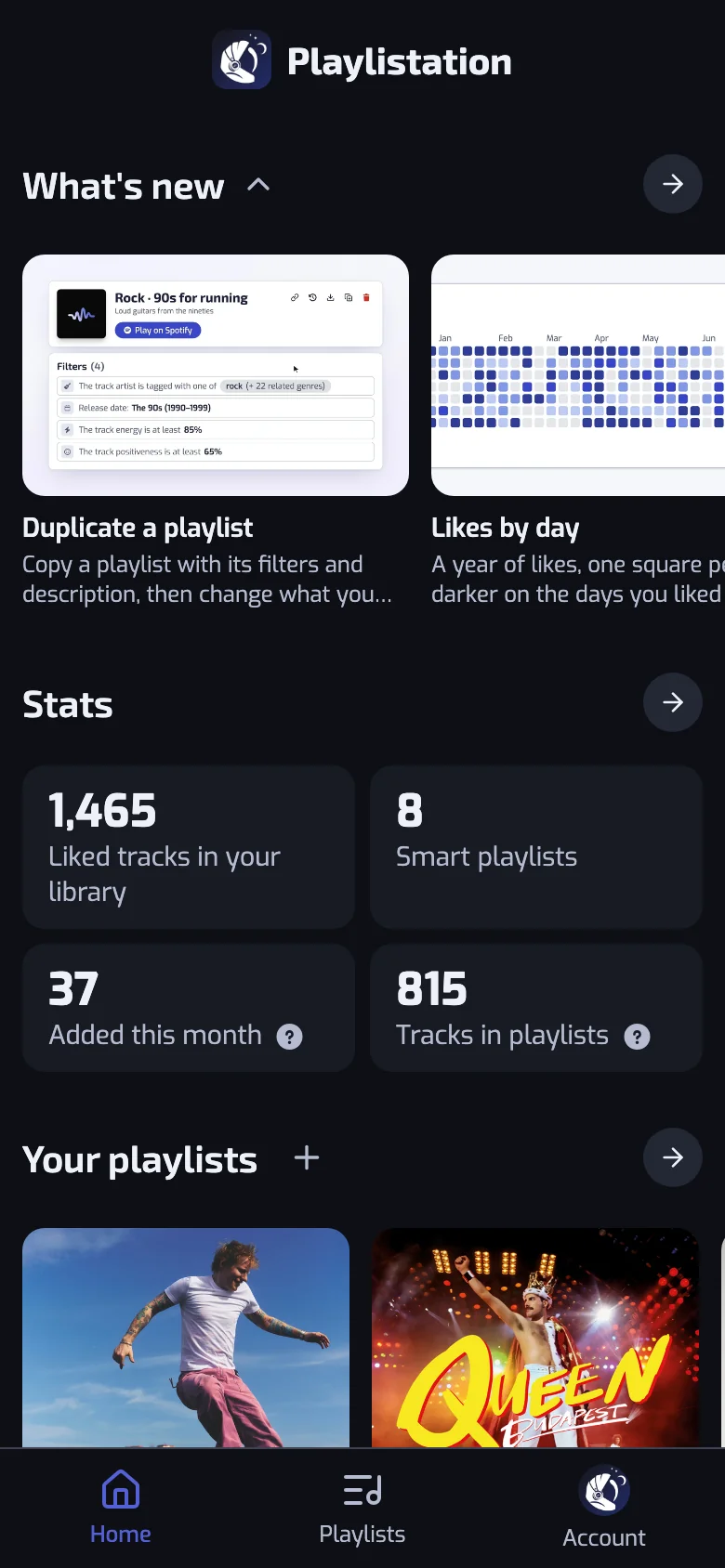
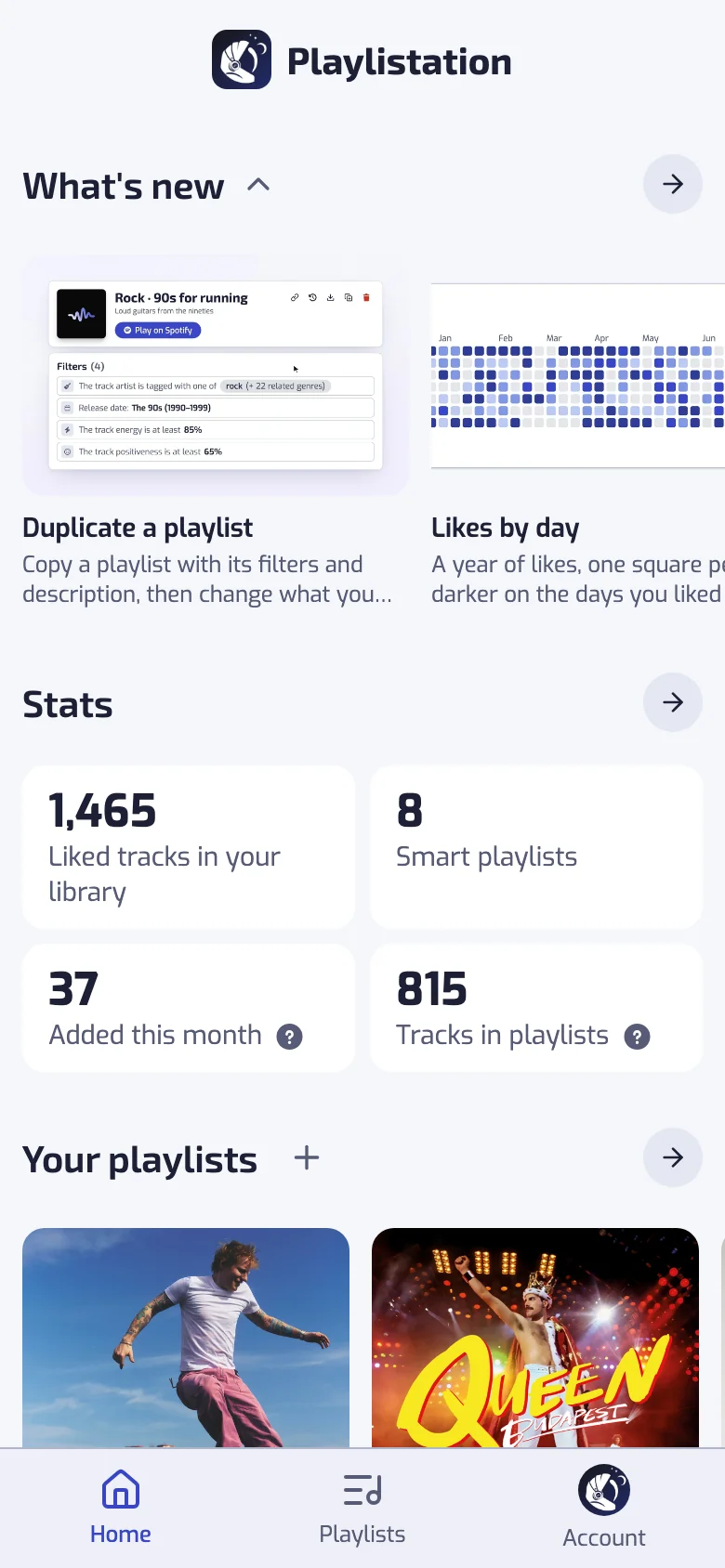
Home is the page Playlistation opens on. It shows what your playlists did lately and where your account stands, and each block leads to the page with the details. Home comes first in the sidebar and in the tab bar on a phone.
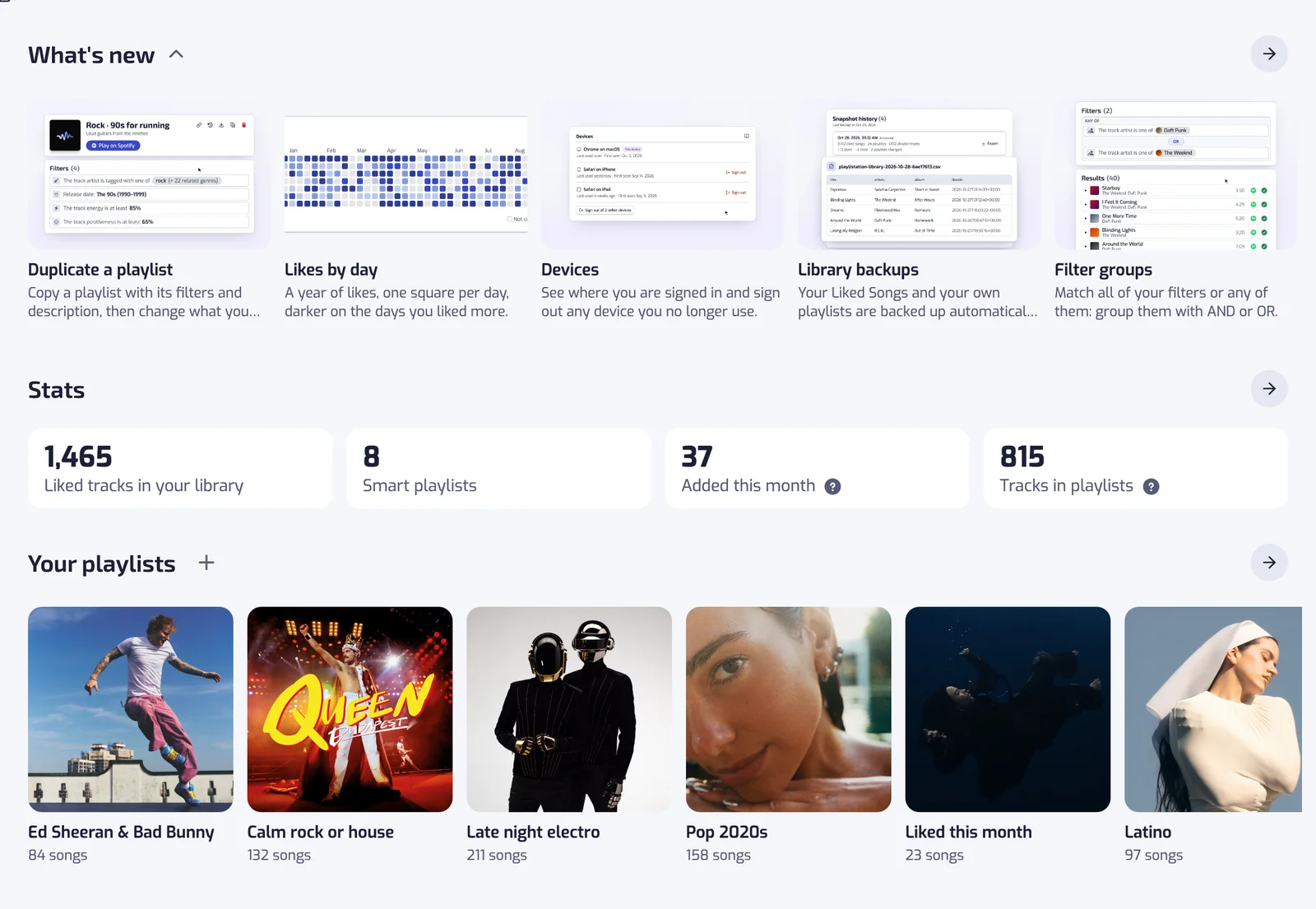
What's new
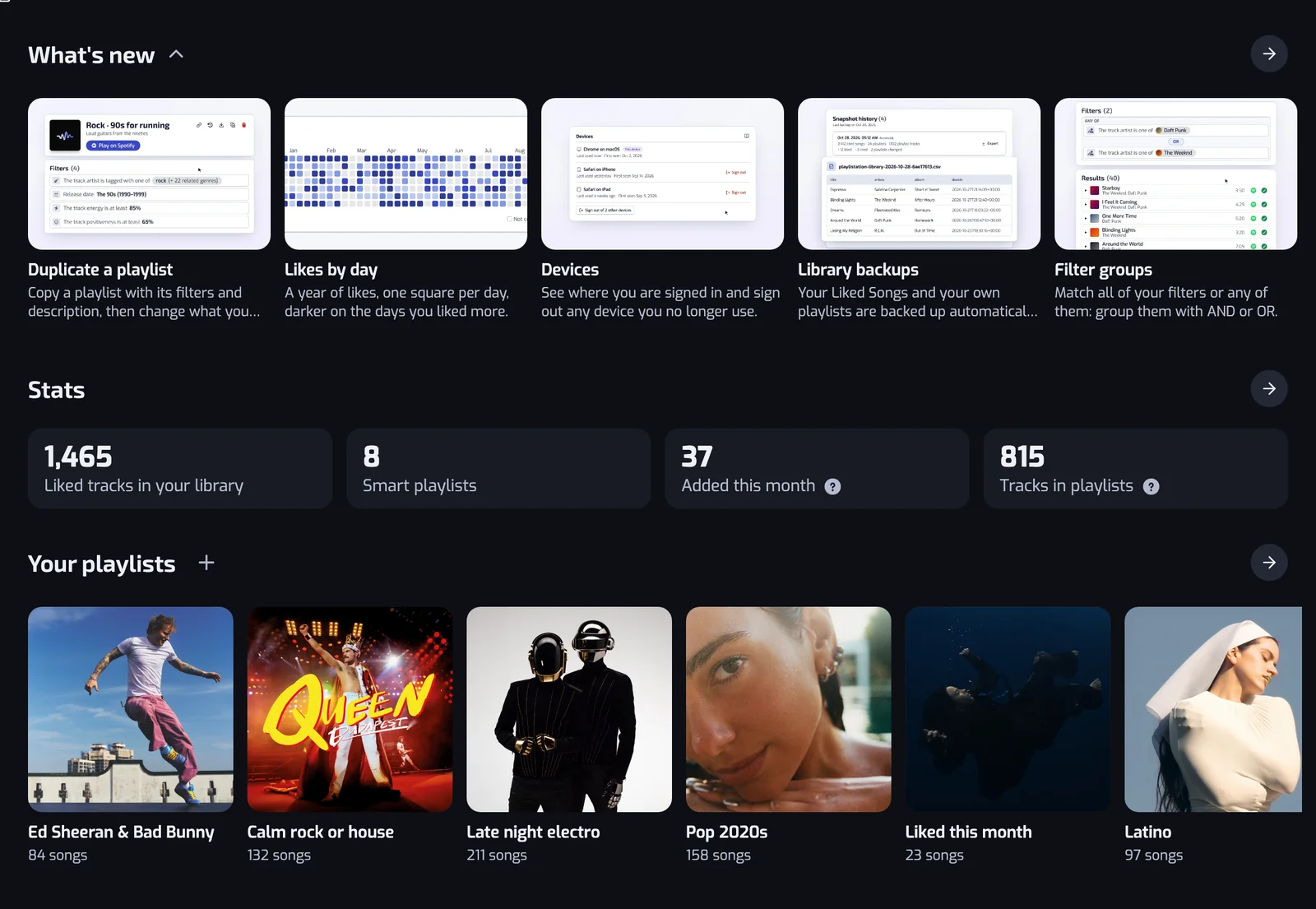
What's new shows the newest changelog entries as cards, with the number you have not read yet beside the title. A card opens its entry in the changelog, and the arrow opens the whole changelog. See Giving feedback.
Playlists that stopped updating
When a playlist has stopped updating, a line under What's new names it, "Name stopped updating", with Open playlist. The playlist's page says what went wrong. See Why a Playlistation playlist is not updating on Spotify.
Stats
Four numbers from the Stats page: Liked tracks in your library, Smart playlists, Added this month and Tracks in playlists. Each number opens the Stats page. See Library stats.
Your playlists
Your playlists sit in a row that you scroll sideways. Each one opens its playlist, and the arrow opens the Playlists page. The + beside the title creates a playlist; see Creating a playlist.
Before your first playlist, the row shows ideas from your library instead. Each idea opens the create form with its filters filled in. See One-click playlists.
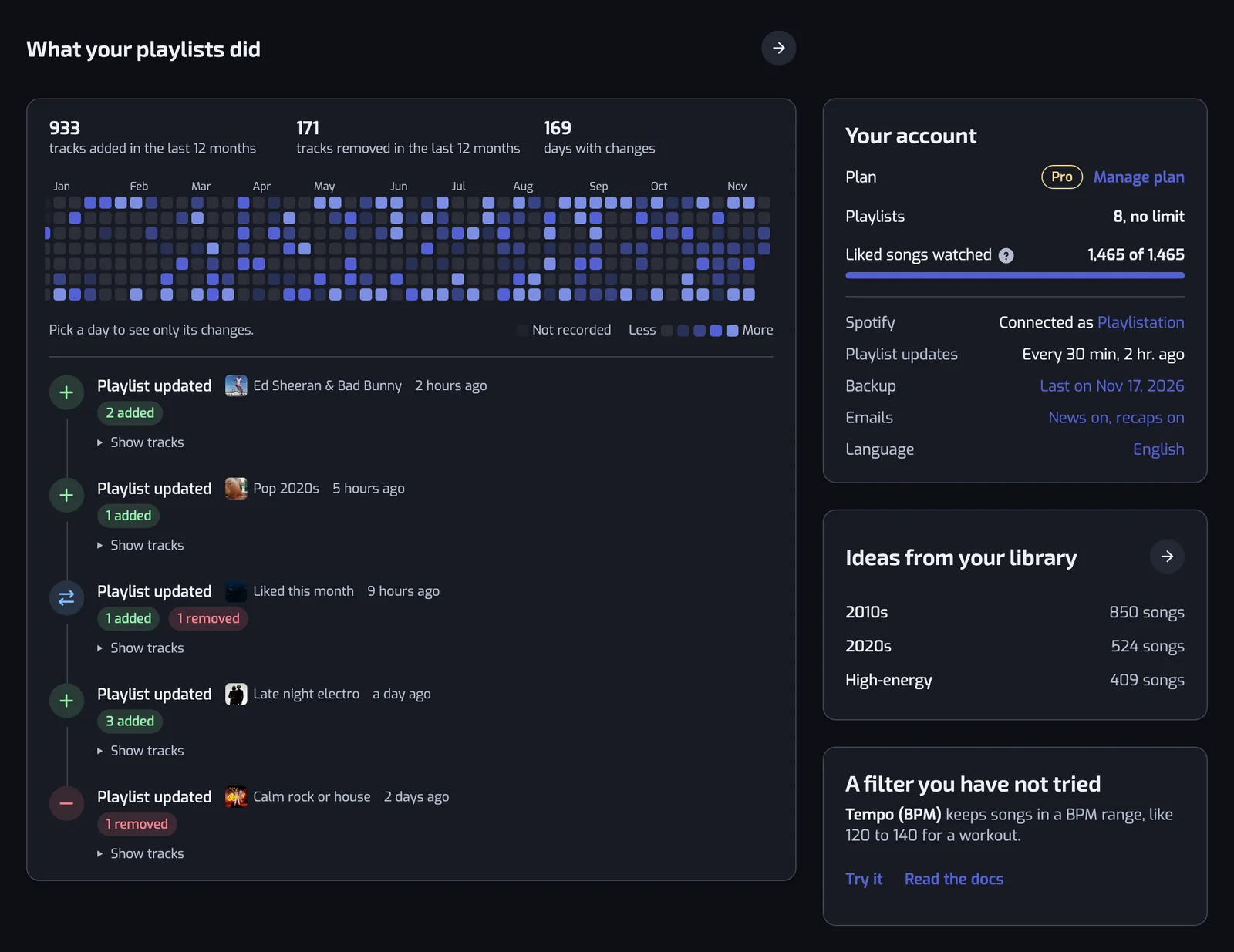
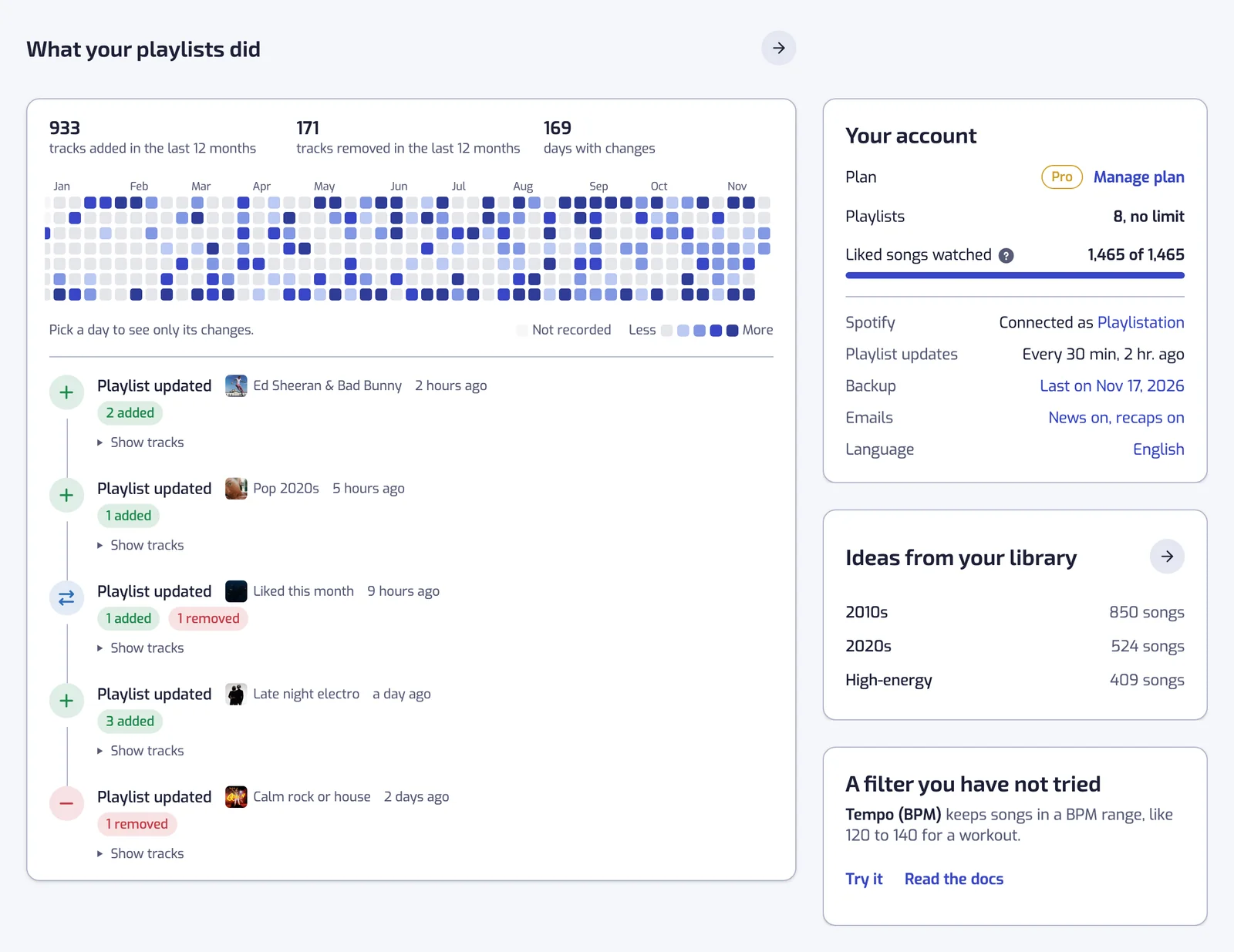
What your playlists did
The same totals and activity heatmap as the History page, then the newest changes to your playlists. Pick a day on the heatmap to see that day's changes only; Show all days brings back the rest. The arrow opens History. Your plan sets how far back it goes, as on History. See Playlist history.
Ideas from your library
A few playlist ideas from Discover, each with its number of songs. An idea opens the create form with its filters filled in, and the arrow opens Discover.
A filter you have not tried
A filter none of your playlists uses yet, with an example of what it keeps. Try it opens the create form with that filter, and Read the docs opens its page in this documentation. See All filters.
Your account
- Plan: your plan, with See plans on the Free plan or Manage plan on a paid one. Both open the Subscription page. See Plans and billing.
- Playlists: how many playlists you have out of your plan's limit, or "no limit".
- Liked songs watched: how many of your liked songs your playlists are built from. See How syncing works.
- Spotify: the Spotify account you are connected as, linked to its profile.
- Playlist updates: how often your plan updates your playlists, and when one last updated.
- Backup: the date of your last backup. It opens Backups; see Library backups.
- Language: the app's language. It opens Settings; see Settings.
At the bottom
Links to Discover, this documentation and the chat (Ask us a question). See Giving feedback.
On a phone
The tab bar at the bottom has three tabs: Home, Playlists and Account. Discover, Stats, History, Backups and Settings are in the panel the Account tab opens.