

Automatically sort your Spotify Liked Songs by BPM
Every Liked Song between 120 and 130 BPM, or at any tempo you pick, in one Spotify playlist for your runs or workouts. It keeps up as you like more.
Sign in with Spotify. The Free plan needs no card.
Every Liked Song between 120 and 130 BPM, or at any tempo you pick, in one Spotify playlist for your runs or workouts. It keeps up as you like more. Playlistation gathers every liked track inside the range into a real Spotify playlist. It is the filter behind a running playlist, a study playlist and a set at one club tempo.
What the BPM filter reads
Tempo reads Spotify's audio analysis. Every track it has analysed carries one value, the overall estimated speed of the recording, and the filter keeps a track when that value is between your minimum and maximum, both ends included.
Spotify has no analysis for every track and has been winding that endpoint down, so the gaps are not rare. A track without one has no tempo and never matches, whatever range you set.
The presets
The slider runs from 0 to 200 BPM in steps of one, and seven buttons set a range in one click:
| Preset | Range |
|---|---|
| Solemn | 0 to 40 BPM |
| Slow | 40 to 66 BPM |
| Walking speed | 66 to 108 BPM |
| Fast walking speed | 108 to 120 BPM |
| Jogging | 120 to 156 BPM |
| Running | 156 to 176 BPM |
| Fast running | 176 to 200 BPM |
Clicking a preset next to the one already selected extends the range across both, so "Running and Fast running" is two clicks. The top of the scale is open: a maximum left at 200 means "at least the minimum", so a track estimated at 210 BPM still matches The track BPM is at least 176.
Building a BPM playlist
- Create a playlist and add the Tempo (BPM) filter. It opens on 75 to 120 BPM.
- Drag the two handles, or click a preset. The sentence under the slider says what you set: The track BPM is between 120 and 130.
- Create the playlist. It fills from your Liked Songs and keeps itself in step.
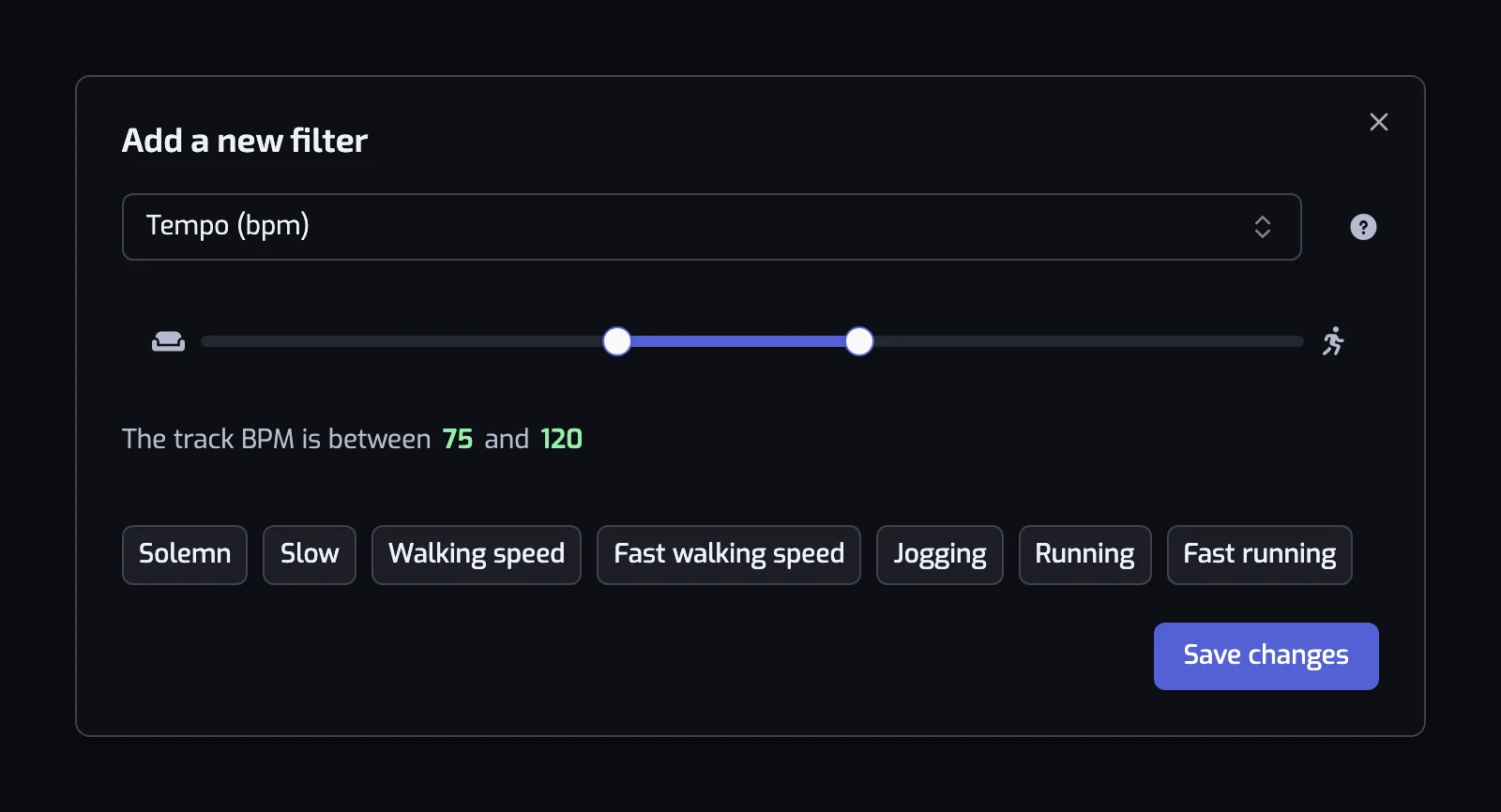
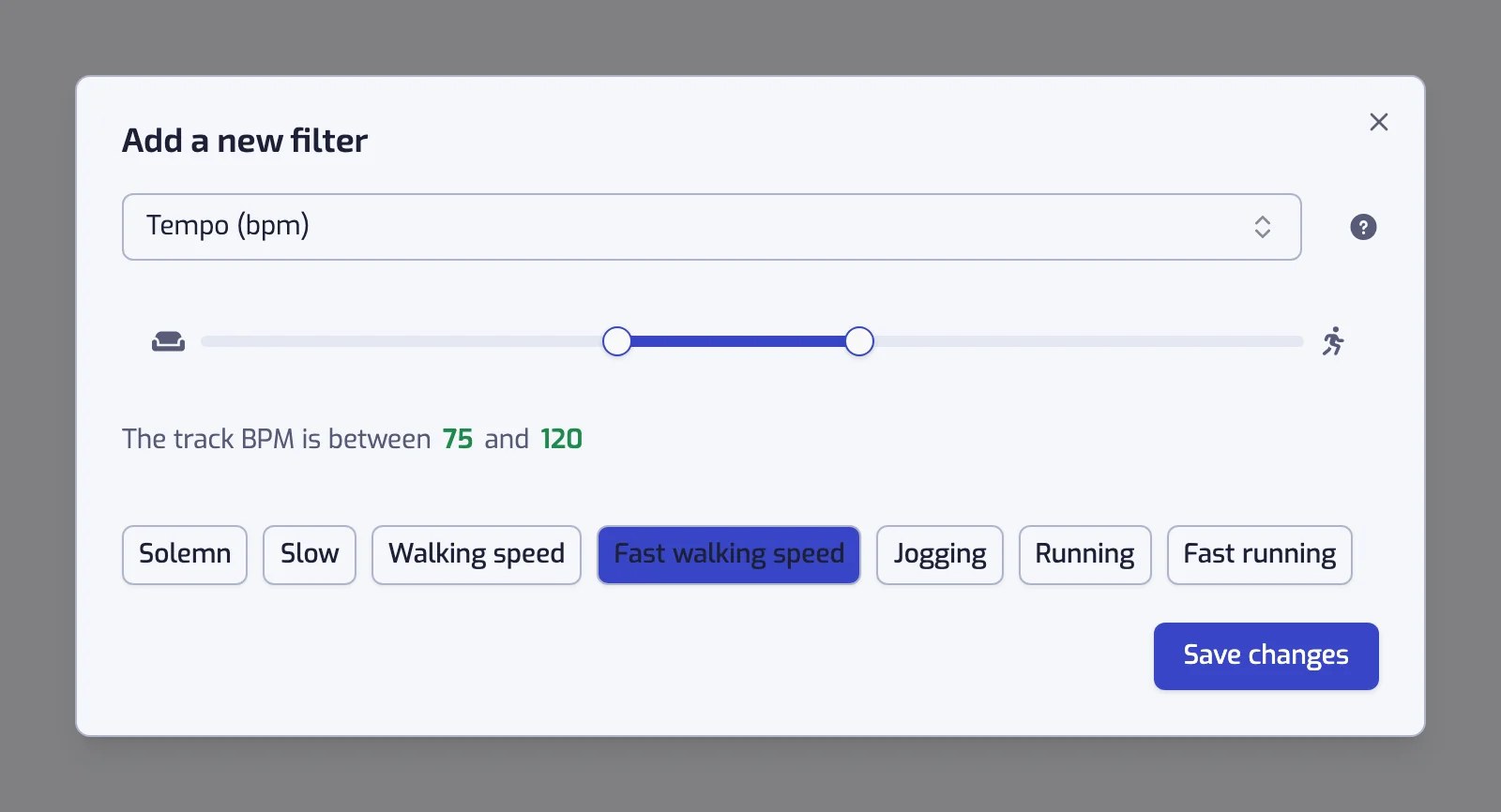
Rename the playlist after what it is for on its page. If the handles sit at 0 and 200 the app warns that every track will match, the one setting that makes the filter pointless.
Tempo is not intensity
A ballad in 6/8 can be estimated at 170 BPM and a heavy track can sit at 80, so a BPM range alone gathers songs you did not have in mind. Add the Energy filter when you mean fast and intense.
| Playlist | Filters |
|---|---|
| Running | The track BPM is between 170 and 190, and the track energy is at least 70% |
| House at house tempo | The track BPM is between 120 and 130, and the track artist is tagged with one of house, tech house |
| Wind down | The track BPM is at most 90, and the track acousticness is at least 50% |
| Study | The track BPM is between 66 and 108, and the track instrumentalness is at least 70% |
The running case has a page of its own: see building a running playlist by BPM, and 180 BPM for the usual cadence. Genre labels are on organizing Liked Songs by genre.
Two things that surprise people
- Half time and double time. Tempo estimates sometimes land on half or double the beat you tap along to, so a track you feel at 140 BPM can be listed at 70. When a song is missing, expand it in the track list at the bottom of the playlist page: the Tempo line shows the value the filter used.
- The filter is per track, not per artist. Unlike genre, tempo describes the recording itself, so it separates an artist's fast records from their slow ones.
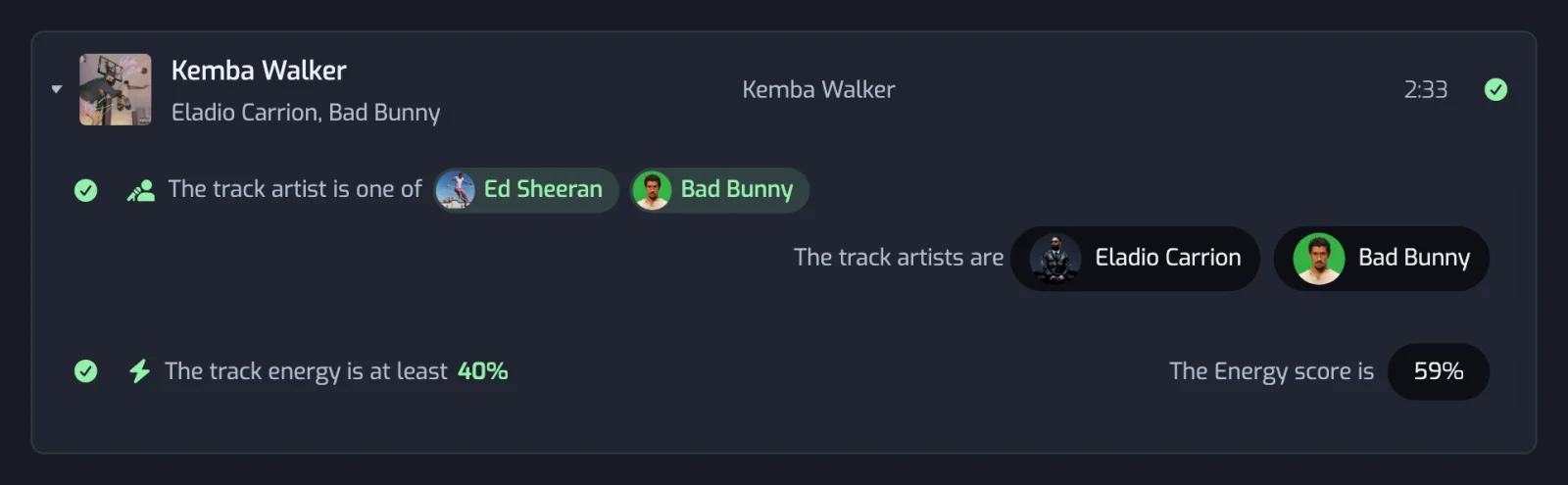
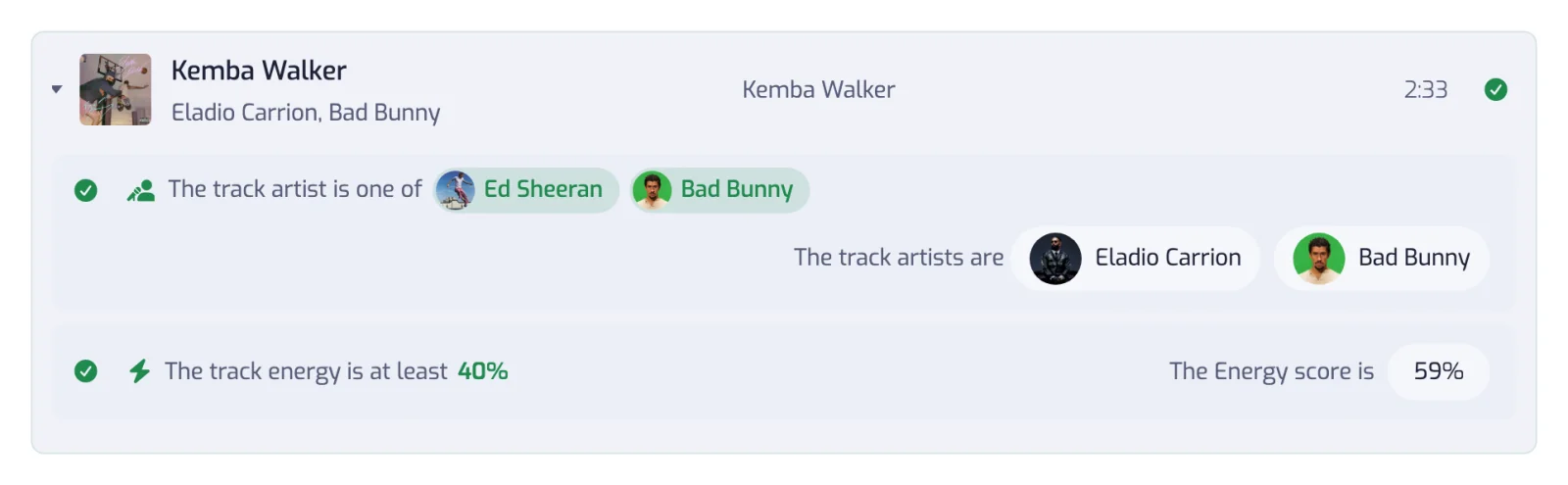
The full reference, with the sentence each range writes, is on the Tempo filter page.
It keeps itself sorted
The range is stored as a rule. Like a new 128 BPM track and it joins your house playlist at the next update: once a day on the Free plan, every hour on Plus, in under 30 minutes on Pro. See how syncing works.
Questions about filtering Spotify Liked Songs by BPM
What does BPM mean on Spotify?
BPM means beats per minute, the tempo of a song: 120 BPM is a walk, 180 a run, one beat per step. Spotify does not show a song's BPM in its track lists; with Premium, turning on Mix in a playlist you created shows each song's BPM and key. To see the BPM on Spotify songs in Playlistation, expand a track at the bottom of the playlist page: the Tempo line shows the value the filter uses. A BPM filter then turns your liked songs at that tempo into a Spotify playlist that keeps itself up to date.
Can I filter Spotify songs by BPM?
Spotify has no BPM filter of its own, but Playlistation adds one over your Liked Songs. Set a range in beats per minute, from 0 to 200, and it gathers every liked track inside it into a real Spotify playlist that updates itself. The Tempo filter works on every plan.
How do I make a BPM playlist on Spotify?
Sign in to Playlistation with your Spotify account, create a playlist and add the Tempo (BPM) filter. Drag the two handles or click a preset such as Jogging, 120 to 156 BPM, then create the playlist. It appears in your Spotify library and fills with the liked tracks inside that range. Tempo works on every plan.
Where does the BPM value come from?
From Spotify's own audio analysis of the recording, read once per track and stored for later updates. Spotify does not have an analysis for every track and has been winding that endpoint down, so a track can be missing from a tempo playlist through no fault of the filter.
What BPM should I use for a running playlist?
Playlistation ships presets rather than advice: Jogging is 120 to 156 BPM, Running is 156 to 176 and Fast running is 176 to 200. If you know your cadence in steps per minute, use that number as the BPM, or half of it. There is more on this on the running playlist page.
Why is a fast song missing from my BPM playlist?
Most often because the estimate landed on half or double the beat you count, so a track you feel at 140 BPM is listed at 70. Expand the track in the list at the bottom of the playlist page and the Tempo line shows the value that was used. The other possibility is that Spotify has no analysis for it at all.
Can I combine BPM with a genre or a decade?
Yes. Filters are joined with AND, so "between 120 and 130 BPM" and "artist tagged tech house" is one playlist, and adding a Release date filter narrows it to a period. There is no limit on how many filters a playlist holds.
Is the BPM filter available on the free plan?
Yes. Tempo works on every plan, like every other filter. The Free plan reads your 1,000 most recent likes and refreshes each playlist once a day; Plus reads more of your library and refreshes every hour, Pro reads all of it and refreshes in under 30 minutes. See plans and billing.