

How to make a 180 BPM running playlist on Spotify
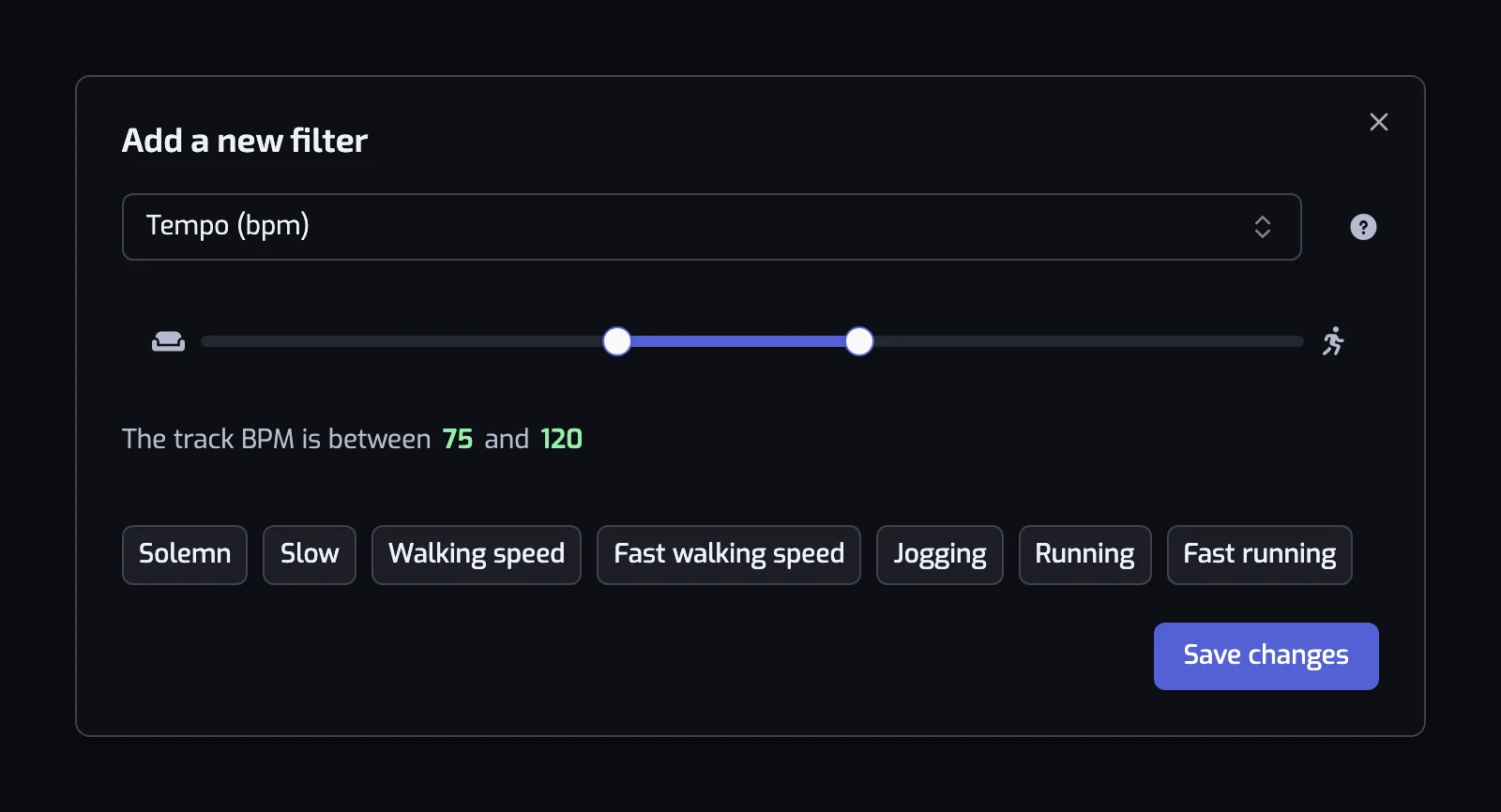
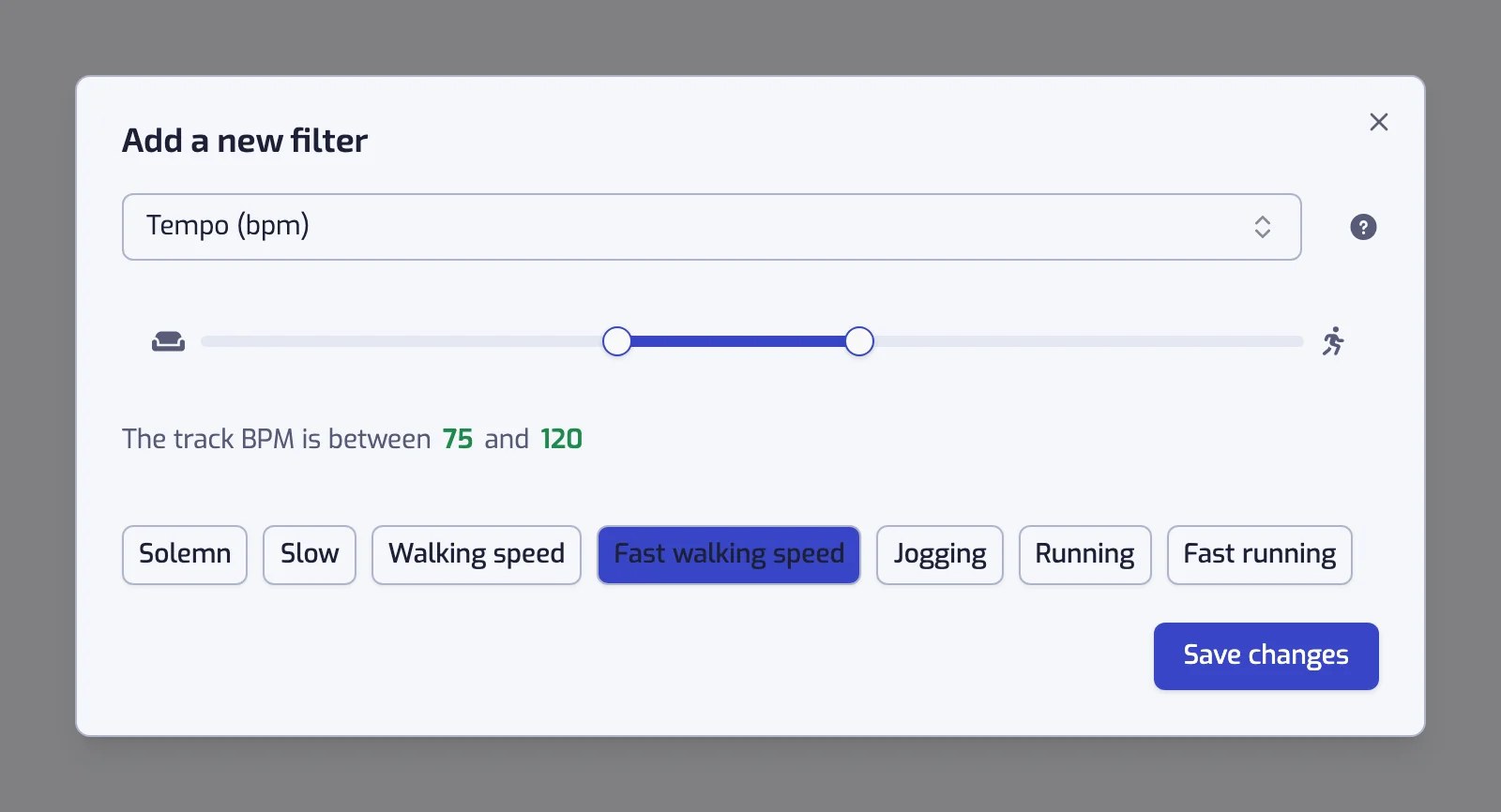
Set Tempo to 170 to 190 BPM around the 180 steps a minute runners aim for, and Playlistation keeps a Spotify playlist of your fast Liked Songs at that beat.
Sign in with Spotify. The Free plan needs no card.
180 steps a minute is the cadence most running advice points to, and a 180 BPM playlist puts one beat under each step. Spotify has no BPM filter for your own library, so Playlistation adds one: create a playlist, set Tempo (BPM) to 170 to 190, add Energy at 70% or more, and the Spotify playlist is created from your Liked Songs and refilled on its own as you like new music. It works on every plan, with any Spotify account.
180 BPM in three steps
- Create a playlist and add the Tempo (BPM) filter. Drag the handles to 170 and 190; the slider moves one BPM at a time, so 175 to 185 works too if you want it tight.
- Add the Energy filter and drag its lower handle to 70, the upper one to 100.
- Create. The playlist fills with the liked songs at that beat and keeps adding the ones you like later.
Why 180
Runners count cadence in steps per minute, and 180 is the figure coaches and running watches most often quote as a target for an efficient stride. A track at the same number of beats per minute gives each footfall a beat, which is what makes a cadence playlist feel easy to hold. It is a target, not a law: a taller runner settles lower, intervals run higher, and the band around it matters more than the exact number.
| Playlist | Range | Who it suits |
|---|---|---|
| 180, strict | 178 to 182 BPM | Cadence drills, where every song has to hit the number |
| 180, usual | 170 to 190 BPM | Most runs: enough songs, all close to the beat |
| 170 | 165 to 175 BPM | Easy days and longer runs at a lower cadence |
| 190 | 185 to 195 BPM | Tempo runs and intervals |
| 90, half time | 85 to 95 BPM | The same beat, counted on every second step |
The last row matters because of how tempo is estimated: a song that feels like 180 can be counted at 90, and some of your fastest-feeling tracks are filed there. A second playlist at 85 to 95 BPM catches them. The Running preset the app ships, 156 to 176 BPM, sits under this band: for 180 you drag the handles rather than click it.
Why add Energy
Tempo measures speed, not intensity. A ballad in 6/8 can be estimated at 180 BPM and land in the playlist. Energy is Spotify's estimate of how intense a track sounds, and a floor of 70% drops the quiet ones without hand-picking anything.
Variations worth building
| Playlist | Filters |
|---|---|
| 180 for the long run | The track BPM is between 170 and 190, the track energy is at least 60%, and the track is 4:00 or longer |
| 180, no lyrics | The track BPM is between 170 and 190, and the track instrumentalness is at least 70% |
| 180, fresh | The track BPM is between 170 and 190, the track energy is at least 70%, and Liked date: In the last 90 days |
| 180 and its half | Any of: the track BPM is between 170 and 190, the track BPM is between 85 and 95 |
The fresh one renews itself: everything you liked in the last three months at that beat is in it, and everything older has left. Other paces and the presets are on building a running playlist by BPM; the whole scale is on filtering Liked Songs by BPM.
What limits it
| Limit | What to do |
|---|---|
| Only your Liked Songs are used | The playlist is the 180 BPM part of your own library. If it comes out short, widen the band to 170 to 190, add the half-time playlist, or like more fast music. |
| A track Spotify has not analysed has no tempo | , and never matches. Spotify has been winding that analysis down, so these gaps are not rare. |
| The estimate is sometimes half or double | the beat you count. When a track you expected is missing, expand it in the track list at the bottom of the playlist page: the Tempo line shows the value the filter used. |
The references are the Tempo filter and the Energy filter.
It stays at 180 as your library grows
The range is stored as a rule, so the playlist does not need preparing before a run. Playlistation refreshes it once a day on the Free plan, every hour on Plus and in under 30 minutes on Pro, adding what you liked since and dropping what you unliked. See how syncing works.
Questions about 180 BPM running playlists
How do I make a 180 BPM playlist on Spotify?
Spotify has no tempo filter for your own library, so use Playlistation: create a playlist, add the Tempo (BPM) filter and drag its handles to 170 and 190, then add an Energy filter at 70% or above. The playlist is created on Spotify from your Liked Songs and refilled automatically as you like new music. It works on the free plan.
Why is 180 BPM recommended for running?
Because 180 steps a minute is the cadence most running advice quotes as a target for an efficient stride, and a 180 BPM song gives each step a beat. It is a guide rather than a rule: easy runs sit lower, intervals higher, which is why a band of 170 to 190 BPM makes a better playlist than the exact number.
Should the range be exactly 180, or 170 to 190?
170 to 190 for most runs: it keeps the songs close to the beat and leaves enough of them. Tighten it to 178 to 182 for cadence drills, where every song has to hit the number, and expect a much shorter playlist.
Why are some fast songs missing from my 180 BPM playlist?
Tempo is an estimate, and a song that feels like 180 is sometimes counted at 90, half the beat. A second playlist at 85 to 95 BPM catches those, and two Tempo filters with the pill between them switched to OR put both in one playlist. A track Spotify never analysed has no tempo at all and cannot match.
Does the 180 BPM playlist update itself?
Yes. The range is saved as a rule and Playlistation re-runs it over your Liked Songs once a day on the Free plan, every hour on Plus and in under 30 minutes on Pro, so a fast song you like next week joins on its own.
Do I need a paid plan for a 180 BPM playlist?
No. Tempo and Energy work on every plan, the free one included. A paid plan refreshes the playlist more often and reads more of your Liked Songs. See plans and billing.