

Automatically organize your Spotify Liked Songs
Too many Liked Songs to scroll through? Playlistation sorts them into Spotify playlists by genre or decade, and each new like lands where it belongs.
Sign in with Spotify. The Free plan needs no card.
Too many Liked Songs to scroll through? Playlistation sorts them into Spotify playlists by genre or decade, and each new like lands where it belongs. You pick filters, such as a release decade or an artist genre like french hip hop, and it fills a real Spotify playlist in your own library with the tracks you have already liked. Like a track in Spotify and the next update adds it to every playlist it matches.
How it works
- Sign in with Spotify. No password; free and Premium accounts both work.
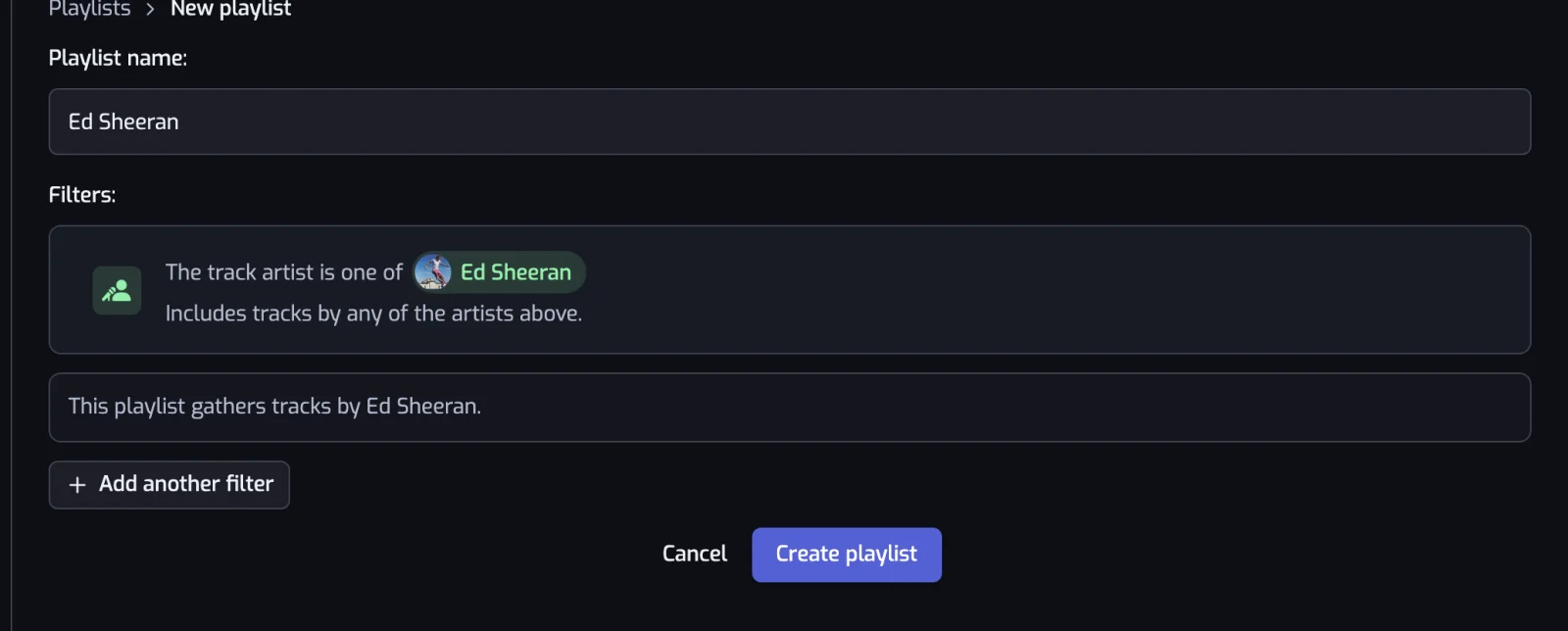
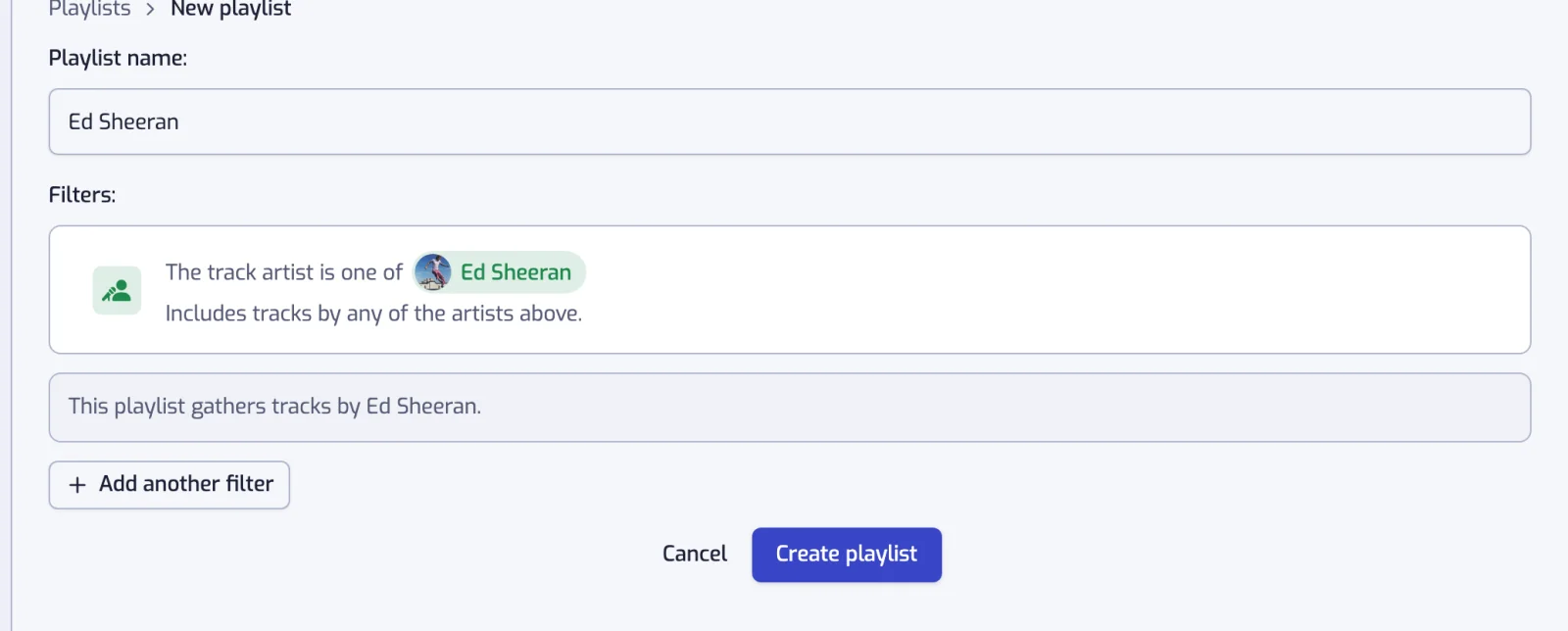
- Pick the filters. The playlist is named after them, and the app lists which tracks match and why.
- Let it run. Playlistation creates and fills the playlist, then adds new matches and removes tracks that no longer match, once a day on the Free plan and in under 30 minutes on Pro.
What you can organize by
Every filter works on every plan. Most libraries start with these:
- Genre, the labels Spotify puts on an artist: rock, french hip hop, melodic techno. See organizing Liked Songs by genre, the walkthroughs for metal and house, and the Artist genre filter.
- Artist, one or several, featured appearances included. See a playlist of one artist's songs.
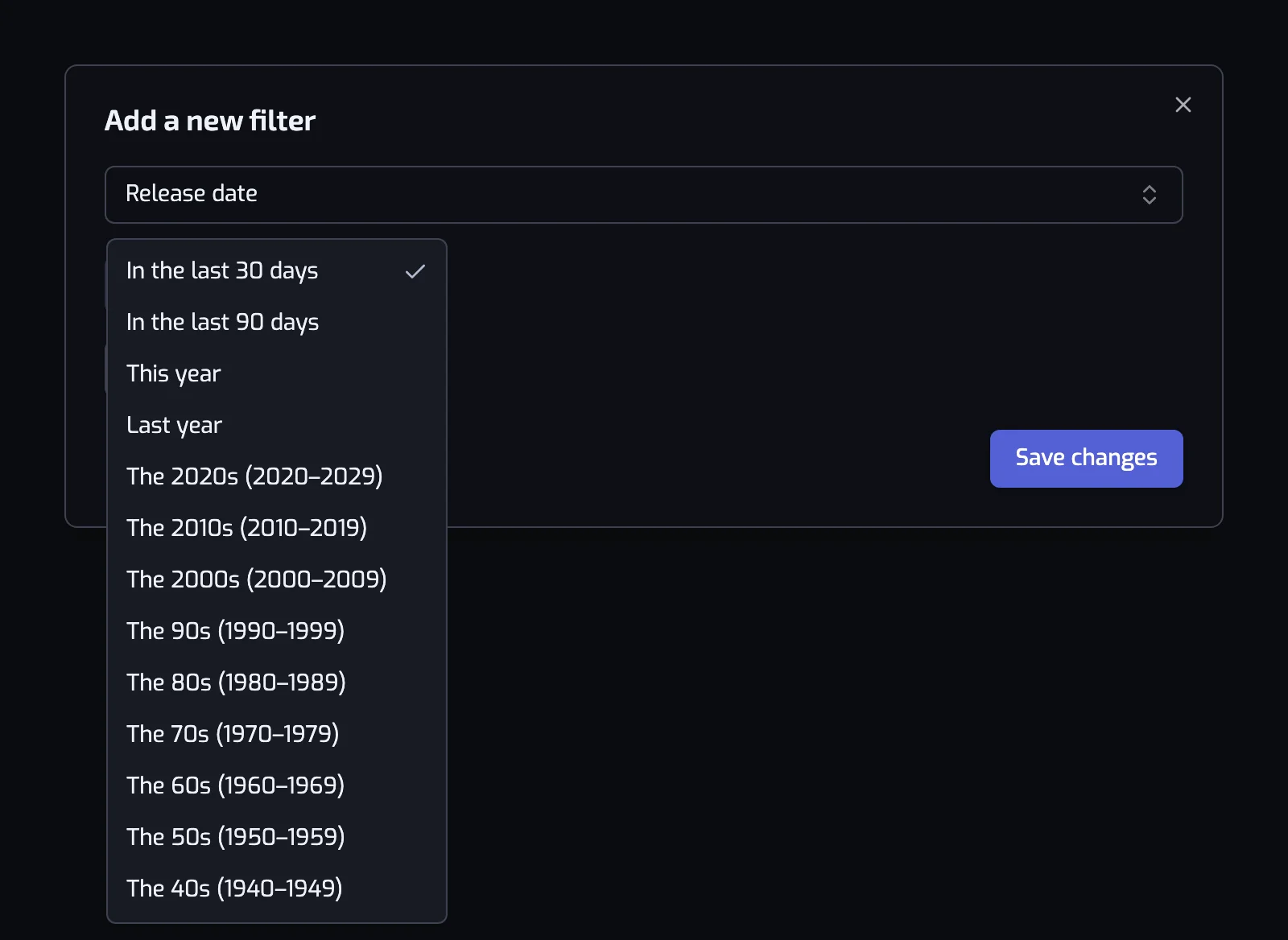
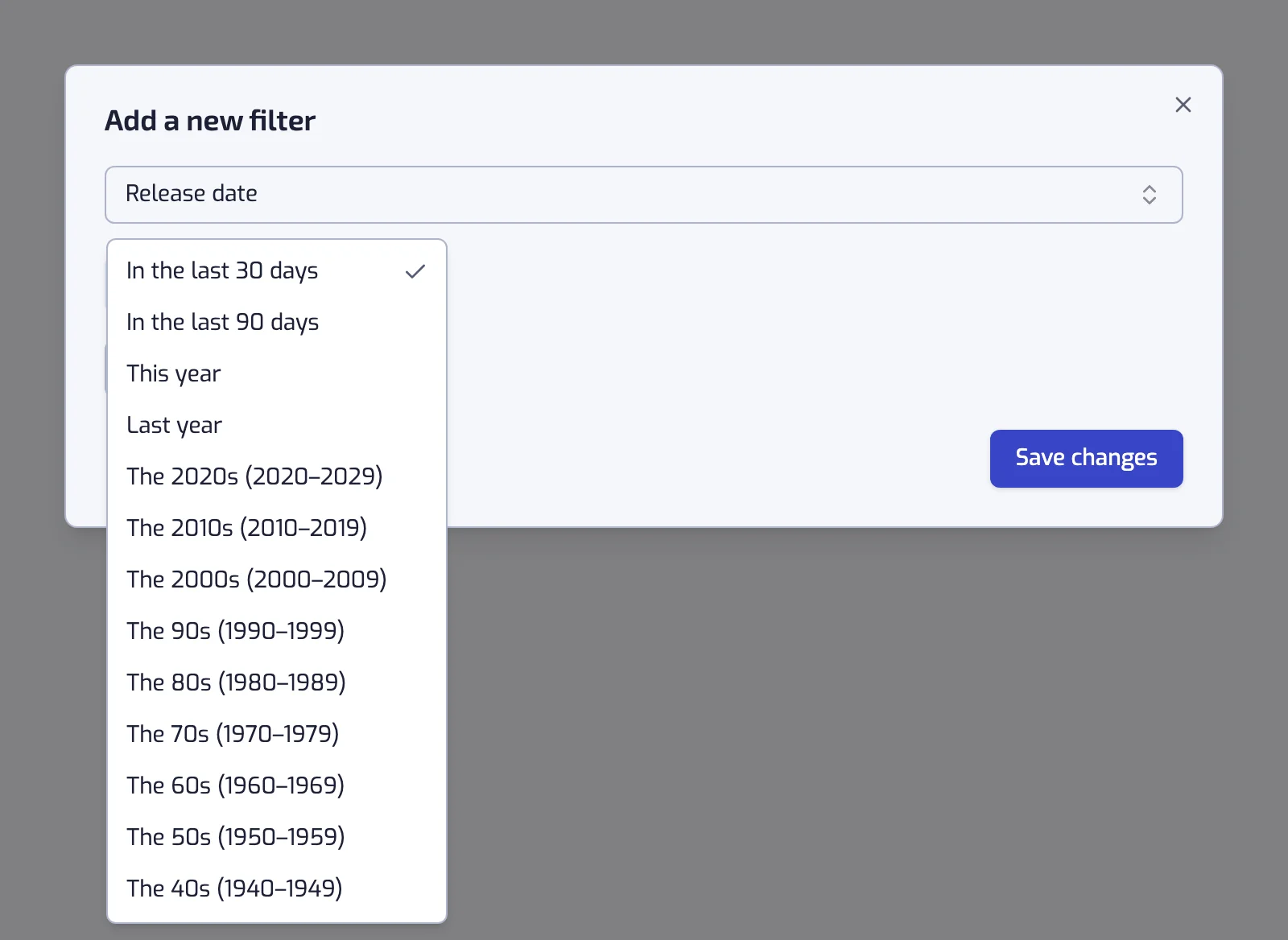
- Decade, from the 40s to the 2020s in one click. See playlists by decade.
- Release year, a single year, a range, or everything since a date. See sorting Liked Songs by release year and the Release date filter.
- Tempo, in beats per minute. See filtering Liked Songs by BPM and building a running playlist.
- Language of the lyrics. See organizing Liked Songs by language.
- The date you liked the track, which is how a "new this month" playlist empties itself. See organizing Liked Songs by date added.
The rest cover artist and track popularity, follower count, duration, explicit content, and how a track sounds: energy, danceability, positiveness, acousticness, instrumentalness, liveness and speechiness. All are in all filters.
Playlists people build first
Each row is written the way the app shows the filter once it is saved.
| Playlist | Filters |
|---|---|
| The 80s | Release date: The 80s (1980–1989) |
| New this month | Liked date: In the last 30 days |
| French rap | The track language is one of French, and the track artist is tagged with one of french hip hop |
| Running | The track BPM is between 170 and 190, and the track energy is at least 70% |
| Long tracks | The track is 6:00 or longer |
| Discoveries | Liked date: In the last 180 days, and the track artist has at most 100K followers |
More of them, written out step by step, are in combining filters.
Turn your Liked Songs into a playlist
To get every liked track in one playlist, give it a single filter that all your likes pass:
- Liked date, on Custom range, card After.
- Set it to a day before your first like, for example 1 Jan 2010.
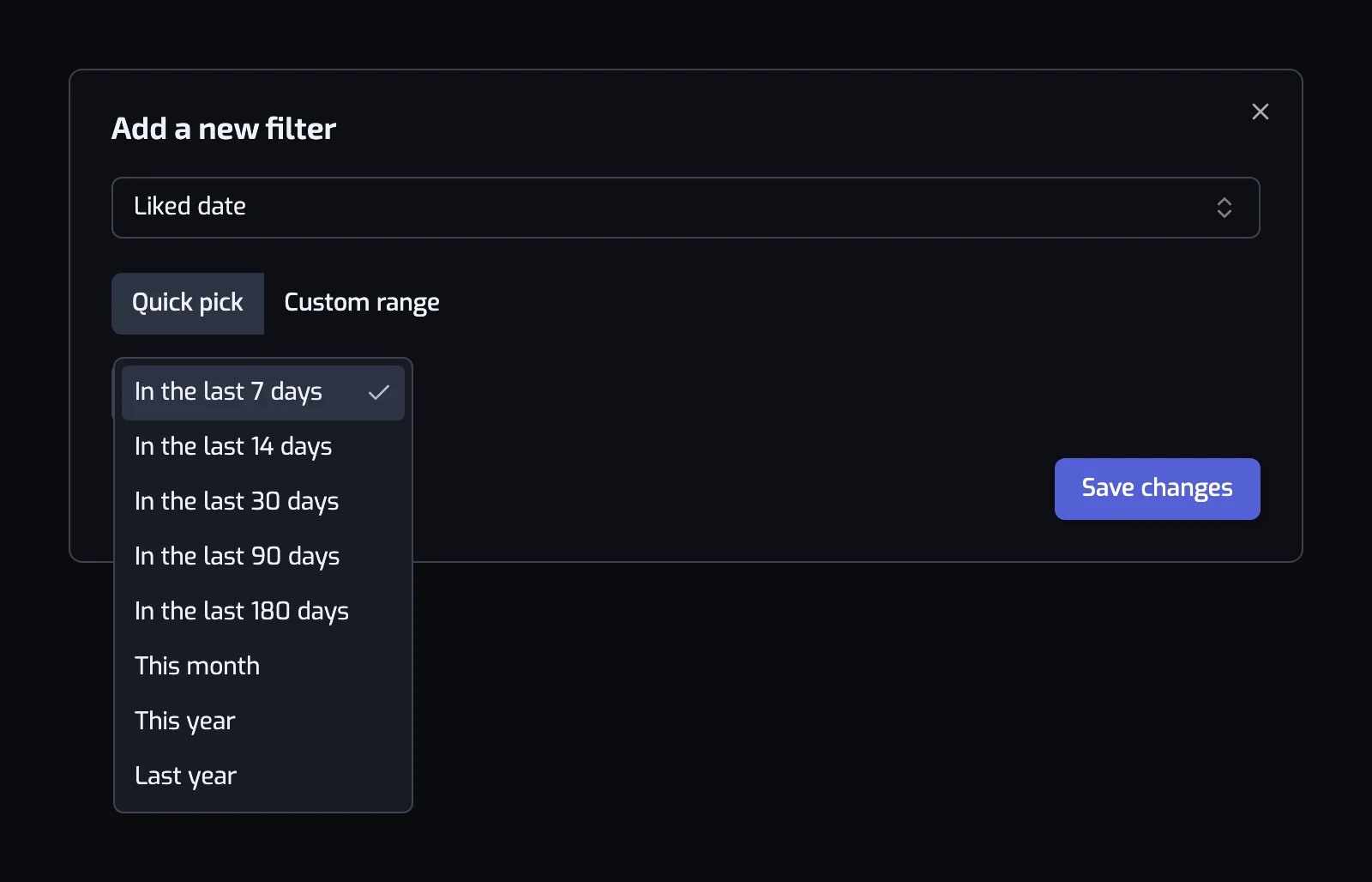
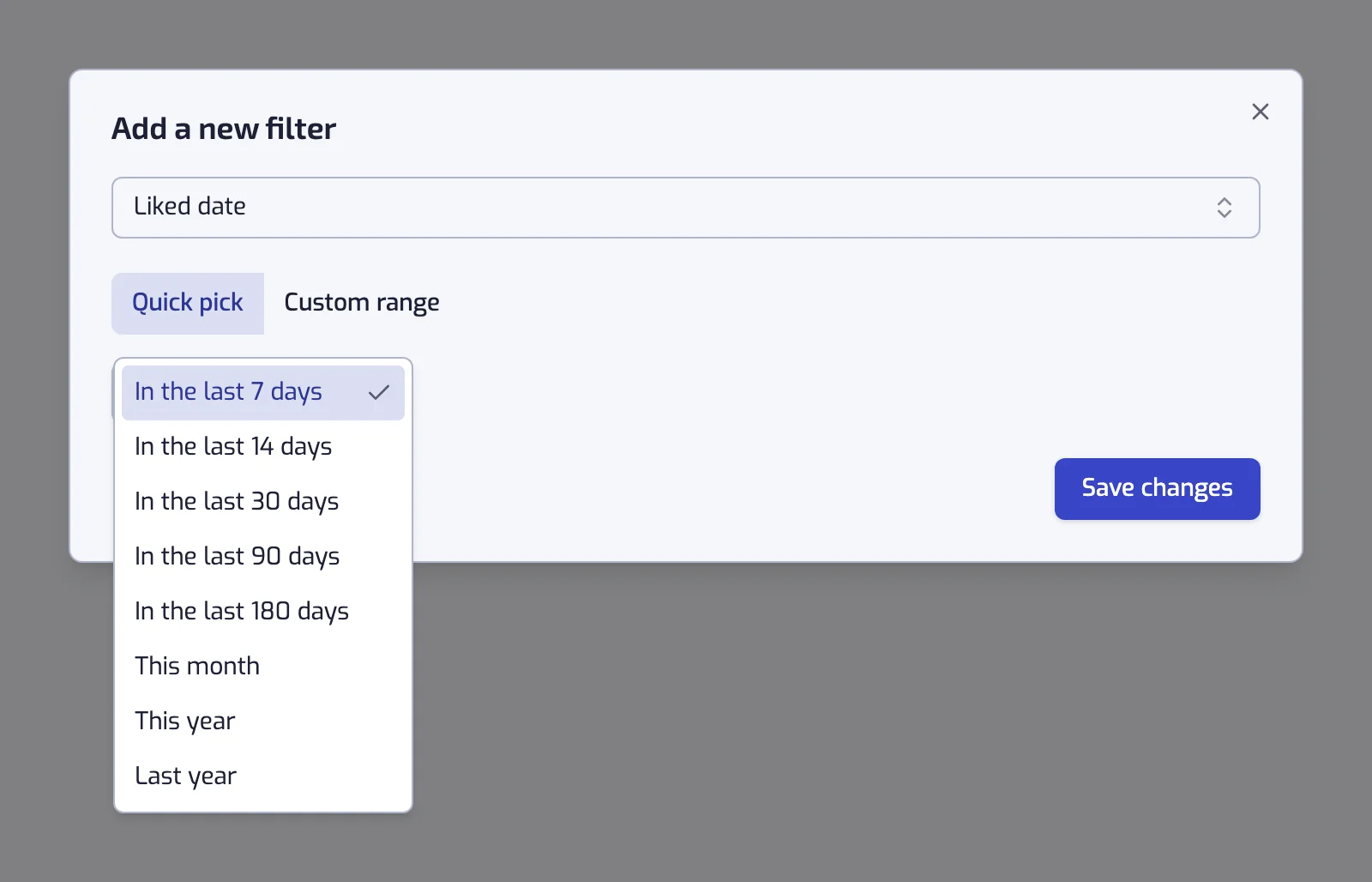
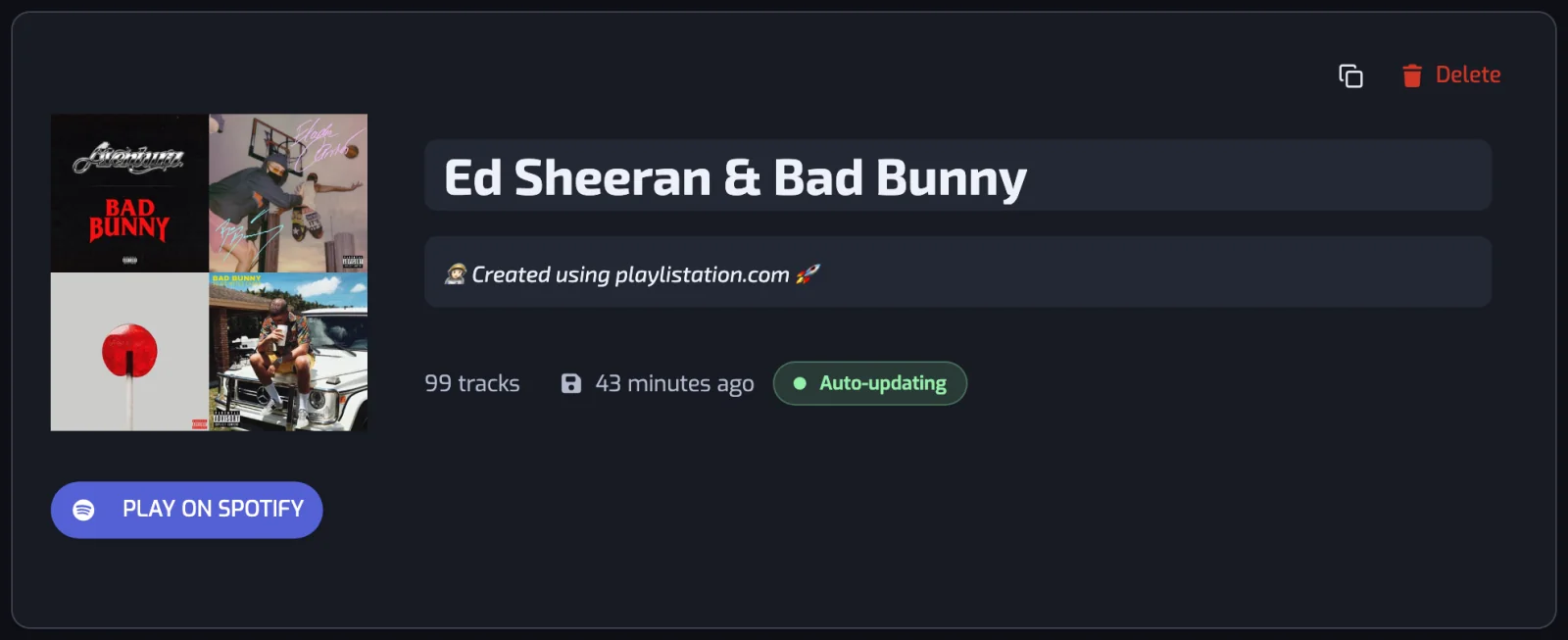
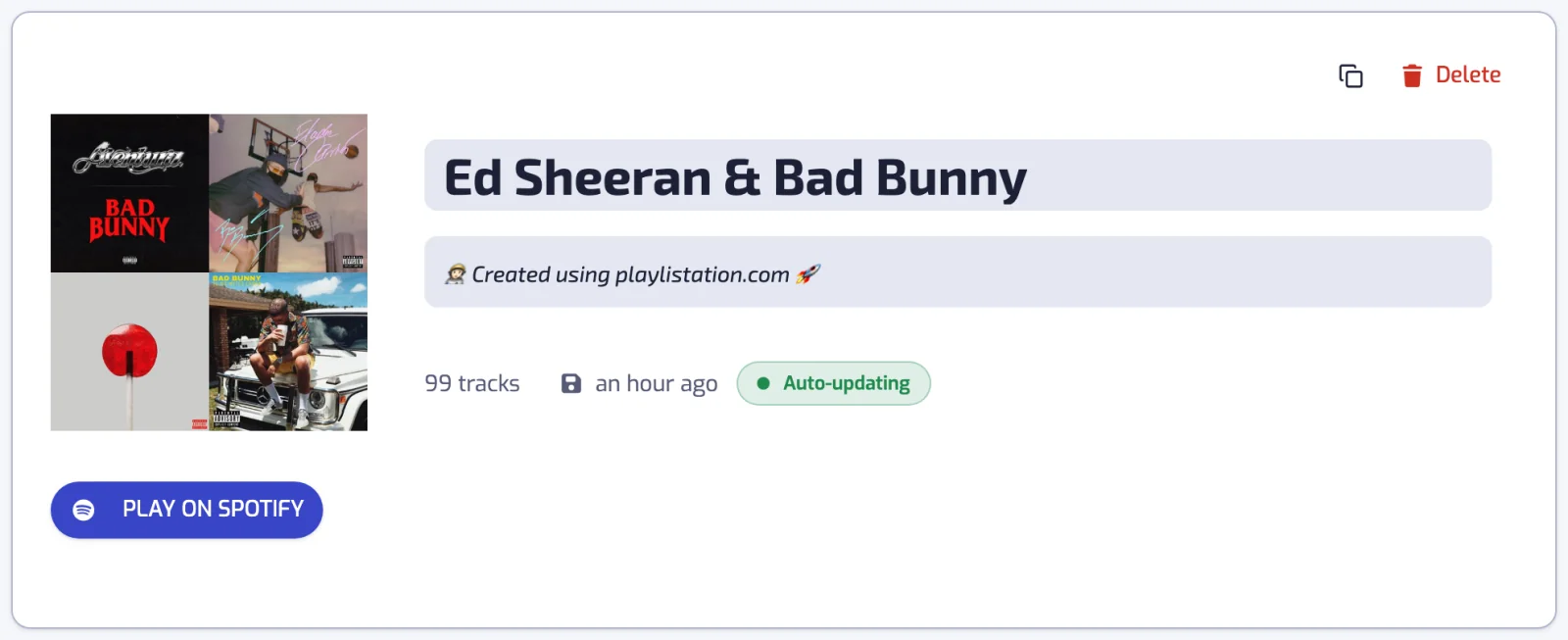
Playlistation fills it with your Liked Songs and keeps it current, adding what you like and removing what you unlike. It is an ordinary Spotify playlist, created private: make it public in Spotify and you can share your likes, which Liked Songs itself does not allow. It stays public after each update.
Two limits apply:
- On Free and Plus, Playlistation reads your most recent likes only: 1,000 on Free and 3,000 on Plus. Pro reads your whole library.
- Spotify caps a playlist at 10,000 tracks.
The Spotify desktop app can also copy Liked Songs once: open Liked Songs, select every track with Ctrl+A (Cmd+A on a Mac), then add the selection to a playlist. That copy never updates, so a song you like tomorrow does not join it.
Why it keeps organizing after the first run
Sorting a library shows what was in it that day. Playlistation stores the filters and re-runs them: each playlist is refreshed once a day on the Free plan, every hour on Plus and in under 30 minutes on Pro. Before each run the app checks whether your Liked Songs have changed.
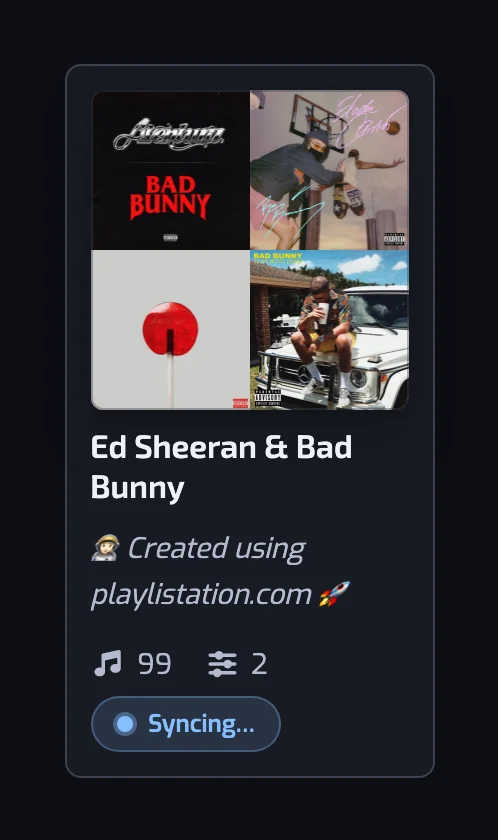
That also makes a rolling playlist possible: with "Liked in the last 30 days" a track joins the day you like it and leaves 30 days later, without you opening the app. The full loop, and what happens when Spotify says no, is in how syncing works.
What it does not do
- It only ever uses your Liked Songs. Playlistation does not read your listening history or what is in your other playlists, and it never adds a track you have not liked.
- It is not a recommendation engine. Even the Discover page only groups music already in your library.
- A smart playlist is the result of its filters. A track added by hand in Spotify is removed at the next update; change the filters instead.
- It only writes to the playlists it created. Your other playlists are never modified; once a day the app lists them, only to notice when you have deleted one of its own.
Plans
Every plan has every filter. Euro prices include VAT, and both paid plans add custom playlist descriptions.
| Free | Plus | Pro | |
|---|---|---|---|
| Price | No card needed | $2.99 or €2.99 a month | $6.99 or €6.99 a month |
| Playlists | 5 | Unlimited | Unlimited |
| Likes read | 1,000 most recent | 3,000 most recent | Whole library |
| Refreshed | Once a day | Every hour | In under 30 minutes |
The full table is in plans and billing.
Questions about organizing Spotify Liked Songs
How can I automatically organize my Spotify Liked Songs?
Sign in to Playlistation with your Spotify account, create a playlist and give it one or more filters, for example a genre, a decade or a range of BPM. Playlistation creates the playlist on Spotify, fills it with the matching liked tracks, and re-checks your Liked Songs on a schedule, so it keeps up with what you like and unlike. You never sort anything by hand.
Can Spotify sort my Liked Songs into playlists on its own?
Spotify lets you sort and search what you see inside Liked Songs, and on Premium, in some countries, it can build a playlist from a prompt. What it does not keep is the rule: no saved condition re-checks your library later and adds the tracks that now match. That persistent rule, and the playlist it maintains, is what Playlistation adds.
Can a Spotify playlist update automatically when I like a song?
Yes. That is the normal behaviour of every playlist Playlistation creates. When you like a track in Spotify, the next update adds it to each smart playlist whose filters it passes, and unliking it takes it back out. Free plan playlists refresh once a day, Plus playlists every hour and Pro playlists in under 30 minutes.
How many liked tracks can Playlistation organize?
Playlistation watches your most recently liked tracks, up to 1,000 on the Free plan and 3,000 on Plus; Pro watches your whole library. Older likes are never read, and the Playlists page says so when your library is bigger than the limit. A single Spotify playlist also cannot hold more than 10,000 tracks, which is Spotify's limit rather than ours.
Will it change the playlists I already have?
No. Playlistation only writes to the playlists it created itself. Everything else in your library is left exactly as it is, and their contents are never read. If you delete a smart playlist, you choose whether it disappears from Spotify too or stays there as an ordinary playlist that no longer updates.
Does it work on iPhone and Android?
Yes. Playlistation is a web app, so there is nothing to download from the App Store or Google Play: open playlistation.app in your phone's browser and sign in with Spotify. You can add it to your home screen to open it like an app, see installing the app. The playlists it creates are ordinary Spotify playlists that you play in the Spotify app, and they keep updating with Playlistation closed.
Do I need Spotify Premium to organize my Liked Songs?
No. A free Spotify account is enough to create and fill smart playlists, because playlists are part of Spotify's free tier. Premium changes how you listen, not what Playlistation can build.