

Filters
Language
The Language filter keeps or drops tracks by the language of their lyrics. Spotify publishes no language, so Playlistation detects it itself and is sometimes wrong; you can report a wrong one. Available on every plan.
What it matches
Each track gets one language, or "- No lyrics -" when it has no vocals. Any of keeps a track when its language is in your list. None of drops a track when its language is in your list.
- No lyrics - is itself an entry in the picker, selectable like any language: pick it with Any of and you get a playlist of exactly the instrumentals; pick a real language and they stay out; with None of they stay in unless - No lyrics - is in your list. For "how much of a track is sung" rather than "which language", use the Instrumentalness filter.
A track whose language is not detected yet matches neither operator: it stays out of the playlist with Any of and with None of alike, so a playlist that excludes a language never lets one of its songs in while it waits. About a minute after its language arrives, the playlist updates on its own.
A bilingual song gets a single language, and a cover can be given the original song's language.
Where the data comes from
Playlistation detects each track's language automatically, in the background. While it runs, the playlist page says how far it has come ("Detecting the languages of your liked songs: 18,750 of 20,000."), and tracks join the playlist as their language comes in. Detection reads the track's title, artists and album, never the audio or the lyrics. When it is unsure, the track stays without a language. Each track is detected once and every user shares the result.
Operators and values
Two operators, shown as two cards: Any of ("Keeps tracks sung in any of these languages") and None of ("Removes tracks sung in any of these languages"). Then a picker ("Type a language") where you add one or more of more than 140 languages, each named in the language the app is set to, plus the - No lyrics - entry. A new Language filter starts with no language selected.
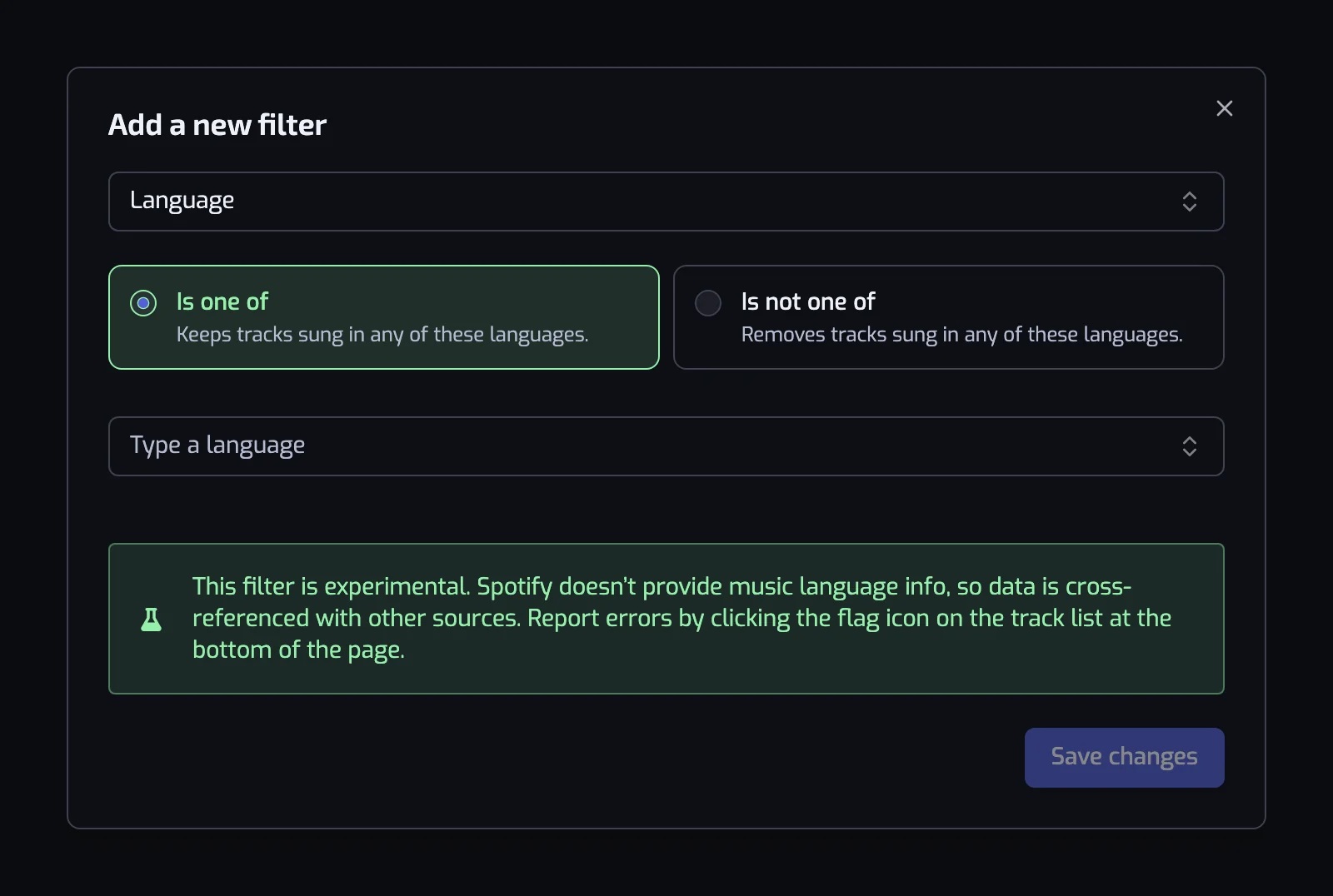
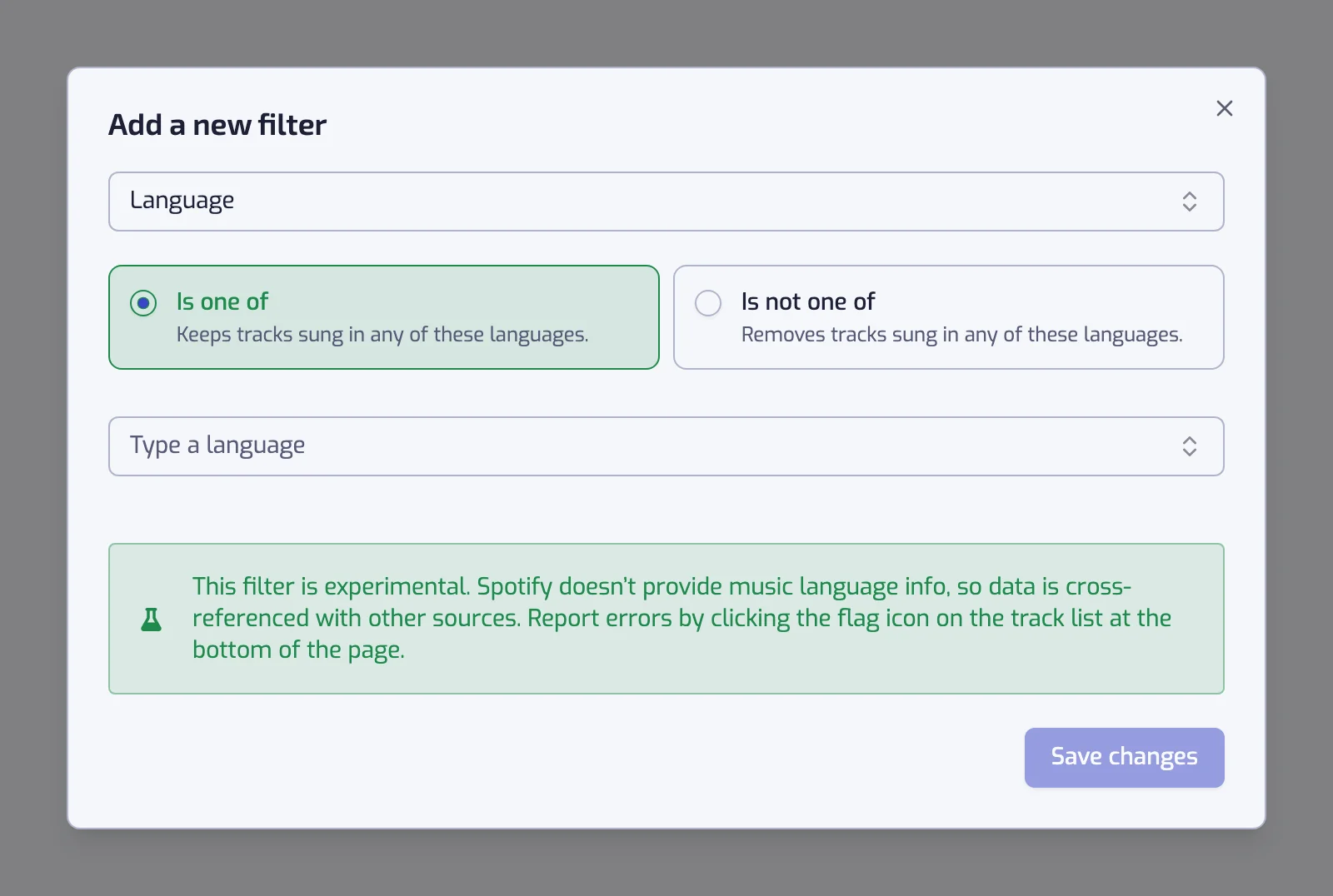
The sentence follows the operator:
- Any of: "The track language is one of French, Spanish".
- None of: "The track language is none of English".
Examples
- The track language is one of French. Everything you liked in French, whatever the genre.
- The track language is one of Korean and The track artist is tagged with one of k-pop. K-pop sung in Korean; the genre alone includes the English-language releases.
- The track language is none of English. For practicing every language you listen to that is not English. Instrumentals are included, since they have no language.
- The track language is one of French and The track artist is tagged with one of rap, hip hop. French rap, since genre labels mix languages.
Things to know
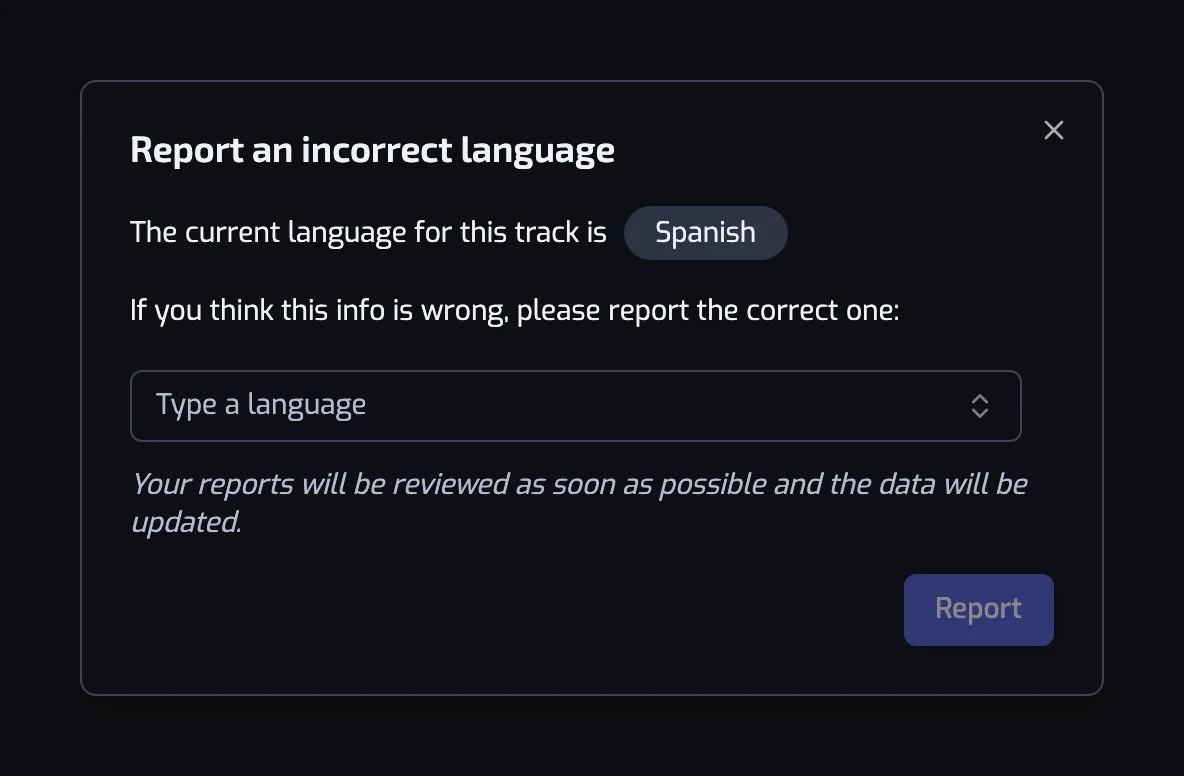
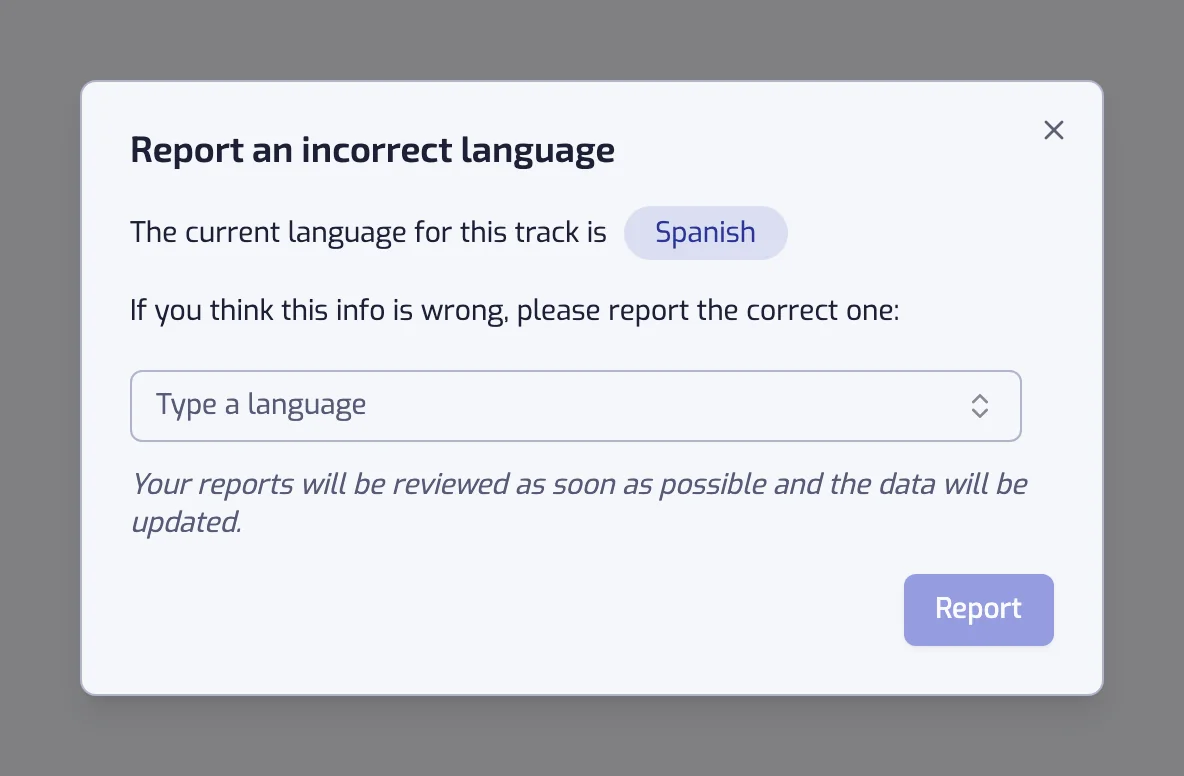
- When a track has the wrong language, report it: in the track list at the bottom of the playlist page, expand the track and click the flag icon next to "The track language is". "Report an incorrect language" shows the current language and asks for the right one. Each report is checked automatically: a likely correction is applied, a doubtful one waits for a person to review it. An accepted report fixes the track for every user and is never overwritten by a later detection.
Related filters
- Instrumentalness: here, tracks with no lyrics are the single value - No lyrics -; Instrumentalness measures how much of a track is sung.
- Speechiness: spoken or sung, in any language.
- Artist genre: one scene in one language.
- Combining filters
- Organize your Liked Songs by language: this filter as a walkthrough, with the genre pairings that need it.