

Automatically sort your Spotify Liked Songs by release year
Every Liked Song from 2016, or from the year you finished school, in one Spotify playlist. Playlistation adds each new like that fits, year after year.
Sign in with Spotify. The Free plan needs no card.
Every Liked Song from 2016, or from the year you finished school, in one Spotify playlist. Playlistation adds each new like that fits, year after year. Set one year, a stretch of years, everything since a date or the last 30 days, and it fills a real Spotify playlist and keeps it accurate as you like and unlike tracks. The Release date filter does all of it.
The periods you can ask for
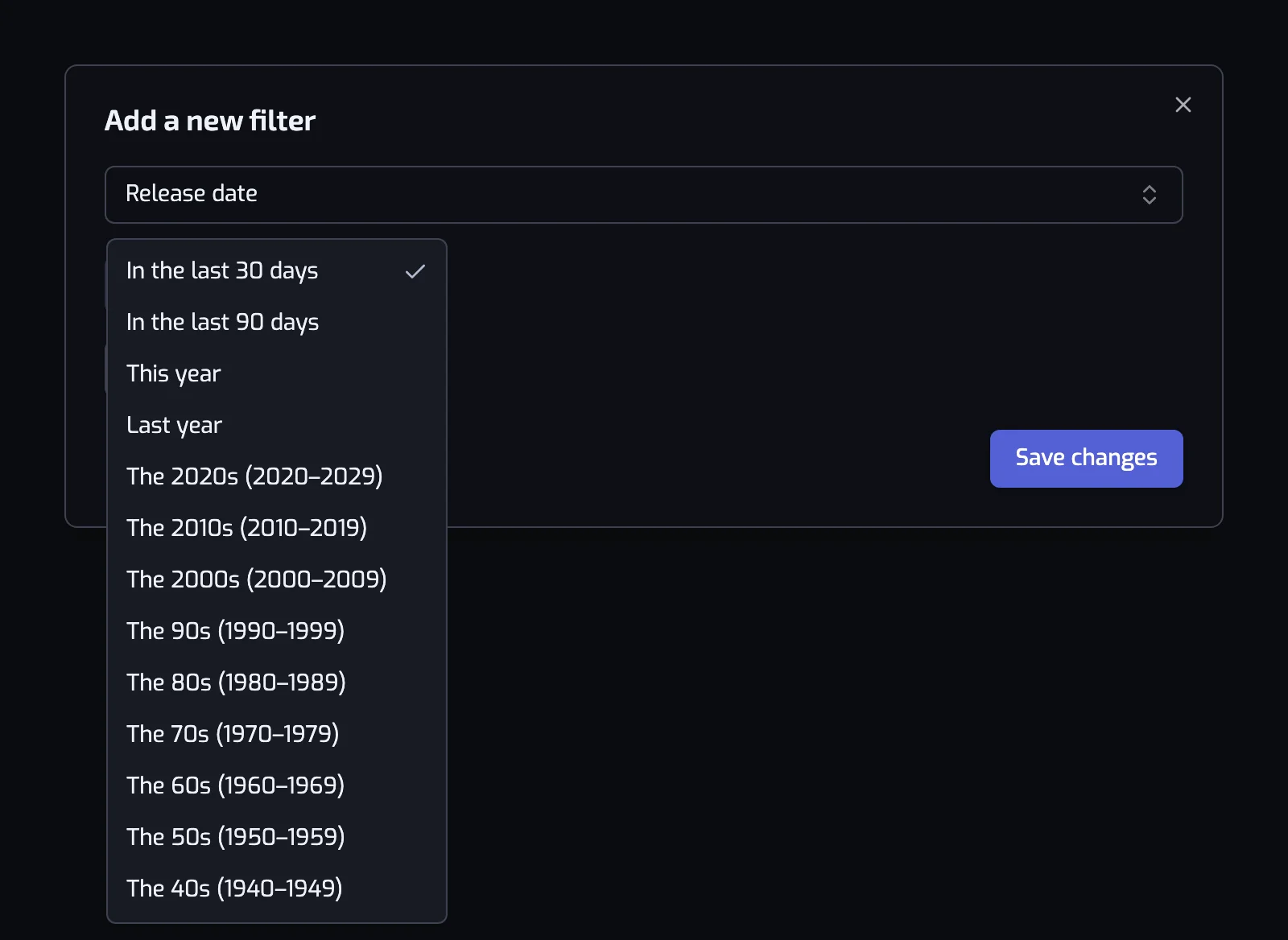
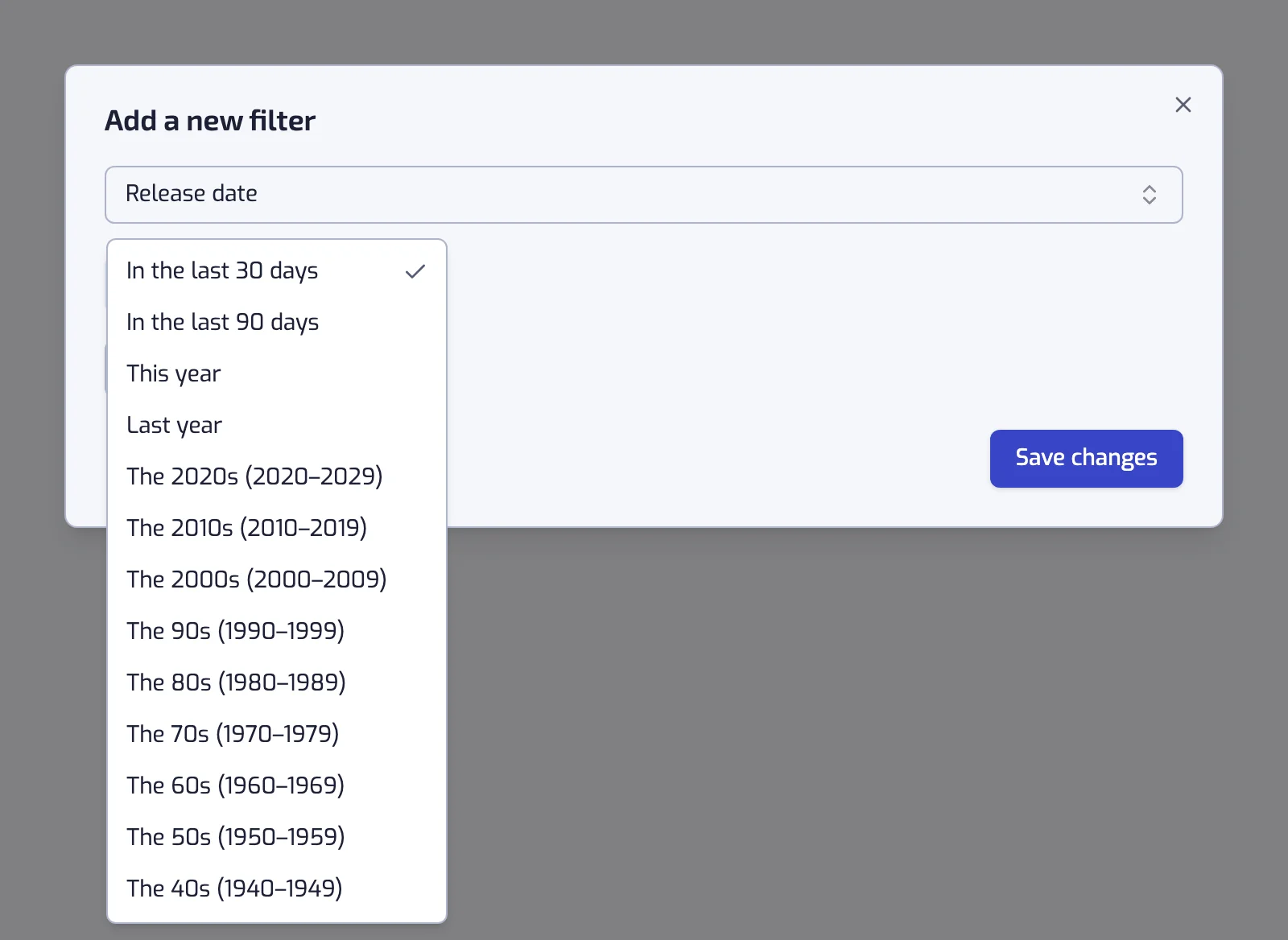
The filter has two modes. Quick pick is a list:
| Preset | What it keeps |
|---|---|
| In the last 30 days | Releases from the past month, counted back from each update |
| In the last 90 days | Releases from the past three months |
| This year | Everything released since 1 January, and it keeps collecting |
| Last year | The whole of the previous calendar year, now fixed |
| A decade | The 40s through the 2020s, as ten-year ranges |
Custom range is where a specific year lives. It offers three cards, each with a calendar going back to 1900: Before one date, After one date, or Between two. Both bounds are included, so "between 1 Jan 1987 and 31 Dec 1987" is exactly 1987.
A playlist for one year
- Create a playlist and add the Release date filter, switched to Custom range.
- Pick Between, then 1 January and 31 December of that year in the two calendars.
- Create the playlist. It gathers every liked track released in that year, and any you like later.
The saved filter reads Release date: between 1 Jan 1987 and 31 Dec 1987, and the playlist takes its name from its filters. For ten years at once the presets are quicker: see playlists by decade.
A release radar of your own
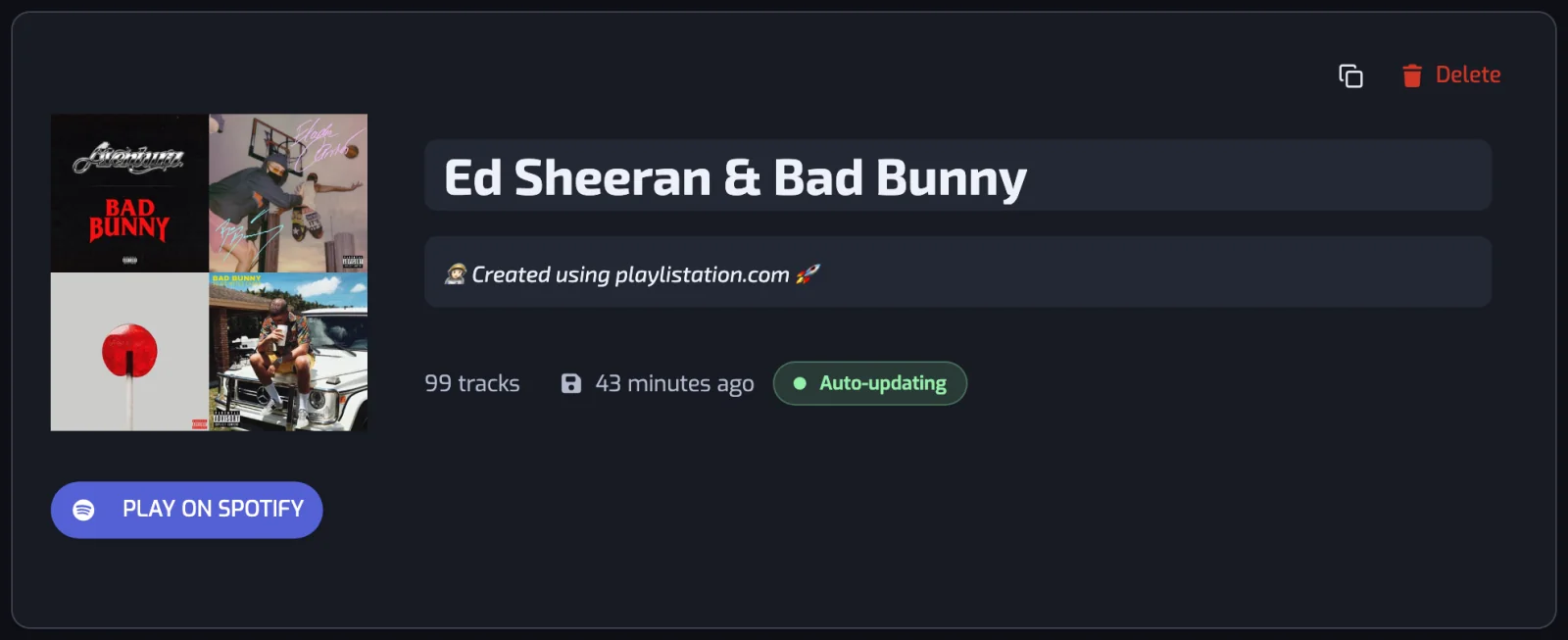
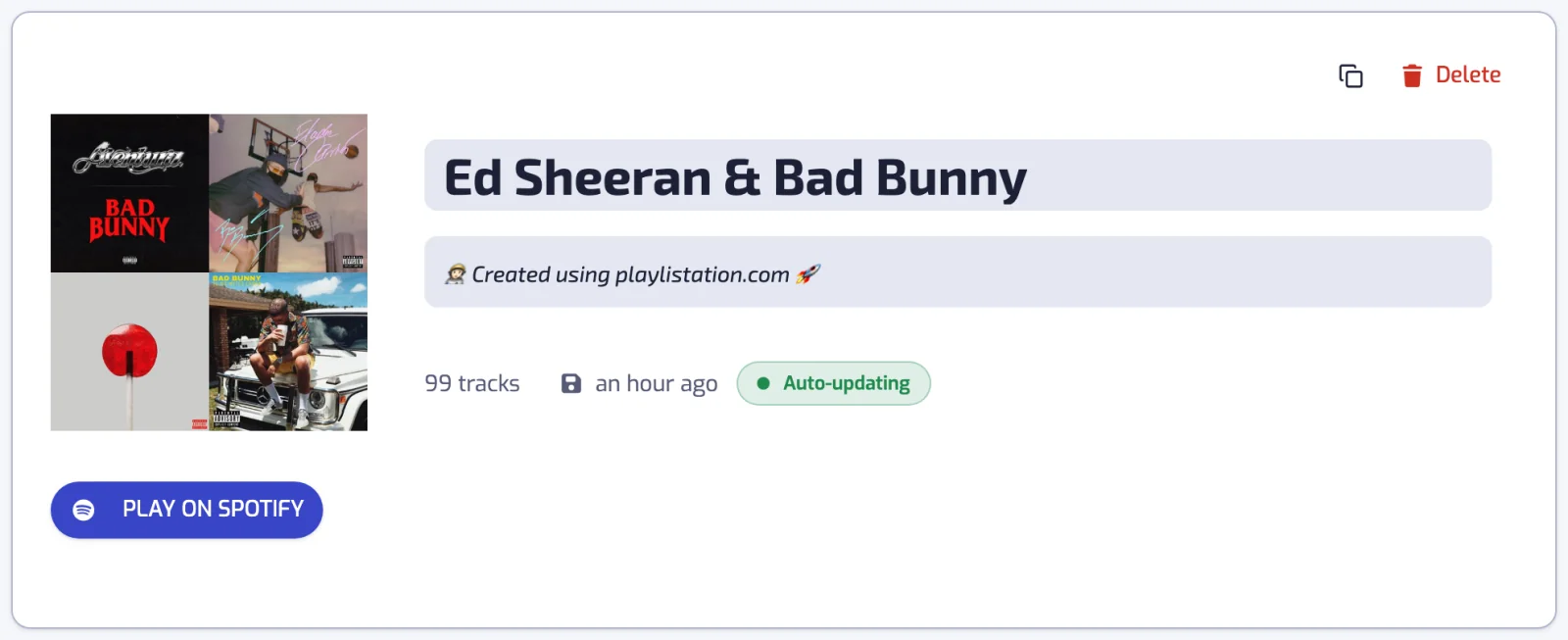
"In the last 30 days" is a rolling window, not a snapshot. A track joins at the first update after you like it, if the album is recent, and drops out once the release is more than 30 days old. That is a personal new-releases playlist made only of music you liked, and an artist or genre filter turns it into a radar for one scene.
Other things a year is good for
| Playlist | Filters |
|---|---|
| This century | Release date: after 1 Jan 2000 |
| Before I was listening | Release date: before 31 Dec 1969 |
| The 2010s, the hits only | Release date: between 1 Jan 2010 and 31 Dec 2019, and the track popularity is at least 70 |
| Recent jazz | Release date: after 1 Jan 2020, and the track artist is tagged with one of jazz |
Genre labels are on organizing Liked Songs by genre. For the year you liked something rather than the year it came out, see organizing by date added.
Where the year comes from
Spotify's release date for the album the track belongs to. Three details decide what matches:
- Some releases carry only a year, or a year and a month. Playlistation treats those as the first day of that year or month, so an album dated "1975" counts as 1 January 1975.
- A track with no release date at all never matches, whatever period you set.
- The date is the one on the edition you liked. A remaster or a compilation carries its own date, so a 1970s recording liked from a 2015 reissue is a 2015 release as far as the filter is concerned.
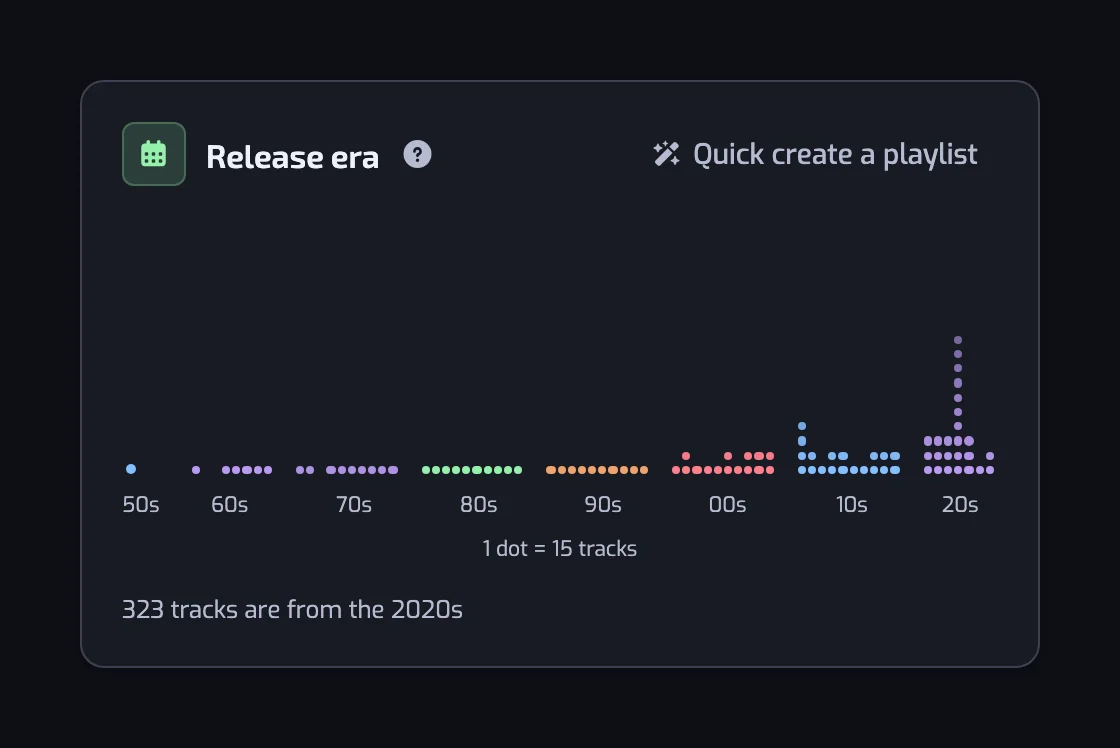
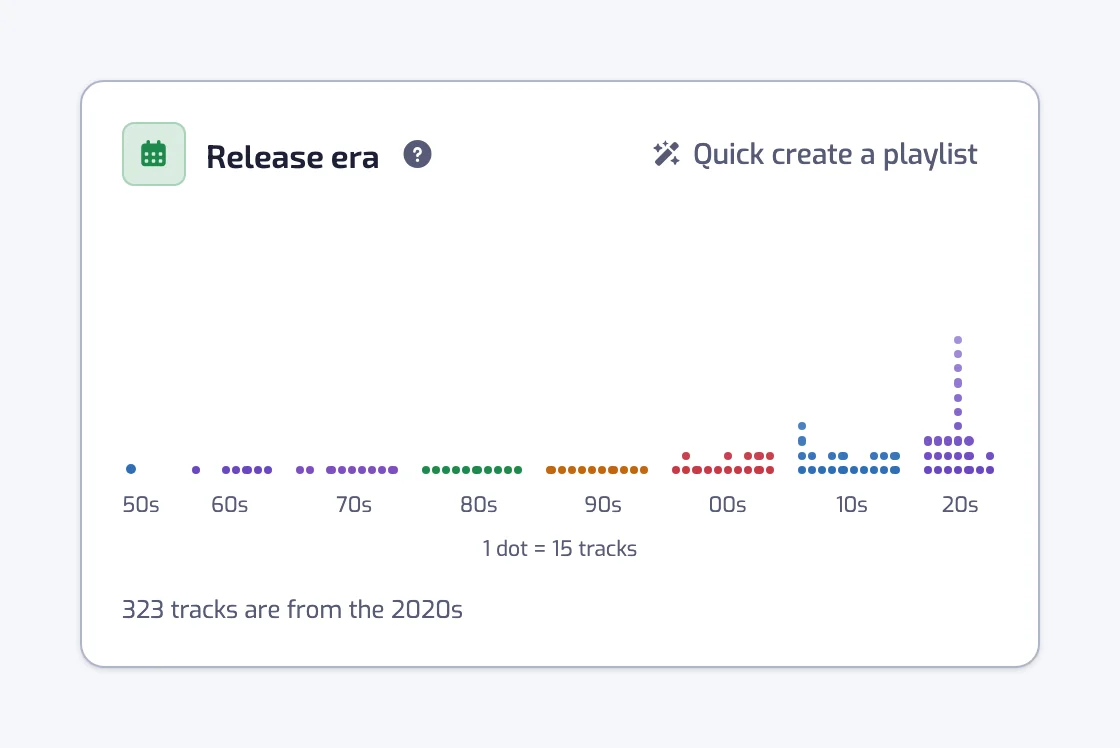
The full reference is on the Release date filter page.
It stays right without being touched
The period is a stored rule, so the playlist follows your library. Like a 1987 record next month and it joins your 1987 playlist at the next update: once a day on the Free plan, every hour on Plus and in under 30 minutes on Pro. A fixed year only ever grows and a rolling window turns over (how syncing works).
Questions about sorting Spotify Liked Songs by release date
Can I sort my Spotify Liked Songs by release date?
Yes, into playlists. Add the Release date filter to a smart playlist, switch it to Custom range and set a Between from 1 January to 31 December of the year you want. Playlistation gathers every liked track released in that year into a real Spotify playlist and keeps adding to it as you like more music from that year.
How do I make a Spotify playlist of songs released in a specific year?
Create a playlist, add Release date, choose Custom range, then Between, and pick the two dates in the calendars. Both bounds are included, so 1 Jan 1987 to 31 Dec 1987 is the whole of 1987. The playlist is created on your Spotify account, and its first sync fills it from your Liked Songs.
Can I keep a playlist of everything released after a date?
Yes. The Custom range mode has an After card, which keeps everything released from one date onwards, and a Before card for the opposite. "After 1 Jan 2020" keeps growing on its own as you like newer music.
Can I have a playlist of new releases I liked?
Use the "In the last 30 days" or "In the last 90 days" preset. It is a rolling window: a recent release joins the playlist at the first update after you like it and leaves it once the release is older than the window, so the playlist stays a picture of what is new without any maintenance.
How do I see a song's release date?
In Spotify, open the song's album: the album page shows its release date. In Playlistation, expand a track in the list at the bottom of a playlist that uses the Release date filter, and the line Released on gives the full date, such as June 12, 1998. That is the date the filter compares.
Why is an old song in the wrong year?
Because the filter reads the album's release date, and you probably liked the track from a remaster, a reissue or a compilation, which carries the date of that edition. Liking the original release fixes it. A track whose album has no date at all never matches the filter.
Does sorting by year need a paid plan?
No. Release date works on every plan, including Free, which allows five playlists over your 1,000 most recently liked tracks.