

Auto-updating Spotify playlist of your recently liked songs
A Spotify playlist of what you liked this month that renews itself: each new like joins it and older ones drop out. Set it up once in Playlistation.
Sign in with Spotify. The Free plan needs no card.
A Spotify playlist of what you liked this month that renews itself: each new like joins it and older ones drop out. Set it up once in Playlistation. Pick what you liked this month or in the last 7, 30 or 180 days. A fixed range such as all of 2024 gives a playlist that never changes. The Liked date filter does both.
The periods you can pick
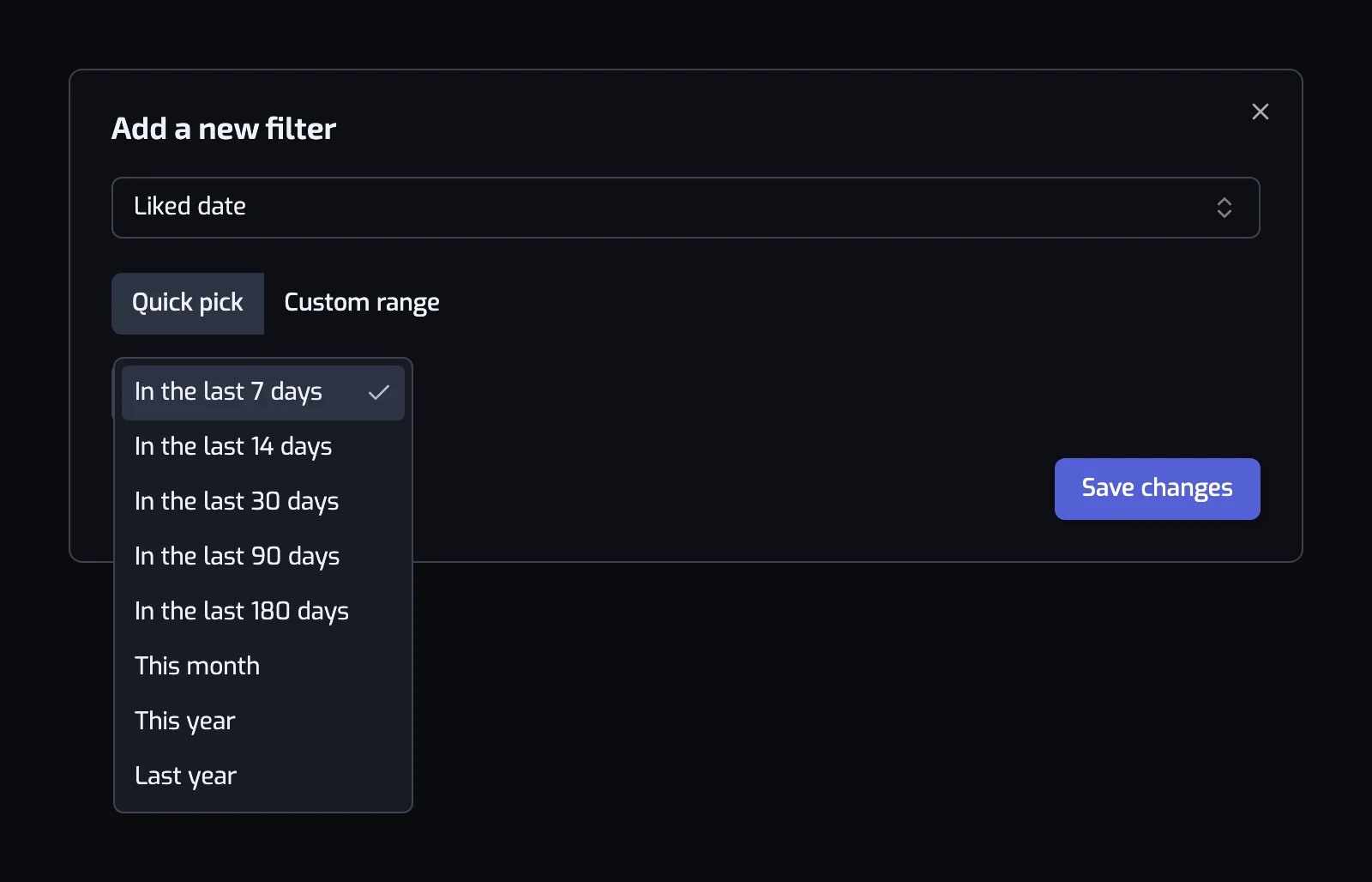
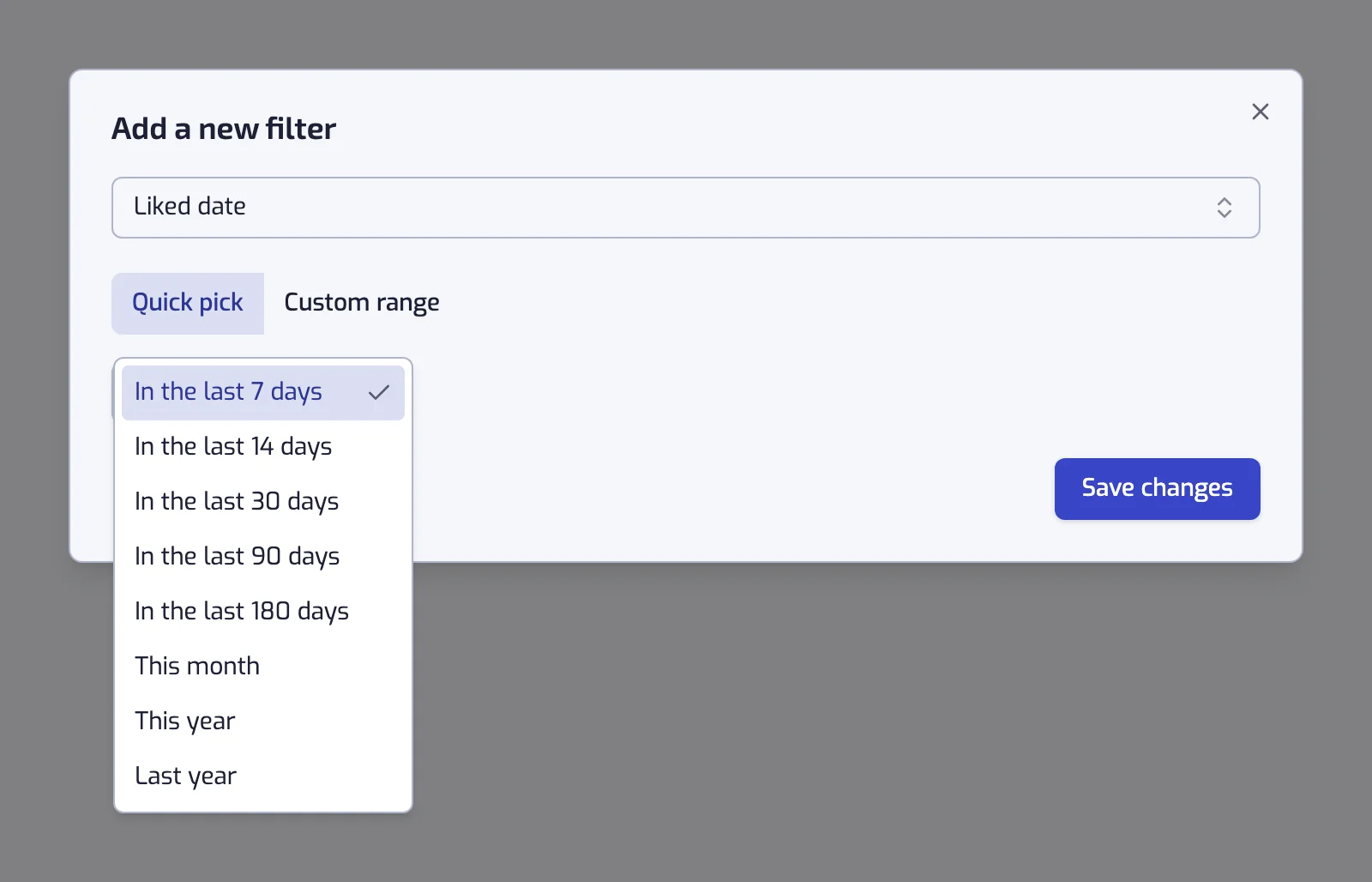
Quick pick is a list of rolling and calendar periods:
| Preset | What it keeps |
|---|---|
| In the last 7 days | The past week of likes, counted back from each update |
| In the last 14 days | The past two weeks |
| In the last 30 days | The past month |
| In the last 90 days | The past three months |
| In the last 180 days | The past six months |
| This month | Everything liked since the 1st, still collecting |
| This year | Everything liked since 1 January, still collecting |
| Last year | The whole of the previous calendar year, now fixed |
Custom range gives three cards with calendars: Before one date, After one date, or Between two. Both bounds are included.
Under the sentence the app shows the concrete dates it works out, for example "Includes every track you liked between 4 Aug 2026 and 3 Sep 2026".
A playlist that empties itself
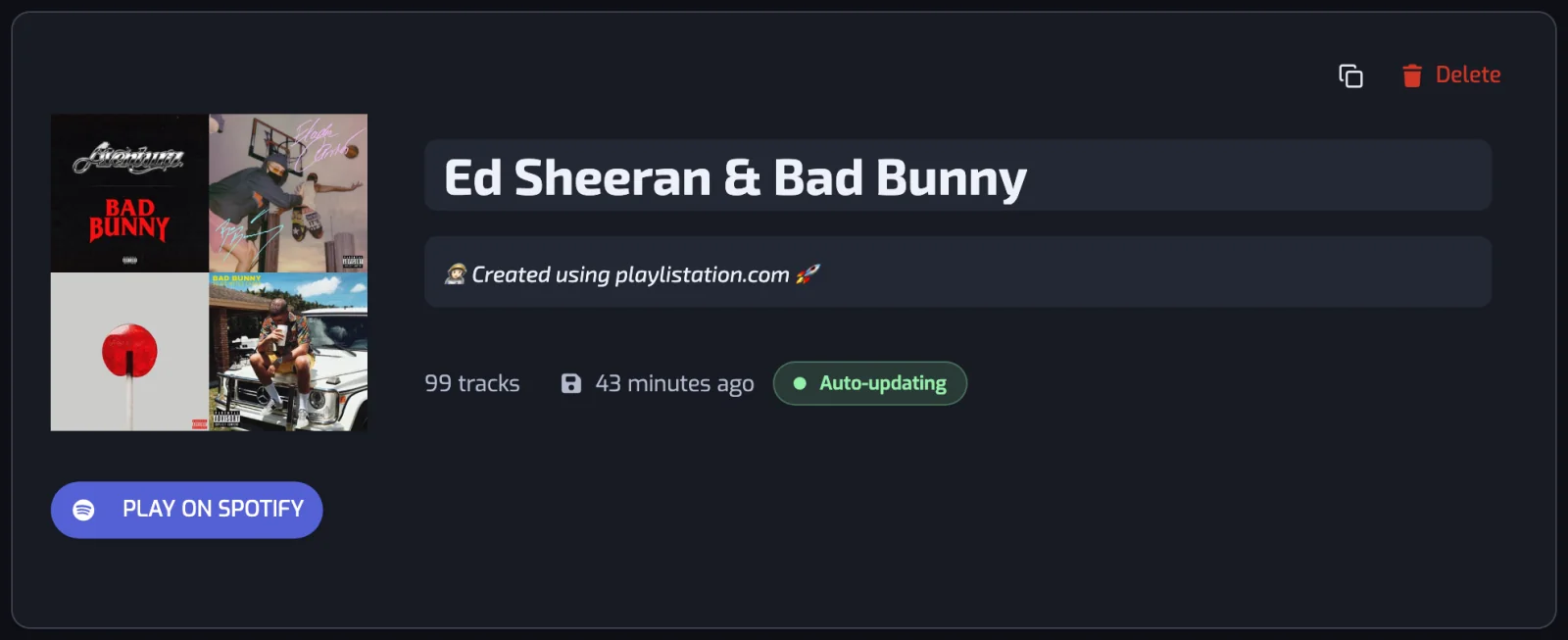
Pick "In the last 30 days" and you get the playlist most people build first: everything new in your library, and nothing else. A track joins it the day you like it and leaves 30 days later.
- Create a playlist and add the Liked date filter. It opens on "In the last 7 days".
- Choose "In the last 30 days" and save. The filter reads Liked date: In the last 30 days.
- Create the playlist. Rename it New this month on its page if you like.
A playlist that freezes
Switch to Custom range, pick Between, and set 1 January to 31 December of a past year. The result is a fixed record of what you liked that year, and it stops changing once the year is over. It is the one place where a smart playlist stops moving, and it is deliberate.
What it is good with
| Playlist | Filters |
|---|---|
| New this month | Liked date: In the last 30 days |
| My 2024 | Liked date: between 1 Jan 2024 and 31 Dec 2024 |
| Discoveries | Liked date: In the last 180 days, and the track artist has at most 100K followers |
| This year in jazz | Liked date: This year, and the track artist is tagged with one of jazz |
| Fresh and fast | Liked date: In the last 90 days, and the track BPM is between 170 and 190 |
The third row is worth stealing: a small-artist filter turns recent likes into what you discovered, not what you rediscovered. See genres and tempo for the others.
See when you liked a song on Spotify
Spotify keeps the date you liked each track:
| Where | How |
|---|---|
| Desktop app: | open Liked Songs and click the Date added header to sort by it. Click again to reverse the order. |
| Phone: | pull down on the list and tap the filters to put your newest likes first (Spotify's help on sorting). |
Sorting shows you the dates. Playlistation reads the same "added at" date, and the Liked date filter keeps only the tracks added in the period you pick.
Liked date is not release date
Liked date is when you saved the track; release date is when the music came out. A 1975 album you liked yesterday matches "liked in the last 7 days" and "The 70s". For the year the music came out, see sorting Liked Songs by release year.
Two details that matter
- A rolling window counts back from the update, not from midnight. Playlists refresh once a day on the Free plan, every hour on Plus and in under 30 minutes on Pro, so a track can linger that long after its window ends.
- On Free and Plus, only your most recent likes are read: 1,000 on the Free plan, 3,000 on Plus. An older like is never seen there; Pro reads your whole library. See how syncing works.
The full reference is on the Liked date filter page.
Questions about organizing Spotify Liked Songs by date
Can I make a Spotify playlist of the songs I liked this month?
Yes. Add the Liked date filter to a smart playlist and choose "This month", which collects everything liked since the 1st, or a rolling window from "In the last 7 days" to "In the last 180 days". Playlistation builds a real Spotify playlist of the tracks you saved in that period: new likes join it, and likes older than the window drop out on their own.
How do I see the date I liked a song on Spotify?
In the Spotify desktop app, Liked Songs has a Date added column: click it to sort your likes by date. On a phone, pull down on the list and use the sort options to put your newest likes first. To turn one period of likes into a playlist, add Playlistation's Liked date filter and pick the dates.
Can I keep a playlist of everything I liked in one year?
Yes. Switch the filter to Custom range, choose Between, and set 1 January to 31 December of that year. Both dates are included, and once the year is over the playlist stops changing, which makes it a permanent record rather than a rolling one.
What is the difference between liked date and release date?
Liked date is when you saved the track to Liked Songs; release date is when the album came out. An old record you liked this week matches "liked in the last 7 days" and also "The 70s". Use Release date when you mean the age of the music itself.
How quickly does a new like show up?
Each playlist is refreshed once a day on Free, every hour on Plus and in under 30 minutes on Pro, and each refresh picks up the likes made since the one before. A track you have just liked appears within an hour on Plus and in under 30 minutes on Pro.
Does the Liked date filter work on the free plan?
Yes. The Liked date filter is available on every plan, Free included. The Free plan watches your 1,000 most recent likes, which is more than a rolling window of a few weeks will ever need.