

Filters
Duration
The Duration filter keeps tracks shorter or longer than a length you set, for radio edits, long mixes or interludes. Available on every plan.
Total length of your Liked Songs
The Duration filter compares one track at a time; it does not add lengths up. The Stats page does: its Total runtime tile is the combined length of your analyzed Liked Songs, in hours. What it covers and why it can be lower than your whole library: How long are my Liked Songs?. For a single smart playlist, its page shows the track count and the total length in the header, for example 4 tracks · 17 min (see The playlist page).
What it matches
The filter compares each track's length with the minutes and seconds you set. "At least" keeps tracks that last exactly that long or longer; "At most" keeps tracks that last exactly that long or shorter. Spotify reports lengths to the millisecond, so a track of 3:30.4 counts as longer than 3:30.
Where the data comes from
The track length Spotify returns with each track when Playlistation reads your Liked Songs. Nothing is estimated.
Operators and values
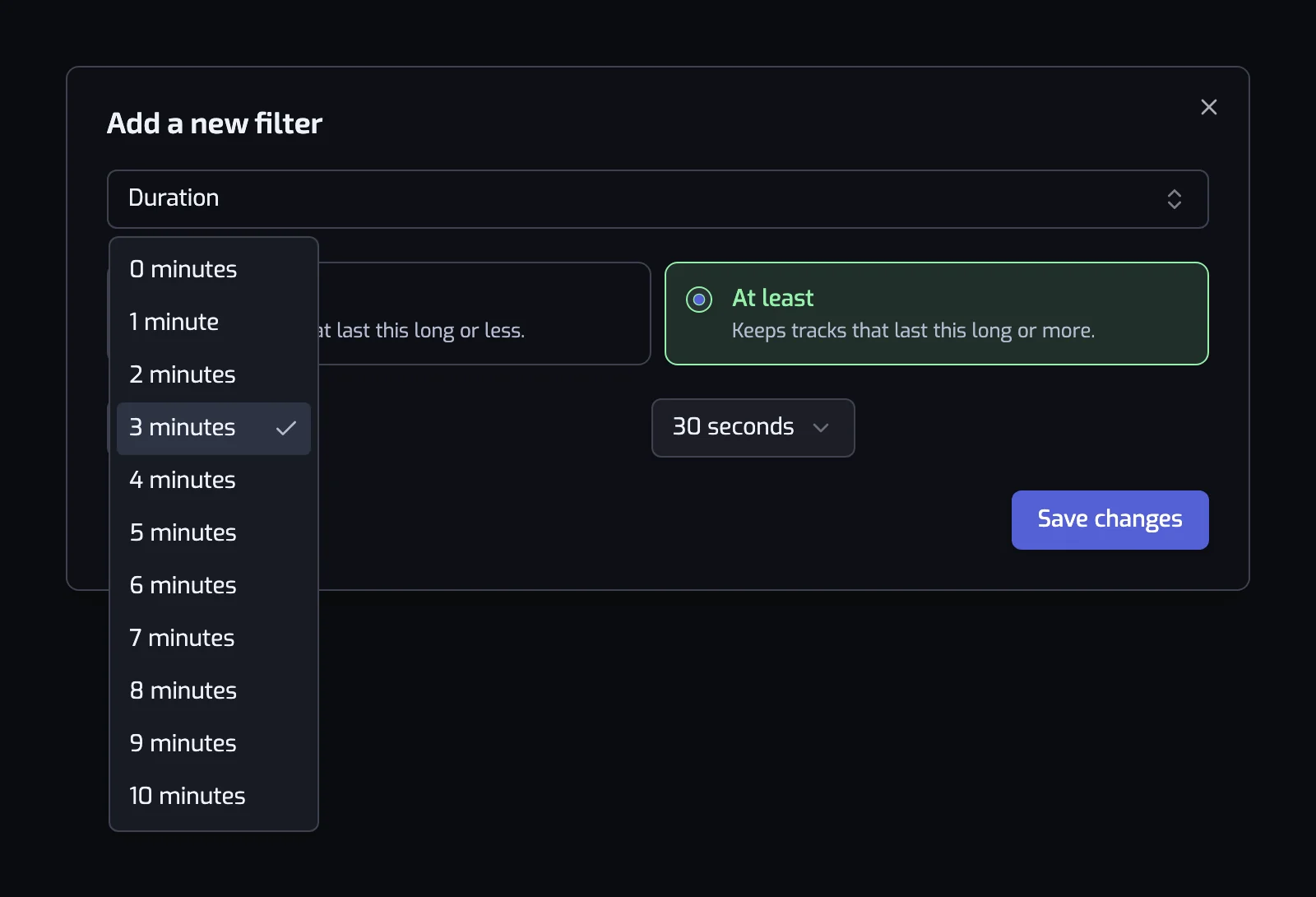
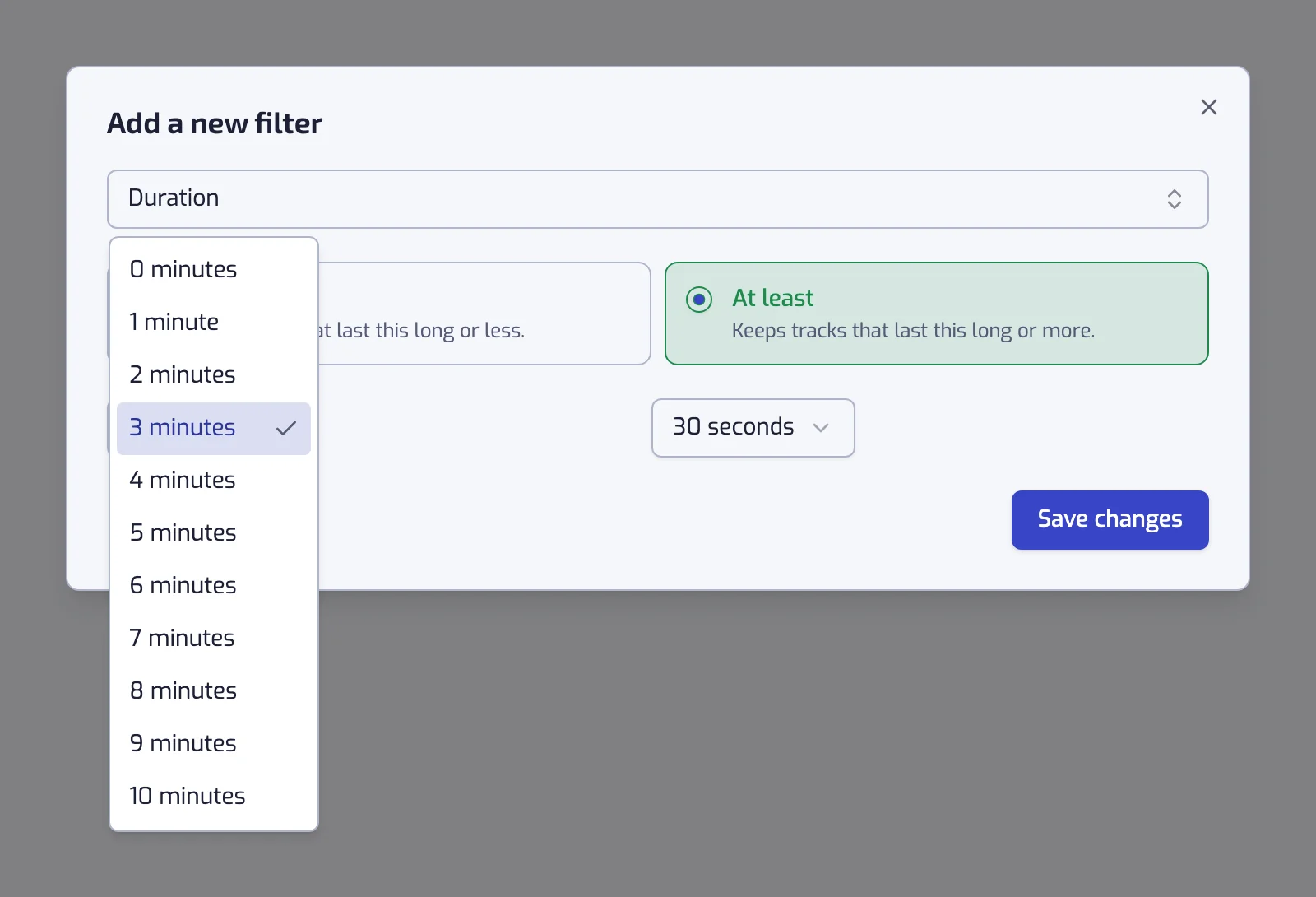
Pick At least ("Keeps tracks that last this long or more") or At most ("Keeps tracks that last this long or less"), then a length from two lists: minutes from 0 to 10, and seconds from 0 to 55 in steps of 5. A new filter starts at "At least 3:30".
The filter sentence reads "The track is 3:30 or longer" or "The track is 1:30 or shorter", with a line under it such as "Keeps tracks that last 3:30 or longer."
Examples
- The track is 8:00 or longer. Long mixes and extended versions for focused work.
- The track is 1:30 or shorter. The interludes and skits in your library. Build this once to see them, then add an "At least" Duration filter to the playlists that should skip them.
- The track is 3:00 or longer and The track is 4:30 or shorter and The track artist is tagged with one of pop. Radio-length pop only.
- The track is 6:00 or longer and The track artist is tagged with one of house. The club versions.
Things to know
- One Duration filter is a bound, not a range. For "between", add two: one "At least" and one "At most".
- The dialog stops at 10 minutes. Tracks longer than that still match an "At least 10:00" filter, since it has no upper bound.
- The dialog does not save a duration of 0:00. "At least 0:00" would keep everything and "At most 0:00" nothing.
- Long tracks are often mixes, live recordings and ambient pieces; very short ones are often interludes. To tell those apart, combine Duration with Liveness or Instrumentalness.
Related filters
- Instrumentalness: tells long ambient pieces from long songs.
- Liveness: tells long live recordings from long mixes.
- Tempo (BPM): speed, which length says nothing about.
- Combining filters