

Automatically sort your Spotify Liked Songs by genre
All the French rap or shoegaze hiding in your Liked Songs, gathered into one Spotify playlist. Playlistation adds the matching songs you like next.
Sign in with Spotify. The Free plan needs no card.
All the French rap or shoegaze hiding in your Liked Songs, gathered into one Spotify playlist. Playlistation adds the matching songs you like next. A song counts when its artist carries one of the genres you picked, and the playlist stays current as you like and unlike music. The filter is Artist genre.
Genres belong to artists, not to tracks
Spotify does not tag tracks with a genre. It tags artists, with labels that are often very specific: not "rap" but "french hip hop", not "electronic" but "melodic techno". Playlistation gathers the labels of every artist credited on a track and compares them with the ones you picked.
Two consequences follow, and neither is a bug:
| Track | What happens |
|---|---|
| A quiet ballad by a metal band | Still metal, because the label is the band's |
| A pop and rap duet | Carries both artists' labels, so it lands in either playlist |
Labels are matched exactly. "indie rock" does not include "rock", and "rock" does not include "indie rock", so a broad playlist needs several labels rather than one.
Building a genre playlist
- Create a playlist. It is named after its filters; rename it on its page if you want another name in Spotify.
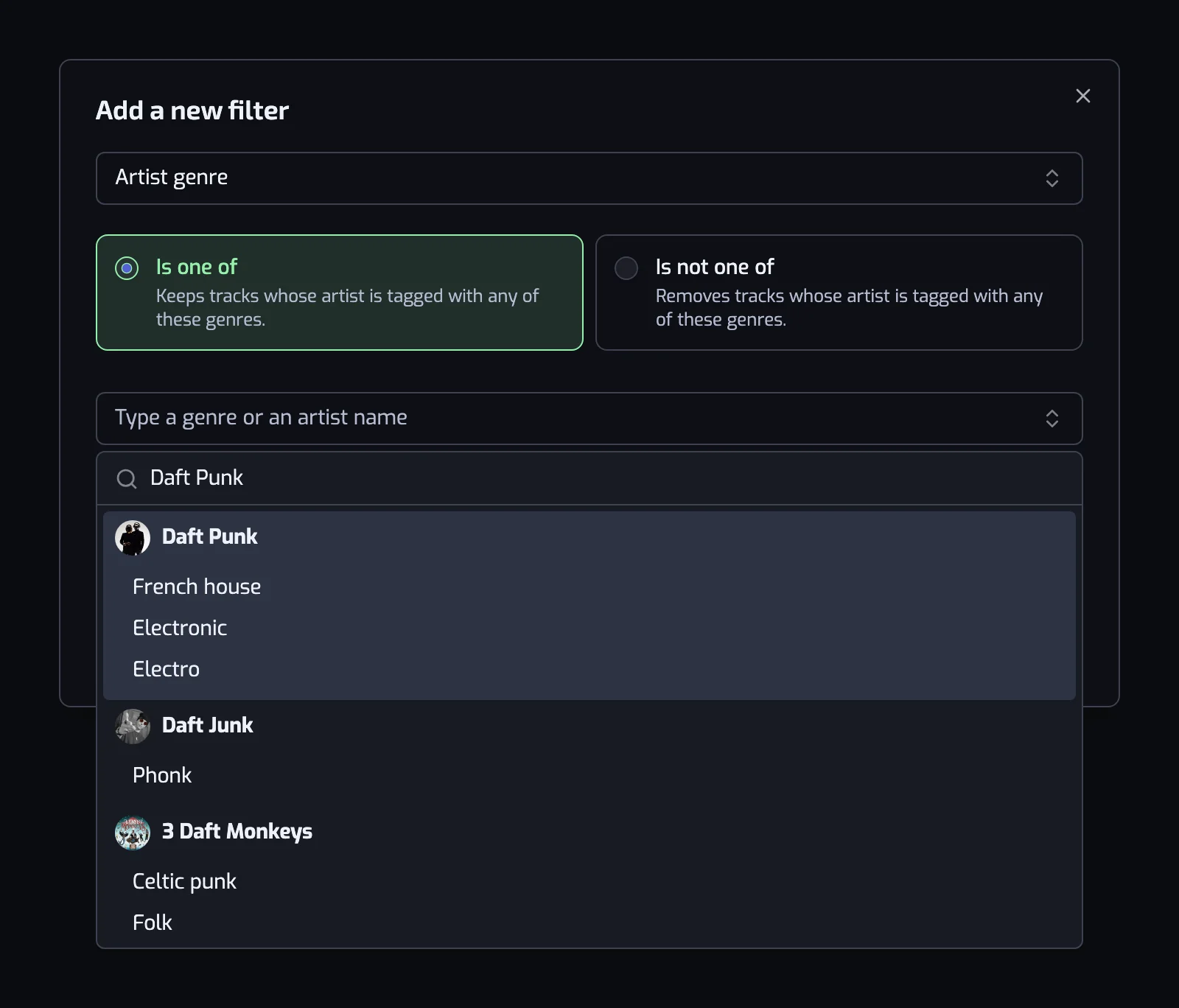
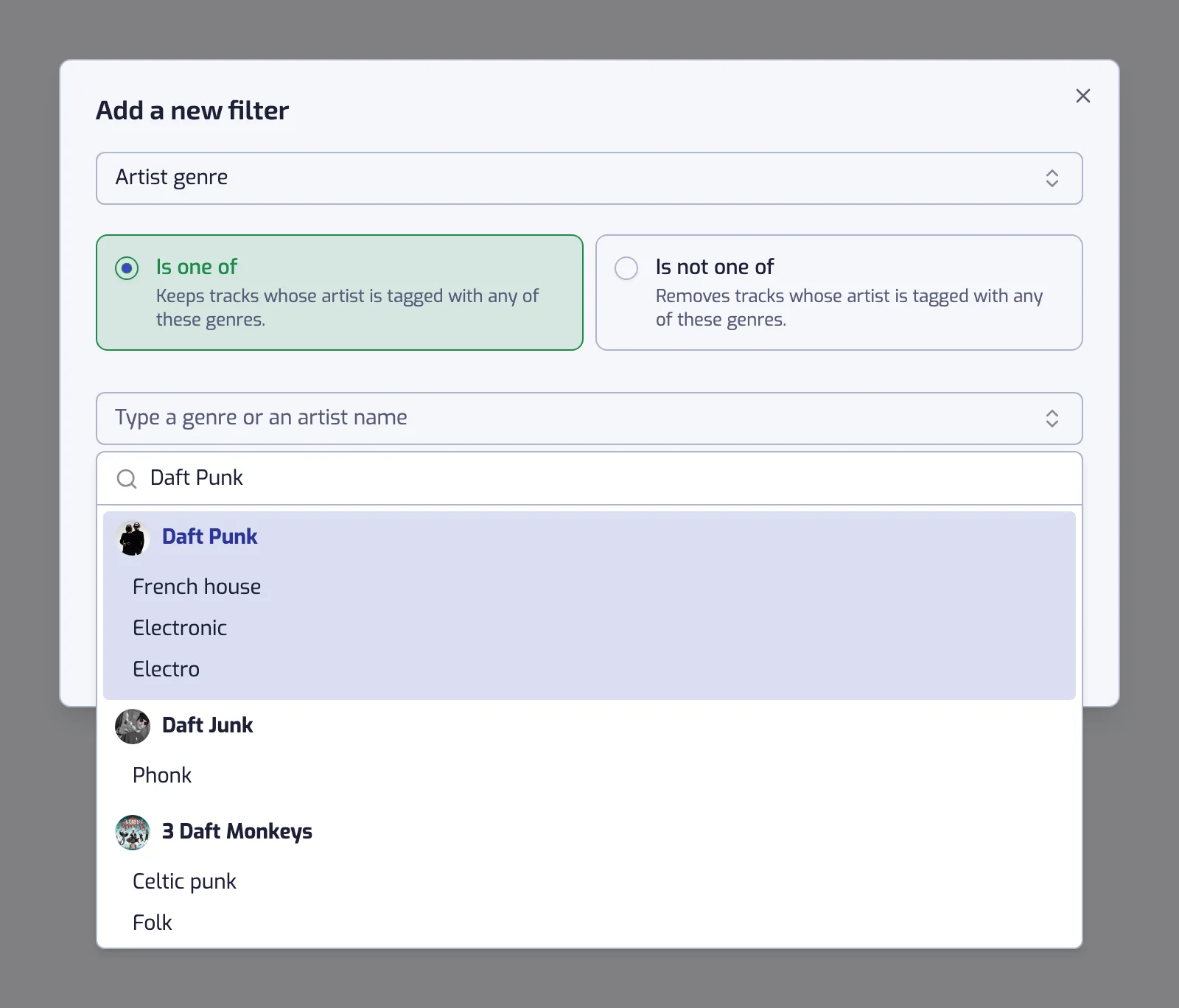
- Add the Artist genre filter. Choose Is one of to keep those genres, or Is not one of to remove them.
- Pick the labels, then create it. Type a genre, or an artist typical of it and click the labels shown under them. Before you type, the box offers the strongest genres of your own library, taken from your library stats.
Genre playlists people build
| Playlist | Filter |
|---|---|
| Rock | The track artist is tagged with one of rock, alternative rock, indie rock |
| French rap | The track artist is tagged with one of rap, hip hop, french hip hop, and the track language is one of French |
| Techno, recent | The track artist is tagged with one of techno, and Release date: The 2020s (2020–2029) |
| Everything but Christmas | The track artist is tagged with none of christmas |
The second row shows why the Language filter is often the partner of this one: genre labels mix languages, so "rap" alone lets English-language rap into a French rap playlist. The third narrows a genre to a period, which is the same move as building a playlist by decade. The two genre families people build most from have their own walkthrough, with the labels to pick: metal and house.
What it cannot do
| Limit | What to do |
|---|---|
| Some artists have no genres on Spotify at all. Their tracks never match "Is one of" and always pass "Is not one of". | Catch them with the Artist filter by name. |
| You cannot separate one artist's styles. Every track by an artist carries the same labels. | Narrow with release date, tempo or energy instead. |
| The label list is Spotify's, not ours, and it grows as artists are looked up. | If a label you expect is missing, search the artist rather than the word. |
The full reference, with both operators and the exact sentence each one writes, is on the Artist genre filter page.
The playlist keeps sorting itself
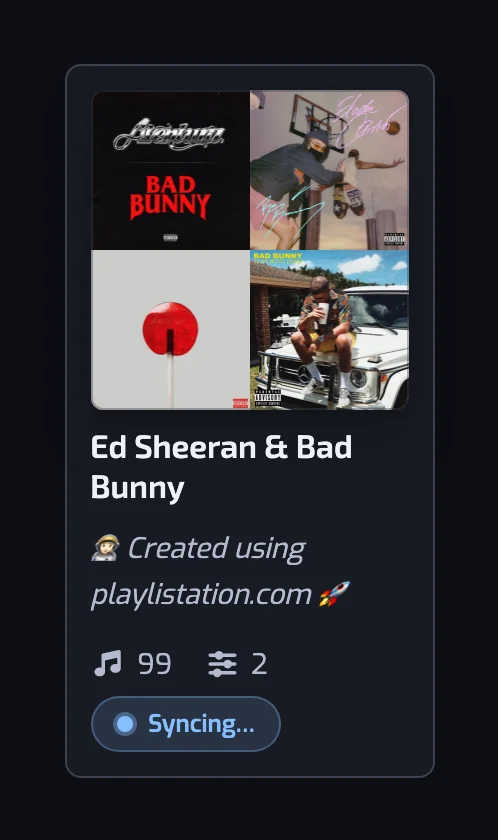
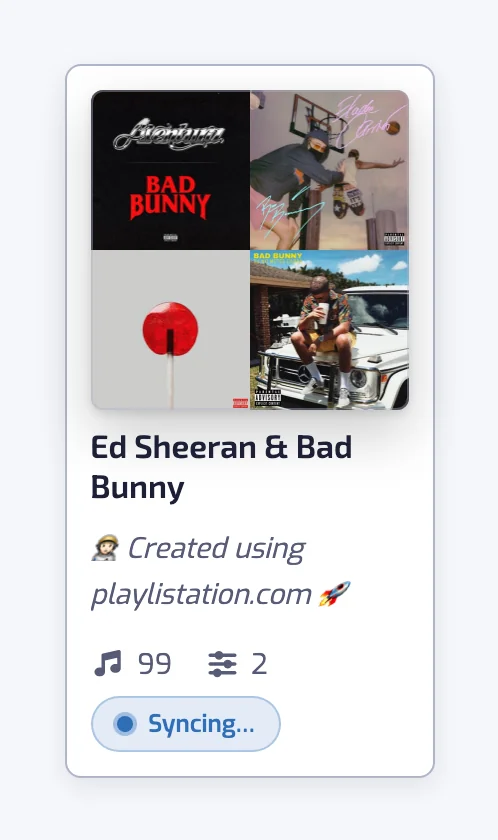
The genres are stored as a rule, so the playlist is never finished. Like a new techno track and it joins your techno playlist at the next update; unlike it and it leaves. Updates run once a day on the Free plan, every hour on Plus and in under 30 minutes on Pro (how syncing works).
Questions about sorting Spotify Liked Songs by genre
Can I sort my Spotify Liked Songs by genre?
Yes, with Playlistation. Add the Artist genre filter to a smart playlist, pick the genre labels you want, and it collects every liked track whose artist carries one of them into a real Spotify playlist. The playlist then updates itself as you like and unlike music, so you sort the genre once rather than every month.
Does Spotify tag songs with a genre?
Spotify puts genres on artists, not on individual tracks, and the labels are specific: "french hip hop" and "melodic techno" rather than "rap" and "electronic". Playlistation reads the labels of every artist on a track, so a track counts as whatever its artists are tagged with. That is why a slow song by a metal band still counts as metal.
How do I find the right genre label?
Type an artist's name into the genre box instead of a genre. The picker lists that artist's labels and you add them with one click each, which is far quicker than guessing how Spotify spells a scene. Before you type anything it also offers the strongest genres of your own library.
Can I build one playlist for several genres?
Yes. The Artist genre filter takes as many labels as you want, and a track matches when its artist carries any of them, so "rock, alternative rock, indie rock" is one broad rock playlist. That is usually necessary rather than optional, because Spotify's labels are narrow.
Can I exclude a genre instead?
Yes. Switch the filter to Is not one of and it removes every track whose artist carries one of the labels, keeping the rest of your library. It is how you make a playlist of everything you liked except the Christmas songs.
Is the genre filter free?
Yes. Artist genre, like every filter, works on every plan, so a free account can build genre playlists. The Free plan limits you to five playlists and watches your 1,000 most recent likes.