

Organize your Spotify Liked Songs by language
Pick a language and Playlistation builds a Spotify playlist of the Liked Songs sung in it, then keeps it up to date as you like more.
Sign in with Spotify. The Free plan needs no card.
Your Spotify Liked Songs mix every language you listen to, and some days you only want the Spanish ones. Spotify has no language filter. Playlistation adds one: create a playlist, pick a language, and the Spotify playlist is created and kept up to date on its own. It works on every plan.
Pick a language, that is all
- Create a playlist and add the Language filter.
- Choose Is one of, type the language and add it. Add several if you like.
- Create. The playlist fills from your Liked Songs and stays in step with them from then on.
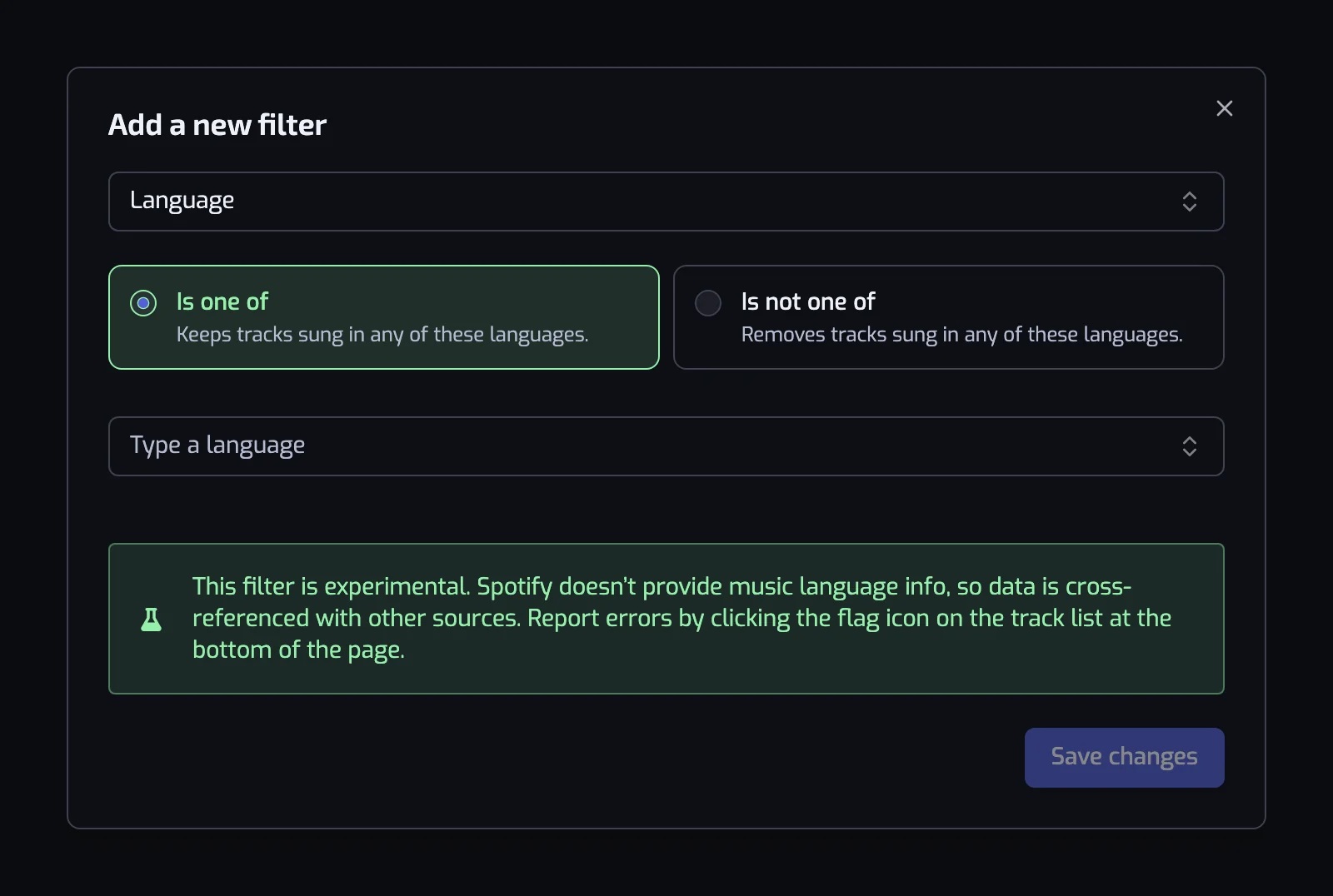
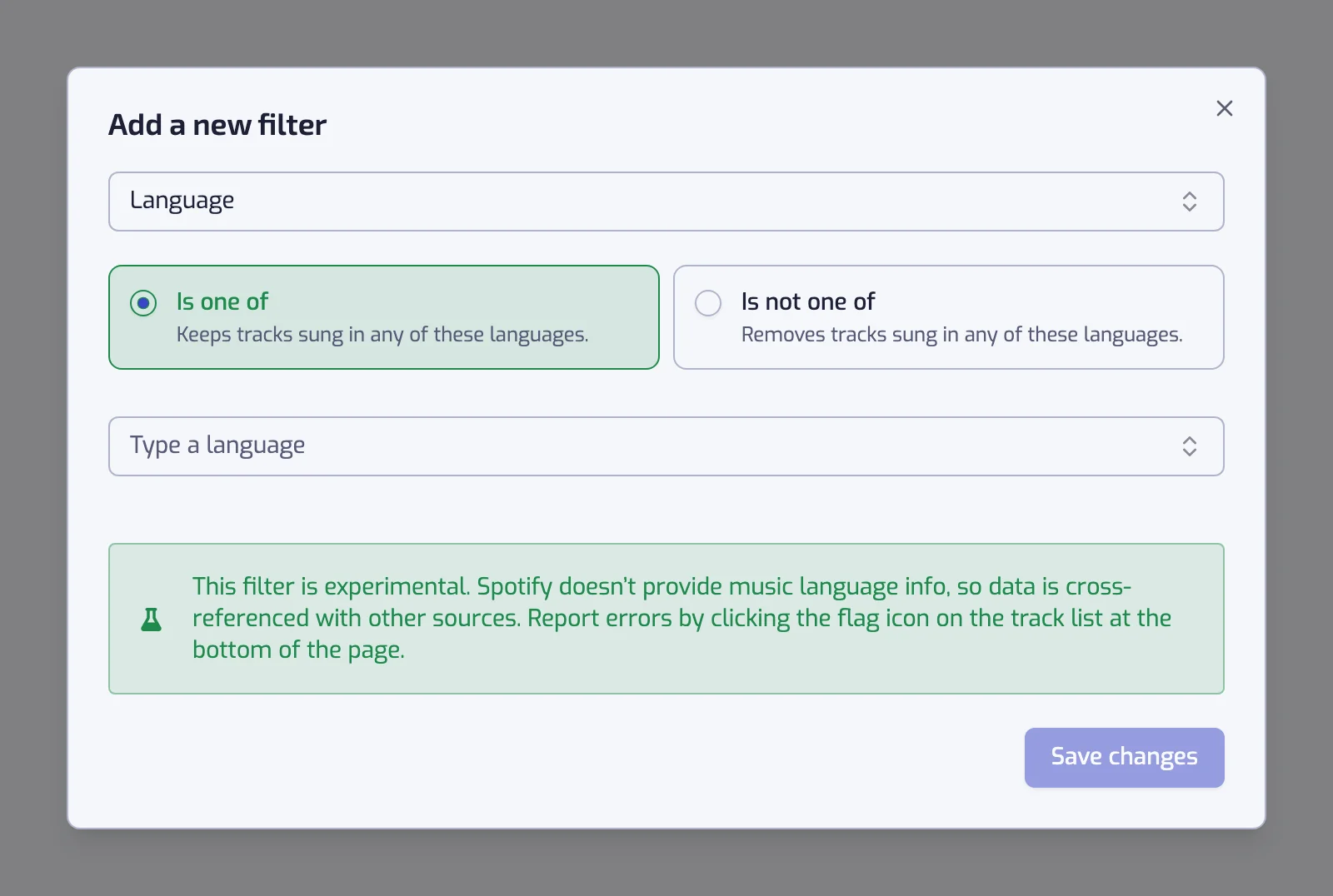
Switch the operator to Is not one of and the filter removes what it names instead: The track language is none of English keeps everything else you have liked, instrumentals included.
Where the language comes from
Spotify publishes no language for a track, so Playlistation works it out, once per track, for everyone. An AI model reads the title, artists and album; it never hears the audio and never reads the lyrics. Only a confident answer counts: until there is one, the track waits outside every Language playlist, and the artist's usual language stands in when the model stays unsure.
So the language is a guess, right most of the time and wrong sometimes. When it is wrong, you can say so, and the correction sticks for everyone.
Language is what a genre filter cannot see
"Rap" and "hip hop" cover every country at once. A language is what turns a broad genre into a scene.
| Playlist | Filters |
|---|---|
| French rap | The track language is one of French, and the track artist is tagged with one of rap, hip hop, french hip hop |
| K-pop in Korean | The track language is one of Korean, and the track artist is tagged with one of k-pop |
| Latin, this decade | The track language is one of Spanish, and Release date: The 2020s (2020–2029) |
| Russian and Ukrainian | The track language is one of Russian, Ukrainian |
| Everything but English | The track language is none of English |
Russian was the language Playlistation users filtered on most on 6 October 2026, often together with Ukrainian: many artists sing in both, and no genre label tells the two apart.
Genre labels are covered on organizing Liked Songs by genre, and periods on playlists by decade.
What it cannot do
- A track gets one language. A bilingual song is filed under a single one, and a cover can inherit the original's.
- Instrumentals have no language. The picker lists - No lyrics - as an entry: pick it with Is one of for a playlist of exactly those tracks. For "how much of this track is sung", use the Instrumentalness filter.
- It is a detection, not a fact. Expand a track at the bottom of the playlist page and click the flag next to its language to report it. An accepted report fixes that track for every user.
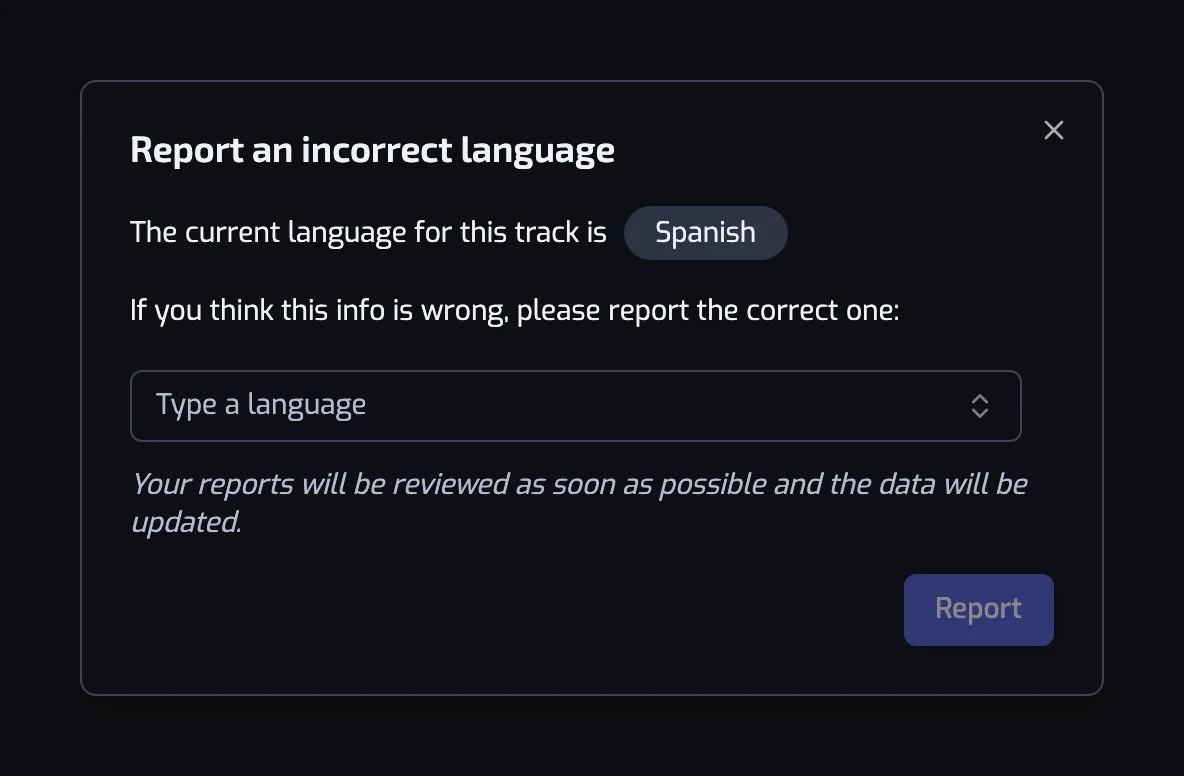
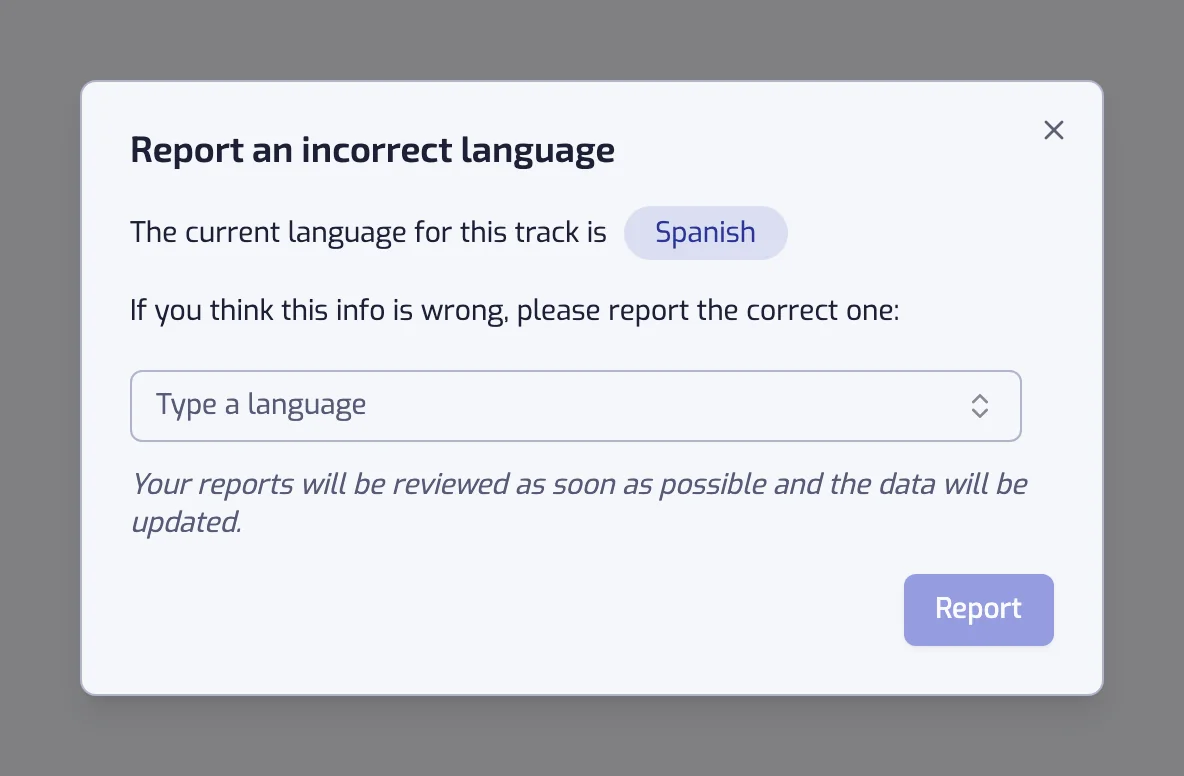
The full reference, with both operators and the exact sentences, is on the Language filter page.
It keeps sorting as you listen
The language is stored as a rule, so the playlist follows your library rather than a moment in it. A Portuguese track you like next week joins your Portuguese playlist at the next update: once a day on the Free plan, every hour on Plus and in under 30 minutes on Pro. See how syncing works.
Questions about filtering Spotify Liked Songs by language
Can I filter Spotify songs by language?
Spotify offers no language filter, but Playlistation adds one over your Liked Songs. Pick one or more of more than 140 languages and it builds a real Spotify playlist of the liked tracks sung in them, kept up to date as your library changes. The filter works on every plan.
How does Playlistation know what language a song is in?
An AI model works it out from the track's title, artists and album; it never hears the audio or reads the lyrics. The result is stored once per track and shared by every user, and you can correct it when it is wrong.
How do I make a playlist of the Russian songs in my Spotify Liked Songs?
Create a playlist in Playlistation, add the Language filter with Is one of and pick Russian, or Russian and Ukrainian together. It collects every liked track sung in those languages into a real Spotify playlist and adds the ones you like later. The same steps work for any of the 140 languages, from Turkish to Japanese.
Can I make a playlist of everything that is not in English?
Yes. Set the Language filter to Is not one of and add English. The playlist keeps every liked track in any other language, and instrumentals come along too, since "- No lyrics -" is not one of the languages you excluded. A track whose language is not detected yet waits outside the playlist until it is.
What happens to instrumental tracks?
Instrumental tracks get "- No lyrics -" as their language, a selectable entry in the picker, so Is one of with that entry gives you a playlist of exactly the instrumentals. Pick a real language and they stay out; Is not one of keeps them unless that entry is in the list.
A song is in the wrong language. Can I fix it?
Yes. Open the playlist, expand the track at the bottom of the page and click the flag icon next to the language line. The report asks what the right language is. An AI model checks it and applies it when it agrees, a person reviews the ones it doubts, and an accepted correction applies to that track for everyone.
Does the language filter work on the free plan?
Yes. Language works on every plan, like every other filter. On the Free plan it reads your 1,000 most recent likes. See plans and billing.