

Filters
Liked date
The Liked date filter keeps tracks by when you saved them to Liked Songs. Available on every plan.
What it matches
Every track in Liked Songs carries the date you saved it. The filter keeps a track when that date falls inside a period: a rolling window such as the last 30 days, a calendar period such as this year, or a custom range between two dates. The time of day is ignored; only the calendar day counts.
Rolling windows move. A "last 30 days" playlist drops a track once it is older than 30 days and picks up whatever you like tomorrow. It is a self-maintaining playlist.
Where the data comes from
The "added at" date Spotify records when you like a track. Playlistation reads it with the rest of your Liked Songs at each playlist update.
Only the most recently liked tracks are read: 1,000 on the Free plan, 3,000 on the Plus plan, your whole library on the Pro plan. Older likes are never read, whatever their date. See How syncing works.
Operators and values
The dialog has two modes.
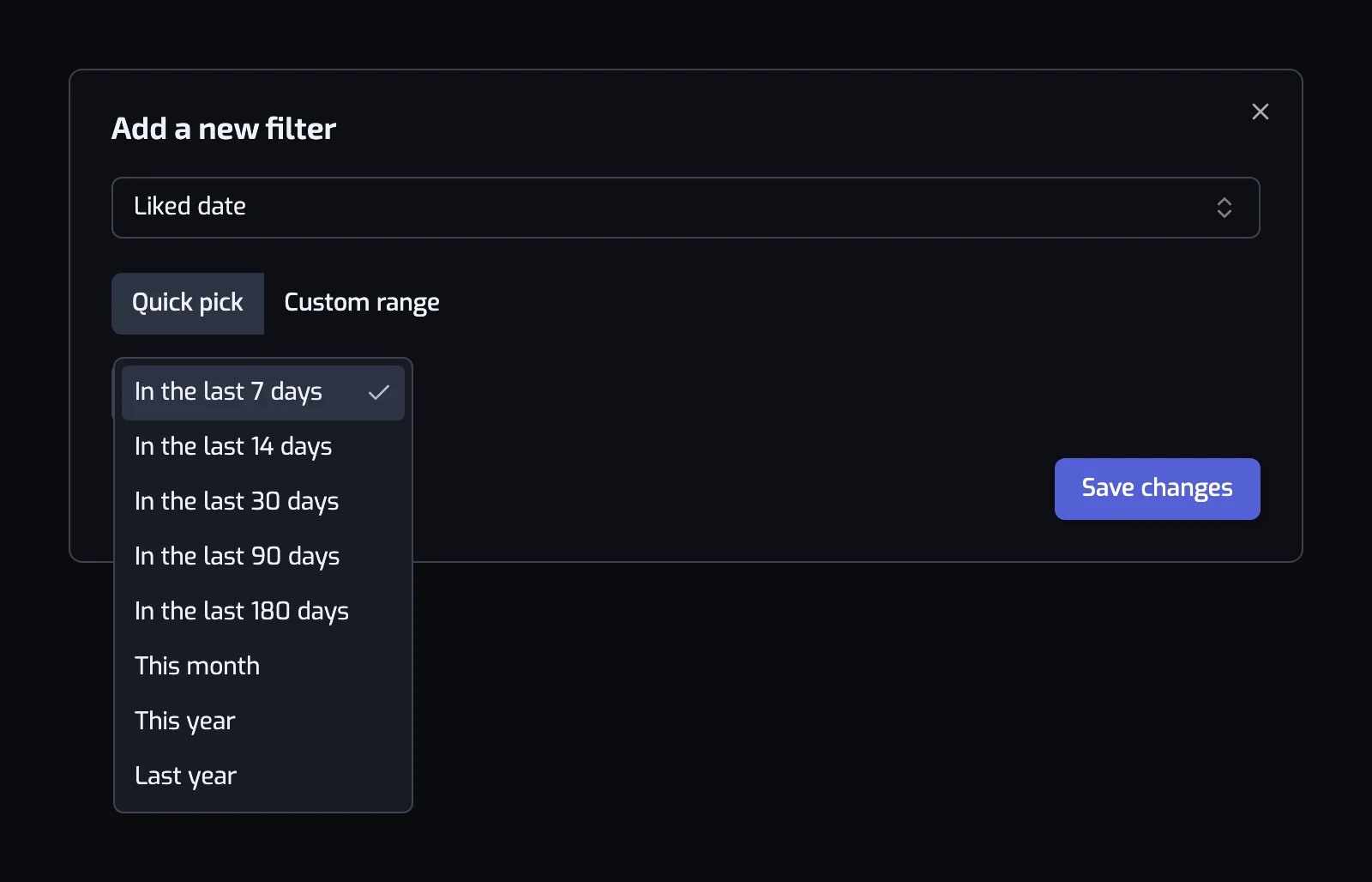
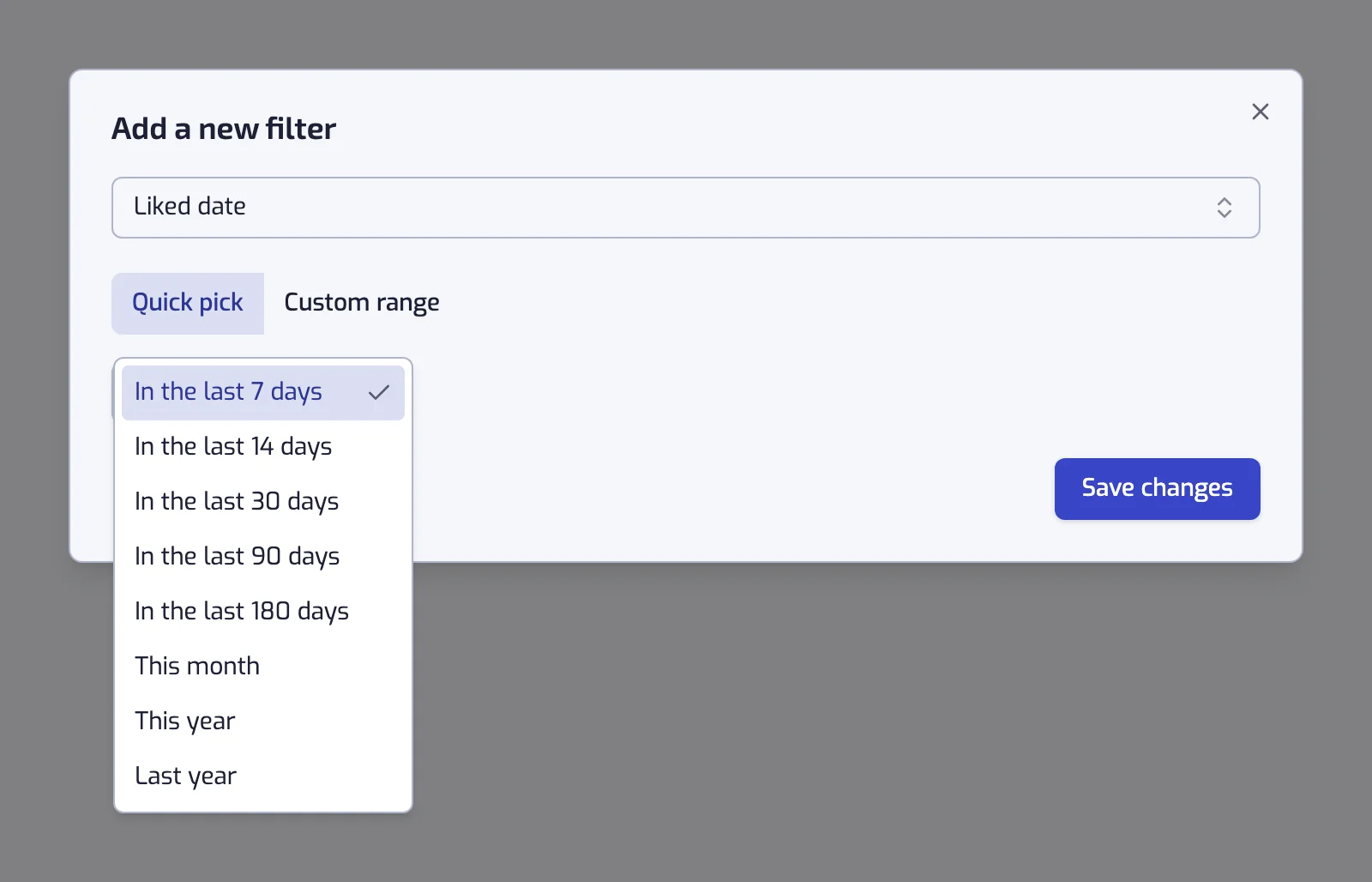
Quick pick offers a list of periods: In the last 7 days, In the last 14 days, In the last 30 days, In the last 90 days, In the last 180 days, This month, This year, Previous calendar year. A new filter starts on "In the last 7 days". The sentence reads "Liked date: In the last 30 days", and the line under it shows the concrete dates, for example "Includes every track you liked between 4 Aug 2026 and 3 Sep 2026."
Custom range gives three cards, each with a calendar: Before ("Everything up to one date"), After ("Everything from one date onwards") and Between ("Everything between two dates"). Both bounds are included. Switching to Custom range starts on a Between from one year ago to today. Switching card keeps the dates already chosen and fills in any the new card needs: going from After to Between ends the range today. In Between, the calendars grey out the days that would put the end before the start. The sentence reads "Liked date: between 1 Jan 2024 and 31 Dec 2024", "Liked date: before 14 Mar 2015" or "Liked date: after 14 Mar 2015".
Examples
- Liked date: In the last 30 days. New in my library, usually the first playlist people build.
- Liked date: between 1 Jan 2024 and 31 Dec 2024. Your 2024, as a playlist that never changes again.
- Liked date: In the last 180 days and The track artist popularity is at most 50. The small artists you discovered this half-year.
- Liked date: This year and The track artist is tagged with one of jazz. A yearly genre recap that completes itself on 31 December.
Things to know
- "In the last 7 days" counts back from the moment the playlist updates, not from midnight. Playlists update once a day on the Free plan, every hour on Plus and in under 30 minutes on Pro, so a track can stay in the window up to that long after its 7 days are up. A new like shows at the playlist's next update.
- "This month" and "This year" run to the end of the current month or year, so they keep collecting new likes until then.
Common questions
How do I make a playlist of songs I liked recently?
Add a Liked date filter and choose a Quick pick such as In the last 30 days. The playlist keeps the songs you liked in that window, drops them once they are older and picks up each new like at its next update.
Related filters
- Release date: when the music came out, not when you liked it.
- Track popularity: which of your recent likes are hits.
- Artist popularity: which of your recent likes are small artists.
- Combining filters
- Organize your Liked Songs by date added: this filter as a walkthrough, rolling and fixed.