

Demo
Watch Playlistation sort your Spotify likes
A 40-second animated walkthrough in five chapters. Each chapter also shows the same step in the real app, in a screenshot from the docs.
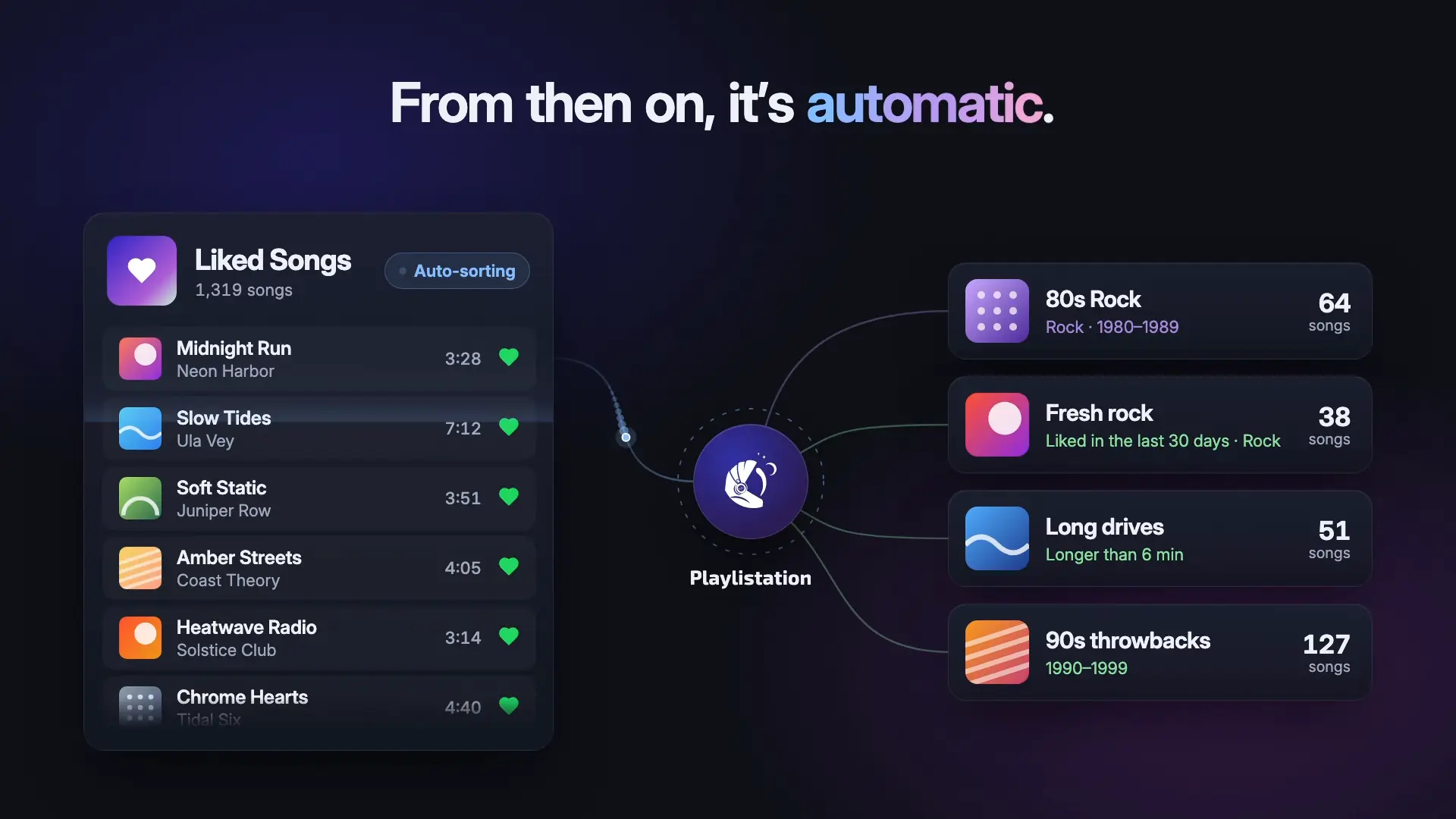
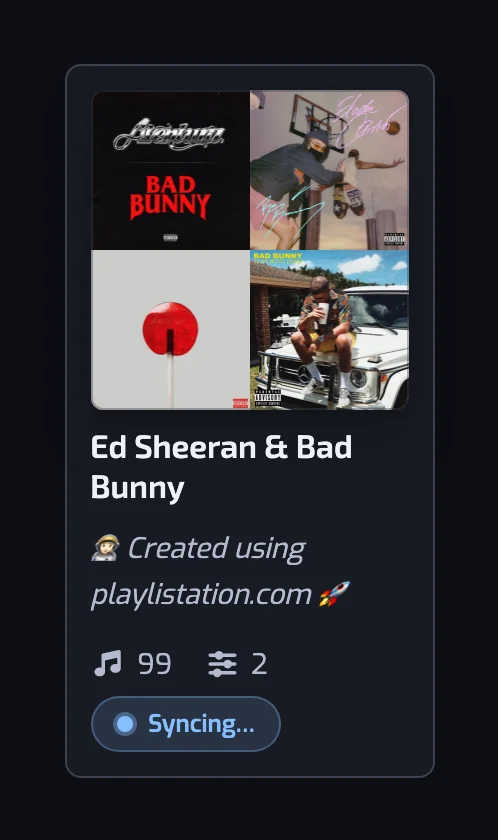
Smart Spotify playlists that fill themselves from your Liked Songs. You pick filters, here Artist genre Rock and Release date 1980 to 1989, and the playlist fills with your matching songs on Spotify. Make one for every mood. Then it runs on its own: a new like lands in each playlist it fits, and a song you unlike leaves them.
Chapter 10:00
Sorting likes by hand
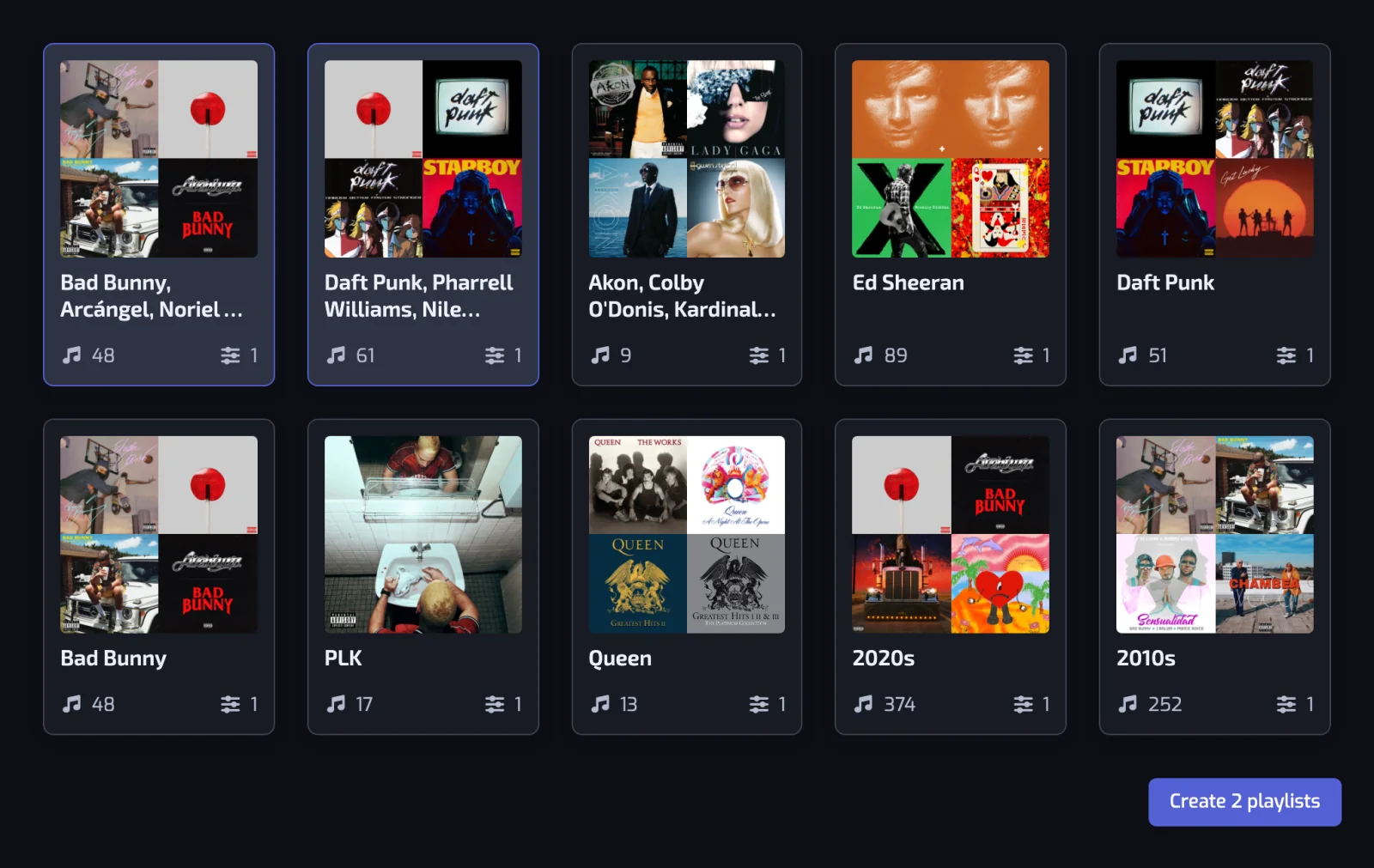
Each song you like on Spotify means another trip to the Add to playlist menu and its checkboxes. Sign in with Spotify instead, and the Discover page suggests playlists made from songs you already like.
Chapter 20:10
Pick a few filters
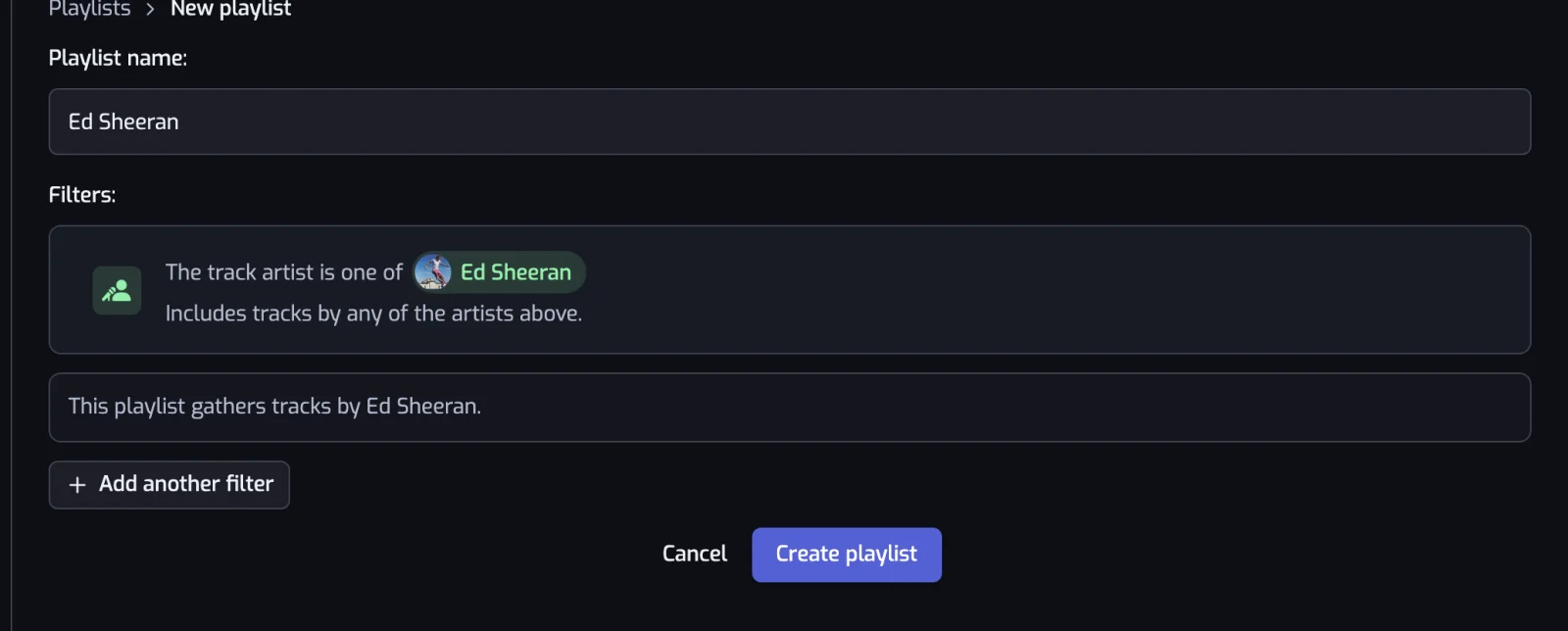
Add filters such as genre, release date, tempo or the day you liked a song. The playlist is named after them, and the sentence under the list says what it will gather.
Chapter 30:19
It fills from your Liked Songs
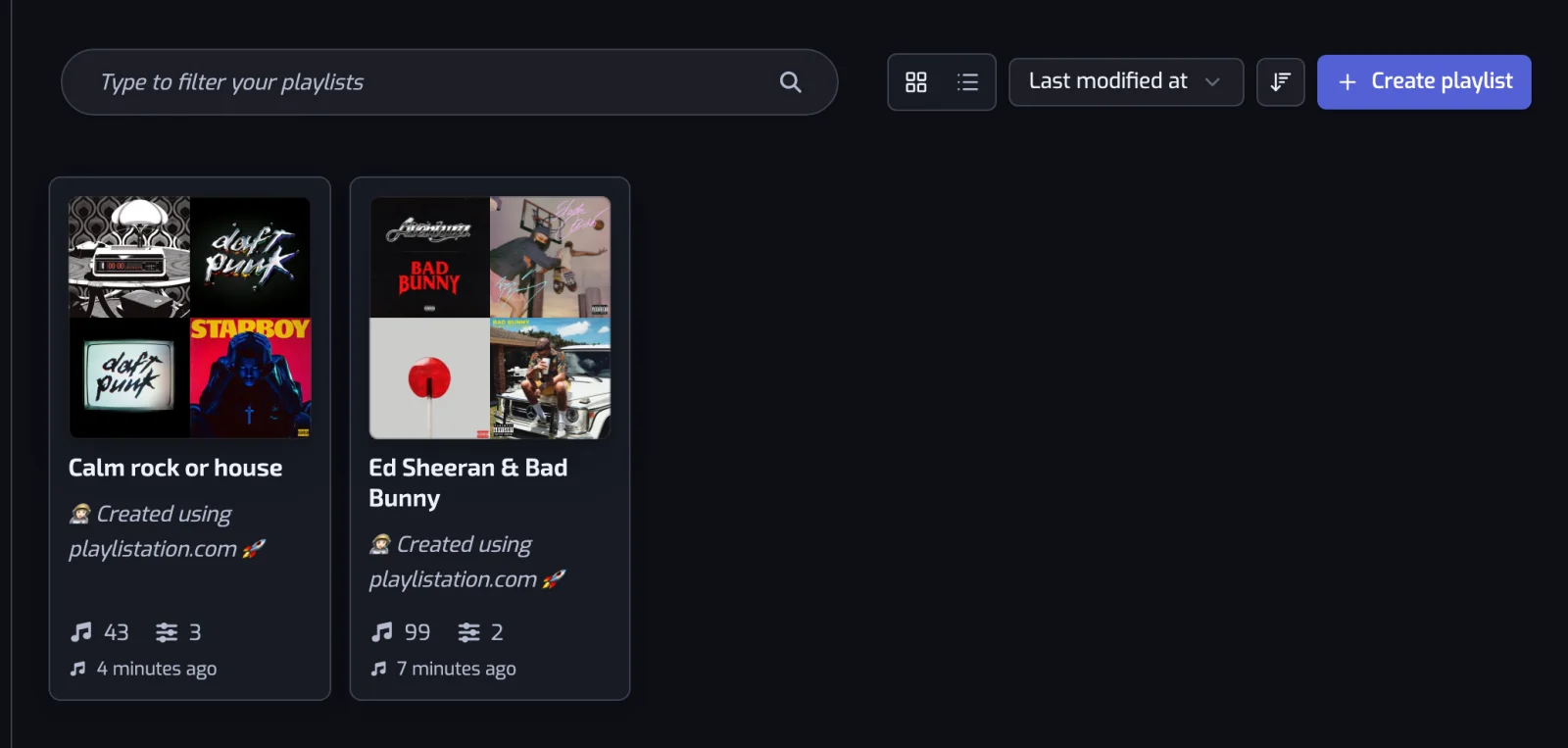
Playlistation creates a real playlist in your Spotify library and adds every liked song that matches. You play it in Spotify like any other playlist.
Chapter 40:24
New likes land where they fit
Keep liking songs on Spotify. Each playlist picks up your new likes at its next update: once a day on Free, every hour on Plus and in under 30 minutes on Pro.
Chapter 50:29
Unlike a song, and it leaves
A song you unlike leaves its playlists on the same schedule as a new like: each playlist drops it at its next update.
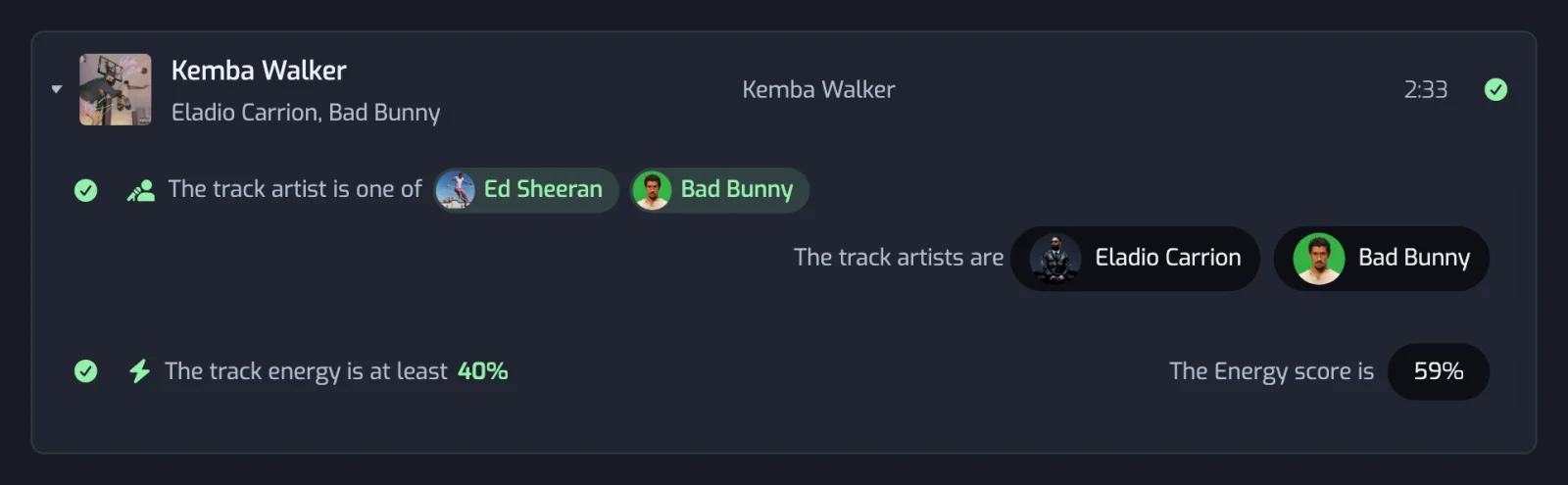
Like a song. It lands in the right playlist.
Free, no card. Only the playlists it creates change. Spotify keeps your password. How we handle your data