

Playlists
Combining filters
One filter makes a broad playlist. Several make a precise one. This page explains how they combine, what the operators include or exclude, and gives six recipes written the way the app displays them.
AND by default, OR when you say so
Every filter is a condition a track has to pass. By default the conditions are joined with AND: a track is in the playlist only if it passes all of them.
Between two rows sits a pill that reads AND. Click it and it turns into OR: the two filters become a group, drawn in a box labeled Any of, and a track passes the group when it matches at least one filter in it. A group can hold any number of neighboring filters, and a playlist can hold several groups. Filters cannot be reordered, so add the ones you want to group one after the other.
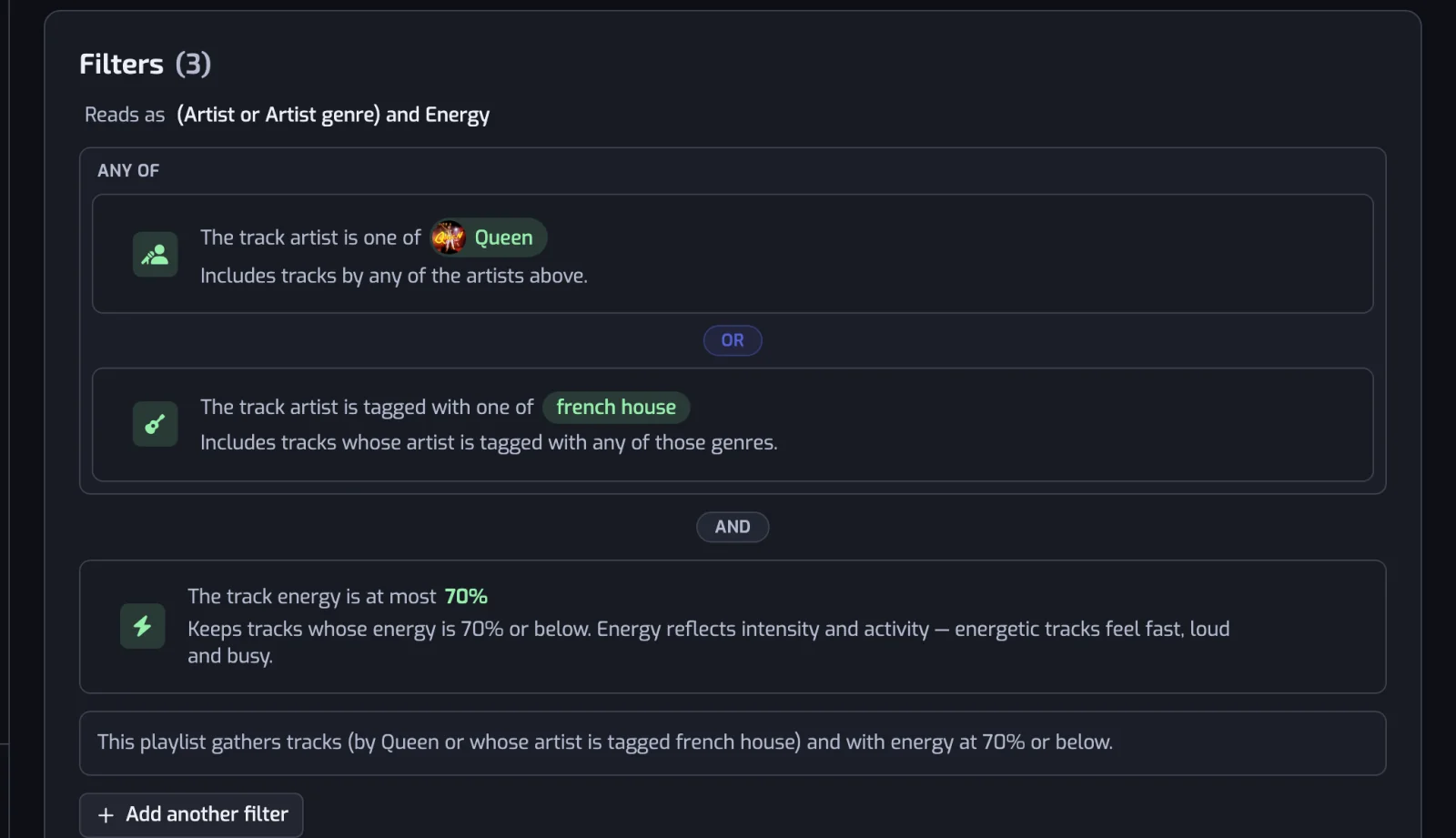
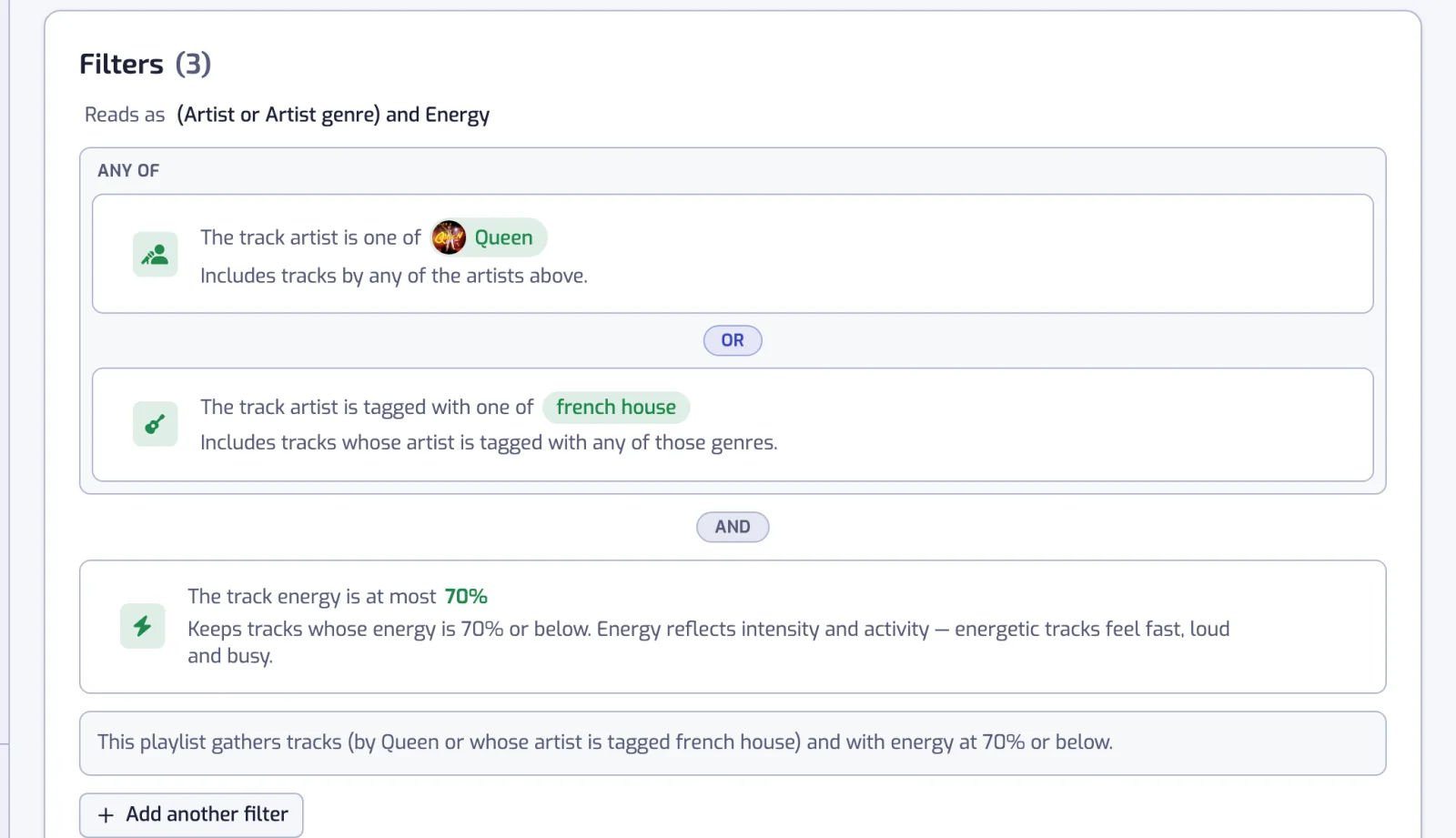
The app spells the result out twice so you can check it: the Reads as line above the list, (Artist or Artist genre) and Energy, and the summary under it, This playlist gathers tracks (by Queen or whose artist is tagged french house) and with energy at 70% or below.
Include and exclude
The operator decides whether a filter keeps or removes what it names. Labels are the cards in the filter dialog; sentences are how the saved filter reads in the list.
| Filters | Operators | Sentence in the list |
|---|---|---|
| Pick lists: Artist, Artist genre, Language | Any of, None of (the Artist cards are Is / Is not with one artist, Is one of / All of / None of with more) | The track artist is one of Daft Punk, Justice; The track artists are all of Vald, Orelsan; The track language is one of French |
| Thresholds: Duration, Artist followers | At least, At most | The track is 6:00 or longer; The track artist has at least 1M followers |
| Explicit content | One operator, not shown; the value is Clean only or Explicit only | The track is Clean |
| Dates: Release date, Liked date | One operator, not shown; the value is a Quick pick period or a Custom range | Release date: The 80s (1980–1989); Liked date: In the last 30 days |
| Sliders: Tempo, Energy and the other audio filters, the two popularity filters | One operator, not shown; the value is a range | The track BPM is between 120 and 156; The track energy is at least 70%; The track popularity is at most 40 |
Three things to know:
- Any of (Is one of on an Artist card) with several values means any of them. All of exists only for artists and means every selected artist is credited on the track. The Artist card reads Is with one artist; adding a second switches it to All of, so pick Is one of if you want tracks by either artist.
- None of removes every track matching any of the values and keeps the rest. It is how you carve exceptions: The track artist is tagged with one of rock AND The track artist is none of Nickelback.
- On a slider, the right handle at the top of the scale makes the range open-ended, at least 70% rather than between 70% and 100%; the left handle at 0 gives at most 40%.
Every operator and default per filter is in the comparison table.
How many filters a playlist can hold
As many as you want, on every plan. Every filter on the list counts when the playlist updates, and the Reads as line and the summary describe them all.
A playlist with no filter at all matches every liked track: the create page will not save one, but deleting the last filter of an existing playlist leaves it in that state, and the next update fills it with your whole monitored library.
Six recipes
Filters are written as the app displays them, followed by the summary the app writes under the list. Every filter works on every plan.
Running
- The track BPM is between 156 and 176 (the Running preset of the Tempo filter)
- AND The track energy is at least 70%
This playlist gathers tracks between 156 and 176 BPM and with energy at 70% or above.
See building a Spotify running playlist by BPM for the range that fits your pace and the slow songs the energy floor keeps out.
80s
- Release date: The 80s (1980–1989)
This playlist gathers tracks released in the 80s (1980–1989).
For two decades, add Release date: The 70s (1970–1979) and switch the pill between the rows to OR.
The other decades are in turning your Spotify Liked Songs into playlists by decade, along with why a remaster counts in the decade of its reissue.
Chill acoustic
- The track acousticness is at least 60%
- AND The track energy is at most 40%
- AND The track is Clean
This playlist gathers tracks with acousticness at 60% or above and with energy at 40% or below and without explicit content.
New discoveries
- Liked date: In the last 30 days
- AND The track artist has at most 100K followers
This playlist gathers tracks you liked in the last 30 days and by artists with at most 100K followers.
French rap
- The track language is one of French
- AND The track artist is tagged with one of french hip hop
This playlist gathers tracks sung in French and whose artist is tagged french hip hop.
Genre names are Spotify's tags; in the genre box, type an artist's name to see theirs.
Long tracks
- The track is 6:00 or longer
This playlist gathers tracks lasting 6:00 or longer.
Common questions
Can I use OR between filters?
Yes. Filters are joined with AND by default; click the AND pill between two filters to turn it into OR, which groups them in an Any of box. A track passes the group when it matches at least one of its filters.
How many filters can a playlist have?
There is no limit, on any plan. Every filter on the list counts at each update.