

Merge Spotify playlists into one that updates itself
Pick two Spotify playlists, or twenty, and get one playlist that holds them all. A song added to any of them later joins it, and a song in two counts once.
Sign in with Spotify. The Free plan needs no card.
Pick two Spotify playlists, or twenty, and get one playlist that holds them all. A song added to any of them later joins it, and a song in two counts once. In Playlistation you choose the playlists as the sources of a new smart playlist, and it fills a real Spotify playlist and keeps it in step.
How to merge playlists on Spotify
Spotify has no merge button. Its own way is to copy songs from one playlist into another by hand, using the track menu, as described in Spotify's guide to playlists. It is a one-time copy: a song added to the first playlist later does not reach the merged one.
In Playlistation it takes three steps:
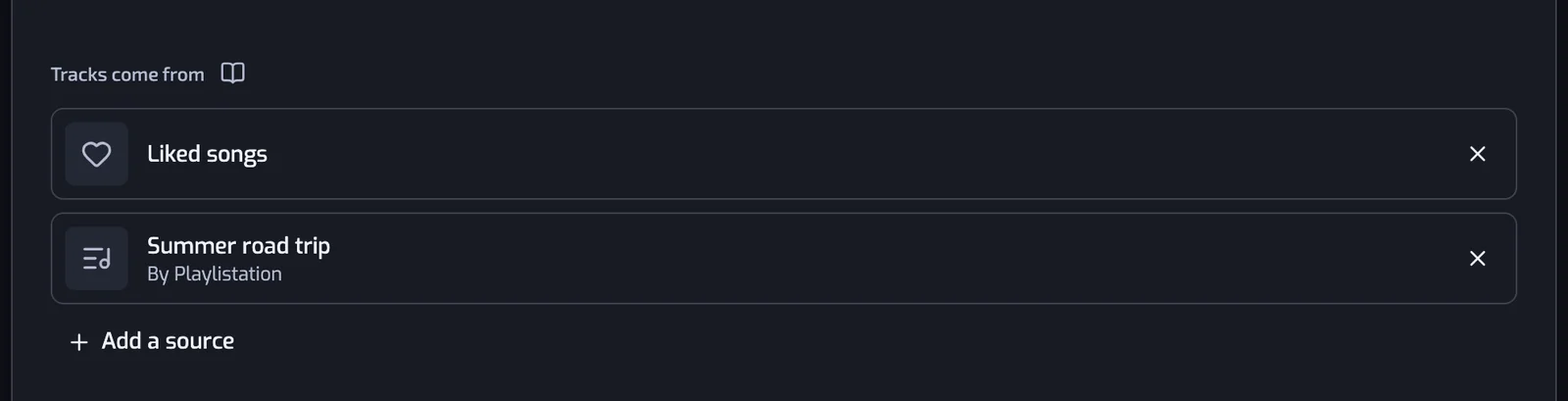
- Create a playlist and press Change source, under Tracks come from.
- Choose Spotify playlists… and tick the playlists to merge. Your own and followed playlists are listed before you type.
- Press the button under the list, such as Add 3 playlists, then create the playlist.

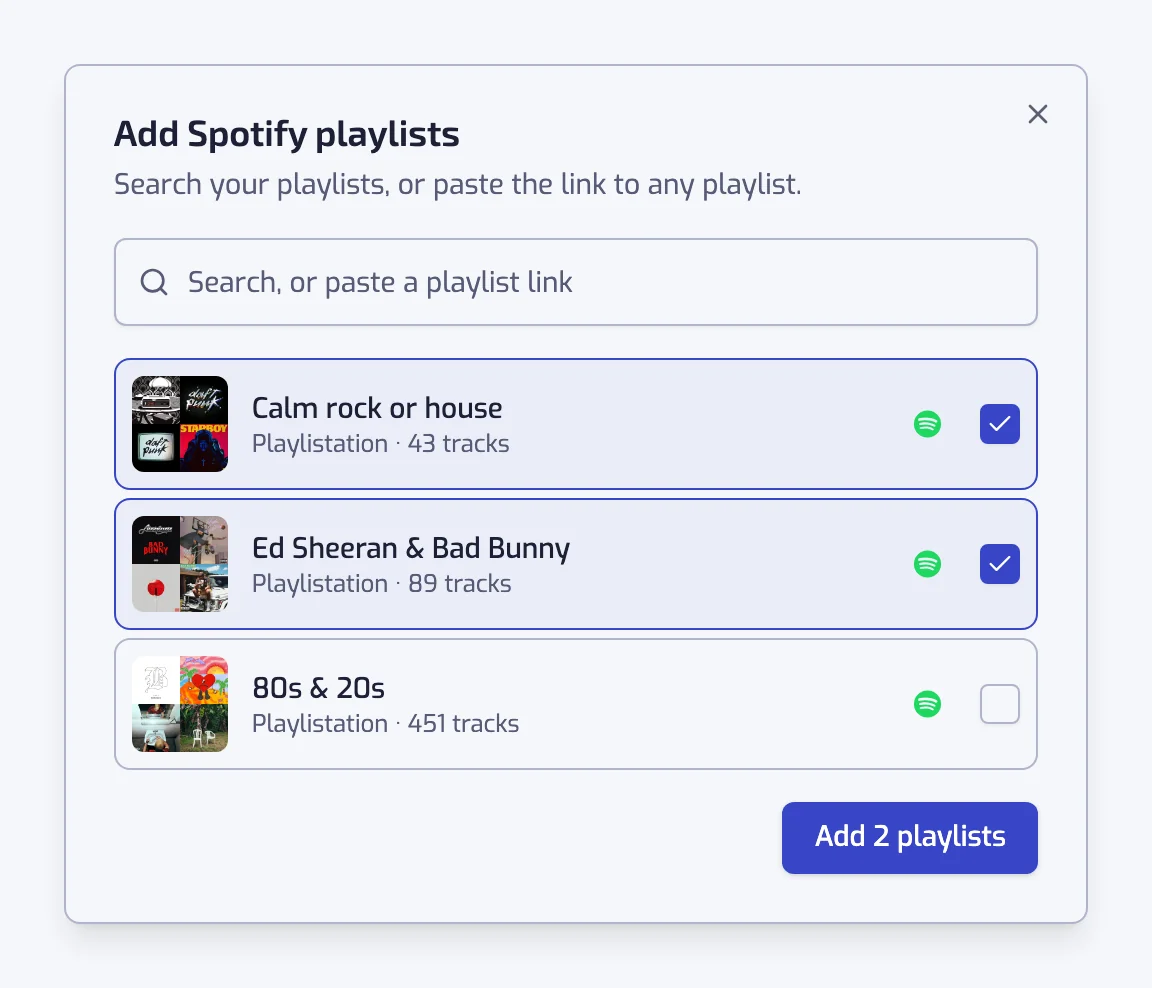
A plain merge needs no filter. Without a name of your own, the new playlist is named after the playlists it merges. Add a filter when you want only part of them, such as one genre, and the filters work on the merged set (all filters).
Merge playlists without duplicates
A song that sits in two of your sources counts once. The merged playlist holds it a single time, so you do not have to clean up afterwards. The same holds when a song is in three or four of them.
Playlistation does not remove duplicates inside a playlist you already have. It builds a new playlist that has none.
A merged playlist that follows its sources
The merged playlist is a rule, not a copy. Add a song to any source and it joins the merged playlist at the next update. Remove it from the source and it leaves.

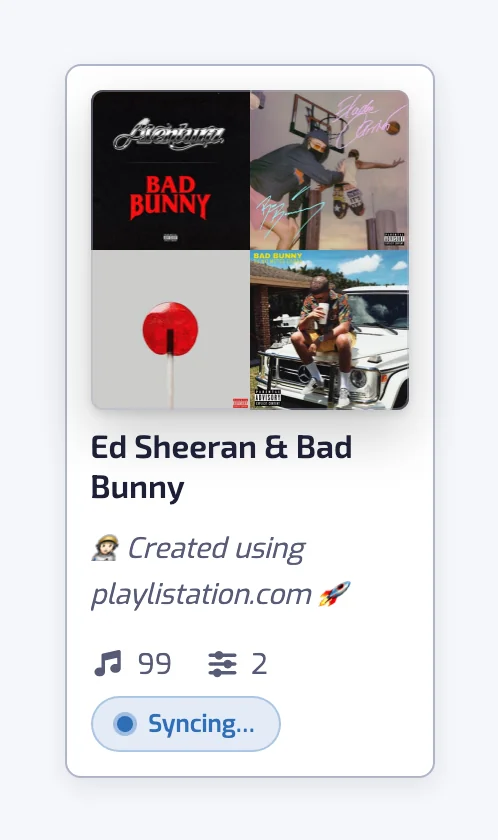
Each source is read at most once an hour. A song you add to a source can take up to about an hour to show up, on top of your plan's update interval (how syncing works). The merged playlist is cut to your plan's limit, keeping the most recently added songs.
Merge playlists you follow or did not make
A source can be one of your own playlists, one you follow, or a public playlist whose link you paste. Paste a link such as https://open.spotify.com/playlist/… and Playlistation finds that playlist.
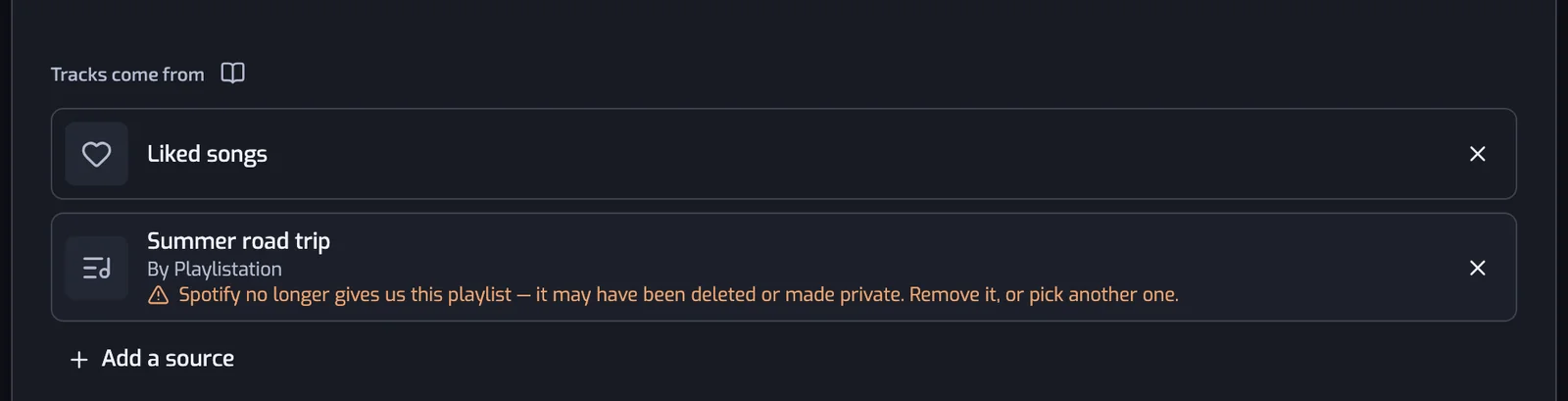
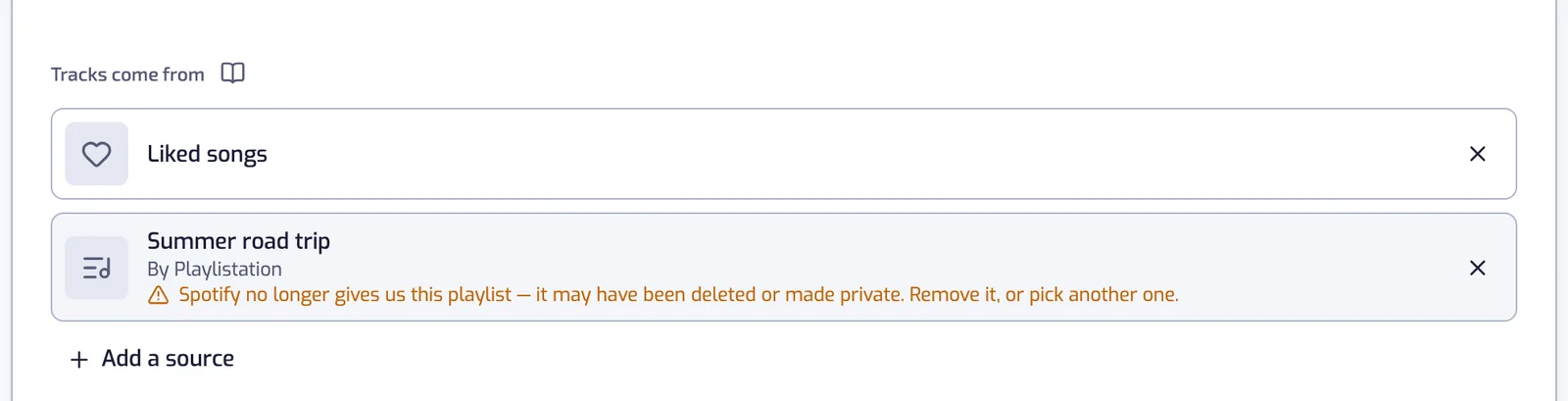
The playlists you merge are only read. Nothing is written back to them, and they never change. A playlist that Spotify stops serving, because it was deleted or made private, is kept on the list and flagged. Some private or shared playlists may not be readable, and they show the same flag.
What it does not do
- It does not make a one-time copy. The merged playlist keeps following its sources.
- It does not remove duplicates from a playlist you already have.
- It does not reorder the playlists you merge, and it does not split a playlist in half or by count.
- Podcast episodes and local files are skipped.
- It merges at most 20 Spotify playlists into one. Albums have no such limit (more on sources).
- The Liked date filter does not work over a Spotify playlist, because its songs have no like date.
To pick songs from albums rather than playlists, see a Spotify playlist from albums. To cut a big playlist down by genre, BPM or year, see filter a Spotify playlist. Smart playlists from your Liked Songs are on the smart playlists page.
Questions about merging Spotify playlists
Does Spotify have a button to merge playlists?
No. Spotify lets you copy songs from one playlist into another by hand, and that copy happens once. Playlistation builds a new playlist from the ones you choose and keeps it in step with them, so you do not repeat the copy.
Does the merged playlist update when I add songs to the originals?
Yes. A song you add to any playlist you merged joins the merged one at the next update, and a song you remove leaves it. Each source is read at most once an hour, so a new song can take up to about an hour, on top of your plan's update interval.
Can I shuffle several playlists together on Spotify?
Yes, by merging them first. Spotify shuffles one playlist at a time, so build a merged playlist in Playlistation and press shuffle on it in Spotify. It plays all your chosen playlists in one random order.
What happens if one of the playlists is deleted?
The deleted playlist stays on the source list, greyed out with a warning. The merge carries on with the sources that still answer, and the songs that came from the deleted one stay in your Spotify playlist. Remove the row or pick another playlist, and the next update catches up.
How many playlists can I merge into one?
Up to 20 Spotify playlists per playlist. Albums have no such limit, and you can mix them with playlists. The merged playlist is cut to your plan's limit, keeping the most recently added songs.
Can I merge playlists with friends?
That is Spotify's own Blend, which makes a shared playlist from your listening and a friend's. Playlistation merges playlists you choose into one that you own and keep in step.