
Playlists
Where your tracks come from
Every smart playlist reads a set of tracks and runs its filters over them. That set is the playlist's sources. By default there is exactly one, Liked songs, which is what every playlist read before this existed. You can swap it for albums or Spotify playlists, or combine several.
The source list
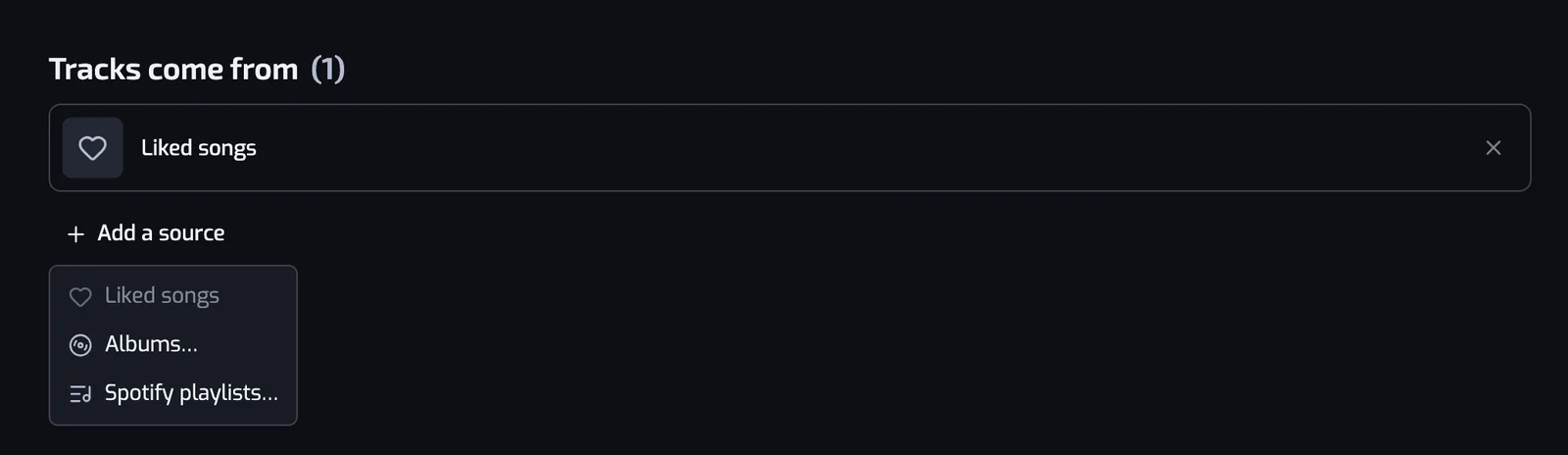
On the create page and on a playlist page, the filters sit under a short list headed Tracks come from. Each row is one source, with a button under the list: Change source while Liked songs is the only source, Add a source after that.
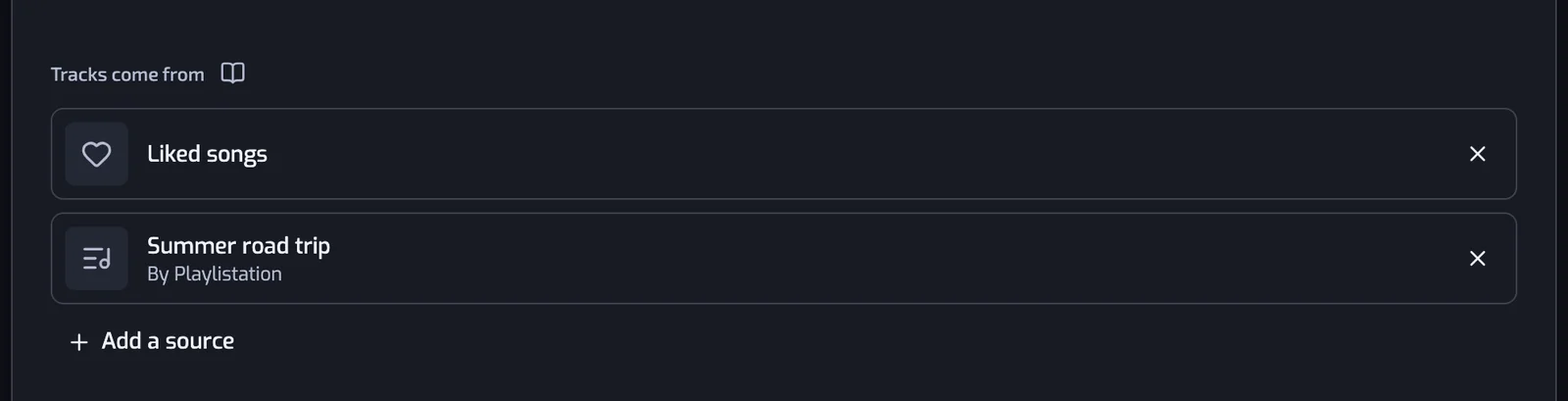
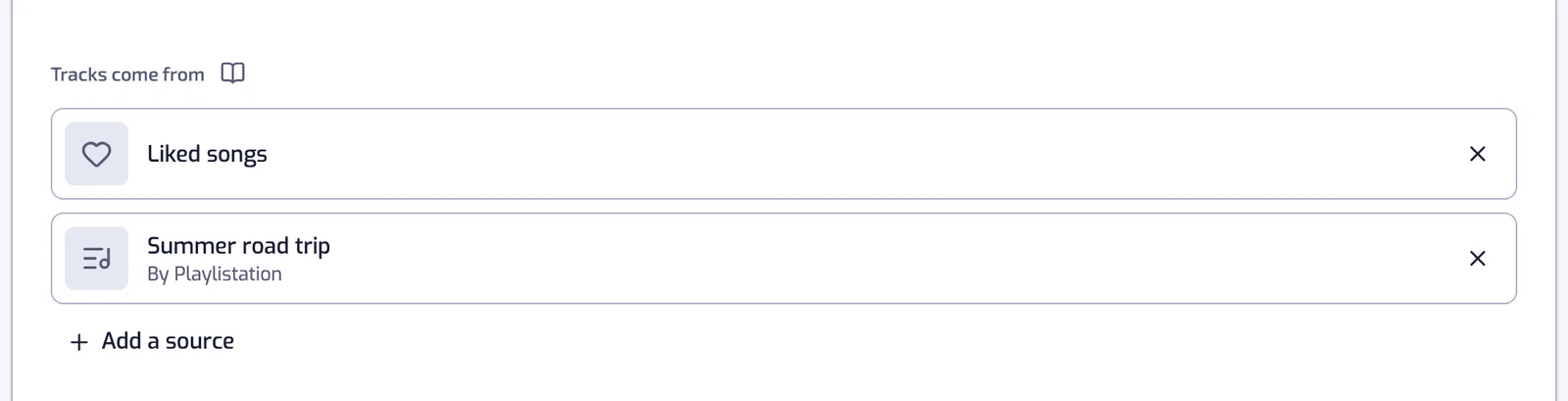
- The button opens a short menu: Liked songs, Albums…, Spotify playlists…. Liked songs is greyed out once it is on the list — it can only be there once.
- While Liked songs is the only source, picking an album, Liked albums or a Spotify playlist replaces it. After that, picks are added to the list. To mix Liked songs with an album, pick the album first, then Add a source → Liked songs.
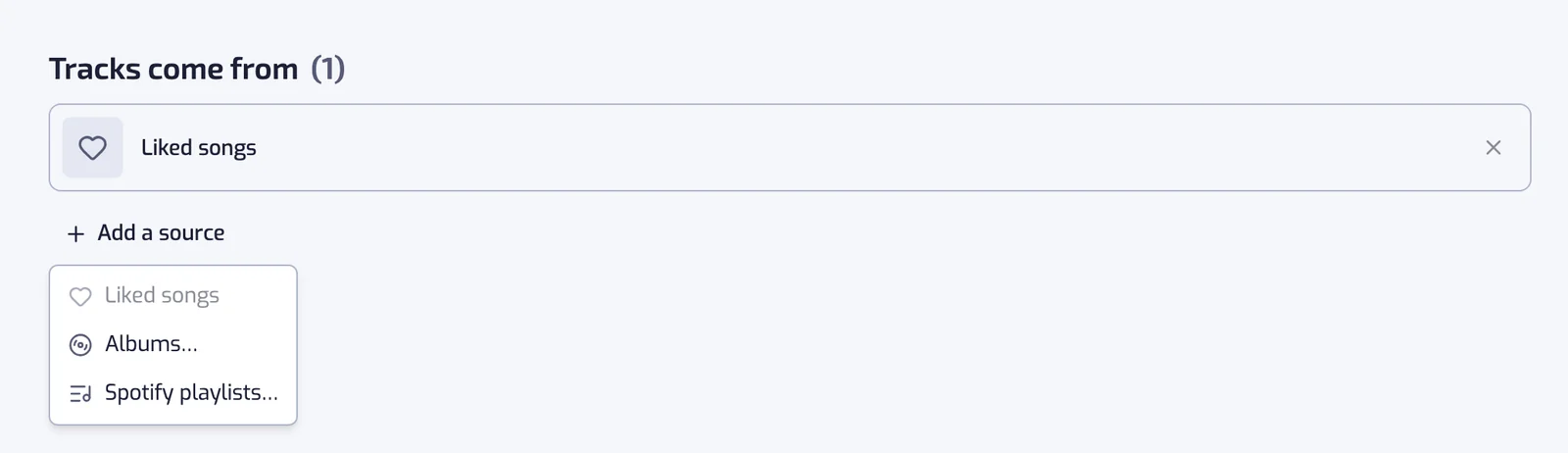
- The × at the end of a row removes it. On the last remaining row it is disabled: "A playlist needs at least one source."
- A playlist reads at most 20 Spotify playlists. Albums have no such limit.
On a playlist page every change saves immediately and starts a new sync, exactly like a filter change.
The three kinds of source
Liked songs
Your Spotify Liked Songs, most recently liked first. This is the default and, on its own, it is what Playlistation has always done.
Only the most recent likes are read: 1,000 on the Free plan, 3,000 on Plus, your whole library on Pro. See How syncing works.
Albums
Albums… opens a picker like the playlist one: tick one or more albums, then press the button under the list, such as Add 2 albums.
- Before you type, the list shows the albums you liked in Spotify. The first row, All your liked albums, adds the Liked albums source: every track of every album you liked, and the albums you like later join it too.
- Typing searches your liked albums first, then all of Spotify.
- Pasting an album link (
https://open.spotify.com/album/…), a URI (spotify:album:…) or the bare 22-character id finds that album. - An album already on the list is greyed out and reads "Already a source of this playlist".
- Albums you liked are ticked and greyed out, reading "Already in your liked albums", while All your liked albums is ticked or already a source. Only albums you never liked can be added beside it.
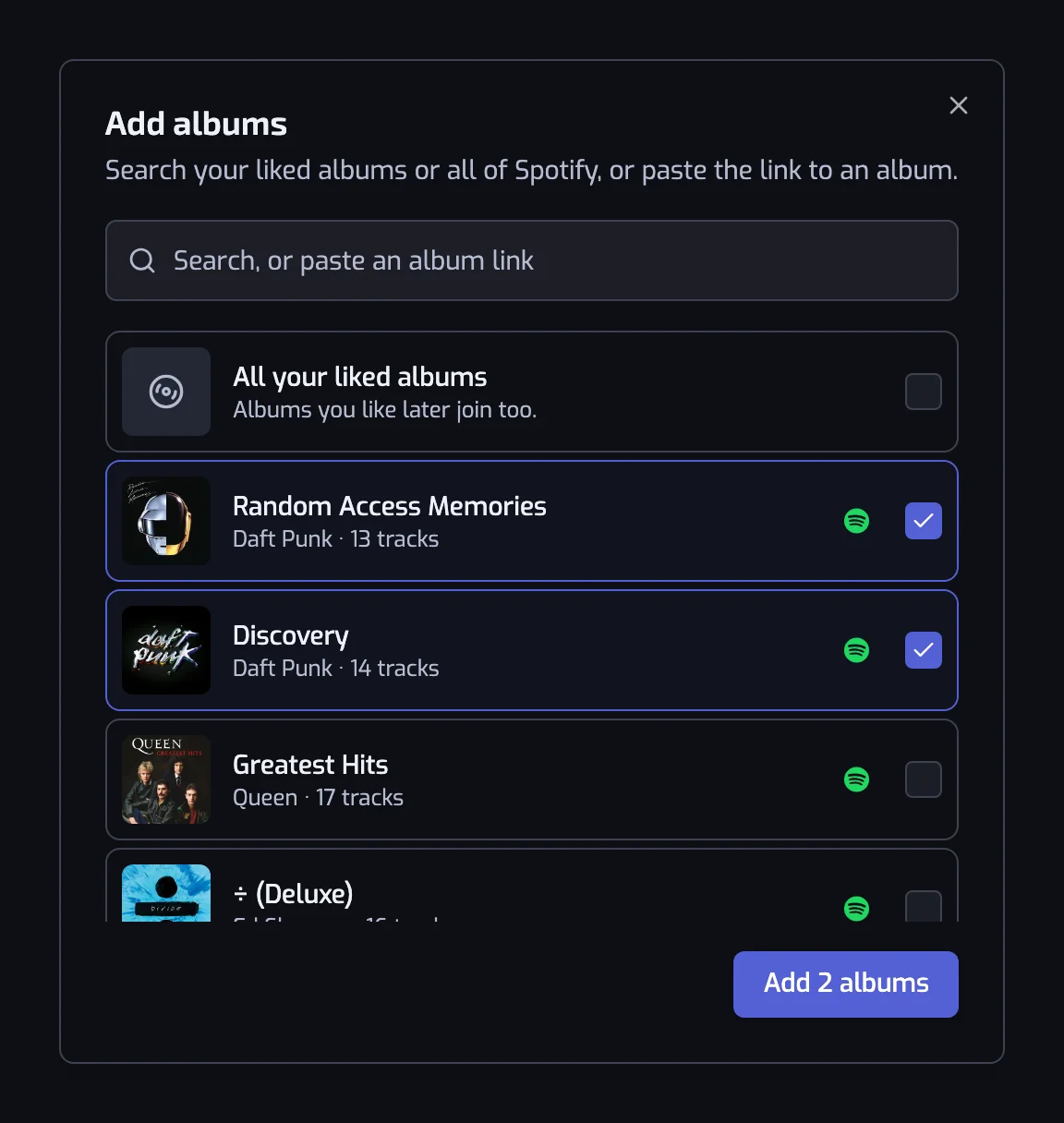
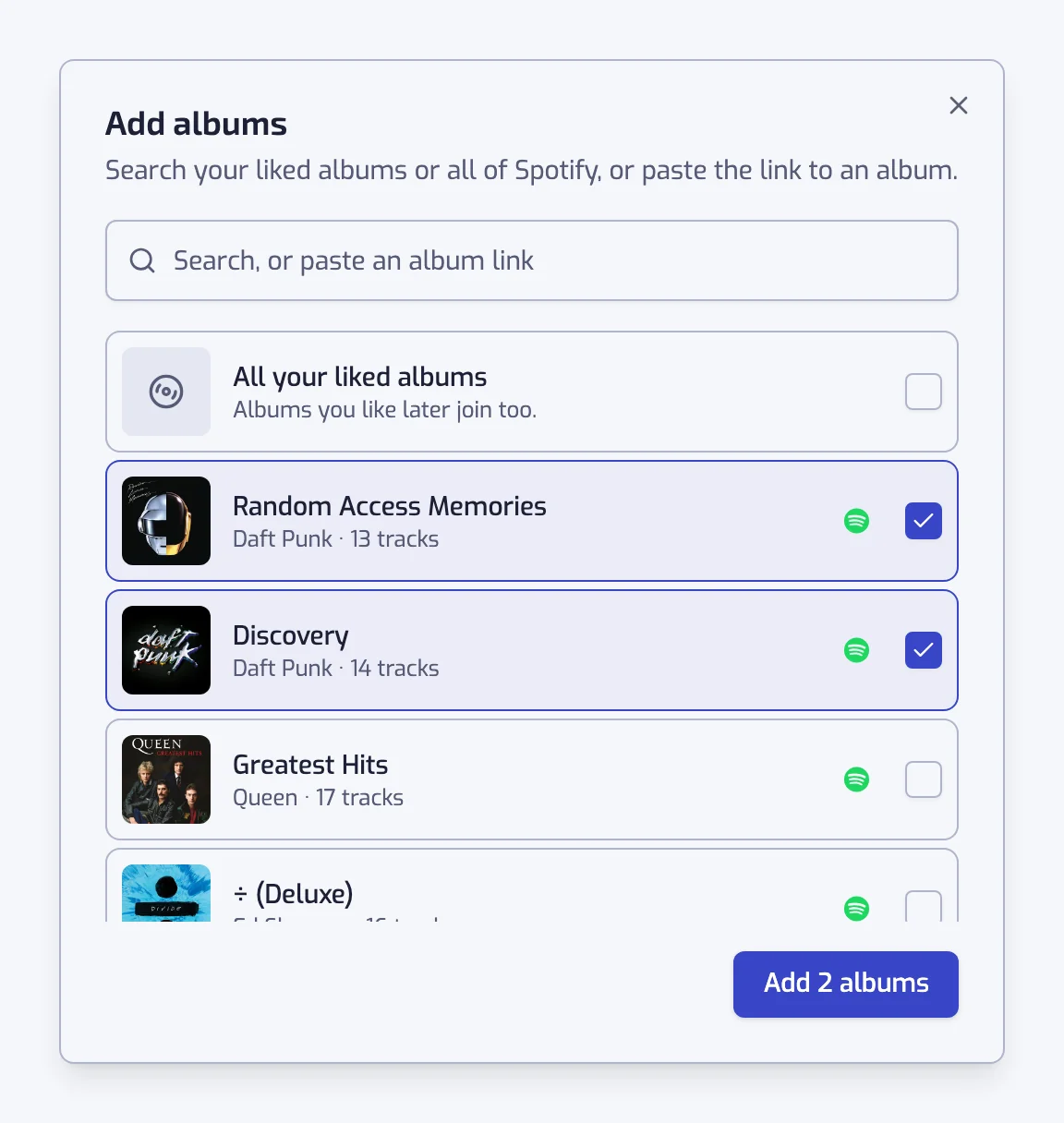
Every album you tick becomes its own row, with its cover and artists, linked to Spotify. If nothing comes back for a pasted link, the message is "We can't open that album. Check the link."
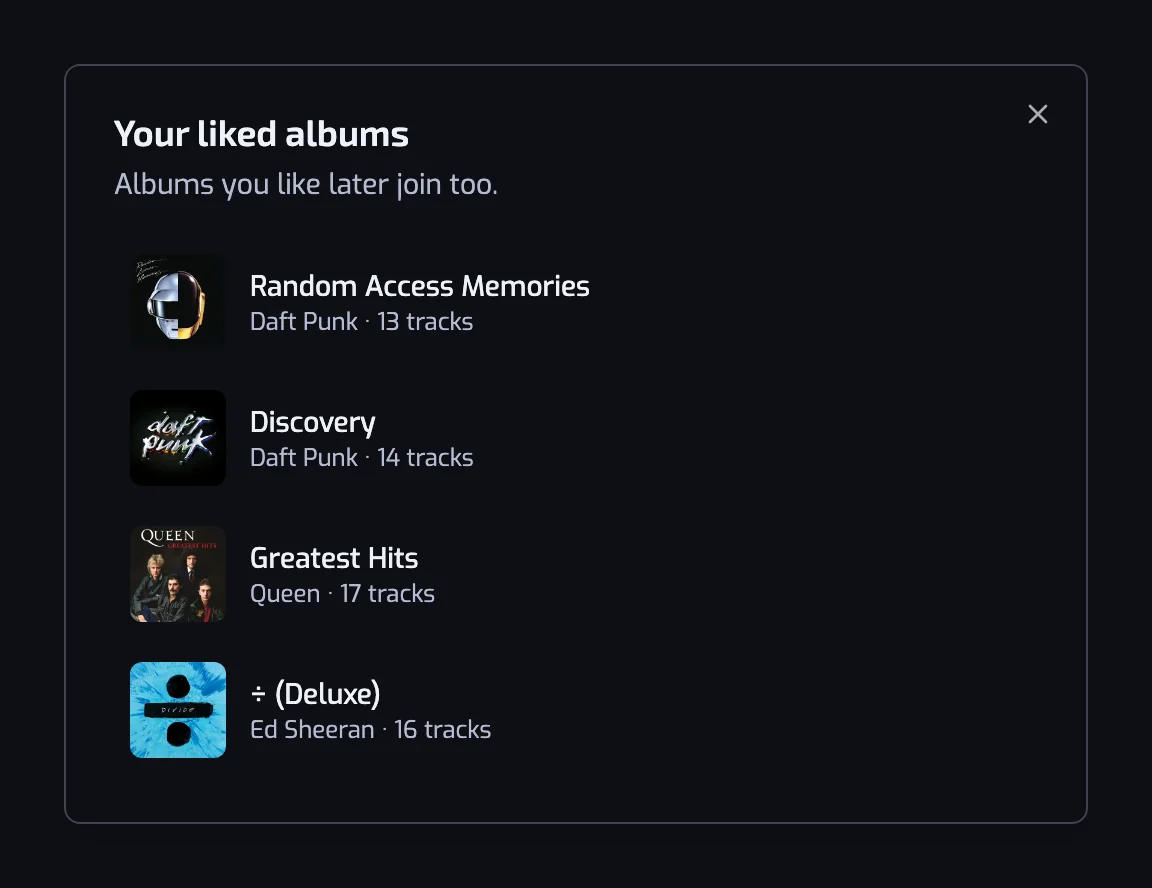
The Liked albums row has a See albums button that lists the albums it covers, each linked to Spotify.
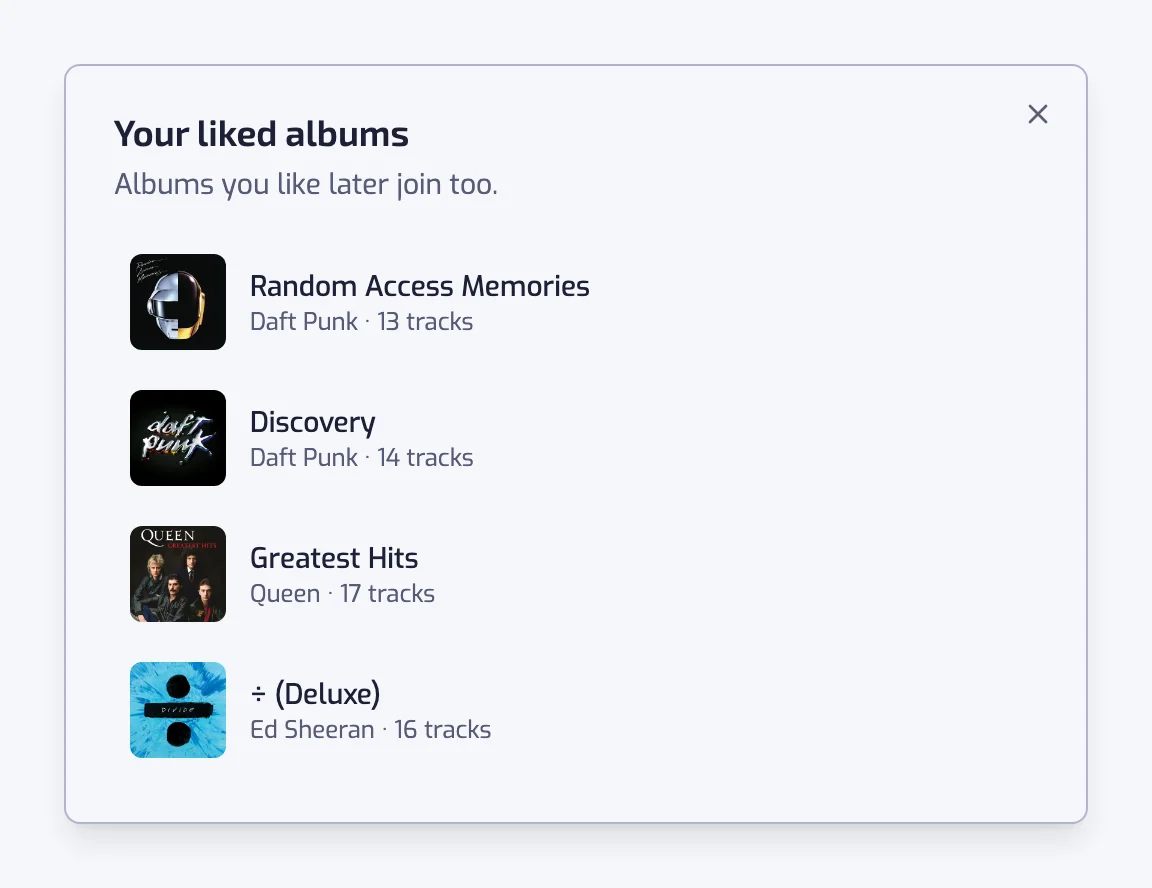
An album's tracks carry the day you liked the album, so they all share one date. An album you never liked carries the day you added it to the playlist.
A Spotify playlist
Any playlist you can open in Spotify: your own, one you follow, or one whose link you paste. Choosing it opens a search box with a list of playlists to tick.
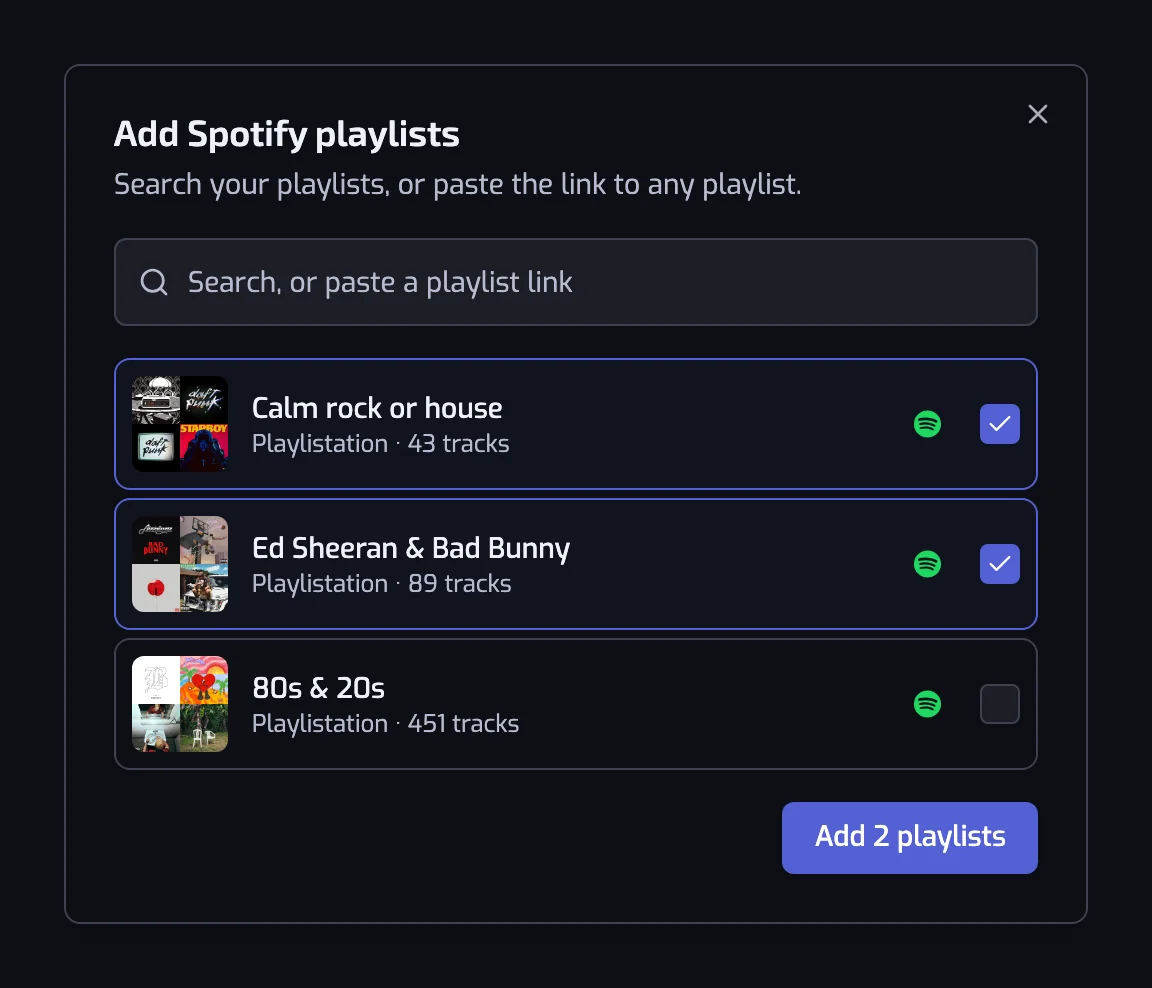
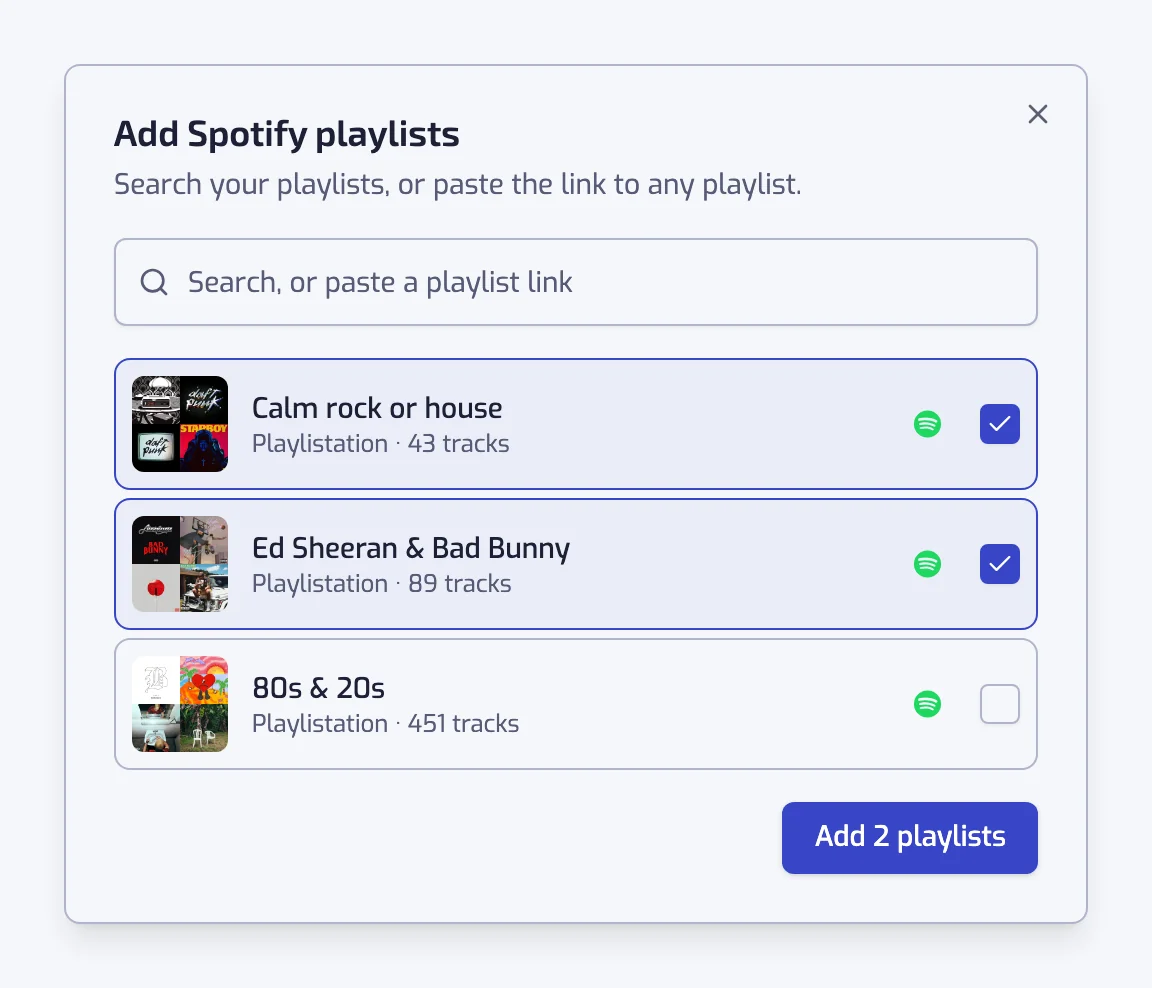
- Before you type, the list shows your own and followed playlists, so the usual case needs no typing.
- Typing searches your playlists first, then Spotify's public catalogue.
- Pasting a playlist link (
https://open.spotify.com/playlist/…), a URI (spotify:playlist:…) or the bare 22-character id resolves that one playlist. - A playlist already on the list is shown greyed out and reads "Already a source of this playlist".
- The playlist you are editing is greyed out too: a playlist can't read itself.
- Tick one or more playlists, then press the button under the list: Add 1 playlist, Add 2 playlists and so on. It adds them all at once.
If nothing comes back for a pasted link, the message is "We can't open that playlist. Check the link, and that the playlist is still public." — the playlist has been deleted, made private, or the link is wrong.
The date attached to a track from a playlist source is the day it was added to that playlist. A few very old playlists have no date at all; those tracks sort last.
Several sources at once
Sources are merged, not chained. Playlistation reads each one, puts every track into a single set, and runs the filters over that set.
- A track in two sources counts once. It is not duplicated.
- When a track has two different dates, the one from Liked songs wins, because that is your real liked date. Between two playlists, the more recent date wins.
- The merged set is cut to your plan's limit — 1,000 / 3,000 tracks, no cut on Pro — keeping the most recent dates.
- Podcast episodes and local files are skipped. They have no Spotify track to put in a playlist.
- The Tracks list on a playlist page names its first tab All tracks instead of My library once a Spotify playlist or an album is a source.
Filters and sources
A playlist that reads Liked songs needs at least one filter. Without one it would match everything, and the result would just be a copy of your library. The create button stays greyed out, and on a playlist page the change is refused with "A playlist that reads your liked songs needs at least one filter."
A playlist that reads only chosen playlists or albums may have no filter at all. That is a plain merge — three playlists into one — and it is a legitimate thing to want. Without a name of your own, it is named after those playlists.
Every filter works on every source, with one exception. Liked date needs a like date on every track, so it only works when each source is Liked songs, Liked albums or an album you liked. With a Spotify playlist or an album you never liked on the list, the filter is greyed out and says why. The other way round, while a Liked date filter exists, Spotify playlists… and the albums you never liked are greyed out and ask you to remove the filter first. Nothing is deleted for you. See Liked date.
When a source stops working
Spotify can stop serving a playlist: it was deleted, made private, or you unfollowed it. The row then stays on the list, greyed out, with a warning: "Spotify no longer gives us this playlist — it may have been deleted or made private. Remove it, or pick another one." An album gets the same treatment, with "Spotify no longer gives us this album. Remove it, or pick another one."
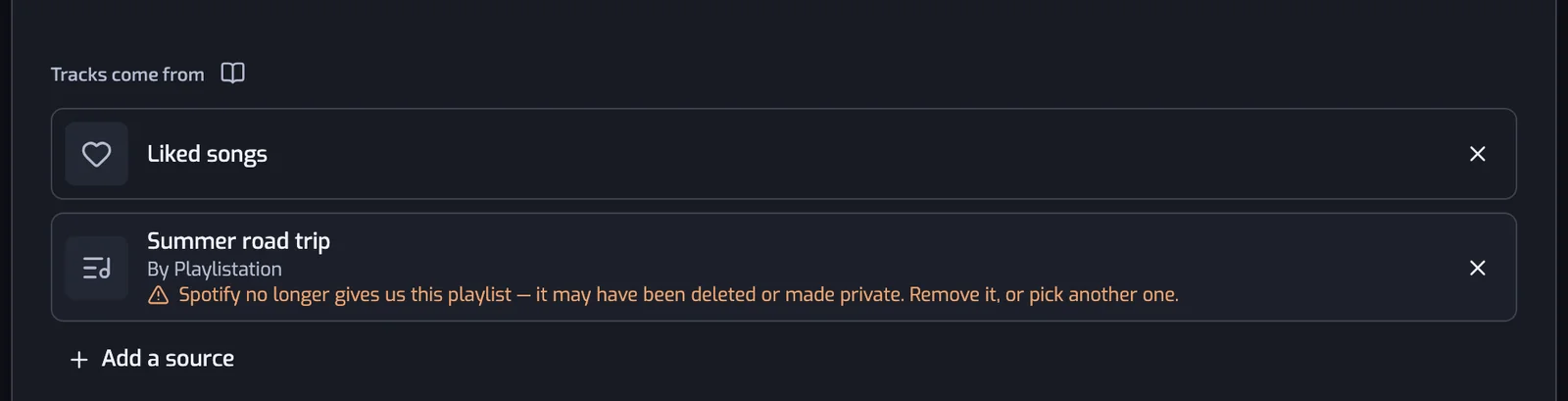
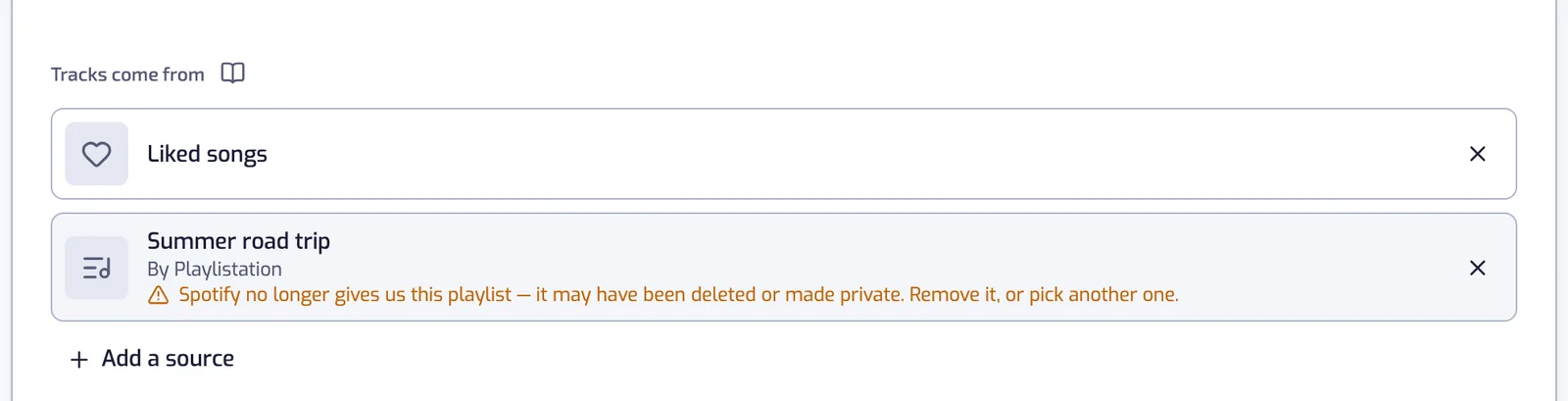
The sync carries on with the sources that still answer, and the tracks that came from the dead source are left in your Spotify playlist rather than removed — a playlist that is briefly unreachable must not empty half of yours. Remove the row or pick another playlist, and the next sync catches up.
If none of the sources answer, nothing is written at all and the playlist is parked with an error until you edit it. See Playlist not updating.
Things to know
- Each source is read at most once an hour, so a track added to a source playlist can take up to about an hour to appear, on top of your plan's sync interval.
- Sources are read for the playlist that names them; they are never added to your Liked Songs and nothing is written back to a source playlist.
- Adding a source costs nothing on your plan — the plan limits how many playlists you have and not where they read from. Every filter is evaluated on every plan.