

Shuffle all your Spotify liked albums in one playlist
Every track of every album you liked on Spotify, in one playlist you can shuffle. Like an album next month and its songs join the playlist.
Sign in with Spotify. The Free plan needs no card.
Every track of every album you liked on Spotify, in one playlist you can shuffle. Like an album next month and its songs join the playlist. Playlistation makes the playlist from your albums and keeps it up to date, and you press shuffle in Spotify, where it plays like any other playlist.
Can you shuffle all your albums on Spotify?
An album plays on its own, so shuffling several albums together takes one playlist that holds their songs. Songs from an album you liked do not sit in your Liked Songs either, because liking an album saves the album and not its tracks. Playlistation reads your liked albums and fills a real Spotify playlist with their tracks. You shuffle that playlist in Spotify.
How to make a playlist from your liked albums
Four steps, one playlist, nothing to pick by hand:
- Create a playlist in Playlistation.
- Under Tracks come from, press Change source and choose Albums….
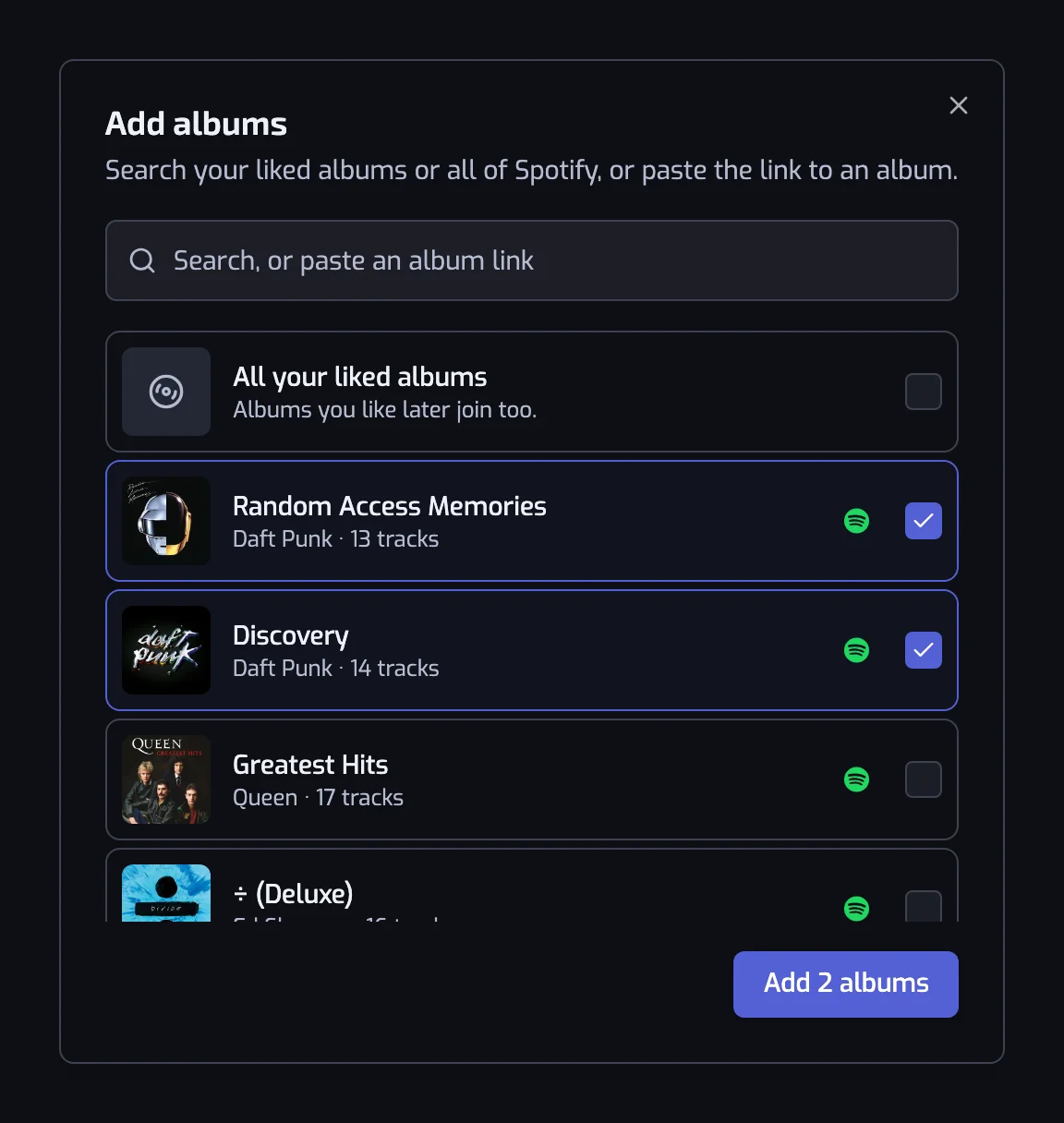
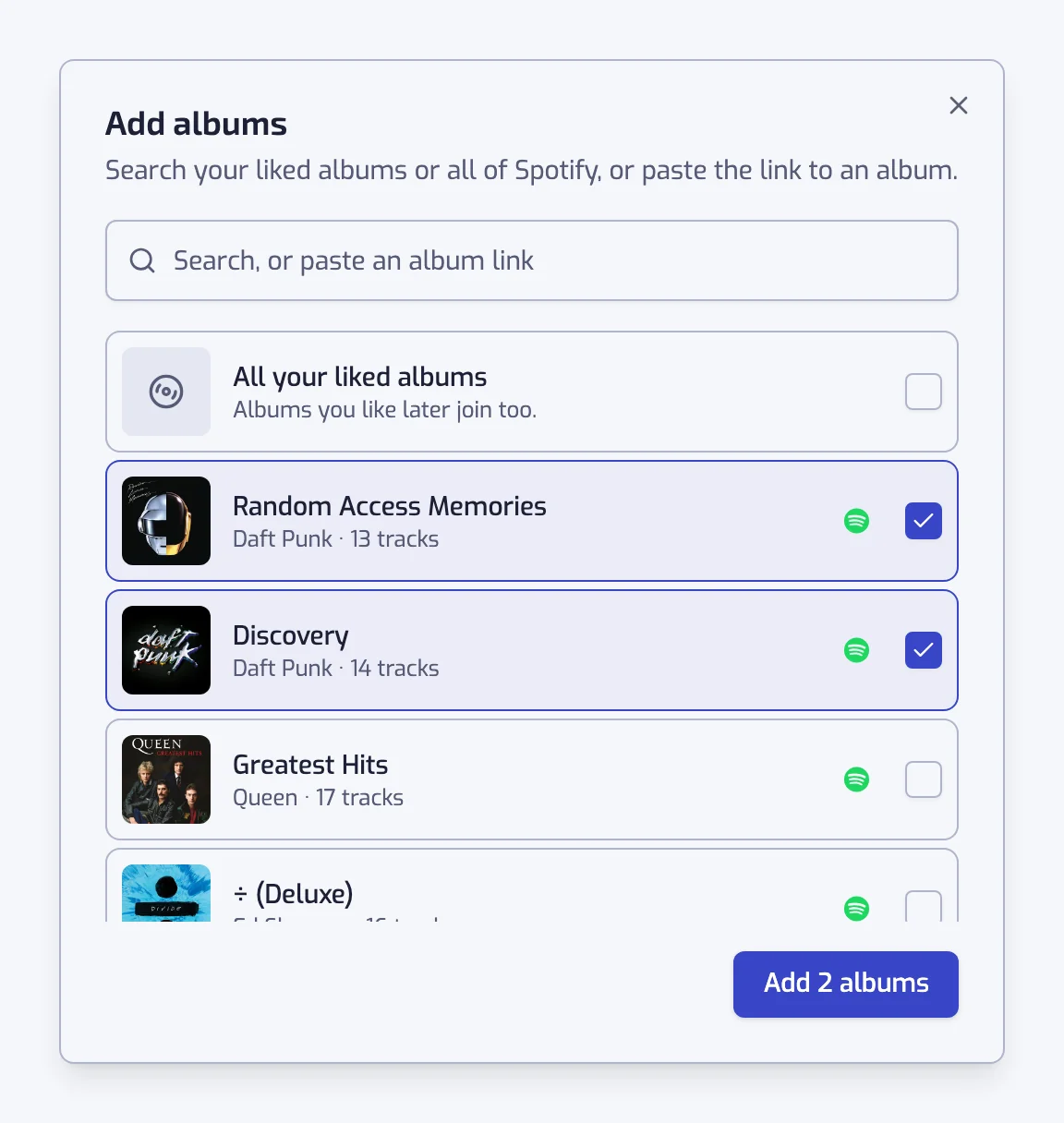
- Tick All your liked albums, the first row of the list.
- Press the button under the list and create the playlist.
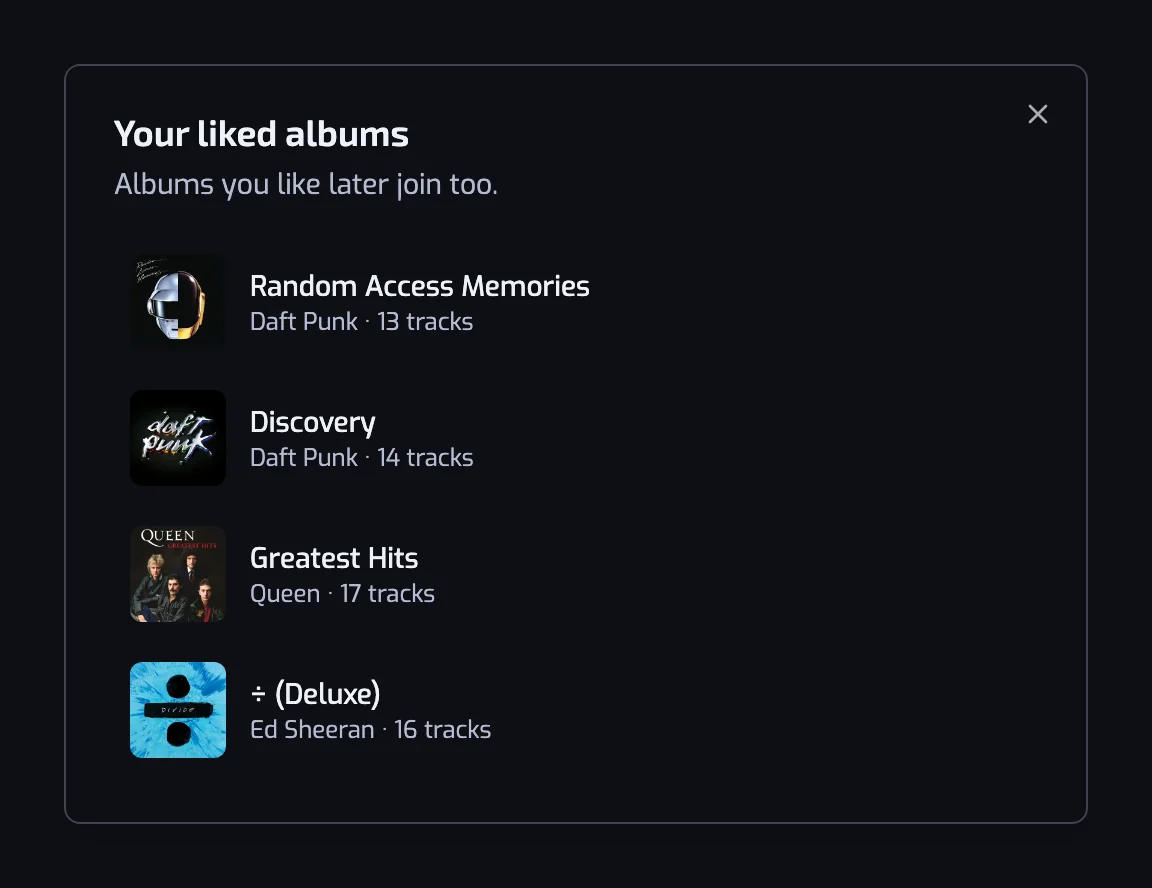
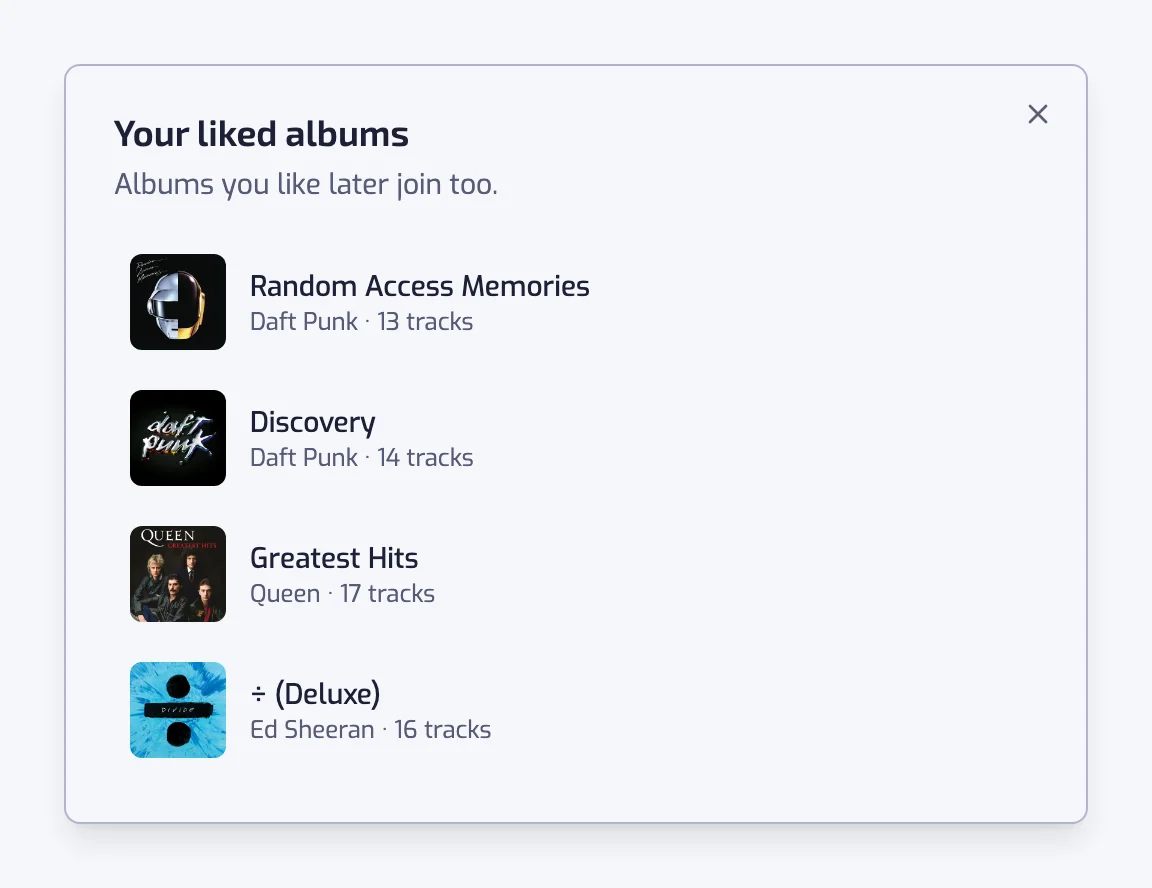
It fills with every track of the albums you liked. An album you like later joins it at the next update, so the playlist follows your library. The track sources guide shows each screen.
A playlist from albums you pick
You do not have to take all of them. In the same picker, tick the albums you want, or type a name to search your liked albums first and then all of Spotify. Paste an album link from Spotify and it finds that album. Every album you tick becomes its own row, with its cover and artists.
The result is one playlist for a road trip, a decade or an artist's discography, made from the albums you chose.
Add a filter
A filter narrows the albums to what you want to hear. Put All your liked albums as the source, add a release date filter set to the 90s, and the playlist holds the liked albums from that decade. The same works with genre, tempo or any other filter. All of them are listed on the filters page.
To keep one artist's albums, add them as sources one by one. Playlistation does not follow an artist's new releases for you.
What it does not do
- It does not keep the order of an album. The tracks of an album are not played in track order.
- It does not follow an artist. A new album from an artist you like joins only once you like it, or add it yourself.
- It does not get around Spotify's limit of 10,000 tracks per playlist. A few hundred albums can pass it, and then the playlist keeps the most recent. How syncing works has the details.
- It does not read past your plan's track limit: 1,000 tracks on Free, 3,000 on Plus, the whole set on Pro, most recent first. The limit applies to everything the playlist reads, albums included.
To mix albums with other Spotify playlists, see how to merge Spotify playlists. To start from a playlist you already have, see how to filter a Spotify playlist. To add an album to a playlist by hand, read the guide on adding an album to a Spotify playlist.
Questions about a playlist from albums
Why are the songs of my liked albums not in Liked Songs?
Liking an album saves it in the Albums part of your Spotify library, and its songs stay inside the album. They reach Liked Songs only when you like each song. A playlist that reads your liked albums gives you every one of those songs in one place.
Is an album I like later added to the playlist?
Yes, as long as the playlist uses All your liked albums as its source. Like a new album in Spotify and its songs join the playlist at the next update. If you picked albums one by one, a new album is not added until you add it yourself.
Can I mix albums and Liked Songs in one playlist?
Yes. A playlist that reads only Liked Songs gets replaced when you pick an album, so pick the album first. Then press Add a source and choose Liked songs. Both now feed the playlist, and a song found in both counts once.
Can I add an album I never liked?
Yes. Type its name in the picker, or paste its Spotify link, and it joins the playlist as its own source. The album does not have to be in your library. It is not added to your Spotify library either, and nothing in Spotify changes.
Why is the Liked date filter greyed out?
Liked date needs a day you liked every track. That works for albums you liked, but not for an album you never liked, which has no such day. While one is a source, the filter is greyed out. Remove that album and the filter comes back. See Liked date.