

Account
Settings
Settings open in a dialog over the page you are on, so you never lose your place. Open it with Settings at the bottom of the sidebar, or from the Account tab on mobile. The address https://playlistation.app/settings opens the same dialog. Every change is saved the moment you make it; there is no save button.
The dialog has three sections, listed on the left: Account, Display and Playlists. It always opens on Account.
Account
The pane is in two parts, named after who owns what.
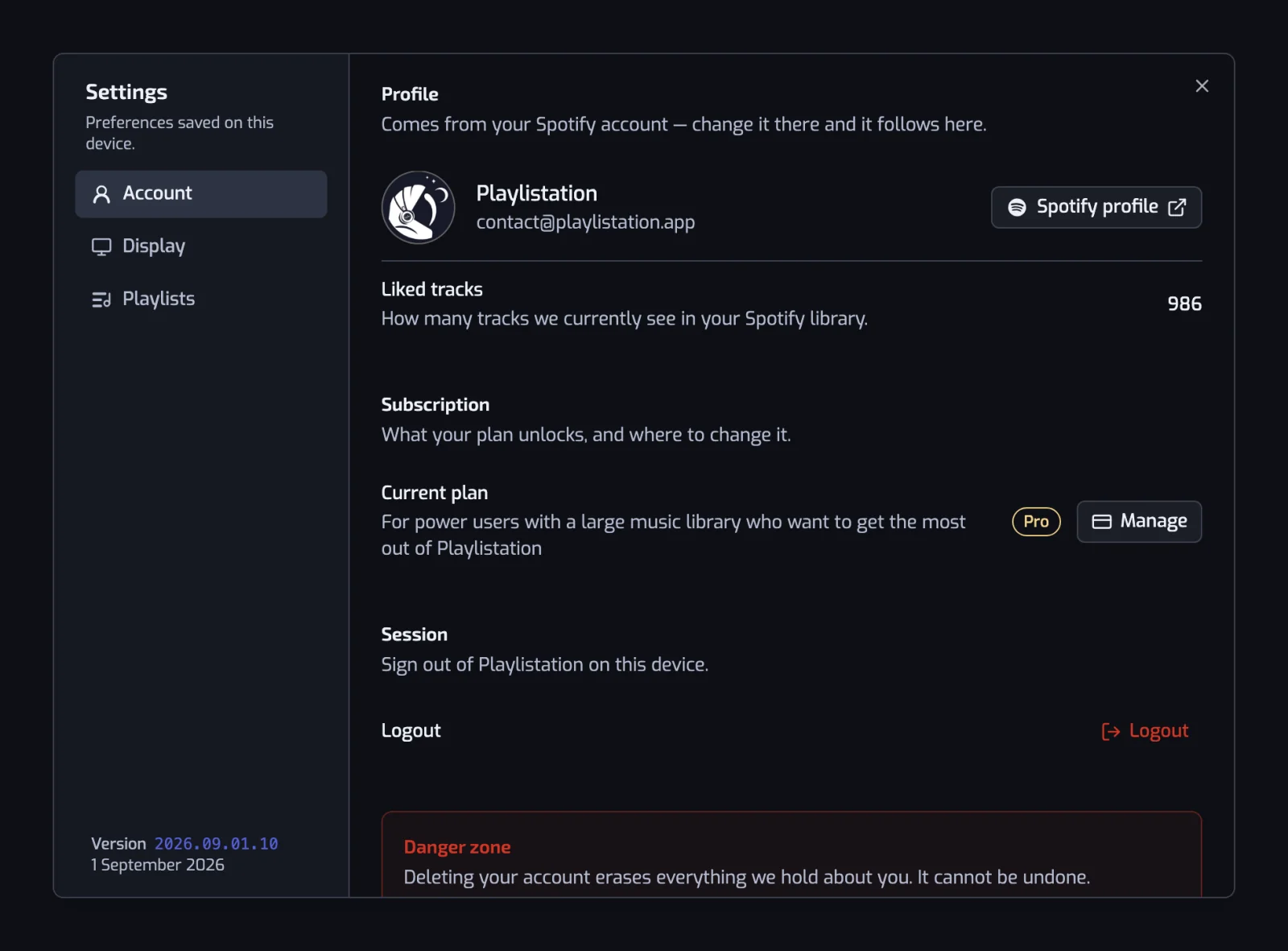
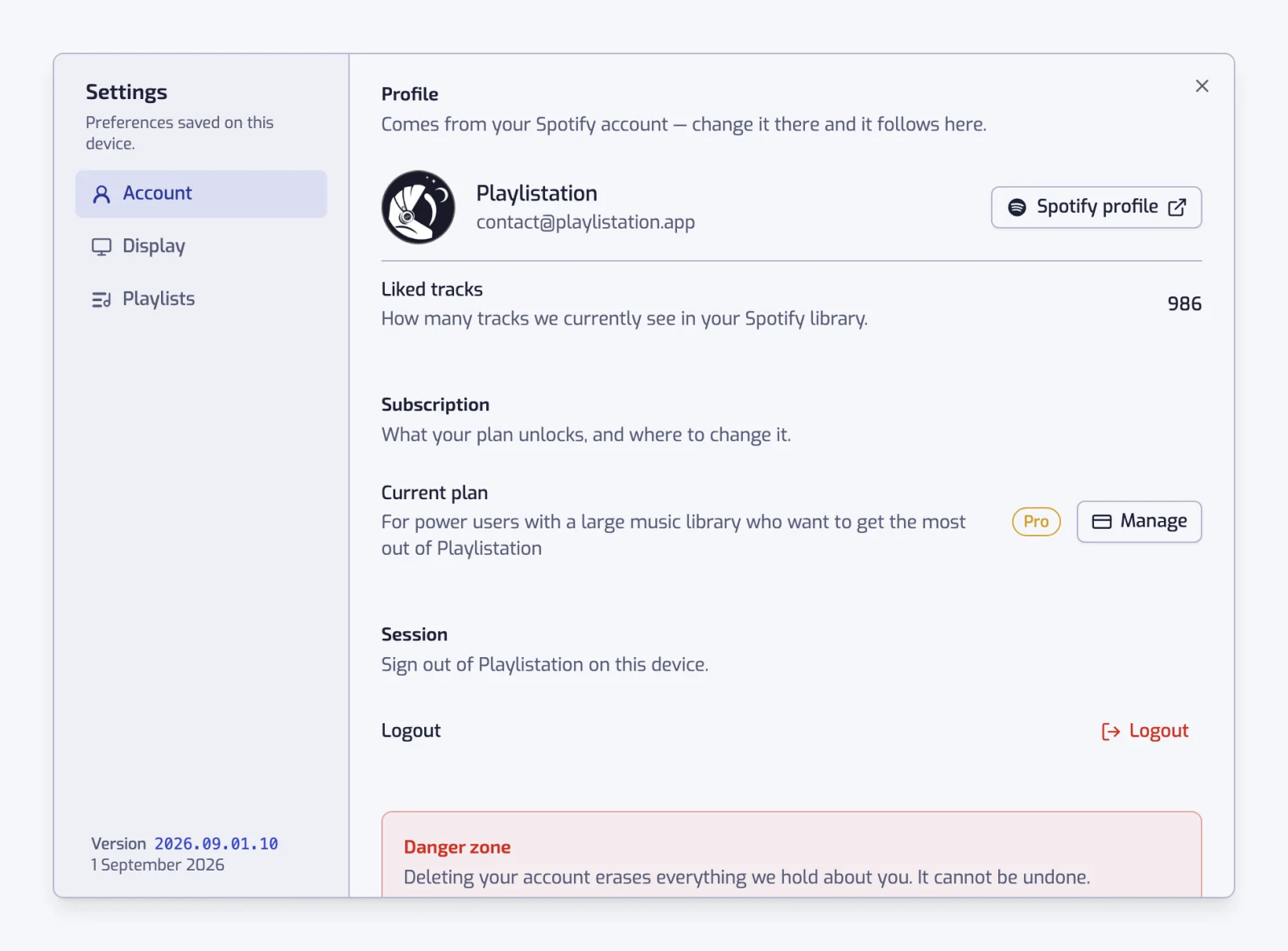
Spotify is the account you signed in with: avatar, display name, email address, and how many of your Liked Songs Playlistation currently sees. The name links out to your public Spotify profile. Nothing here can be edited: change it on Spotify and it follows the next time you sign in. Log out signs you out of this device and sends you back to the website.
Under it, Expires is the authorization behind the account: the date it runs out, the days left, and a Reconnect Spotify button. Spotify ends every authorization after 6 months and Playlistation cannot extend it, so the date says "around". An account connected before Playlistation started recording that date shows Not recorded and gets no reminder email, so it always sees the button. Staying connected to Spotify covers what the app does about all of it.
Playlistation is the account built on top of that one. Current plan shows your plan with a Manage button that opens the Subscription page; see Plans and billing. Devices lists every device signed in to your account, when each was last used, and lets you sign out of one or of all the others; it has its own page: Devices.
Danger zone, at the bottom, holds the Delete account button. What it erases, and the choice it gives you about your Spotify playlists, is on Deleting your account.
Display
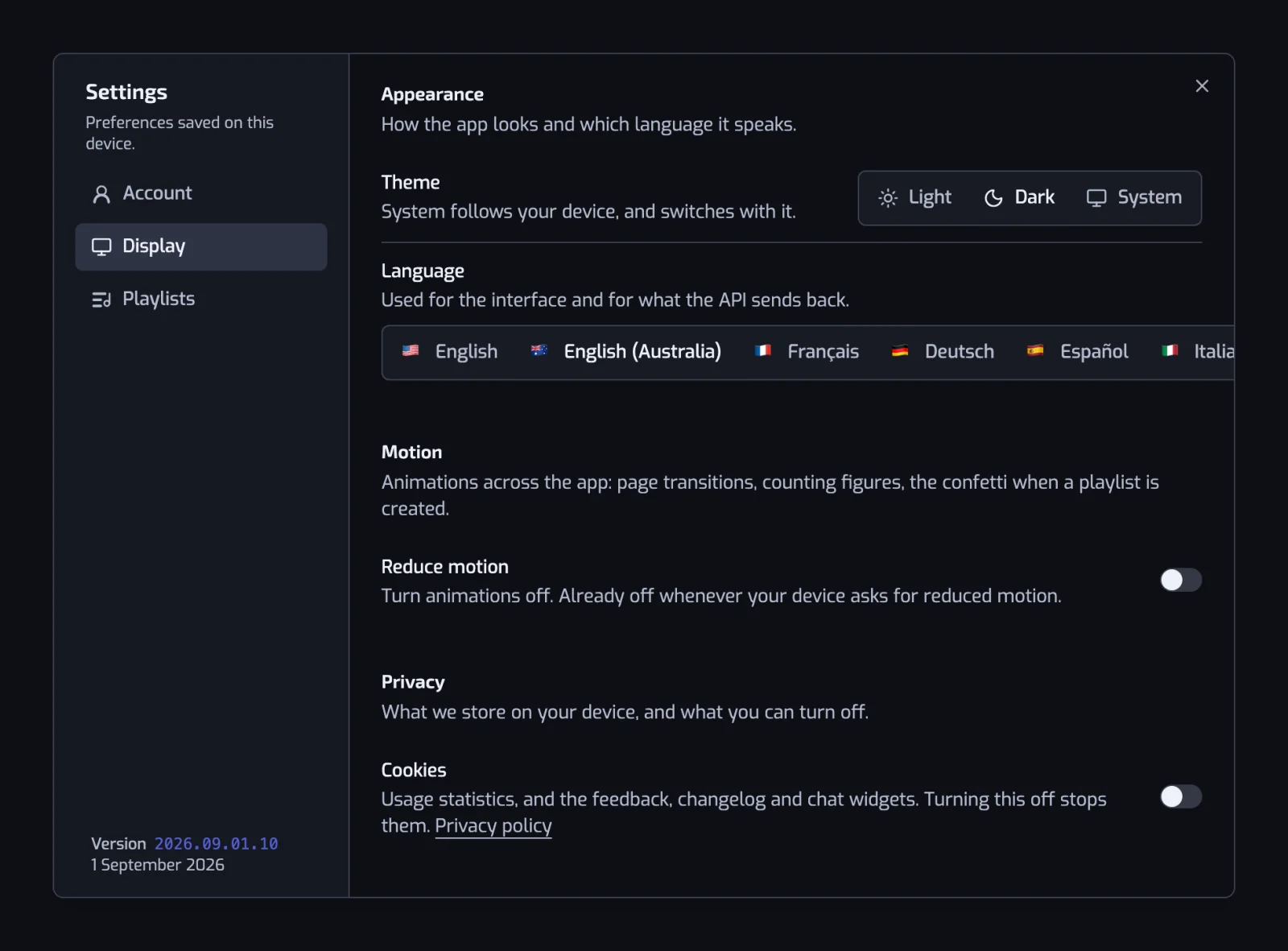
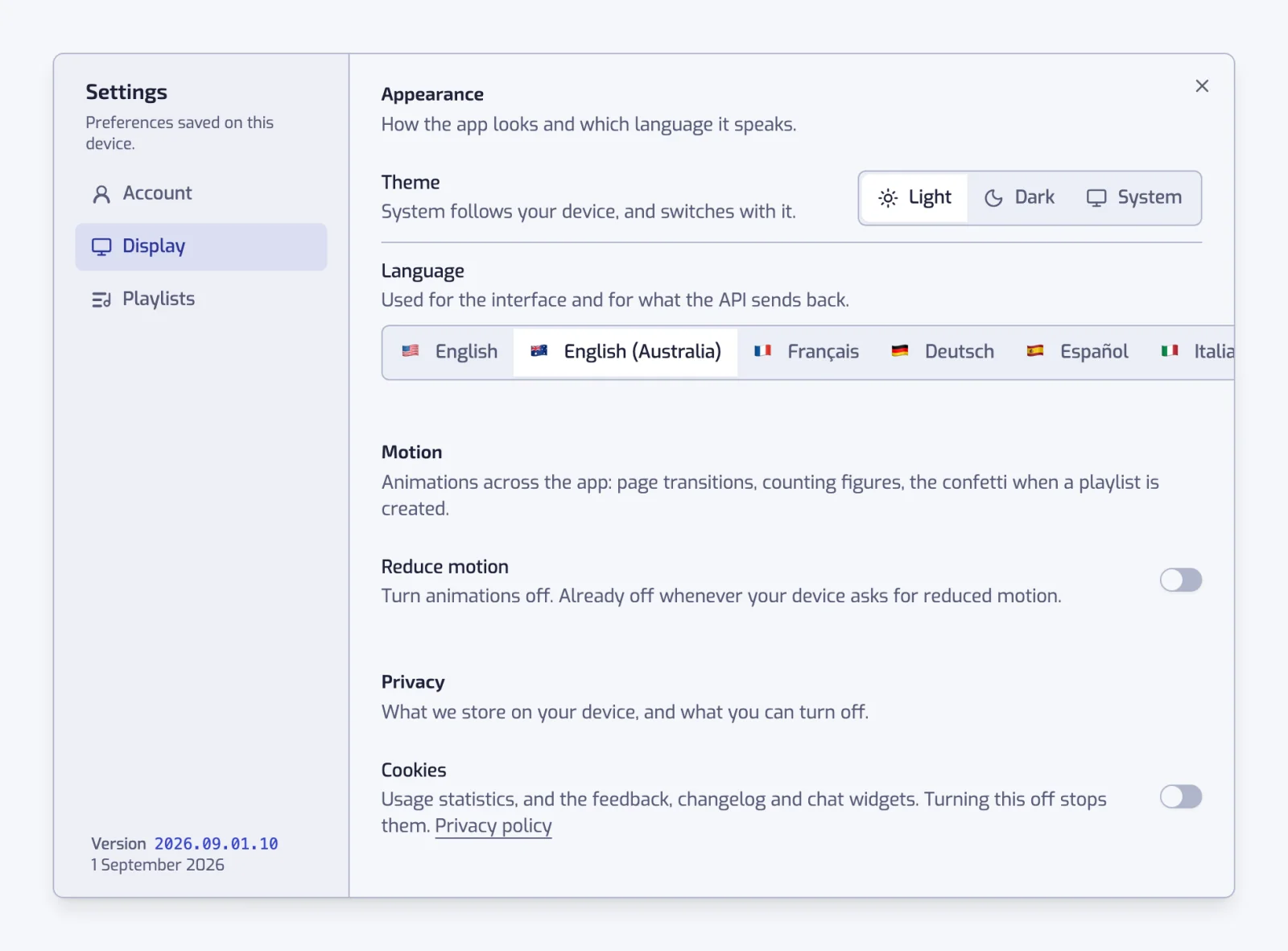
Theme is Light, Dark or System. System follows your device and switches with it. Playlistation is dark by default: with System selected it turns light only when your device asks for a light theme. The same three choices sit in the header on desktop.
Language picks the interface language among nine: English, English (Australia), Français, Deutsch, Español, Italiano, Português, Português (Brasil) and Nederlands. It also sets the language of the messages the app shows you, and of the feedback chat. If your browser translates the app into one of them, a banner offers to switch to it instead: see A banner says my browser is translating the page.
Reduce motion turns the app's animations off: page transitions, counting figures, and the confetti when a playlist is created. Animations are already off whenever your device asks for reduced motion; the switch only adds to that and never overrides it.
Cookies, under the Privacy heading, is the answer you gave in the banner on your first visit. It covers three things: usage statistics (PostHog), the feedback, changelog and chat widgets (Featurebase), and the replay that comes with an error report (Sentry). Turning it off stops all three: statistics stop being sent, the chat widget is no longer loaded, and errors are reported without a replay. Turning it on starts them again. The answer is kept for six months, then the banner asks again. The website asks its own question; the Cookie settings link in its footer asks it again. Security and privacy says what each service receives.
Emails about new features and Recap emails, under the same Privacy heading, are the two optional emails. Both stay off until you turn them on, here or when the app asks you once. Each email also has a link to stop it. Recap emails are not sent yet: turn them on now and you get them when they start.
Legal, last under Privacy, links to the terms of use and sale and the legal notice.
Playlists
Default layout is Grid view or List view: the layout the Playlists page and the Discover page open in until you switch it there. A switch made on a page is remembered for that page.
Sort by orders the Playlists page and the sidebar list at once: Name, Number of filters, Number of tracks or Last modified. Sort order is Ascending or Descending.
Default choice, under "Deleting a playlist", is the answer pre-selected when you delete a playlist: Remove from Playlistation or Delete everywhere. Playlistation always asks before deleting; this only decides where the cursor starts. What each choice does is in Deleting a playlist.
Version
The bottom of the section list shows the Version of the app you are running, a date-shaped tag such as 2026.06.11.2, with the release day spelled out under it. Quote it when you report a problem. See Giving feedback.
Where settings are stored
Theme, language, motion, layout, sort and the cookie answer are saved in your browser, not on your account, which is what the dialog's subtitle means by "Preferences saved on this device." Sign in from another browser or device and you start from the defaults there. Language is also sent with every request and recorded on your account.
Your plan and your profile are not settings. The plan lives with Stripe, the profile with Spotify, and both are shown here for reference only.