

Account
Deleting your account
Deleting your account erases everything Playlistation holds about you. It takes effect immediately, it cannot be undone, and signing in again later starts you from nothing.
Where it is
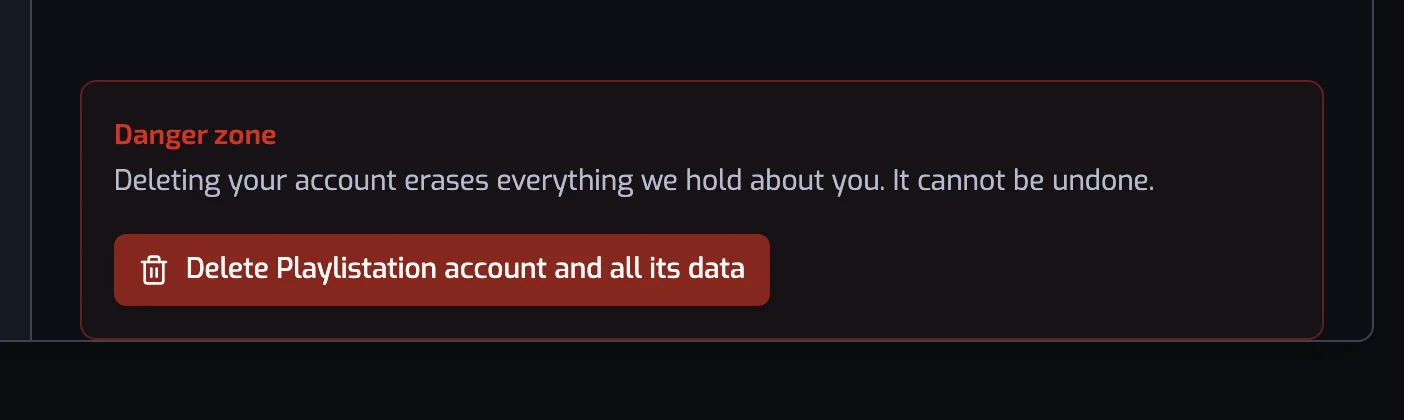
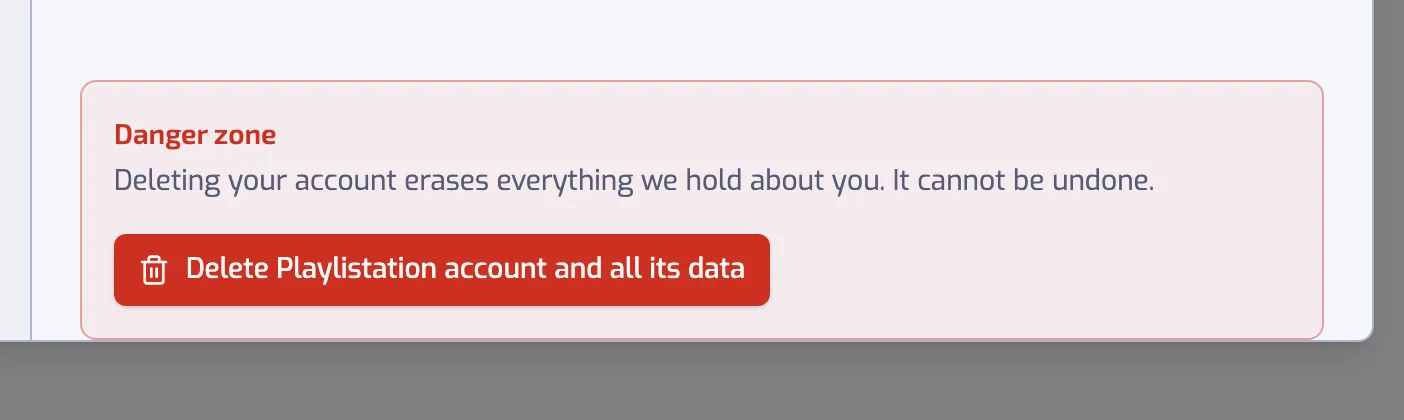
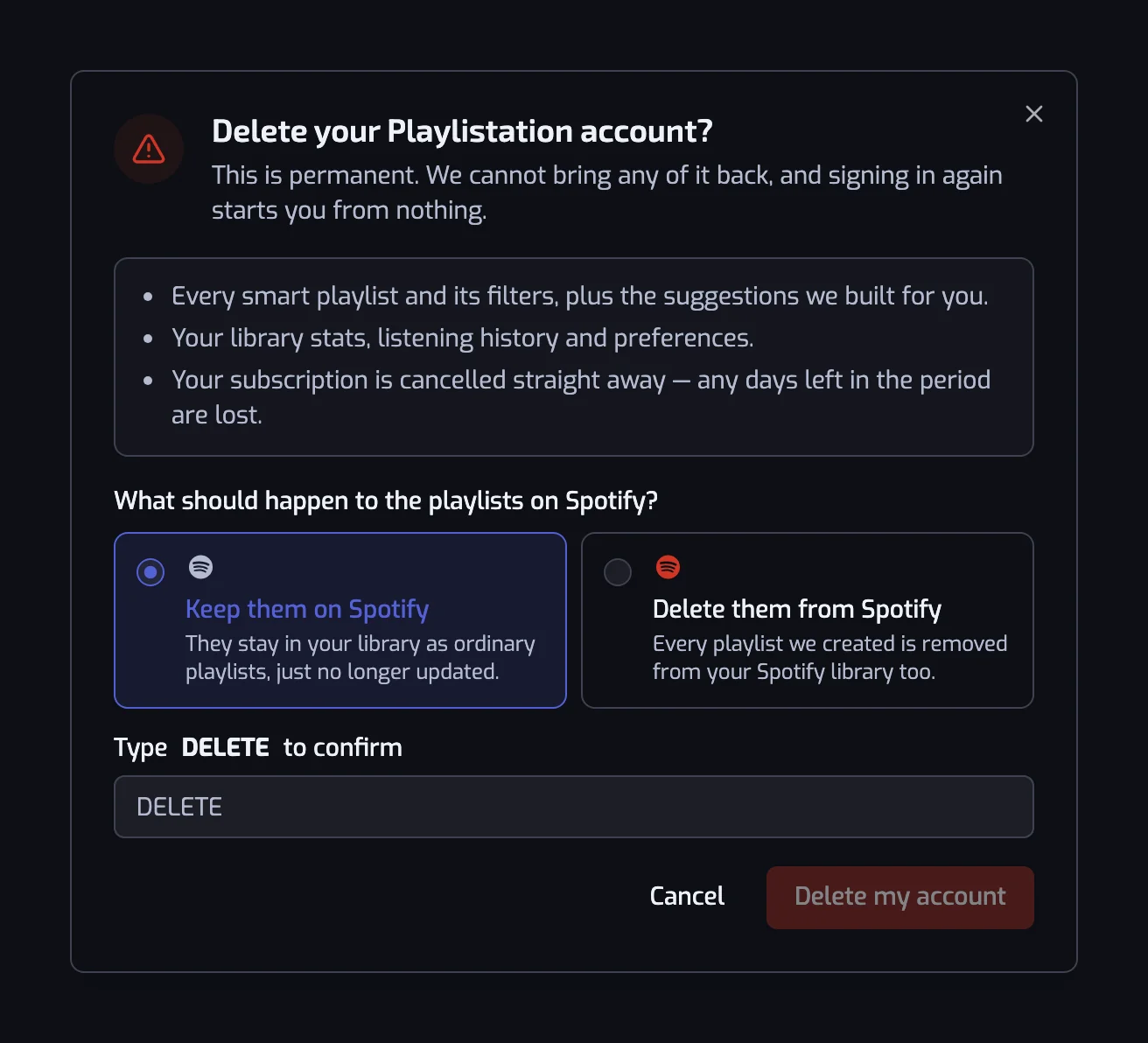
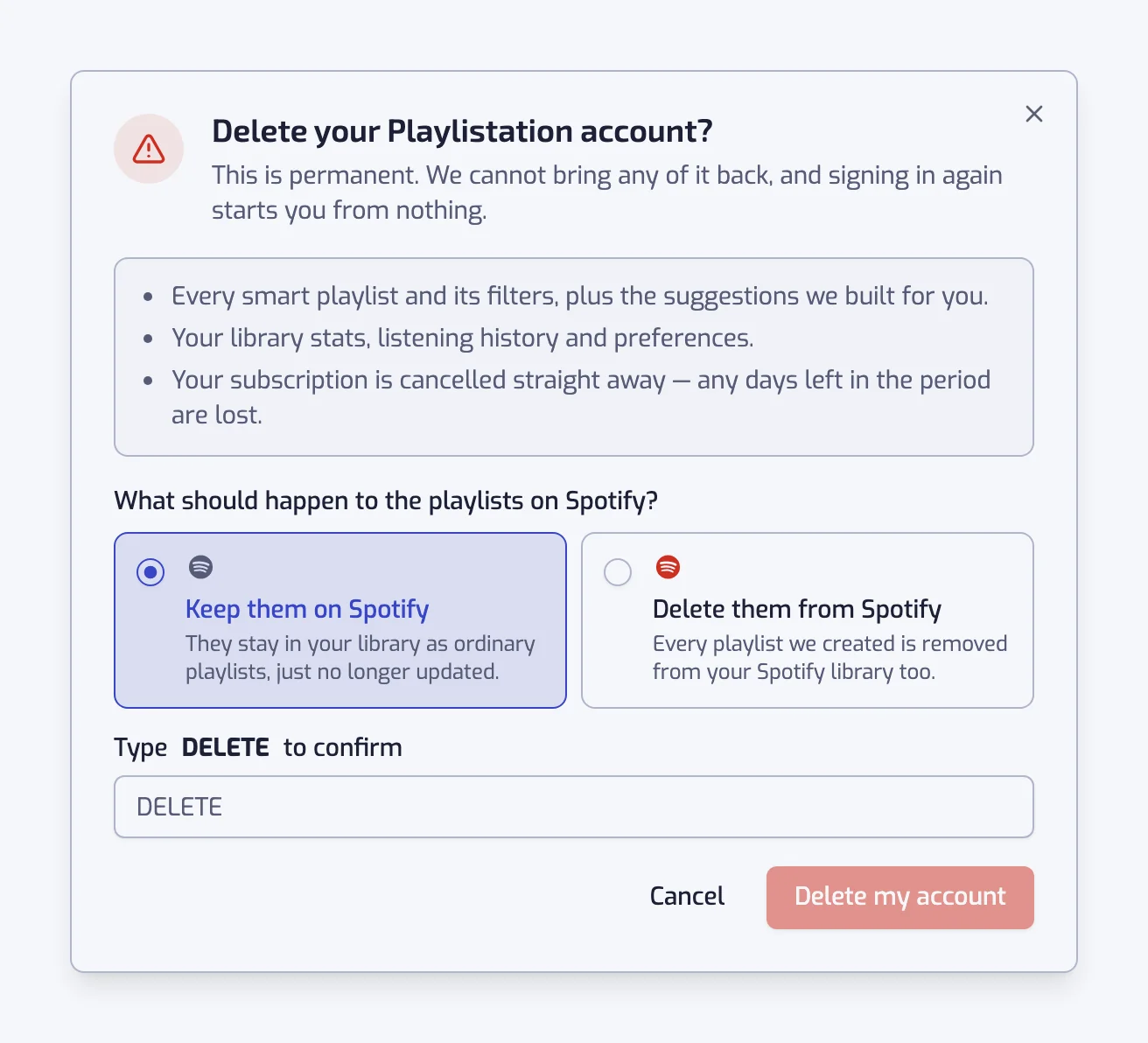
Open Settings, stay on the Account section and scroll to Danger zone. The button reads Delete account. It opens a dialog titled "Delete your Playlistation account?", which lists what goes away, asks one question about Spotify and asks you to type a word.
The choice about your Spotify playlists
The dialog asks "What should happen to the playlists on Spotify?" and offers two answers:
- Keep them on Spotify (pre-selected). They stay in your library as ordinary playlists, just no longer updated. Their tracks, names and covers are untouched.
- Delete them from Spotify. Every playlist Playlistation created is removed from your Spotify library too.
Only playlists created by Playlistation are affected. Your Liked Songs and the playlists you made yourself are never touched, whichever answer you pick.
Then type DELETE in the field and click Delete my account. The button stays disabled until the word matches.
What is deleted, in order
- Your subscription is cancelled at Stripe, right away. Unlike cancelling from the Subscription page, this does not wait for the end of the period: any days you had paid for are lost. If Stripe cannot be reached, nothing else happens and the app tells you "We could not delete your account. Nothing was removed", so an account can never disappear while its subscription keeps charging.
- If you chose to delete them, the playlists are removed from Spotify. A playlist you had already removed on Spotify yourself is skipped.
- Your smart playlists, with their filters, their match results and their history, the playlists suggested to you, your library backups, and the language reports you filed are erased.
- Your account record goes last: profile, plan, billing country, library stats, preferences, the record of the terms you accepted, Spotify tokens and every session token. A failure before this step leaves an account that can still sign in and try again, not a half-deleted one.
You are then signed out and sent back to the website.
What is not deleted
- The shared track cache. Tracks, genres and detected languages are stored once for everyone, keyed by Spotify id, and are not tied to you. See Security and privacy.
- Your Spotify library. Playlistation only ever had read access to your Liked Songs. The playlists you chose to keep stay as they were. A backup you exported as CSV or JSON is on your own machine and is not affected either. See Library backups.
- A withdrawal, if you made one. Its record keeps the date, the plan, the billing country, the amounts paid and refunded, the days used and the Stripe subscription and refund ids. Its link to your account is removed; it holds no name and no email address.
- Stripe's own records. The subscription is cancelled, but the customer record and the invoices Stripe issued remain with Stripe.
- Analytics already recorded. Deletion stops adding to your usage profile at PostHog; it does not yet erase what was recorded before. The deletion itself is logged without a profile.
- Feedback and chat. Anything you posted on the feedback portal or wrote in the chat stays with Featurebase.
To have any of the last three removed, write to dpo@playlistation.com from the email address of your Spotify account.
Revoke access in Spotify too
Deleting the account destroys the tokens Playlistation held, but Spotify still lists the app as authorized on your account. To remove it there, open Spotify's Manage apps page and remove Playlistation from the list. Do this last: with the tokens gone, the app cannot delete playlists from Spotify for you any more.
Changed your mind?
There is no undo and no grace period. If you only want a break, use Log out in Settings instead: your playlists keep updating and everything is where you left it when you sign back in.
Common questions
Does deleting my account cancel my subscription?
Yes, at once. Playlistation cancels it at Stripe before it erases anything, without waiting for the end of the period, so the days you already paid for are lost. If Stripe cannot be reached, nothing is deleted and the app tells you so.
Does deleting my Playlistation account touch my Liked Songs?
No. Playlistation only ever had permission to read your Liked Songs, and it never changes the playlists you made yourself. The only Spotify playlists it can remove are its own, and only if you choose Delete them from Spotify.
Can I get my account back after deleting it?
No. There is no undo and no grace period: signing in again starts a new, empty account on the Free plan. To take a break instead, use Log out in Settings; your playlists keep updating while you are away.