

Playlists
The playlist page
Each smart playlist has its own page in Playlistation: click it in Playlists or in Your playlists in the sidebar. The page has three parts, from top to bottom:
- The header: the playlist's name, description and facts, and its actions.
- The filters: what decides which tracks are in.
- Results: every track the playlist reads, in or out, and why.
Every change saves on its own; there is no save button.
The header
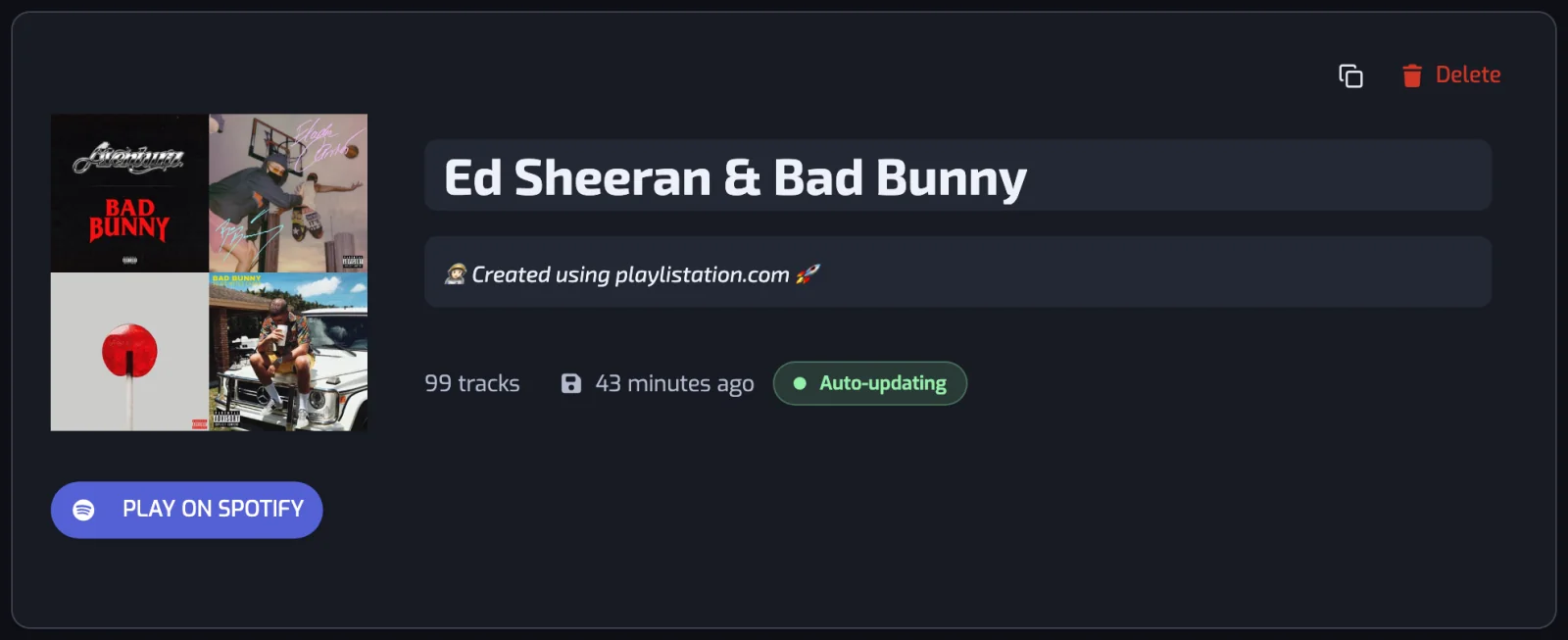
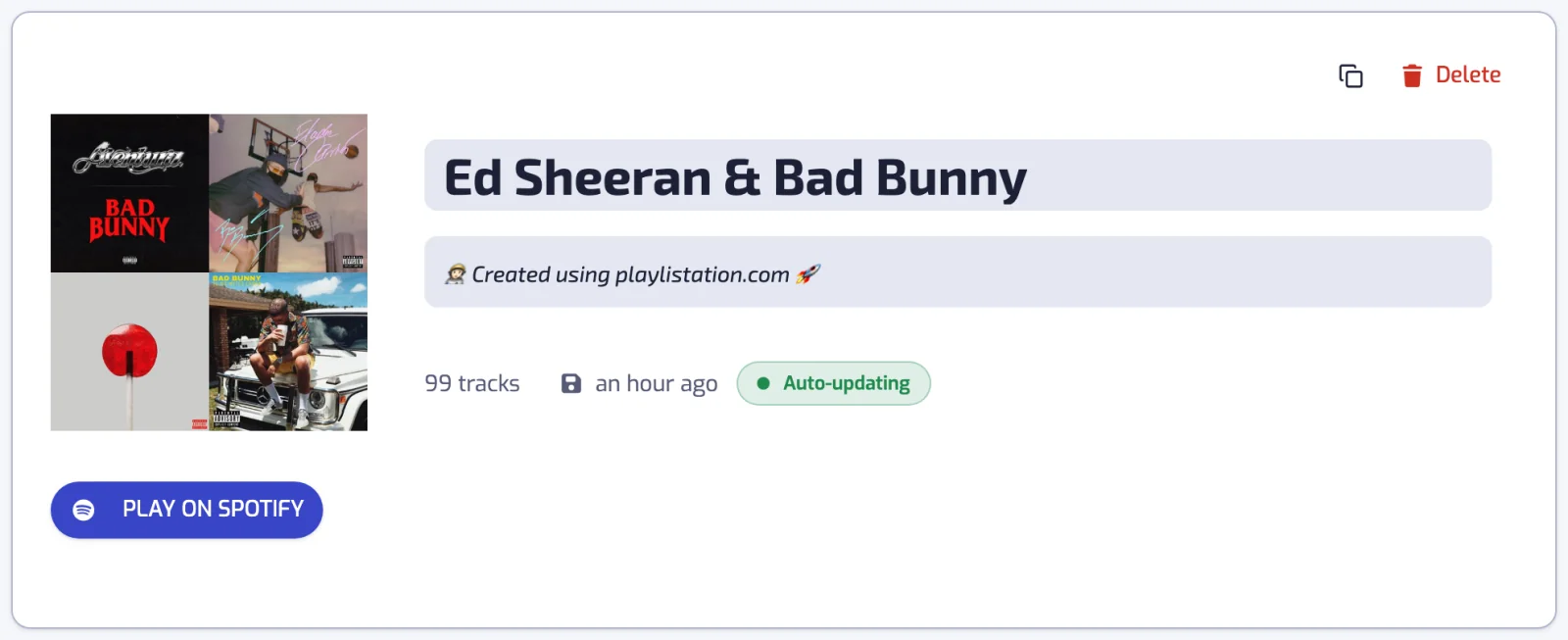
The header shows the cover, the name and the description, then the playlist's facts: Length (track count and total length), Last synced and Last edited. While an update runs, Updates shows how far it has got. Play on Spotify opens the playlist in Spotify.
The actions at the top right are Copy Spotify link, History (see Playlist history), Download CSV (see Download the tracks as CSV) and Delete. Deleting asks whether the playlist stays on Spotify or goes too; see Deleting a playlist.
- Rename. Click the name and type. The new name reaches Spotify on its own.
- Description. On the Plus and Pro plans, Playlistation writes the description from the filters and rewrites it when they change, until you type your own. On the Free plan the field is grayed out and the playlist keeps the Playlistation description.
Spotify stops adding tracks to a playlist at 10,000. When more tracks match, a warning says so, and the most recently liked ones are kept.
The filters
The same list and Add filter dialog as on the create page (see Creating a playlist). Hover a filter to edit or delete it. A filter change updates the playlist right away: Results empties and fills again with the new tracks. Renaming the playlist or editing its description does not change its tracks.
Results
Under the filters, Results lists every track the playlist reads, which ones are in, which ones are out, and why. See Results.