

Filters
Explicit content
On Spotify, the E next to a track means explicit. Spotify does not judge the lyrics itself: it tags explicit content from the information rights-holders send it, the labels and distributors who deliver the music. With explicit content switched off in Spotify's settings, those tracks are grayed out and skipped.
The Explicit content filter, labeled "Explicit" in the app, reads that same tag: it keeps only the tracks marked E, or only the ones that are not. Available on every plan.
What it matches
Each track carries a yes-or-no explicit flag, the one behind the E badge, and the filter keeps tracks whose flag equals the side you choose: explicit, or not explicit. There is no in-between.
Where the data comes from
The explicit flag Spotify returns with each track when Playlistation reads your Liked Songs. The app's help text: "Keep only clean tracks, or only explicit ones, based on Spotify's explicit-content flag. Handy for family, work or focus playlists."
Operators and values
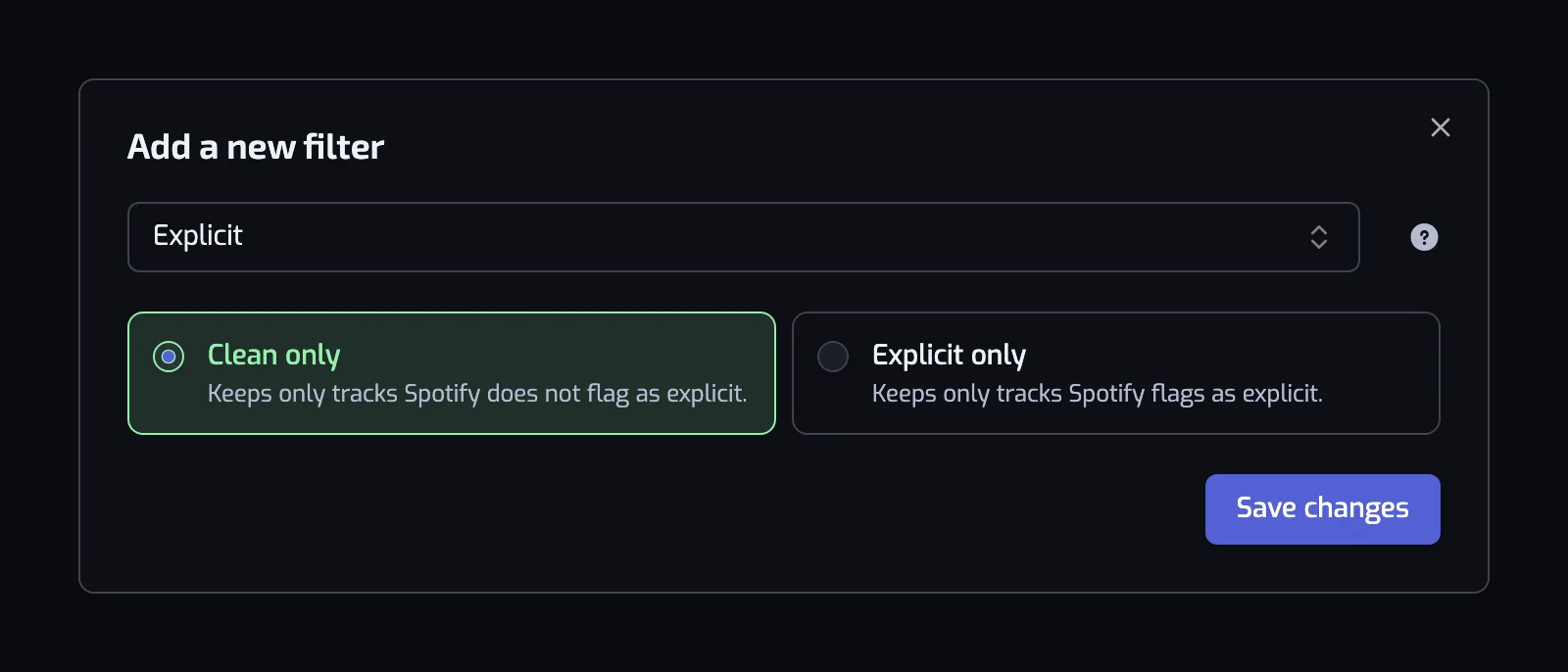
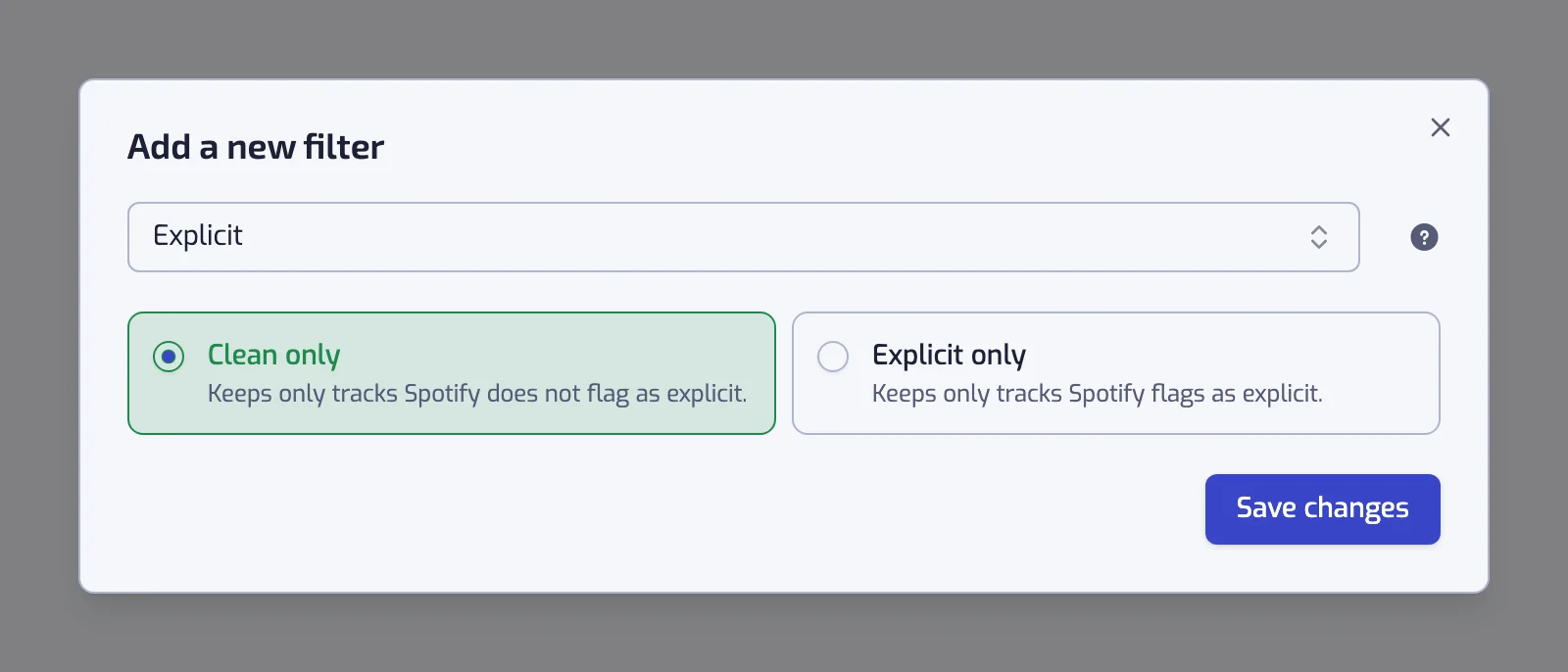
There is only one operator, so the dialog does not show one. You choose between two cards:
- Clean only: "Keeps only tracks Spotify does not flag as explicit."
- Explicit only: "Keeps only tracks Spotify flags as explicit."
A new filter starts on "Clean only". The filter sentence reads "The track is Clean" or "The track is Explicit".
Examples
- The track is Clean. Your whole library, safe for the office speaker or a car with children.
- The track is Clean and The track artist is tagged with one of rap, hip hop. Clean versions, and the rappers who do not swear.
- The track is Explicit and The track energy is at least 70%. The opposite playlist, for the gym.
- The track is Clean and Release date: The 90s (1990–1999). A nineties playlist that is safe by construction.
Things to know
- A song can exist in a clean and an explicit version. If you liked the explicit one, a "Clean only" playlist does not contain it. Like the clean version too. Some explicit releases have no clean version on Spotify.
- Playlistation only reads the flag, never the lyrics. A track with explicit lyrics that Spotify has not flagged counts as clean, so "Clean only" is a strong filter, not a guarantee.
- The filter does not change Spotify's own explicit content setting, and that setting does not change what the filter keeps. A playlist of explicit tracks stays grayed out on an account where explicit content is off.
- "The track is Clean" is the filter to add to any playlist you play in public, on top of whatever else it does.
Common questions
How can I play my Spotify Liked Songs without explicit songs?
Create a smart playlist with the Explicit filter set to Clean only: it keeps only the tracks Spotify does not flag as explicit, and the filter is available on every plan. Playlistation reads Spotify's flag, never the lyrics, so an explicit song Spotify has not flagged still counts as clean. What the E itself means, and how to switch explicit content off in Spotify, is in What does the E mean on Spotify?.
Related filters
- Language: the language of the lyrics, whatever they say.
- Speechiness: spoken or sung, rapped or not.
- Artist genre: the genres where the flag matters most.
- Combining filters