

Help
Requesting a feature
Feature requests live on the public portal at playlistation.featurebase.app, not in the chat. A post there can be found by other users, voted on and tracked through a status.
1. Open the portal
From the app, click Feedback at the bottom of the sidebar (on a phone, under the Account tab in the bottom bar). It opens the portal in a new tab, and you arrive signed in with your Playlistation account.
You can also type the address: playlistation.featurebase.app. The Feedback tab is the board. Anyone can read it without an account.
2. Search before you post
Every idea posted twice splits its votes in two. Before writing, look for it:
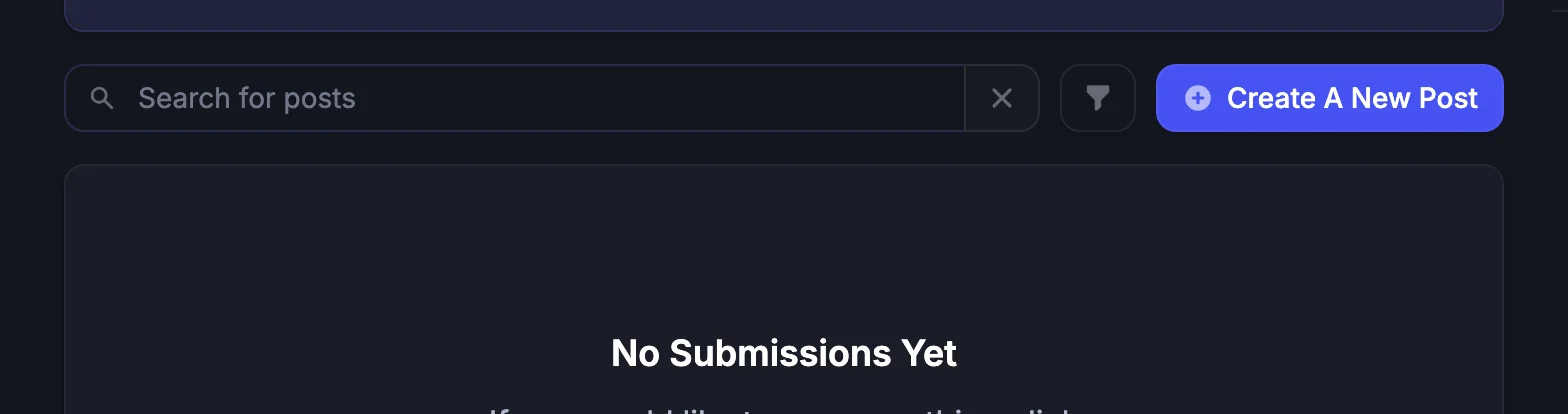
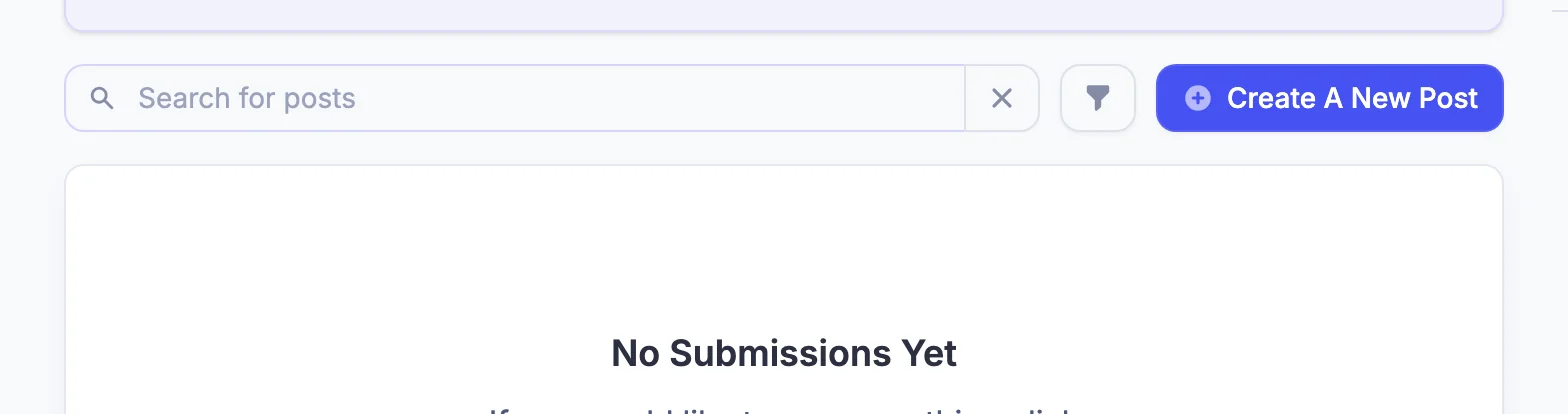
- Click Search above the list and type a word or two: the filter name, "cover", "sort", "export".
- Or sort the list with New, Top or Trending and scan the titles.
3. If the request exists, upvote it
Open the post and upvote it. Top sorts by votes, and a request with many voters is a much stronger signal than the same idea posted again.
Add a comment if you have something the post does not say: a different use of the same idea, a playlist it would fix, a detail about how it should behave. "Me too" is what the upvote is for.
Upvoting also gets you notified: Featurebase can email the people who voted on a post when its status changes.
4. If it does not exist, post it
Click Create A New Post. If you came directly rather than from the app, the portal first asks you to sign in (see below). The form has a title and a description, and it posts to the Feature Request board.
A good title names the outcome, not the mechanism. "Exclude tracks I skipped recently" is a title. "Add a new filter" is not.
A good description answers three questions:
- What are you trying to do? The playlist you want to end up with, in a sentence or two. "A running playlist that drops songs I have already heard this week."
- Which filters are involved? Name the filters you tried and what they cannot do today, using the names from All filters: "Tempo between 160 and 180, Energy above 70%, but there is no way to exclude recently played tracks."
- An example. A real playlist of yours, or a few tracks, that shows the problem. For an existing filter, say what the filter sentence shows now and what you expected.
If something already works but looks wrong, that is a bug rather than a feature: use the chat instead. See Giving feedback.
One idea per post
A post that bundles several ideas cannot move to Completed until all of them ship, and people cannot vote for just one of them. Post them separately.
5. Sign in when the portal asks
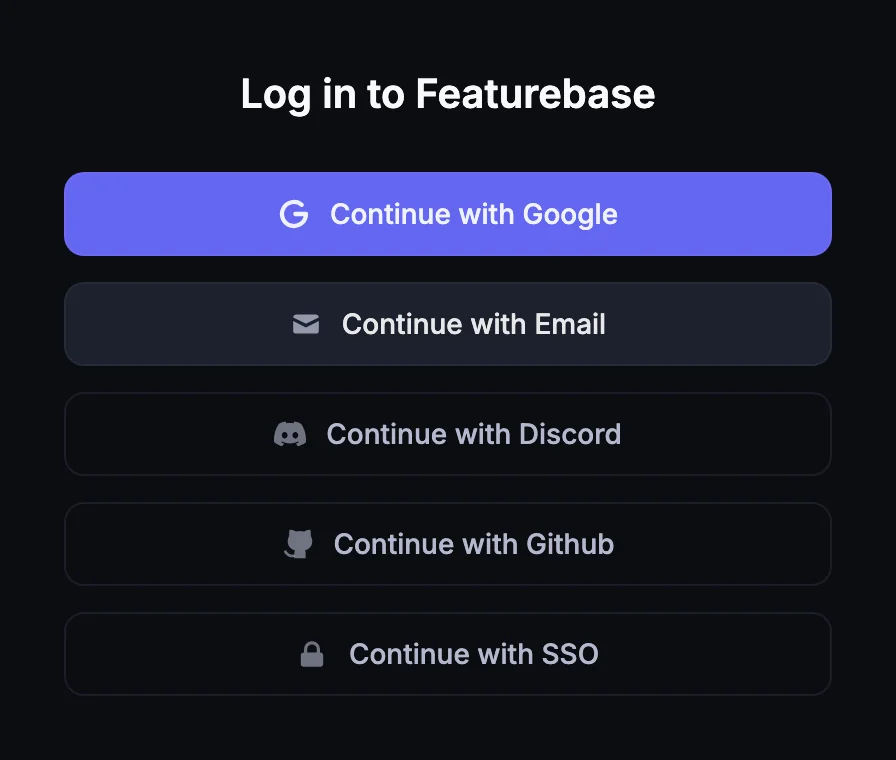
Coming from the app, you are already signed in. If you came directly, the portal asks you to sign in when it needs to know who you are, and offers Continue with Google, Continue with Email, Continue with Discord, Continue with Github and Continue with SSO. This is a Featurebase account, separate from your Spotify sign-in.
6. Follow the request
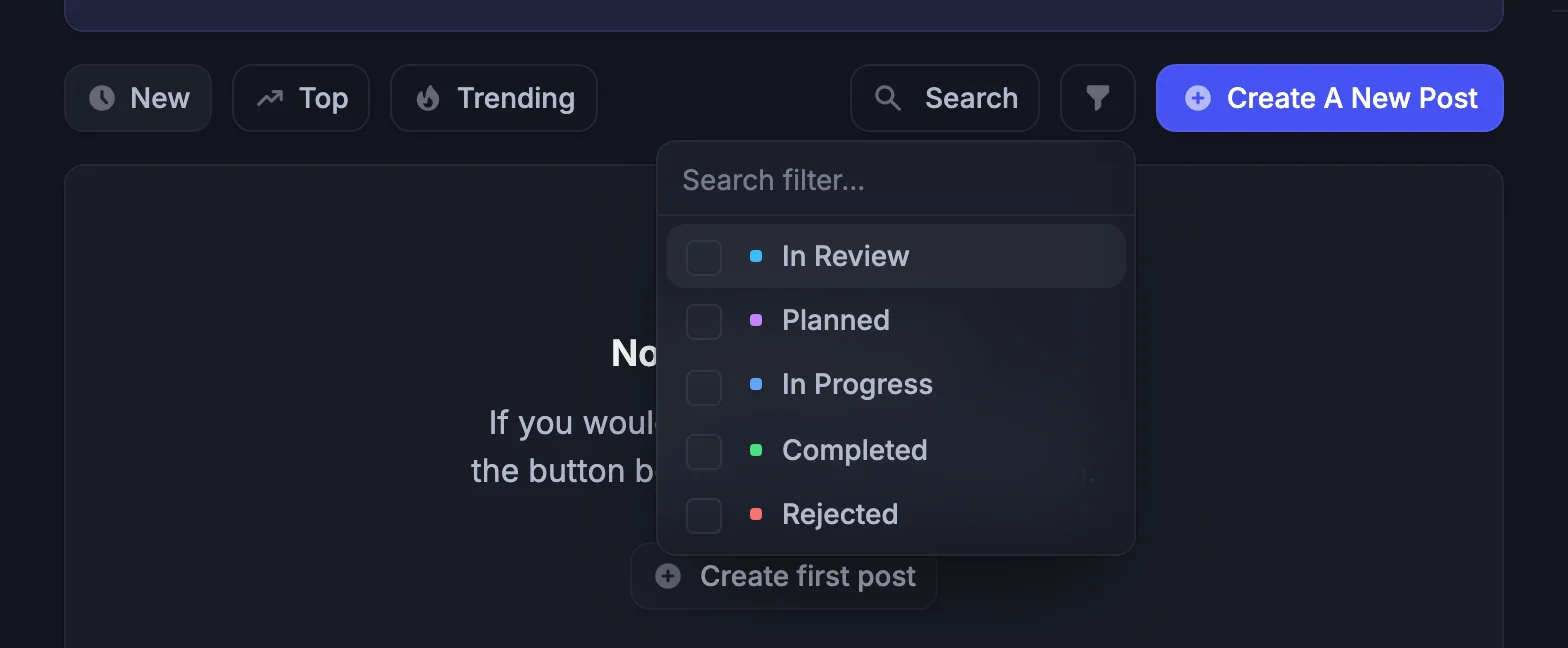
Every post carries a status. On the Playlistation portal they are:
| Status | Meaning |
|---|---|
| In Review | A new post starts here. It has been seen, not decided. |
| Planned | It will be built. |
| In Progress | It is being built. |
| Completed | It has shipped. |
| Rejected | It will not be built. |
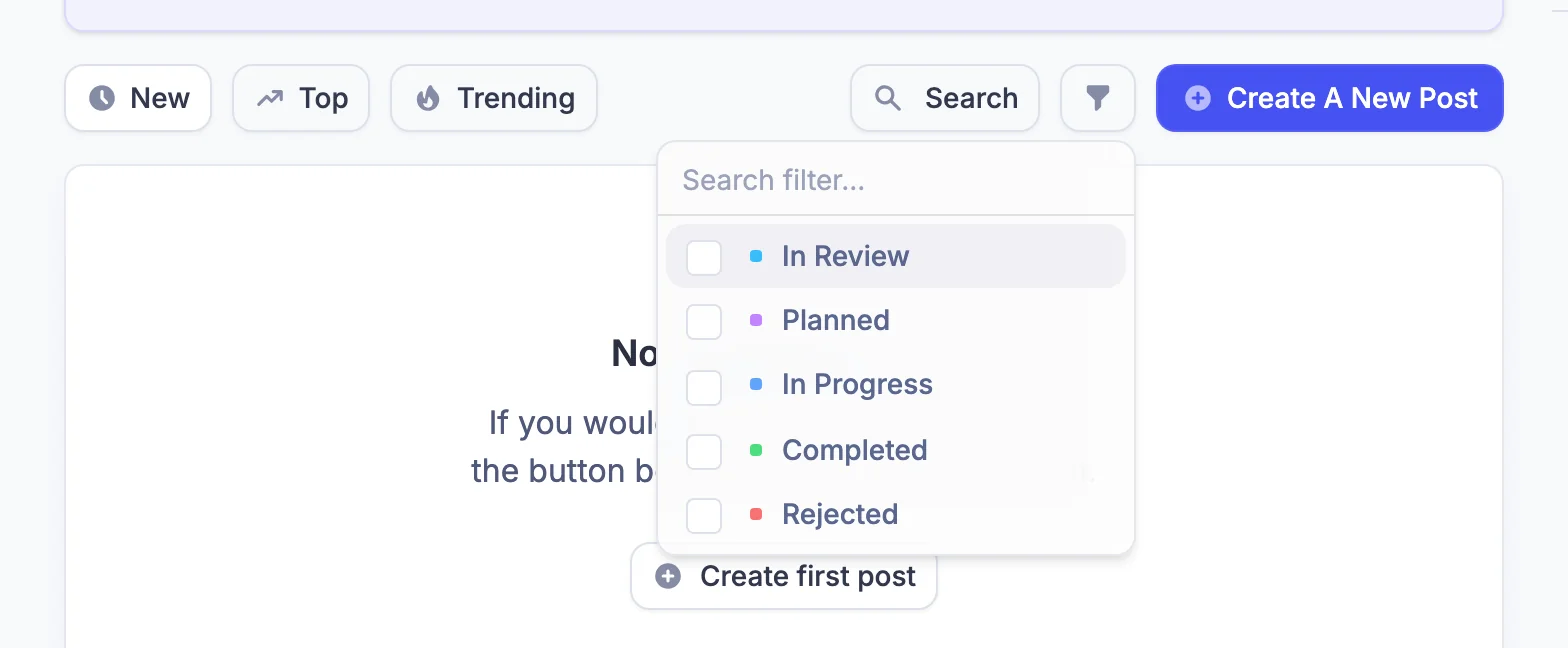
If you upvoted the post, a status change can reach you by email. You can also come back to the portal at any time: the post shows its current status and every comment. The Roadmap and Changelog tabs are described in Giving feedback.
How requests are chosen
Playlistation is built by one person, and the portal is the only queue. What the portal shows is what decides:
- Votes. The Top sort is the list of what users want most. A request with many voters is hard to ignore; one with none is easy to postpone.
- The roadmap. Next up is what is queued and In Progress is what is being built. A new request enters at In Review and waits behind them.
- Clarity. A request that names its filters and gives an example can be sized; a vague one has to be asked about first.
There is no promise that a popular request ships, and no deadline attached to a status. Planned means it will be built, not when. If the app cannot build the playlist you want and you are not sure which feature would fix it, post the problem anyway: the solution can be worked out in the comments.