

Filters
Liveness
Liveness is Spotify's score, from 0% to 100%, for the audience it detects in a recording: the higher the score, the more likely the track is a live recording. The Liveness filter keeps the tracks whose liveness score sits inside a range you set. It is available on every plan.
What it matches
Spotify's own guidance is that a score above 80% is a strong sign of a live recording.
The filter compares each track's score with your range and keeps the track when the score is inside it, both ends included.
The common use is the reverse: a studio-only playlist, because a live version with applause and stage chatter interrupts a run of studio tracks.
Famous songs and their scores
Press play to compare. About A Girl, recorded in front of an audience for MTV Unplugged, scores 87%. Dancing Queen, a studio recording, scores 79%: a studio track can come close to the live end of the scale.
Accept cookies to play these songs here.
Where the data comes from
The score is part of Spotify's audio analysis of the recording. Playlistation reads it from Spotify the first time a track is checked and stores it for later updates.
Spotify has no analysis for every track. When it has none, the track has no liveness score and the filter treats it as not matching: the track stays out of the playlist whatever range you set.
Operators and values
The filter has one operator, Between, so the dialog shows no operator card. You set a minimum and a maximum on a slider with two handles, from 0% to 100%, in steps of 5. A new Liveness filter starts at 25% to 75%.
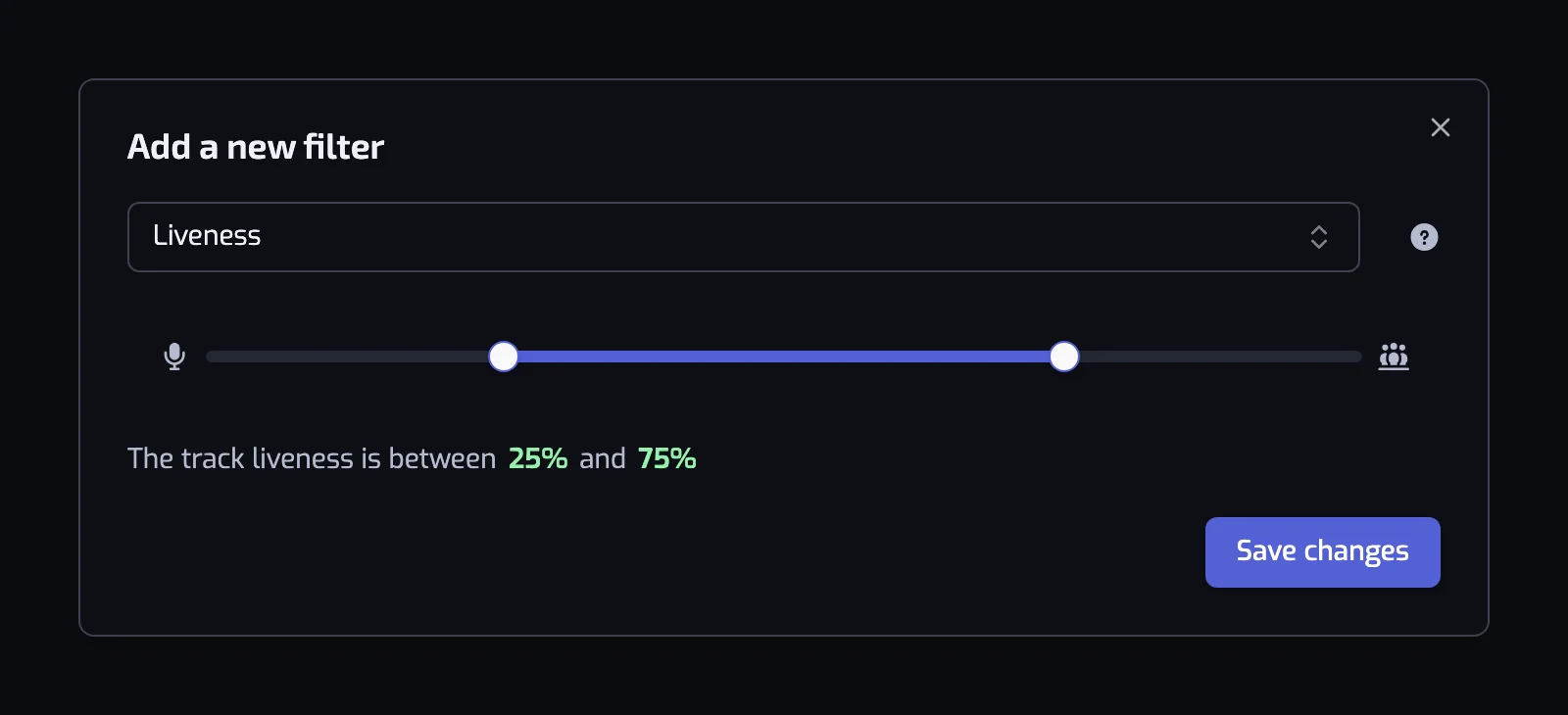
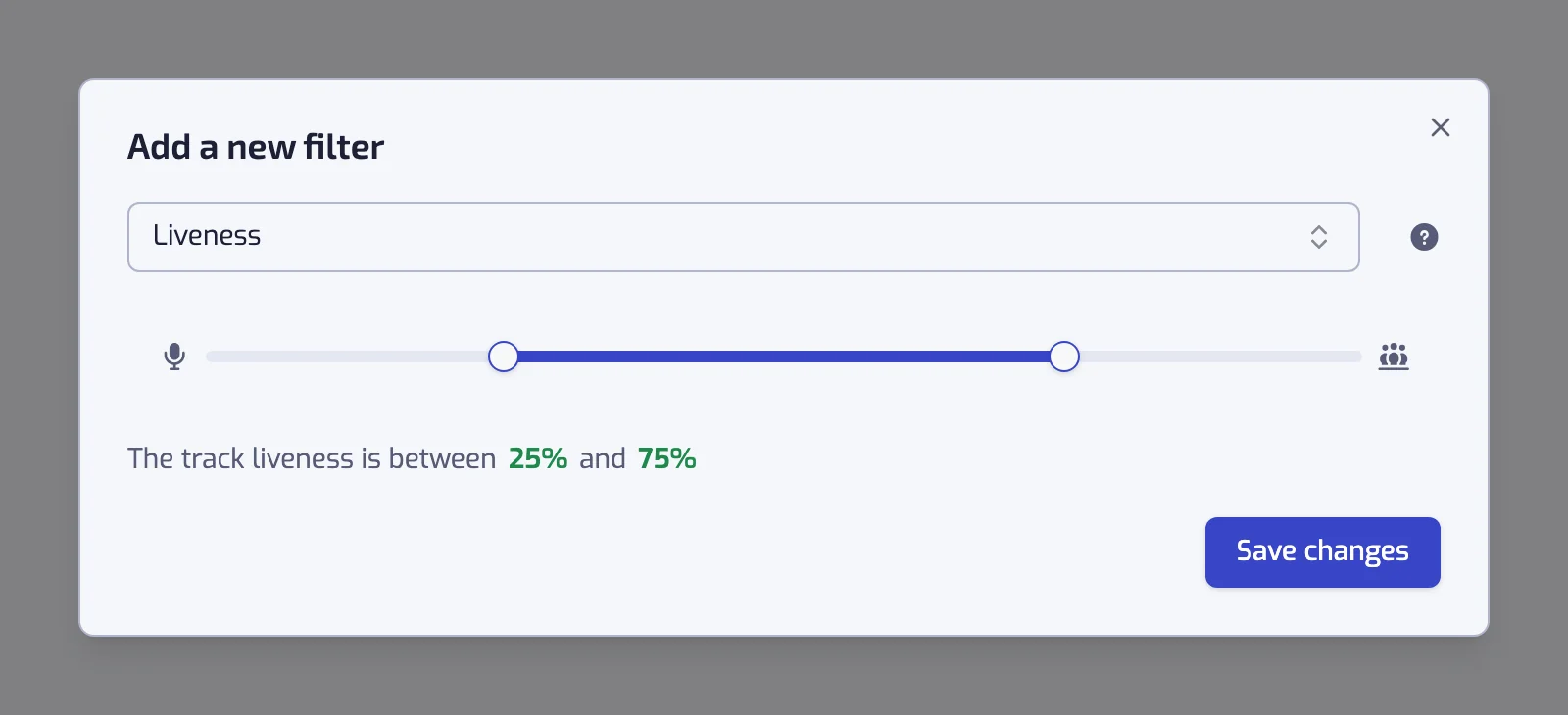
The sentence collapses at the ends of the scale:
- Minimum at 0: "The track liveness is at most 30%".
- Maximum at 100: "The track liveness is at least 80%".
- Anything else: "The track liveness is between 25% and 75%".
A slider left at 0% to 100% shows the warning "With the current settings, all of the tracks will match this filter".
Examples
- The track liveness is at least 80%. The live album playlist.
- The track liveness is at most 30% and The track artist is tagged with one of jazz. Studio jazz only, without the club recordings and the applause.
- The track liveness is at least 80% and The track artist is one of Nirvana. One artist, live only.
- The track liveness is at most 30% and The track acousticness is at least 60%. Acoustic studio recordings, without the unplugged concerts.
Things to know
- Between 30% and 80% is ambiguous: studio tracks with a lot of reverb, small live rooms, crowd samples all land there. Avoid setting a threshold in that band. Expand a track in the track list at the bottom of the page: "The Liveness score is 45%" tells you which side it falls on.
- The score listens for an audience; it does not read the title. A track with "(Live)" in its title is not always detected as live, and a studio track with a crowd sample sometimes is. Combine with an Artist or Release date filter when precision matters.
Common questions
Why does a studio recording get a high liveness score?
The score is an estimate from the sound, and some studio recordings trip it. Pink Floyd's Wish You Were Here, a studio track, scores 83%, above the 80% Spotify treats as a strong sign of a live recording, and ABBA's Dancing Queen scores 79%. Add an Artist or Release date filter when a live playlist must hold live tracks only.
Related filters
- Acousticness: acoustic sessions often score high on both.
- Artist: one artist's live recordings.
- Release date: live albums carry the date of the release, not of the concert.
- Combining filters